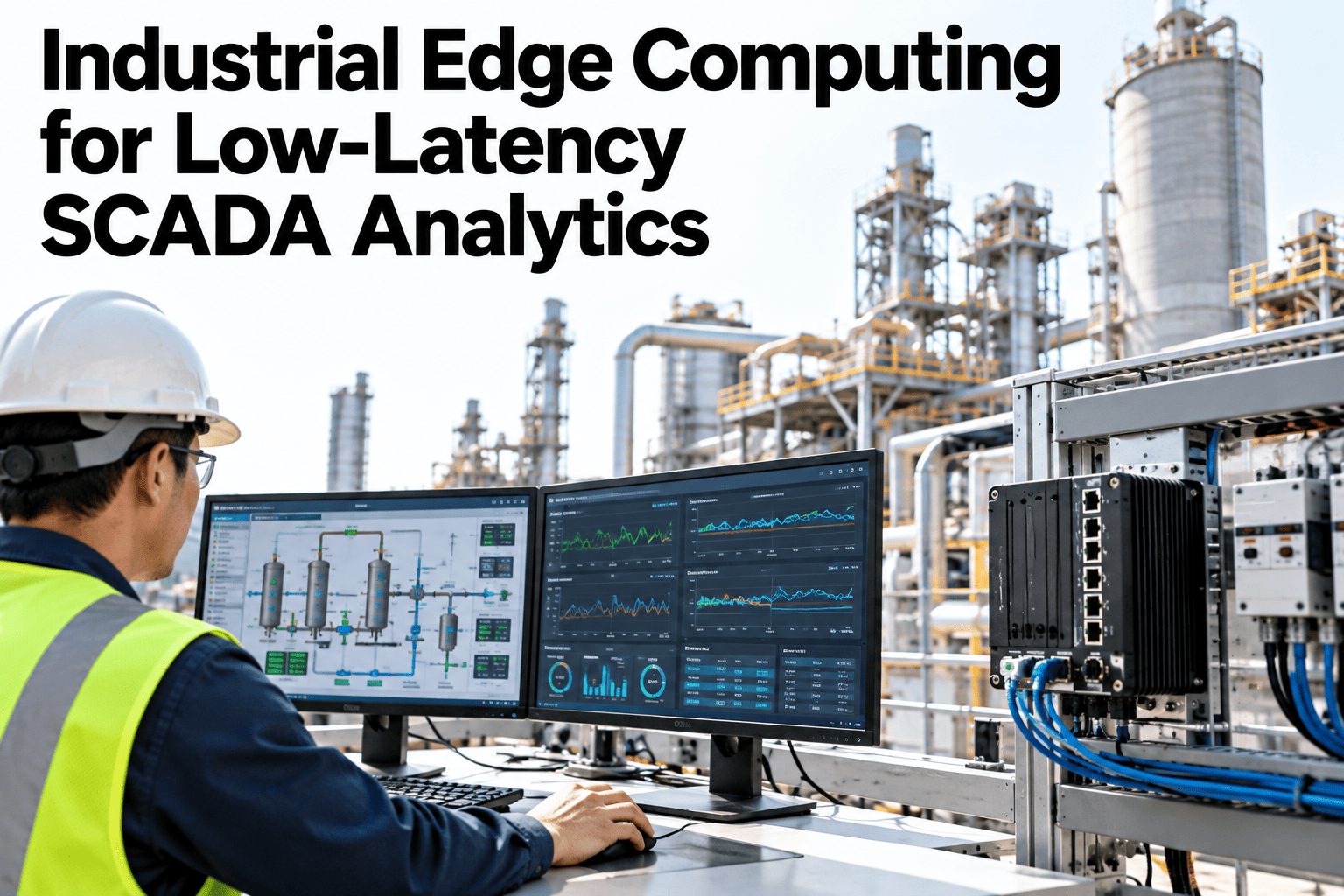
SCADA systems were built to monitor and control processes in near real time, but the analytics layered on top often introduce exactly the latency that SCADA was designed to avoid. Sending every data point to the cloud for analysis adds a round trip that can turn a sub-second anomaly into a minute-late alert, which is the difference between catching a process deviation and cleaning up after one. Edge computing moves the analytics closer to the SCADA system itself, processing data where it is generated and sending only the results, or the exceptions, onward. Getting this architecture right is less about chasing the fastest possible hardware and more about matching compute location to how fast each specific decision actually needs to happen. Automation and controls teams rethinking this design can see edge analytics running alongside a live SCADA system before the next architecture review.
Industrial Edge Computing for Low-Latency SCADA Analytics
Analytics placed where the decision speed actually demands it, not defaulted to the cloud by habit.
Why Cloud-Only Analytics Slows SCADA Down
Routing every data point to the cloud before acting on it introduces delay exactly where speed matters most.
A cloud round trip can turn a sub-second anomaly into an alert that arrives too late to act on.
Streaming every raw data point to the cloud can overwhelm plant network capacity.
A control-relevant decision should not depend on network uptime to reach the operator.
Edge computing removes the round trip for decisions that cannot wait, while still feeding the cloud for trend and reporting work that can.
Matching Analytics to Decision Speed
Not every analytic belongs at the edge. The right placement depends on how fast the decision needs to happen.
| Analytic | Decision Speed Needed | Best-Fit Location |
|---|---|---|
| Anomaly detection on a control loop | Sub-second | Edge |
| Predictive maintenance scoring | Minutes to hours | Edge or cloud, depending on data volume |
| Production trend reporting | Hours to days | Cloud |
| Cross-plant benchmarking | Days to weeks | Cloud |
Map Your Own SCADA Analytics by Decision Speed
Book a 30-minute session and bring your current analytics list. iFactory AI will show which belong at the edge and which belong in the cloud.
What iFactory AI Supports
Edge and cloud layers work together, with one dashboard across both.
Local Edge Inference
Latency-sensitive analytics run at the edge, independent of network uptime.
SCADA-Native Integration
Edge analytics connect directly to existing SCADA tags and alarms.
Bandwidth-Light Cloud Sync
Summarized results, not raw streams, sync to the cloud for trend and reporting.
Unified Dashboard
Edge and cloud results appear together, so operators never switch systems.
iFactory AI integrates with existing SCADA infrastructure. Scope covers edge device placement, SCADA tag mapping, team training and 24x7 remote monitoring.
Expert Review
Teams new to edge architecture often try to push everything to the edge for speed, which usually overbuilds the hardware budget without a proportional benefit. The decision-speed table above is the filter that actually matters: most trend and reporting work has no business running at the edge.
SCADA-native integration is the piece that most determines whether an edge deployment actually gets used. An edge analytic that cannot write back into the existing alarm and tag structure becomes a separate screen operators have to remember to check, which rarely survives past the first busy shift.
Frequently Asked Questions
Does edge computing require replacing our existing SCADA system?
No, edge devices sit alongside the existing SCADA system, reading tags and writing results back through standard protocols rather than replacing the SCADA platform itself. See an integration example with a common SCADA platform in a live session.
How much latency does edge processing actually save?
This depends on current network conditions and cloud round-trip time, but moving a latency-sensitive analytic from cloud to edge commonly reduces response time from seconds to well under a second. Ask support for a latency comparison specific to your current setup.
What happens to edge analytics if the plant network goes down?
Edge analytics continue running locally since they do not depend on network connectivity to make a decision. Only the sync to cloud reporting pauses and catches up once connectivity returns. Request a network resilience demonstration.
Can edge hardware be added incrementally rather than all at once?
Yes, edge devices are typically deployed station by station or line by line, starting with the highest-value latency-sensitive analytics rather than requiring a full plant rollout upfront. Contact support about an incremental rollout plan.
How long before edge analytics are validated and trusted in production?
Most deployments run a calibration period comparing edge analytic output against existing SCADA alarms before the edge system runs independently, typically within six to nine weeks. Book a session to estimate your own timeline.
Put Analytics Where the Decision Speed Actually Demands It
iFactory AI runs edge and cloud analytics together, integrated with your existing SCADA. Book a walkthrough.