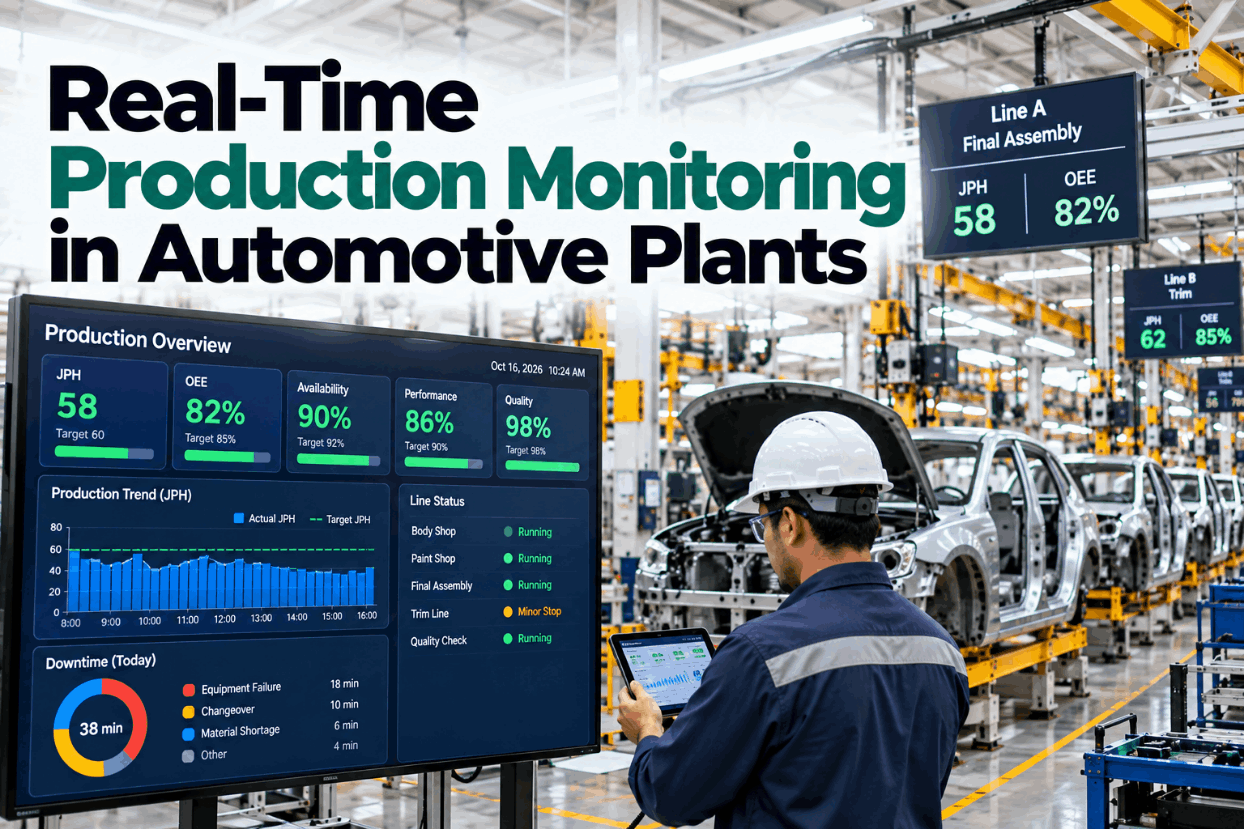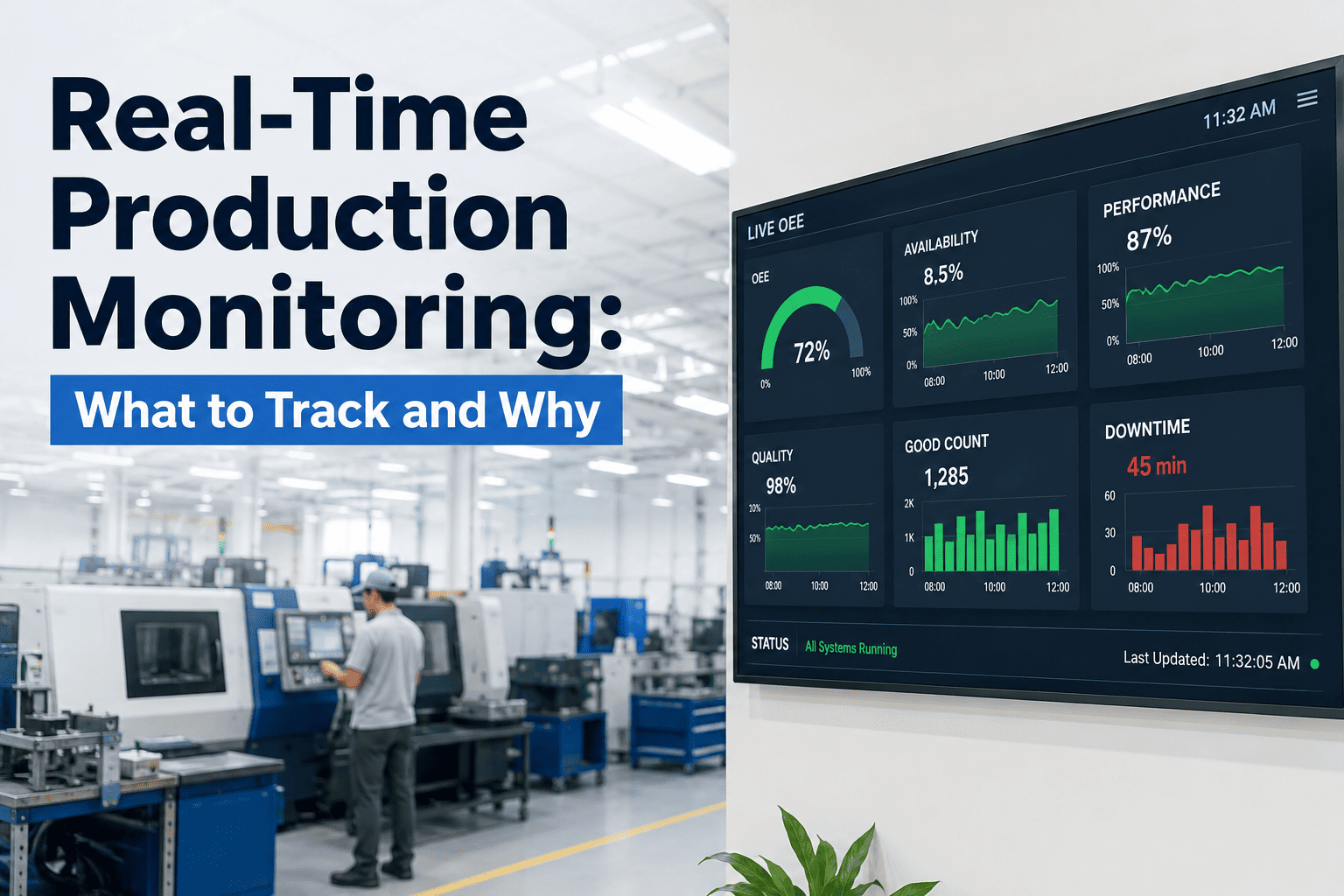
Production plans are usually written as if every machine will be ready, and maintenance plans as if every window will be free. The two collide on the shop floor, where a tired machine either misses its output or loses its service slot. A shared view of asset health lets both teams plan against the same picture of what each machine can really deliver this week. Plants building that view can ask iFactory AI how asset health feeds the production plan.
Production and Maintenance Capacity Planning With Real-Time Asset Health
Turn asset health into hours: how many each machine can run, how many each crew can service and where the plan will break. iFactory AI keeps both plans in step as conditions change.
Two Plans, One Set of Machines
Production and maintenance draw on the same scarce resource: machine hours. Each team tends to plan its own calendar, and the conflicts show up late. Seeing both side by side is the first step.
How many hours can I count on?
It needs machine hours to meet orders, with as few surprises as possible and enough warning to move work.
When can I take the machine?
It needs windows long enough to do the job, parts on hand and a crew free at that time.
Skipped service
Production wins the argument, work is deferred and risk quietly builds up.
Missed output
Maintenance wins, the plan loses hours and orders slip.
Shared hours
Both plans use the same health data and agree trade-offs early, with the numbers in plain view.
Asset Health Index: One Number per Machine
An asset health index sums up condition and risk in one score. Bentley Systems describes a scale of 1 to 100, where 100 is optimal, calculated for each asset class from inputs such as age, maintenance history, load and condition tests. The bars below show an illustrative set of machines.
| Input | What It Tells You | Typical Source | Weight Idea |
|---|---|---|---|
| Condition readings | Vibration, temperature, current trends | Sensors and rounds | High |
| Failure and repair history | How often and how badly it fails | Work orders | High |
| Age and run hours | Wear accumulated | Asset and counter records | Medium |
| Load and duty | How hard it is worked | Production data | Medium |
| Criticality | What a failure would cost | Risk ranking | Used for priority, not for health |
Keep health and criticality apart. Health says how likely the machine is to fail. Criticality says how much it would hurt. Planning needs both, but mixing them into one number hides the reason a machine is ranked high.
From Health Score to Usable Hours
A health score is only useful to planners when it turns into hours. Map each score band to an expected loss of scheduled time. The factors below are illustrative, so calibrate them against your own history.
| Health Band | Score | Expected Unplanned Loss | Planning Stance |
|---|---|---|---|
| A, strong | 85 to 100 | 3% of scheduled hours | Plan at full rate |
| B, good | 70 to 84 | 7% | Plan with a small buffer |
| C, watch | 50 to 69 | 15% | Derate and plan an intervention |
| D, at risk | Below 50 | 30% | Protect output and repair soon |
Calibrate with history
Compare each band with the unplanned downtime it actually produced over the last year, and adjust the percentages.
Reflect the trend
A score of 70 falling fast is riskier than a steady 70. Add a trend flag beside the band.
Keep it simple
Four bands are enough. More detail rarely improves a weekly plan.
See Your Capacity With Health Built In
Book a 30-minute session and iFactory AI will show how asset health, production demand and maintenance windows combine into one weekly capacity view.
The Weekly Capacity Ledger
Now combine demand, health and maintenance. For each machine, start with 120 scheduled hours, subtract planned maintenance and the expected unplanned loss from its health band, and compare the remainder with demand.
| Machine | Band | Demand h | Planned Maint. h | Expected Loss h | Available h | Surplus or Gap h |
|---|---|---|---|---|---|---|
| Press 1 | A | 100 | 4 | 3.6 | 112.4 | +12.4 |
| Packer 5 | B | 98 | 6 | 8.4 | 105.6 | +7.6 |
| Filler 2 | B | 104 | 6 | 8.4 | 105.6 | +1.6 |
| Mixer 3 | C | 96 | 10 | 18.0 | 92.0 | -4.0 |
| Conveyor 4 | D | 90 | 14 | 36.0 | 70.0 | -20.0 |
| Total | 488 | 40 | 74.4 | 485.6 | -2.4 |
The total looks nearly balanced, with a gap of only 2.4 hours. The detail tells a different story. Conveyor 4 is 20 hours short, while Press 1 and Packer 5 have spare time. A plan built on the total would miss the problem, and one built on the machine hours finds it in time to act.
Shift work
Move orders from the short machine to those with surplus, if routings and tooling allow.
Fix the weak asset
A repair that lifts Conveyor 4 from band D to band B removes most of its expected loss.
Reset the promise
If neither is possible, tell sales early which orders move, and by how much.
Maintenance Crew Capacity: The Other Half
Machine hours are only one constraint. Maintenance also has a limited number of technician hours, and the plan must fit inside them. The bar shows an illustrative week for a crew of six.
Tractian defines planned maintenance percentage as planned hours divided by total maintenance hours. At 81.5 percent this crew sits inside its quoted 80 to 90 percent world-class aim, well above the 50 to 70 percent it reports as typical for manufacturing. The reserve of 40 hours is what keeps breakdowns from consuming planned work.
Finding the Right Maintenance Window
The best time to service a machine is when production loses least. Different windows suit different jobs.
| Window Type | Typical Length | Suits | Watch For |
|---|---|---|---|
| Changeover gap | Under an hour | Inspections, lubrication, quick adjustments | Delaying the next run |
| Idle shift | Several hours | Component swaps and calibration | Parts and crew ready in time |
| Weekend stop | One to two days | Larger repairs and overhauls | Overtime cost and contractor access |
| Planned shutdown | Days to weeks | Major projects and statutory checks | Long preparation and many trades |
Real-Time Triggers: When Health Changes the Plan
Health scores move during the week. Agree in advance which changes should reopen the plan and who is told, so replanning is calm and quick.
These limits are examples. Set them from past failures, and use tighter limits for machines that constrain the whole line.
A Worked Decision: Fix Conveyor 4 Now or Later
Conveyor 4 is at 44 and 20 hours short. The plan has two options, and the cost of each can be set out plainly. Figures are illustrative.
| Item | Option A: Repair at the Weekend | Option B: Run On and Hope |
|---|---|---|
| Repair timing | Planned 6-hour weekend window | Failure expected within weeks |
| Repair cost | 2,500 | 4,000, with rushed parts |
| Production lost | None in the weekend window | 12 hours of stoppage at 1,500 margin an hour, 18,000 |
| Extra overtime to shift work | 1,200 | Not planned |
| Total | 3,700 | 22,000 |
The planned repair costs about 18,300 less in this illustration. The point is not the exact figure, but that the comparison can be made in minutes when health, capacity and cost sit in the same view.
KPIs That Show Whether the Joint Plan Works
A few numbers tell you if the two plans are working together. Review them in one meeting that production and maintenance both attend.
| KPI | What It Shows | Good Direction | Warning Sign |
|---|---|---|---|
| Planned maintenance percentage | Share of hours spent on planned work | Rising toward 80 percent | Falling as breakdowns grow |
| Schedule compliance | Planned jobs finished in their window | High and steady | Windows repeatedly overrun |
| Capacity cover | Available machine hours over demand hours | One or higher | Below one on key machines |
| Health trend | Movement of scores by band | Fewer machines in C and D | Machines sliding down each month |
| Backlog weeks | Open work divided by weekly crew hours | Stable or shrinking | Growing backlog |
| Unplanned downtime hours | Hours lost to breakdowns | Falling | Rising with no cause found |
Common Planning Mistakes
Most breakdowns in planning come from habits. Each has a plain fix.
A 90-Day Path to Joint Planning
iFactory AI is built as a turnkey server that racks in, plugs in and goes live in roughly 6 to 12 weeks, so a joint planning pilot fits inside a quarter.
What iFactory AI Adds
iFactory AI is smart manufacturing and industrial software. It brings asset condition, production plans and maintenance work into one view.
What Data You Need Before You Start
A joint plan does not need perfect data. It needs a short list of fields that are reasonably complete and agreed by both teams. Check each one before the pilot begins, and note who owns it.
| Data Item | Owner | Minimum Standard | Common Gap |
|---|---|---|---|
| Asset list with hierarchy | Maintenance | Every planned machine has one record and a line | Duplicates and retired assets still listed |
| Failure and repair history | Maintenance | A year of work orders with cause codes | Free-text causes that cannot be grouped |
| Condition readings | Reliability | Regular readings for critical machines | Gaps when sensors are offline |
| Production schedule | Planning | Orders by machine and week | Machine not recorded on the order |
| Rated speed and run hours | Operations | Standard rate per machine and product | Rates out of date after upgrades |
| Crew roster | Maintenance | Technicians, skills and leave by week | Skills not recorded |
Start with the machines that constrain the line. Their data matters most, and a small, clean set is easier to trust than a large, patchy one.
What-If: A Demand Surge Meets a Tired Line
The value of a joint view shows when demand changes. Suppose sales adds a promotion that raises weekly demand on the filling line by 15 percent. The question is where the extra hours can come from. Figures are illustrative.
The surge pushes demand to about 120 hours against 106 available, a gap of roughly 14 hours. Three levers are open, and each has a different cost and risk.
Defer a service job
Gains hours now but raises risk. Only sensible if the machine is in band A or B and the job can be placed after the promotion.
Add a weekend shift
Adds hours without touching the service plan, at the price of overtime and a tighter crew week.
Re-route to a sister line
Uses spare hours elsewhere, if the product and pack format can run there.
Roles and Meeting Rhythm
Tools help, but the habit of meeting decides whether the joint plan survives. Keep the rhythm short, regular and tied to the same numbers each time.
Owns demand and the order sequence
Brings the schedule, proposes moves and tells sales and customers what changes.
Owns windows, parts and crew
Brings health scores, the job list and the reserve, and flags where a window is at risk.
Name one person to make the call when the two sides disagree. A short, fast decision beats a long debate, and the data in front of everyone keeps it fair.
How to Judge Whether the Pilot Worked
After 90 days, compare the pilot area with its own baseline. Keep the test simple so the result is believed.
If the pilot shows gains, extend to the next area. If not, look at the bands and data first, since a poorly calibrated score is the most common cause.
Plain-Language Glossary
Shared words keep production and maintenance aligned.
Frequently Asked Questions
What is capacity planning with asset health?
It means planning production hours and maintenance hours together, using each machine's condition to estimate how many hours it can really deliver.
How do we build a health score?
Combine condition readings, repair history, age and load for each asset class, then test the result against past failures. Ask support how scores are built for your equipment.
What planned maintenance percentage should we aim for?
One vendor source puts world-class at 80 to 90 percent and typical manufacturing at 50 to 70 percent. Treat 100 percent as unrealistic.
How often should the plan be reviewed?
Weekly for the ledger, with trigger rules reopening it sooner when a health score falls sharply.
Who should be in the planning meeting?
A production planner, the maintenance planner, a supervisor from each side and, when cost is discussed, a finance partner.
Plan Production Around the Health of Your Machines
iFactory AI turns asset health into hours, joins them to production demand and maintenance crews, and reopens the plan when conditions change. Book a walkthrough on your own plant data.