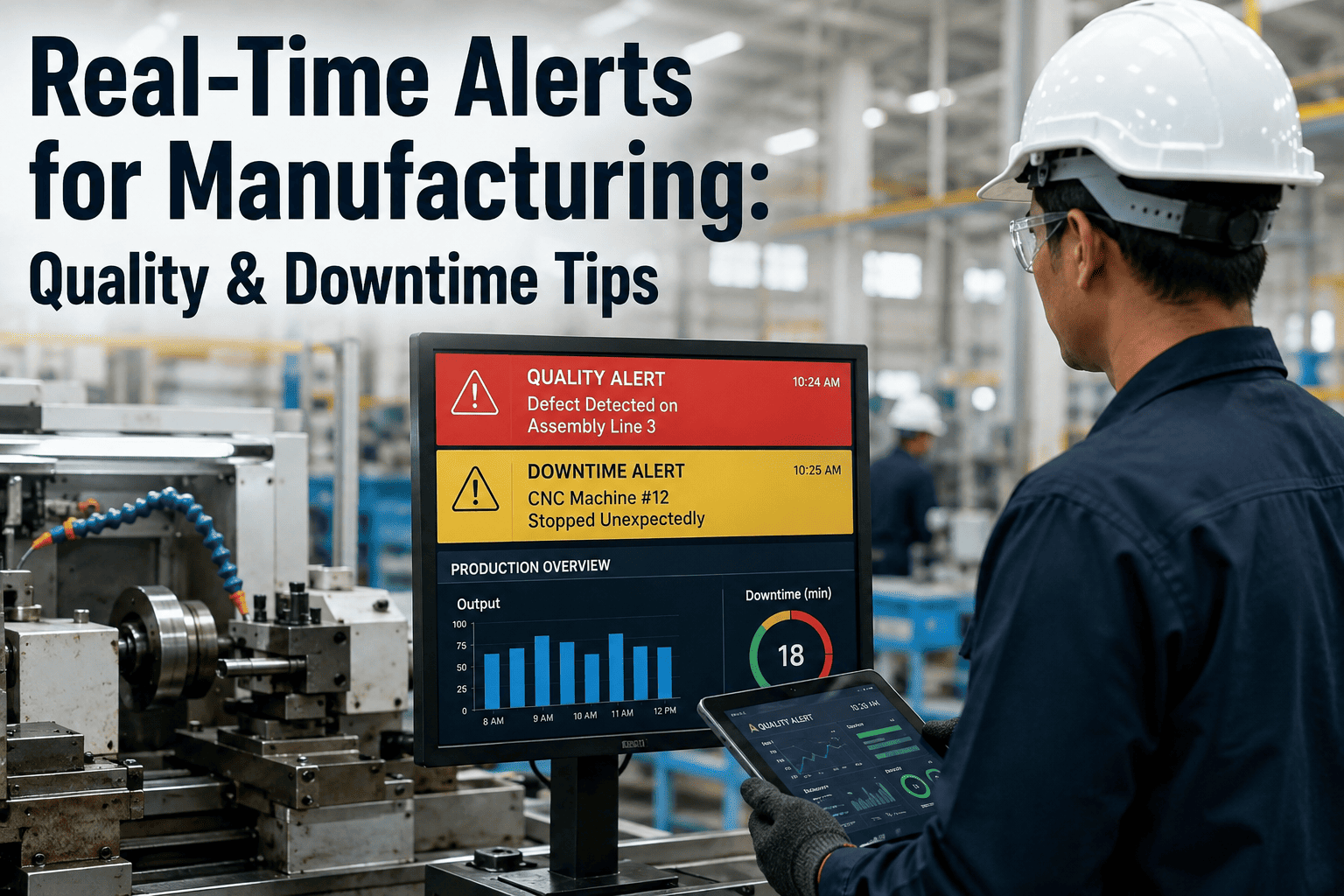
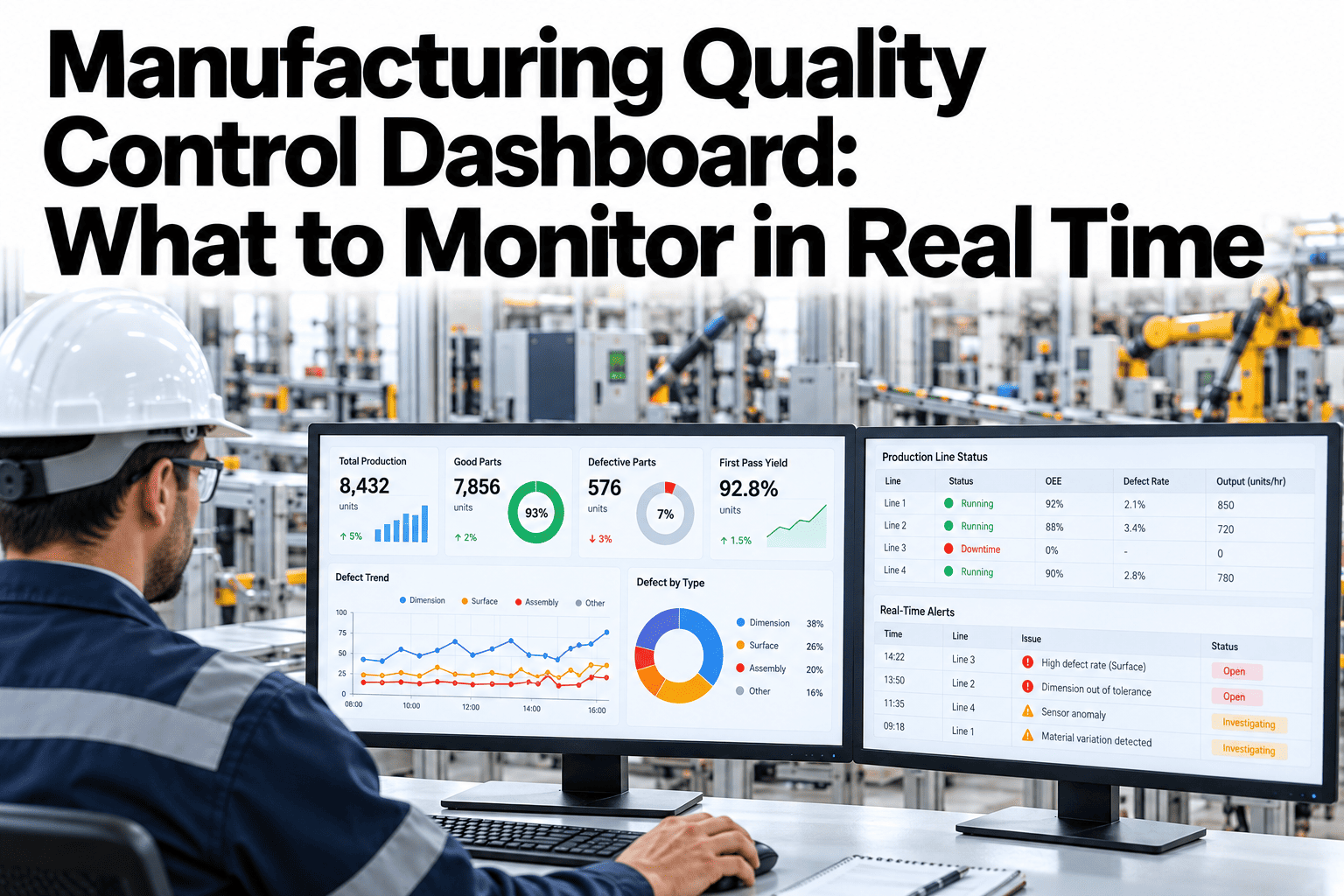
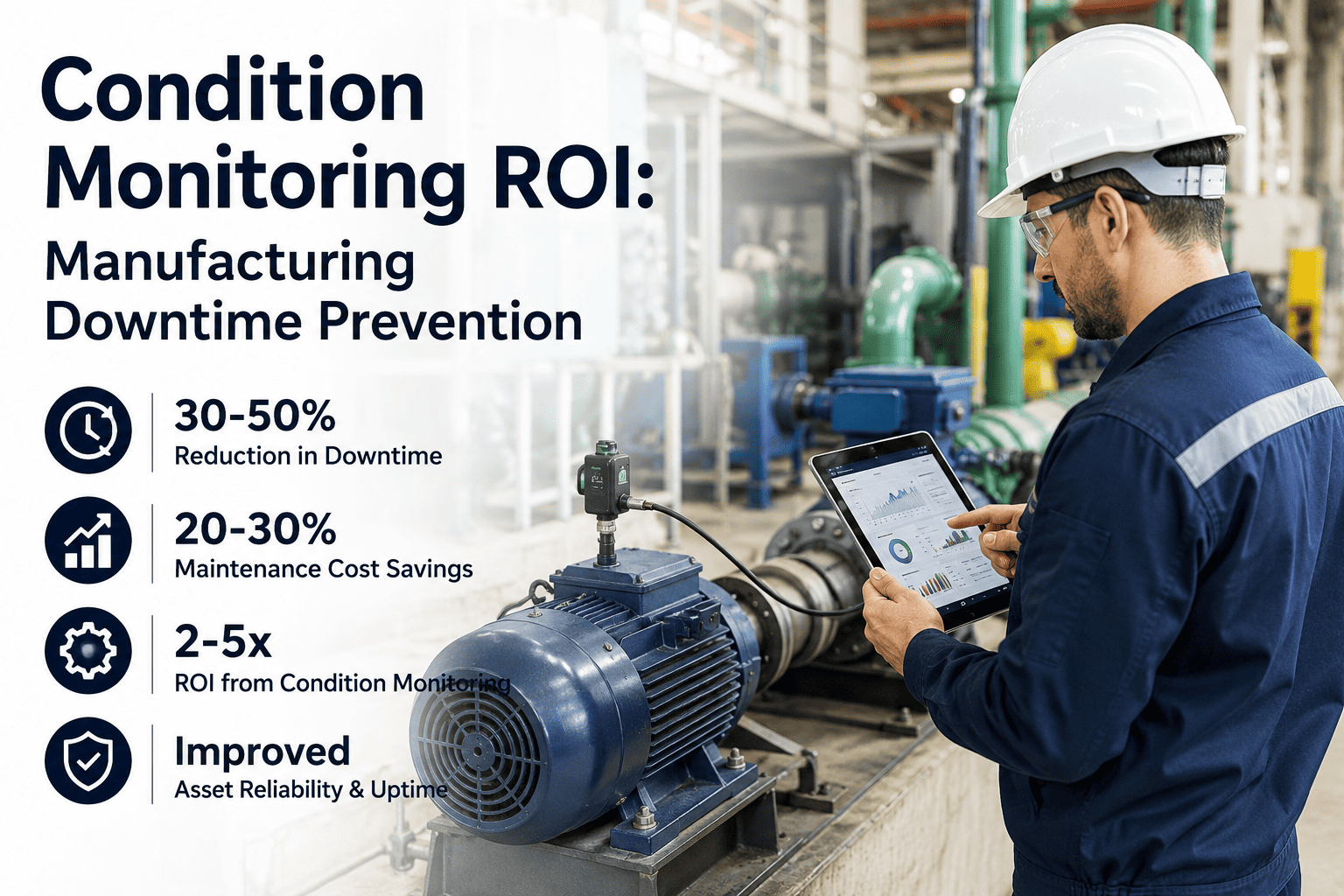
A quality deviation that sits in an inbox for twenty minutes before anyone opens it is not a monitoring failure, it is a routing failure, because the sensor almost certainly caught the problem in seconds. The gap between detection and response is where scrap runs grow, where a bearing that started overheating on the night shift turns into a Tuesday morning line stoppage, and where the same event gets reported three different ways by three different shifts because there was never one rule for who gets told what, how fast, and what happens if they miss it. Closing that gap is a routing and escalation design problem before it is a software problem, and getting the design right is what turns a flood of notifications into a small number of alerts people actually trust. See how source-level alert design applies to your lines at ifactory support.
AI Alert & Notification Systems
Get the Right Person the Right Alert Before the Line Actually Stops
AI-driven notification routing that classifies quality and downtime events by severity, escalates automatically when nobody responds, and replaces scattered email chains with one accountable alert record per event.
Seconds
How fast a sensor-level deviation can be detected versus a manual walk-by check
4 Types
Equipment, quality, material, and safety events each need their own escalation timer
Zero
Alerts that should ever close without a documented resolution or handoff
Why Most Plants Detect Problems Fast and Still Respond Slowly
Ask a plant manager whether their sensors caught a recent quality deviation on time and the answer is almost always yes. Ask how long it took for the right person to actually see it, acknowledge it, and start working on it, and the answer gets vague. That gap is rarely about sensing technology. Most lines already have enough instrumentation to detect a temperature drift, a torque outlier, or a spindle vibration spike within seconds. What they lack is a rule that says exactly who gets notified, through which channel, within what window, and who gets pulled in next if nothing happens.
Without that rule, notifications default to whoever happens to be on an email distribution list, and every event gets treated the same regardless of whether it is a five-minute material delay or a safety-critical pressure excursion. Operators either drown in low-priority pings and start ignoring the channel entirely, or a genuinely urgent event sits unread because it looked identical to forty routine ones sent that same shift. Both outcomes produce the same result: a response time that has nothing to do with how fast the problem was actually detected.
Detection ≠ Response
The core gap
Sensors catch deviations in real time, but response time depends entirely on how the alert is routed and escalated afterward.
Alert Fatigue
The most common failure mode
When every event looks the same in an inbox, operators stop treating any of them as urgent, including the ones that are.
No Owner
What breaks accountability
An alert with no assigned responder and no acknowledge window is easy for everyone to assume someone else is handling.
No Record
What makes the pattern repeat
Without a logged resolution, the same root cause can trigger the same alert next month with nothing learned in between.
The Alert Escalation Ladder
Every event category needs its own timer, its own first responder, and its own next step if that responder does not act. Laying it out as a ladder makes the design decision explicit instead of implicit, and it is the single most useful exercise a plant can run before deploying any alerting software.
01
Detection
A sensor, PLC tag, vision system, or operator call button crosses a defined threshold and generates a timestamped event with an asset ID.
02
Classification
The event is tagged by category and severity, and safety-related events bypass every delay rule to escalate immediately.
03
First Responder Notified
A single named role receives the alert through their preferred channel, with a defined acknowledge window attached.
04
Escalation on Silence
If the window closes with no acknowledgment, the alert automatically moves to a supervisor or secondary responder, no manual follow-up required.
05
Documented Resolution
The event closes only once a cause and action are logged, feeding a record that later analysis can actually use.
Alert Category Reference
Not every event deserves the same treatment, and trying to route them all the same way is exactly what produces alert fatigue. A working reference table for four common categories looks roughly like this.
Event Categories and Typical Escalation Windows
See Your Own Escalation Gaps
Map Your Current Alert Routing in One Call
Bring your most common event types and we will walk through how they would be classified, routed, and escalated with AI-driven alerting.
How AI Actually Reduces Alert Fatigue Instead of Adding to It
The instinct when response times are slow is to add more notifications, more channels, more people copied. That almost always makes the underlying problem worse. What actually helps is filtering harder before anything reaches a human, so the alerts that do arrive are ones worth acting on immediately.
1
Baseline Learning
The system learns normal operating ranges per asset and shift, instead of relying on one static threshold for every condition.
2
Noise Suppression
Known maintenance windows, startup transients, and duplicate sensor triggers are filtered before they generate a notification.
3
Root-Cause Grouping
Multiple sensors reporting the same underlying fault are consolidated into a single alert instead of five separate pings.
4
Targeted Routing
The consolidated alert reaches the one role who can act on it, through the channel they actually monitor during that shift.
Where Alerts Should Actually Land
The right channel depends on urgency and on what a given role is already looking at during their shift, not on whatever channel happened to be easiest to configure first.
Line-Side Display
Best for safety and equipment fault alerts where the responder is already standing near the asset.
Mobile Push / SMS
Reaches technicians and supervisors who move between areas and are not watching a fixed screen.
Team Chat Channel
Suited to quality and material events where a short discussion thread helps coordinate the response.
Work Order Auto-Creation
Equipment faults that need a technician dispatched should generate a work order automatically, not just a message.
Four Mistakes That Undo an Otherwise Good Alert System
One Channel for Every Severity
Routing safety events and routine reminders through the same inbox guarantees the urgent ones get lost in volume.
No Escalation Timer
An alert with no deadline for acknowledgment relies entirely on someone happening to notice it in time.
Closing Without a Cause Logged
Marking an alert resolved without recording why it happened erases the data needed to prevent a repeat.
Static Thresholds Left Unreviewed
Thresholds set once during commissioning and never revisited drift out of sync with how the line actually runs today.
Who Owns Each Part of the Alert Chain
Shift Supervisor
Owns the escalation path when a first responder misses their acknowledge window during their shift.
Maintenance Lead
Reviews equipment fault patterns weekly to decide whether a threshold needs adjustment or a work order needs priority.
Quality Engineer
Defines which quality deviations warrant an immediate alert versus a logged note for the next review cycle.
Plant Manager
Tracks aggregate response time and escalation frequency as a leading indicator of whether the alert design still fits the floor.
Frequently Asked Questions
How is severity actually decided for an incoming event?
Severity is set by a combination of the event category, the potential safety or production impact, and how far the reading has moved from the learned normal range for that asset. Safety-related triggers are treated as critical by default and bypass any delay rules, while process deviations are scored against historical patterns before being classified.
Talk to our team about how classification would apply to your specific event types.
Won't adding more alert categories just create more noise?
It does the opposite when the categories are used to suppress rather than multiply notifications. Grouping events by root cause and applying different escalation windows per category means fewer, more specific alerts reach a person, not more generic ones. The goal of categorization is filtering, not volume.
What happens if the same person is the first responder for multiple alert types?
The escalation window and channel can still differ per category even when the responder is the same person, which matters because a safety event should interrupt them immediately while a material shortage notice can wait for a natural break.
Book a scoping call to map out responder assignments for your team structure.
Can escalation rules differ between weekday shifts and weekends?
Yes, and they generally should, since staffing levels and who is physically on site change significantly outside standard weekday hours. Escalation paths can be configured separately by shift, day of week, and holiday schedule so an alert never routes to someone who is not actually working that window.
How do we know if our current alert system needs a redesign rather than a tuning pass?
A useful signal is how often operators mention ignoring or muting a notification channel, since that behavior usually means the volume-to-relevance ratio has already broken down. A second signal is whether the same equipment fault triggers a nearly identical alert month after month with no visible change in resolution.
Reach out to our team and we can help you figure out which one you are dealing with.
Stop Losing Minutes Between Detection and Response.
Design an Alert System People Actually Trust
Bring your current alert categories and escalation rules to the call. We will show how AI-driven classification and routing would apply across your quality and downtime events.
Seconds
Detection to classification
Per Category
Escalation timers