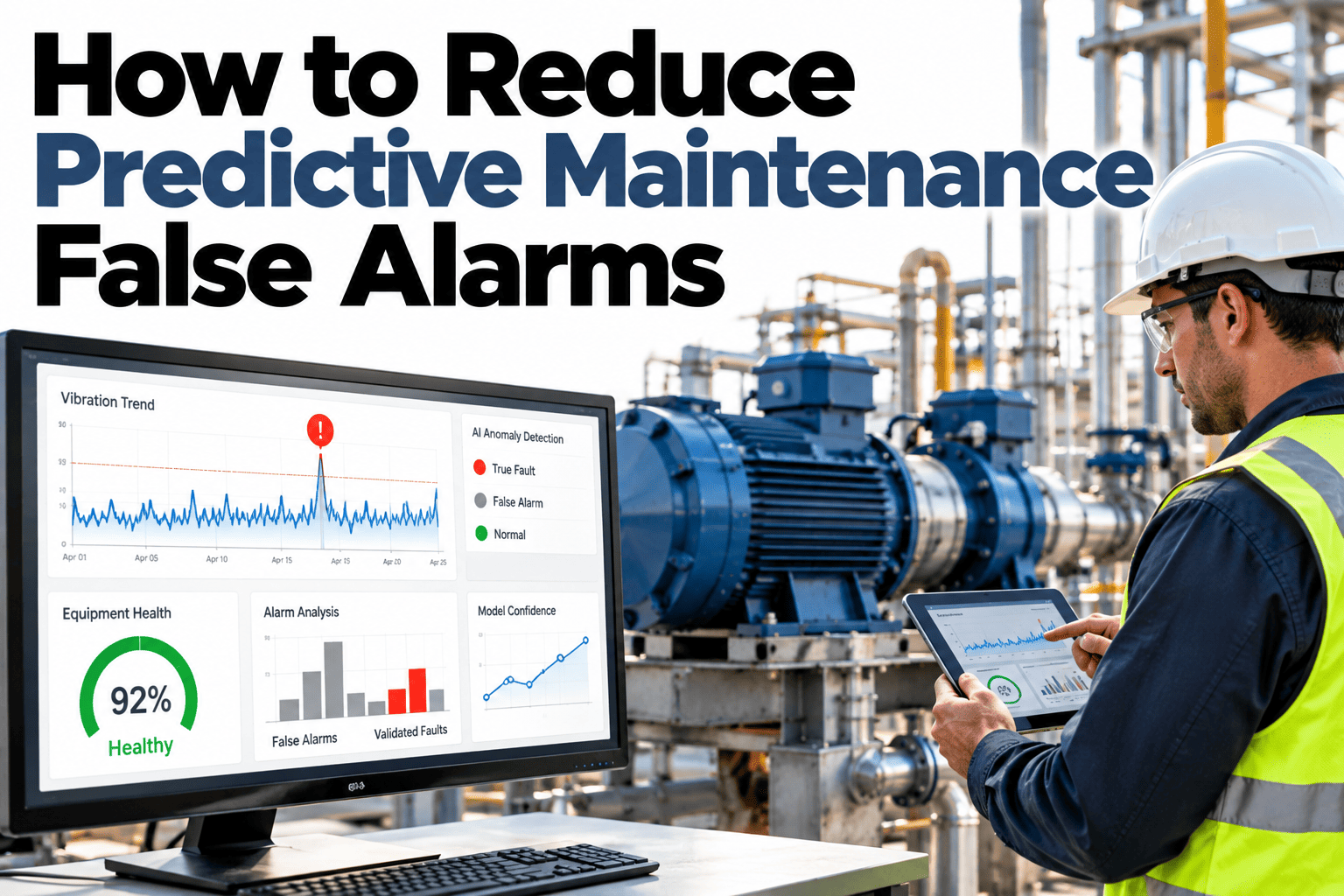
A predictive maintenance program rarely gets abandoned because the underlying idea was wrong. It gets abandoned because the alerts stopped being trusted, usually after a run of false alarms sent a maintenance team chasing equipment that turned out to be fine. Once trust erodes, a genuine warning gets treated with the same shrug as the false ones before it, which defeats the entire purpose of catching a failure early. Reducing false alarm rate is less about a smarter model and more about how that model is tuned, scored and fed back, and teams can review their own alert accuracy in a short session.
Fewer False Alarms Means Every Alert Gets Taken Seriously
iFactory AI tunes predictive models to each asset's own behavior, cutting false alarms without missing the failures that matter.
Why False Alarms Erode Trust Faster Than They Erode Accuracy
A model that is 90% accurate still generates a steady stream of false alarms at scale, and each one costs a technician's time investigating equipment that was never actually at risk.
The real cost is not the wasted hour. It is the next genuine alert getting the same skeptical response, because the team has learned, reasonably, that alerts are often wrong.
| Cause | Mechanism | Fix |
|---|---|---|
| Generic thresholds across assets | Normal variation on one asset reads as abnormal on another | Asset-specific baselines, not one threshold for a class |
| Single-sensor reliance | A noisy or drifting sensor triggers alerts alone | Cross-check against a second, independent signal |
| No feedback loop | Confirmed false alarms never retrain the model | Log every outcome and feed it back into tuning |
| Static model, changing conditions | Seasonal or load changes shift what's normal | Periodic retraining against recent operating data |
Get Your Current False Alarm Rate Measured
Book a 30-minute session and iFactory AI will review your recent alerts to show the true versus false alarm split.
Four Causes Worth Checking First
Before retraining an entire model, these four areas resolve a large share of false alarms on their own.
Sensor Calibration Drift
A sensor that has drifted out of calibration can look like an equipment problem when the issue is the reading itself.
Asset-Specific Baselines
Two machines of the same model can run differently once installed. A shared threshold ignores that difference.
Operating Condition Context
Load, speed and ambient conditions change what "normal" looks like. A model blind to context flags normal variation.
Missing Feedback Labels
Without technicians confirming which alerts were real, the model has no signal to learn from its own mistakes.
Confidence Scoring: Not Every Alert Deserves the Same Response
Routing every alert the same way, regardless of confidence, is part of what drives alert fatigue. A tiered response keeps trust intact.
Logged for trend tracking only. No action required unless the pattern repeats or strengthens over time.
Flagged for review at the next scheduled inspection, rather than an immediate response.
Routed immediately to a technician, reserved for alerts with a track record of being right.
Signs Your Model Needs Retuning
These patterns usually show up well before a team openly declares the alerts untrustworthy.
Where iFactory AI Fits
Sensor data, maintenance outcomes and model tuning usually live apart. iFactory AI closes the loop between them.
Asset-Specific Baselines
Each asset's own normal operating range is learned rather than inherited from a generic class threshold.
Multi-Signal Cross-Check
Alerts are weighted against more than one signal to reduce reliance on any single noisy sensor.
Confidence-Tiered Routing
Alerts route by confidence level, so high-confidence flags get immediate attention and low-confidence ones don't flood the queue.
Outcome Feedback Loop
Technician-confirmed outcomes feed back into the model, continuously improving accuracy over time.
Reviewed by iFactory AI's Reliability Engineering team for alignment with current predictive maintenance practice. The weekly improvement curve shown is illustrative; actual tuning timelines depend on data history, asset count and how much historical outcome labeling is already available.
Frequently Asked Questions
How much historical data do we need to reduce false alarms?
More history generally helps, but even a few months of operating data combined with technician-confirmed outcomes is enough to start building asset-specific baselines. The timeline extends if historical labeling is sparse. Support can assess what your current data supports.
Will reducing false alarms risk missing a real failure?
The goal is not to suppress alerts broadly, it is to route them by confidence so genuine risks still surface clearly while low-value noise stops flooding the queue. A well-tuned system should catch real failures at least as reliably as before, with far fewer false positives alongside them.
How often should asset baselines be retrained?
This depends on how much the asset's operating conditions change, but a periodic review, often quarterly or after a known operating change, keeps baselines aligned with current reality. See a retraining schedule mapped to your own assets in a short walkthrough.
Who confirms whether an alert was a true or false alarm?
Maintenance technicians typically log the outcome after investigating, and that confirmed label is what feeds the model's ongoing tuning. Making this logging step easy and consistent is one of the biggest factors in how fast accuracy improves.
Does this work with our existing CMMS?
Alert and outcome data are built to integrate with existing CMMS platforms rather than requiring a separate standalone system. Ask support how this connects to your current CMMS.
Make Every Alert Worth a Technician's Attention
iFactory AI tunes predictive maintenance alerts to each asset's own behavior. Book a walkthrough on your own alert history.