The report says the operator failed to follow procedure, and the corrective action is retraining. Six months later the same machine hurts someone else. The facts that would have changed the answer were sitting in the PLC log and in witness memories that faded within a week. This guide shows how AI root cause analysis builds the full picture fast. See a sample investigation.
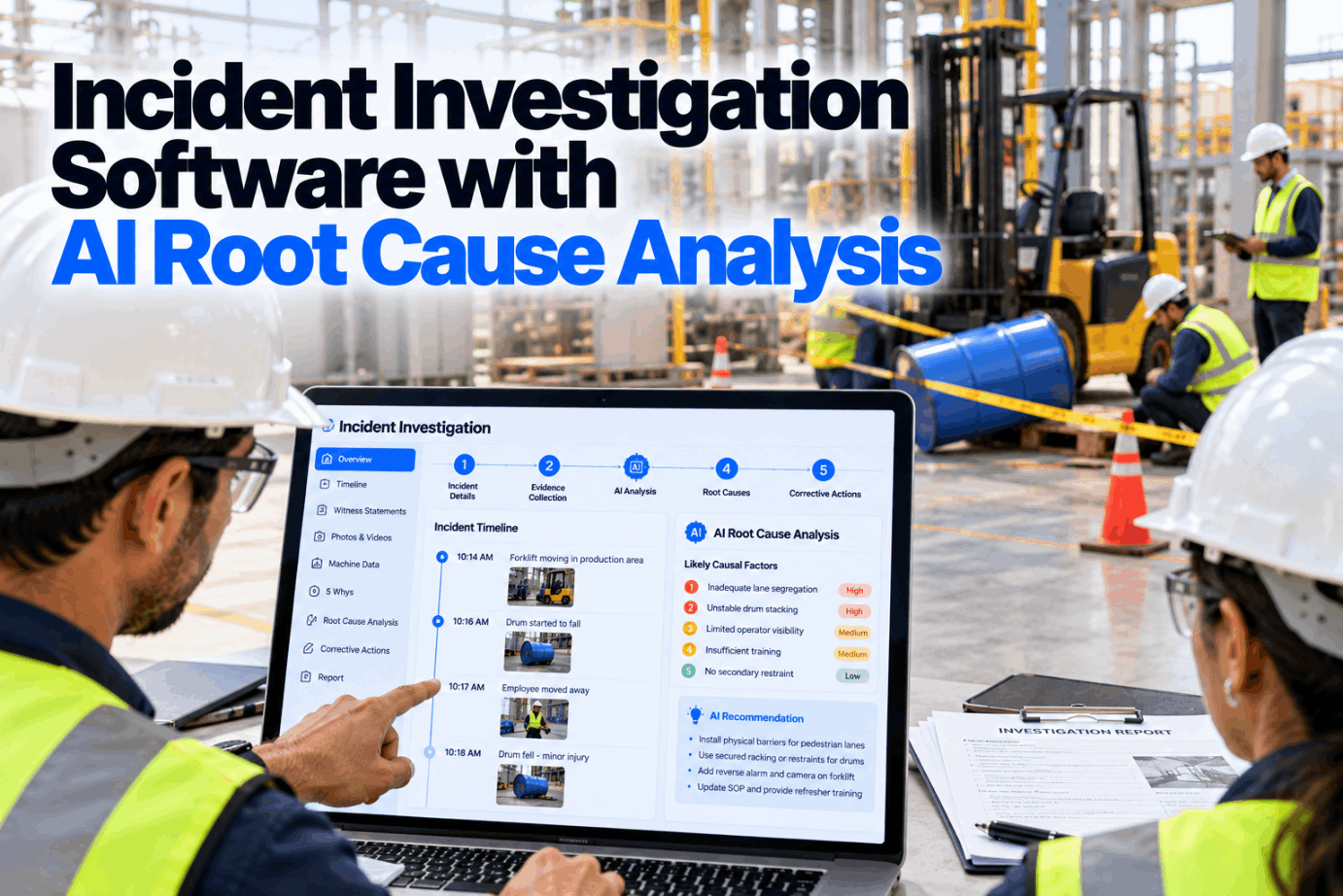
Incident Investigation Software with AI Root Cause Analysis
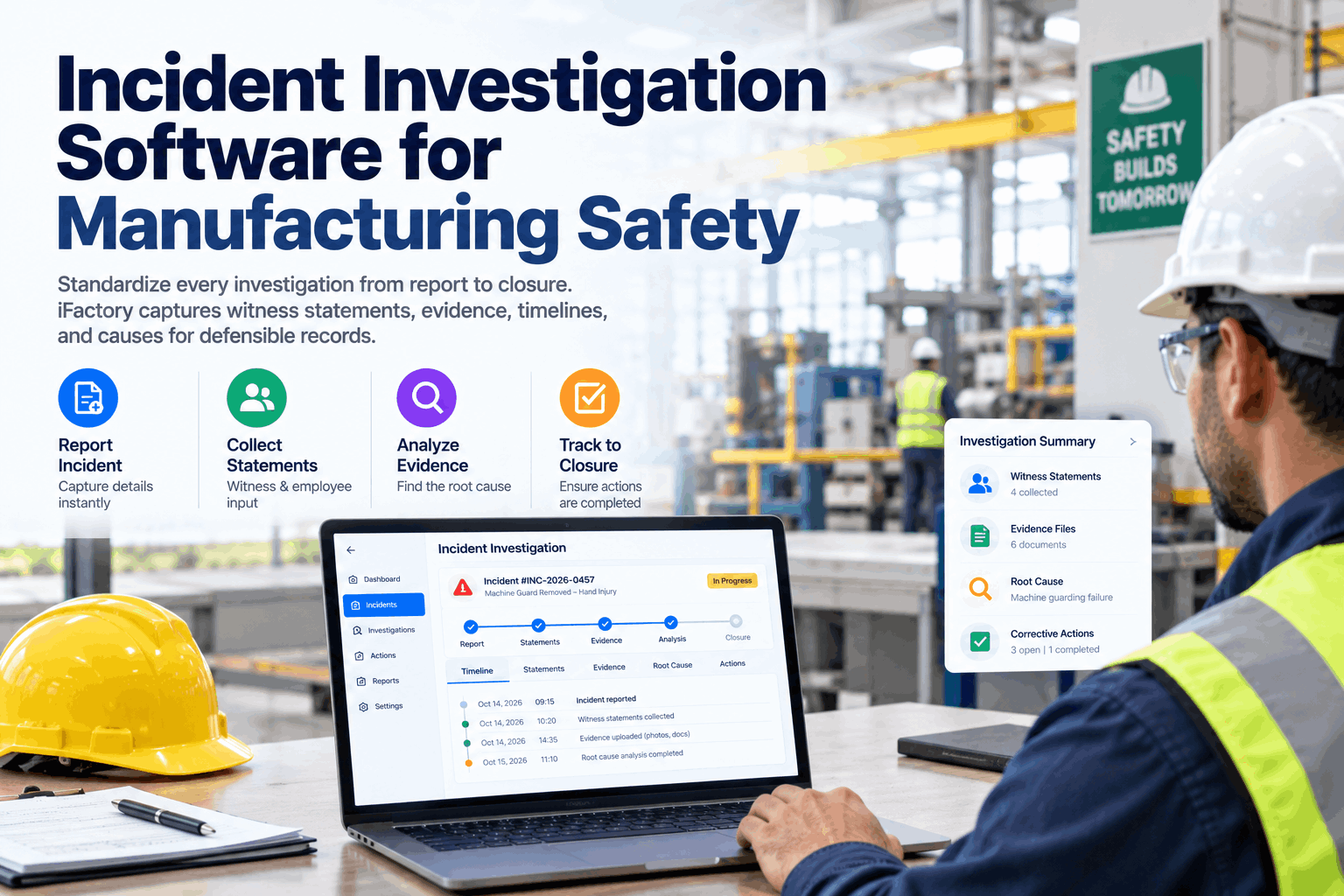
Witness interviews by voice, PLC and sensor events merged into one timeline and AI-drafted 5-Why and fishbone analyses for the team to challenge. Corrective actions are tracked until they are proven to work.
- Why investigations stop at human error
- How one timeline is built from many sources
- How to choose corrective actions that last
Why Investigations Stop at Human Error
Human error is where the questions start.
Many investigation reports end with operator error and retraining, because that is the first explanation that fits. But people work inside systems: guards, interlocks, schedules, staffing and procedures. When the investigation stops at the person, the condition that set them up stays in place. The hierarchy of controls ranks training near the bottom for good reason. Our investigation team can review a recent report with you.
Late start
Witnesses are interviewed days later.
Missing data
PLC and camera logs overwritten.
First answer wins
The search ends at the first cause found.
Weak actions
Retraining chosen over design changes.
What Good Investigations Collect
Facts first, causes second.
The quality of an investigation is set in the first day. If machine data and witness accounts are captured early and in full, the analysis has something solid to stand on. Review your evidence process in a evidence session.
Talk to each witness alone, as soon as they are able, and ask open questions. Voice capture lets a supervisor record an account at the scene, so details are not lost before the formal interview.
How the AI Builds the Timeline
Every source, one clock.
Different systems keep time differently. The AI aligns PLC events, HMI actions, camera time stamps and witness accounts onto one clock, then shows gaps and contradictions for the team to resolve. Ask our support desk which controllers can be connected.
Collect
Statements, photos, PLC and camera data.
Align clocks
Every source set to one time base.
Merge
Events placed on one timeline.
Find gaps
Missing steps and contradictions flagged.
Draft causes
5-Why and fishbone for the team.
Jam alarm raised on the infeed conveyor. Operator A goes to clear it.
Guard door 2 opened. The interlock signal shows closed, which points to a bypass.
Operator B restarts the line from the HMI, unaware that A is at the conveyor.
Operator A’s hand is caught. E-stop pressed.
The door 2 interlock had been bypassed during a fault two weeks earlier. No restart warning existed.
Get to the Real Cause Faster
Connect your PLC logs and incident forms, and the next investigation starts with a timeline instead of a blank page.
Root Cause Methods Compared
Pick the method that fits the event.
No single method fits every event. Simple events may need a 5-Why. Complex ones with many contributing factors need causal factor charting or a fault tree. Choose methods for your event types in a methods workshop.
Corrective Actions That Work
Stronger controls, fewer repeats.
The hierarchy of controls ranks fixes by how reliably they work. Retraining and reminders have their place, but they should not be the only action when a design change is possible. Discuss action choices with our investigation team.
Eliminate
Remove the hazard, such as automating a manual jam clear.
Substitute
Replace with something less dangerous.
Engineer
Interlocks, guards and restart warnings.
Administer
Procedures, permits and schedules.
Protect
PPE as the last line of defense.
Verify
Check the action works 30 to 90 days later.
A closed action is not a working one. Set a check 30 to 90 days after closure: is the guard still on, is the interlock still working, have repeats stopped? Only then mark the action effective.
Investigation Mistakes to Avoid
Most repeat incidents trace back to the first report.
Weak investigations rarely come from bad intent. They come from time pressure and missing data. A short process review can show where yours lose detail.
What works
- Evidence captured on day one
- Machine data on the timeline
- More than one cause considered
- Actions checked for effectiveness
What fails
- Stopping at operator error
- Retraining as the only action
- Interviews done as a group
- Closing actions without a field check
How iFactory Runs the Investigation Assistant
Timelines, drafts and actions on one platform.
iFactory’s Investigation Assistant records witness interviews by voice, merges PLC event timelines automatically, drafts 5-Why and fishbone analyses and tracks corrective actions to closure, on an on-prem server inside your plant. Fit questions go to our solutions team.
Voice interviews
Witness accounts captured at the scene.
PLC timeline
Controller and HMI events merged by time.
Gap finder
Missing steps and contradictions flagged.
Draft analysis
5-Why and fishbone drafted for review.
Action tracking
Corrective actions with owners and dates.
Effectiveness checks
Actions closed only after a field check.
AI drafts are starting points. Investigation teams review, challenge and decide every cause and action.
Turnkey AI: Delivered, Connected and Live in 6–12 Weeks
You do not build this. It arrives ready.
iFactory ships as a pre-configured NVIDIA AI server with the software pre-loaded, racked and ready. Rack it, plug in power and Ethernet, and the AI is live on your network. Our team handles cabling, network setup, PLC, SCADA and CMMS integration, PLC and historian connection for event logs, operator training and 24×7 remote monitoring. Data stays on your network. For a scope matched to your plant, request a turnkey quote.
Ship, network and data
Server installed. PLC, HMI and incident data connected.
Timeline set-up and pilot
Timelines built for recent incidents and checked by the team.
Go-live and training
Assistant live for all incidents. Investigators trained. 24×7 monitoring begins.
Frequently Asked Questions
What is incident investigation software?
It is a system that collects evidence, builds a timeline, supports root cause analysis and tracks corrective actions for workplace incidents.
Can AI find the root cause?
It proposes causes based on the timeline and evidence. The investigation team tests them and decides.
What data does the timeline use?
Witness statements, photos, PLC and HMI events, camera time stamps and maintenance history.
Which method should we use?
A 5-Why for simple events, and causal factor charting or a fault tree for complex ones. Many teams use a fishbone to brainstorm first.
When must serious events be reported to OSHA?
A fatality within 8 hours. An in-patient hospitalization, amputation or loss of an eye within 24 hours.
How do we know actions worked?
Set an effectiveness check 30 to 90 days after closure and record the result.
How do we start?
Connect PLC logs for one line and run the assistant on your next few investigations. To plan it, contact our team.
Fix Causes, Not Just Symptoms
In thirty minutes we look at a recent investigation, the data that was available and what a merged timeline would have shown. You keep the notes either way.
- 1One recent investigation report
- 2Your investigation form
- 3PLC log access for one line
- 4Your corrective action list
- 5One incident that happened twice