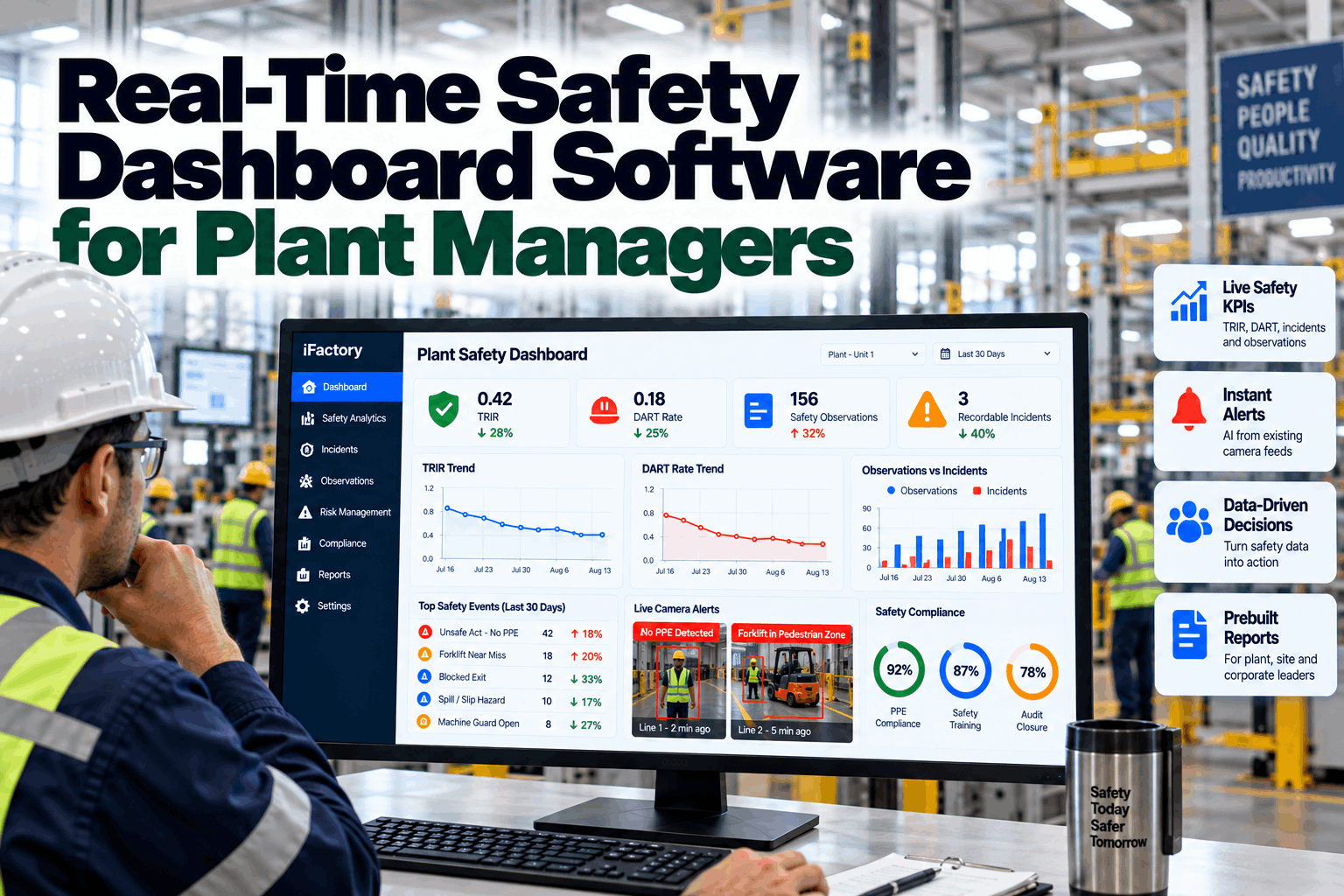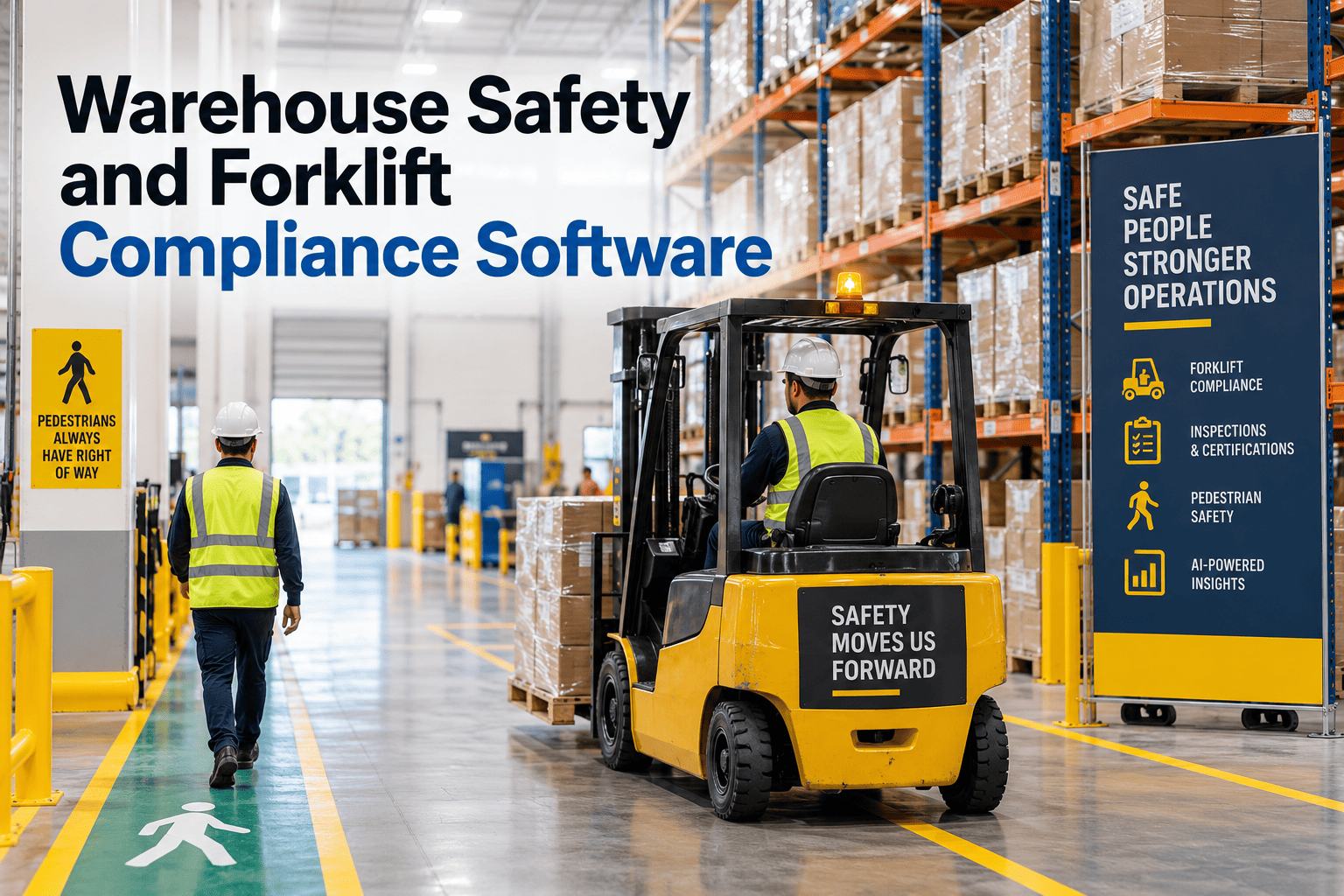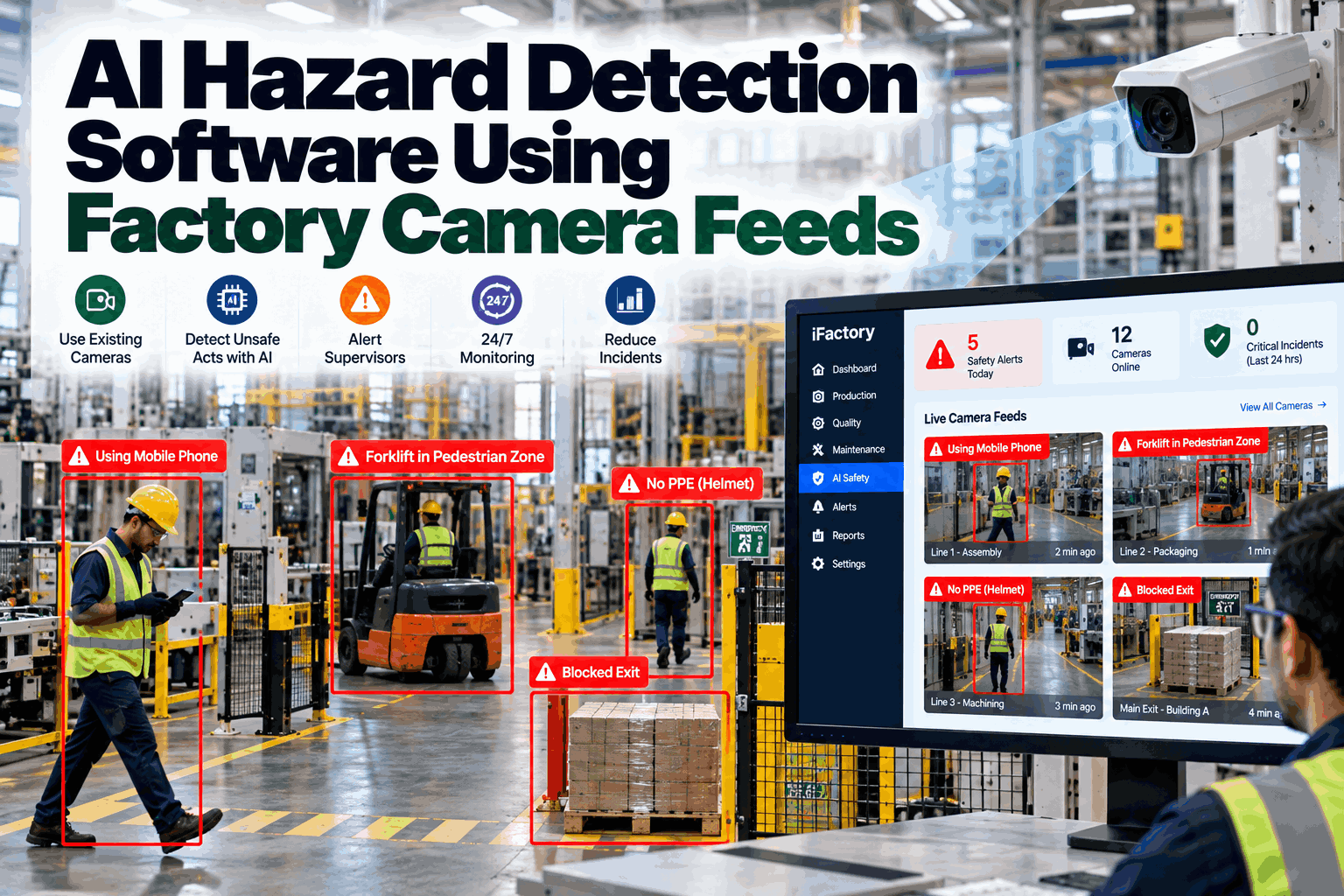
Most plants already own dozens of safety cameras, and almost none of them prevent an incident. They record while nobody watches, and the footage gets pulled only after someone is hurt. iFactory’s vision AI turns those same feeds into a round-the-clock hazard monitor. It flags unsafe acts, blocked exits, people inside keep-out zones and pedestrians in forklift lanes as they happen, then sends the supervisor a snapshot with the zone and time so the hazard is fixed before it becomes a recordable. Book a 30-minute walkthrough of AI hazard detection on your own camera layout.
Your cameras already see the blocked exit, the open press guard and the worker stepping into the forklift lane. iFactory makes them say something while there is still time to act.
At a Glance
Why Safety Cameras Rarely Prevent Incidents Today
Camera systems in most plants were bought for security and investigation. They record continuously, but a person cannot watch forty screens across three shifts, so the footage is used after the fact: to reconstruct an injury, settle a dispute or answer an insurer. The hazard that preceded the injury was usually visible for minutes or hours beforehand. A pallet parked in front of an exit, a guard left open after a jam clear, a shortcut through a forklift aisle that becomes routine because nothing bad has happened yet.
The numbers show why that gap matters. U.S. private employers reported about 2.5 million recordable injuries and illnesses in 2024, a rate of 2.3 cases per 100 full-time workers, according to the Bureau of Labor Statistics. Manufacturing’s nonfatal injury rate was 2.5, and transportation equipment manufacturing ran higher at 2.8. OSHA’s most-cited standards for fiscal 2025 tell the same story from the enforcement side: lockout/tagout ranked fourth, powered industrial trucks eighth and machine guarding tenth. Each of these hazards is visible: a camera can see a person inside an energized cell, a forklift and a pedestrian closing on each other, or a guard that is not in place.
What the Vision AI Watches For
Detections are configured per zone and per camera, so a rule that makes sense at a press line is not firing in the break room. The catalog below is the typical starting set; your EHS team chooses which rules run where.
- Person inside a robot cell, press area or marked keep-out zone
- Entry into a zone during a restricted time or machine state (with PLC signal)
- Unauthorized presence near energized equipment
- Pedestrian walking in a marked forklift lane
- Forklift and person closing within a set distance
- Vehicles in pedestrian-only walkways
- Exit doors and routes obstructed by pallets, carts or stock
- Fire extinguishers, eyewash stations and electrical panels blocked
- Aisles narrowed below the marked width
- Hard hat, high-visibility vest or safety glasses missing where required
- Area-specific rules, such as face shields at grinding stations
- Rules scoped to zones, not applied plant-wide
- Liquid or debris on walkways
- Materials stacked in unsafe positions
- Open floor openings or missing barriers where cameras cover them
- Climbing on racking or equipment
- Reaching into machinery zones
- Running or phone use in designated vehicle areas
Exit routes are a good example of why this matters. OSHA’s exit route standard (29 CFR 1910.37) requires exit routes to be kept free and unobstructed, yet blocked exits are one of the most common findings in a plant walk-through, because they happen gradually during a busy shift and are cleared only when someone notices.
From Camera Frame to Corrected Hazard
Existing IP cameras stream to the on-site AI server over your network.
Models run at the edge and check each frame against the zone’s rules.
Persistence, shift and machine-state conditions cut one-frame noise before anyone is paged.
The supervisor gets a snapshot, the zone, the rule and the time on mobile, desktop or an andon display.
The supervisor acknowledges, corrects and marks it valid or false. The event is logged for EHS review.
Step three is what keeps the system usable. A detection that lasts a fraction of a second is rarely a hazard; a person standing in a press cell for ten seconds while the press is not isolated is. Persistence thresholds, time windows and optional PLC machine-state signals are set per zone, and every false positive a supervisor marks helps tune the next week’s alerts.
Built for Worker Trust, Not Surveillance
Hazard detection only works if the workforce accepts it. The strongest programs are introduced as a way to catch conditions and near misses, not to discipline individuals, and they are designed around that promise from the first day.
Detections describe what happened and where, such as a person in a zone or a blocked exit. The system is scoped so it does not need facial recognition to do its job.
Inference runs on the AI server inside your facility. Alert snapshots and retention periods are agreed with your EHS, IT and legal teams.
Plants that involve employee representatives or works councils early, and put the use policy in writing, see faster acceptance and better near-miss reporting.
Camera analytics rules vary by country and state. Deployment is scoped against your jurisdiction’s privacy requirements before any zone goes live.
What iFactory Delivers
Keep-out areas, forklift lanes, exits and PPE rules drawn on each camera view with your EHS team.
Snapshot, zone, rule and time delivered to the right supervisor for that area and shift.
Every reviewed alert is stored as a leading-indicator record your EHS program can trend.
Which exits, lanes and cells generate the most events, by shift, for targeted fixes.
Recurring hazards pushed into your EHS or CMMS workflow as actions with owners and due dates.
Supervisors ask what happened on their area this shift and get an answer with the evidence attached.
Share a few camera views and your top hazard concerns. We map zones and rules, show sample alerts and outline what a 12-week rollout would cover.
How Deployment Works
The pre-configured NVIDIA AI server arrives racked with software loaded. We connect cameras and systems, confirm data access and agree the first zones and rules.
Models are tuned to your site, lighting and layouts, then piloted on one area with supervisors reviewing every alert and marking false positives.
Rollout to the agreed zones, operator and supervisor training, and handover to 24×7 remote monitoring of the system itself.
Most plants start with the zones that carry the highest severity: press and robot cells, forklift-heavy aisles, and exits that have been cited or near-missed before. Coverage then expands camera by camera as supervisors trust the alerts.
Turning Alerts Into Leading Indicators
Recordable rates tell you how many people were hurt. They arrive late and say little about what to fix next. Hazard alerts are the opposite: frequent, specific and early. When each reviewed alert is logged with its zone, rule, shift and resolution time, the EHS team gets a leading-indicator stream no manual observation program can match, covering every covered zone on every shift, weekends included.
Used well, that data changes the conversation in the weekly safety meeting. Instead of “we had one recordable,” the team sees that Exit D was blocked on eleven occasions, that forklift-pedestrian conflicts cluster at the start of second shift near Aisle 4, and that a press-cell entry rule fires most often during die changes. Each of those points to an engineering, layout or procedure fix, and the next month’s alert counts show whether it worked.
Frequently Asked Questions
In most plants, yes. Standard IP cameras that provide a network video stream can usually be used. A short camera survey during scoping checks resolution, angles and lighting for each zone and flags any spots where a camera needs repositioning or adding.
Typical rules cover keep-out zone entry, forklift-pedestrian conflicts, blocked exits and emergency equipment, missing PPE by area, housekeeping hazards and unsafe acts such as climbing on racking. Your EHS team decides which rules run on which cameras.
Each zone has persistence thresholds, time windows and optional machine-state conditions, so brief or irrelevant detections are filtered out. Supervisors mark every alert valid or false, and that feedback is used to tune the rules during the pilot and after go-live.
It is scoped to detect conditions and behaviors, such as a person in a zone, rather than to recognize who the person is. Snapshot handling, retention and access are agreed with your EHS, IT and legal teams against local privacy requirements.
No. It is a monitoring and early-warning layer, not a safety-rated control. Guards, interlocks, light curtains, safety PLCs and lockout/tagout procedures remain your primary protections; the AI helps you see when they are being bypassed or when conditions drift.
Typical programs go live in 6–12 weeks: shipping, network and data access in weeks one to four, tuning and a supervised pilot in weeks five to eight, and rollout with training in weeks nine to twelve.
iFactory turns the camera network you already own into a 24/7 hazard monitor, with a supervisor reviewing every alert and a near-miss record your EHS team can act on.