Every modern automotive assembly line builds more than one vehicle. A single line might run three trims, two powertrains, and a dozen option packages through the same stations in the same shift, and the gap between the lightest and heaviest build on that line can differ by nearly half in labor content. When the sequence of vehicles arriving at a station is wrong, that gap turns into overload, floating labor, and line stoppages that ripple through the entire plant. Getting the build order right, header by header, is one of the least visible and most expensive problems in automotive manufacturing, and it is where Book a Demo conversations with operations directors usually begin.
Mixed-Model Sequencing, Rebuilt Around Real-Time AI
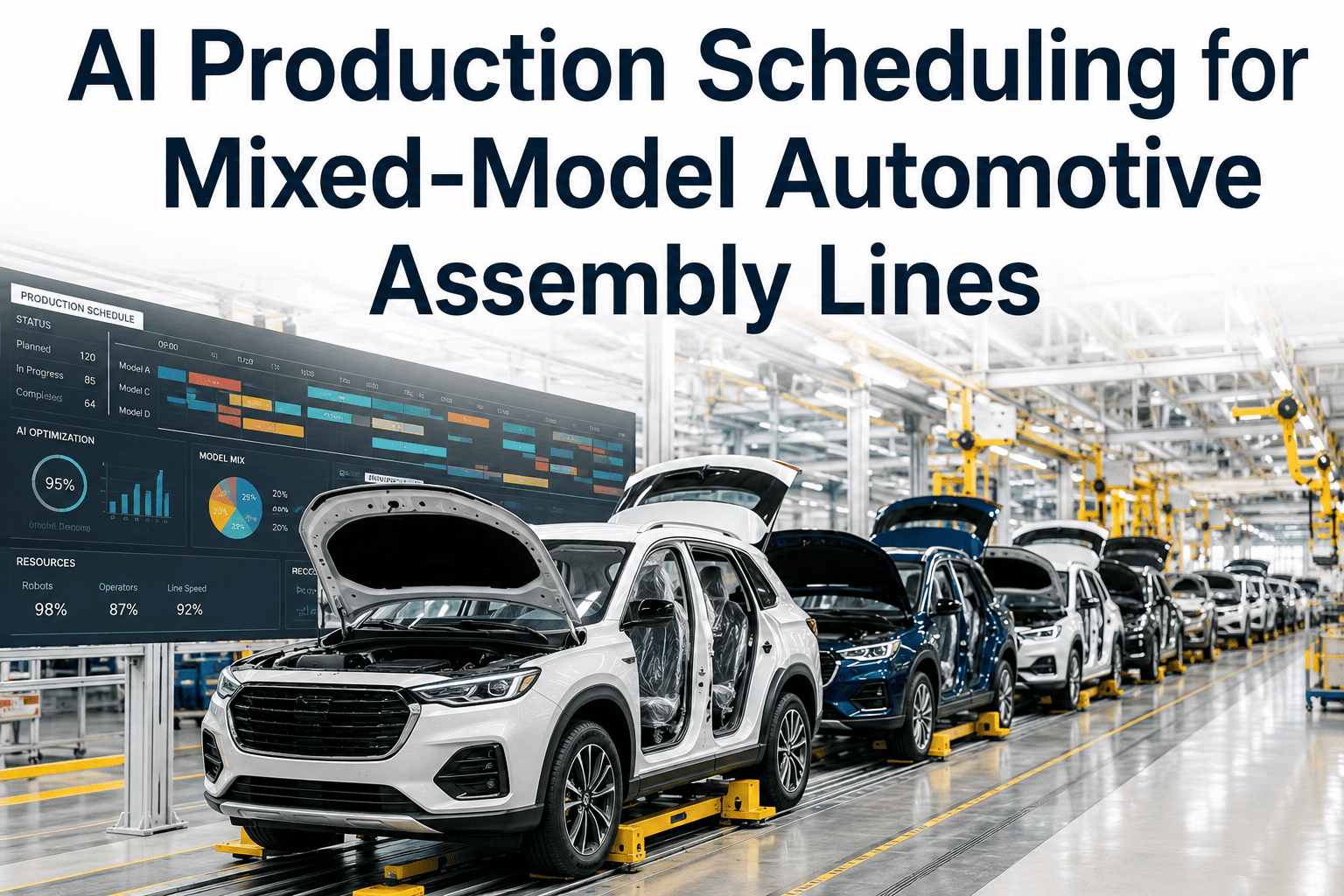
ifactoryApp reads option content, station capacity, and supplier flow together, then resequences the line before an overload ever reaches the worker who has to absorb it.
Why the Same Line Building Different Cars Keeps Breaking Its Own Schedule
A mixed-model assembly line exists because building one model per line is no longer affordable at automotive volumes. Customers expect trims, drivetrains, and option packages that number in the thousands of possible combinations, and plants respond by threading all of that variety through a single set of stations. The tradeoff is that every station now has to absorb wildly different amounts of work depending on which vehicle happens to be in front of it at that moment. A base trim might clear a station in forty seconds. A fully loaded configuration with a third row, tow package, and advanced driver assistance hardware might need well over a minute of the same station's time against a cycle time built for the average car, not the heaviest one.
When several high-content vehicles land back to back, the station cannot recover between them, and the line either stops or a floating utility worker has to jump in to catch up. Multiply that across dozens of stations and hundreds of vehicles per shift, and the sequencing decision made hours or days earlier is quietly determining whether today's shift hits its production number or falls behind before lunch. Plants have known this for decades, which is why sequencing rules, jumper staffing, and buffer zones exist. What has changed is the tooling available to actually solve the sequencing problem in something close to real time instead of a static overnight plan.
Two high-content builds arriving consecutively is the single most common cause of station overload on a mixed-model line.
Four Places Manual Sequencing Quietly Fails Plant Teams
Sequencing failures rarely announce themselves as a single dramatic event. They show up as a slow accumulation of small overloads, jumper interventions, and end-of-shift catch-up work that operations directors end up treating as normal rather than solvable. Recognizing the pattern is the first step toward fixing it at the source instead of managing its symptoms.
Static Overnight Sequences
Most plants still generate tomorrow's sequence the night before and hold it fixed through the shift, even as parts shortages, quality holds, and order changes make that sequence obsolete within the first hour.
Sequence Scrambling
Vehicles pulled for rework or quality checks return to the line out of order, breaking the carefully balanced spacing between high-content builds that the original sequence was designed to protect.
Just-in-Sequence Supplier Risk
Parts delivered just-in-sequence from suppliers assume the plant will build in the promised order. Any resequencing on the line desynchronizes that supply chain and forces costly emergency deliveries.
Jumper Dependency
Plants compensate for poor sequencing by staffing floating workers to absorb overload, which hides the underlying scheduling problem while adding permanent labor cost to every shift.
How ifactoryApp Resequences a Mixed-Model Line in Real Time
AI-driven sequencing does not replace the sequencing rules your plant already trusts. It applies them continuously, against live data, instead of once per shift against a forecast. ifactoryApp ingests the order bank, station-level cycle time data, current line status, and supplier delivery windows, then recalculates the optimal build order whenever conditions change enough to matter.
Ingest Order Bank & Option Content
Every confirmed order is scored for work content across every station it will pass through, not just an average complexity rating, so the model understands exactly where each vehicle will strain the line.
Model Station Capacity Live
Cycle time, staffing levels, and current queue depth at every station feed into a live capacity model, so the sequencer knows which stations have headroom and which are already running tight today.
Simulate Sequence Alternatives
The engine tests thousands of feasible orderings against work-overload minimization and supplier just-in-sequence constraints simultaneously, something manual planners cannot realistically do by hand.
Push the Updated Sequence
The recommended sequence is pushed to line control and supervisor dashboards, with the reasoning behind any change visible so shift leaders can override with context when local knowledge calls for it.
Manual Sequencing vs. AI-Assisted Sequencing, Station by Station
The table below reflects what operations directors report after moving from a static, planner-built sequence to a continuously updated AI sequence across comparable mixed-model lines.
| Sequencing Factor | Manual / Static Sequencing | AI-Assisted Sequencing |
|---|---|---|
| Update frequency | Once per shift, built the night before | Continuous, recalculated on material or order change |
| Overload detection | Discovered when the line stops | Flagged before the vehicle reaches the station |
| Supplier synchronization | Breaks on any resequence event | Held as a constraint during every recalculation |
| Jumper labor need | Standing allocation every shift | Reduced to true exception handling only |
| Planner effort per shift | Hours of manual balancing | Minutes of review and approval |
See Your Own Line Resequenced in a Live Session
Bring one shift of real order and station data. ifactoryApp's team will show exactly where your current sequencing is creating overload, and what a continuously updated sequence would have done differently.
The Numbers Plant Teams Track After Deploying AI Sequencing
These are the operational indicators operations directors and plant managers monitor most closely in the first two full quarters after moving to continuous, AI-driven sequencing on a mixed-model line.
Station overload events per shift
Floating jumper labor hours required
On-time just-in-sequence supplier deliveries
Planner hours spent rebuilding sequences manually
How a Sequencing Deployment Actually Rolls Out on Your Floor
Plants considering AI sequencing usually worry most about disruption to a line that already runs, even imperfectly. ifactoryApp's rollout is built to run in parallel with your existing planning process until confidence is established, not to replace it on day one.
Weeks 1-2: Shadow Mode
The model runs alongside your current planner-built sequence, scoring both in parallel so your team can compare recommendations against real outcomes before anything changes on the floor.
Weeks 3-6: Supervised Live Sequencing
Shift leaders begin approving AI-recommended sequence changes directly, with full override authority, while the system continues learning your station-specific overload thresholds.
Week 7 Onward: Continuous Autonomous Sequencing
The sequence updates continuously against live conditions, with exception alerts routed to supervisors only when a change needs human judgment rather than every recalculation.
Mixed-Model Sequencing Questions From Operations Teams
Does AI sequencing replace our existing production planners?
No. Planners still own the constraints, priorities, and exceptions that matter to your specific plant. What changes is that they stop manually rebalancing a static sequence by hand and instead review and approve continuously generated recommendations, which typically frees several hours per shift for higher-value planning work. Most teams keep the same headcount but shift their time toward exception handling and supplier coordination. You can see this in action by booking a demo with a real order bank.
How does the system handle a vehicle pulled off the line for rework?
When a vehicle is pulled for quality rework, it disrupts the spacing the original sequence relied on to prevent overload. ifactoryApp detects the gap the moment it occurs and recalculates the surrounding sequence to reabsorb the returning vehicle without stacking two high-content builds back to back, which is the exact failure mode that manual resequencing struggles to catch in time.
Will resequencing on our line break our just-in-sequence supplier commitments?
Supplier delivery windows are treated as a hard constraint in every recalculation, not an afterthought. The engine will only recommend a sequence change if it can maintain the promised build order for just-in-sequence parts, or it will flag the tradeoff explicitly so your team can decide rather than discovering the conflict on the dock.
How long before we see measurable results after go-live?
Most plants see a measurable drop in station overload events within the first two to three weeks of supervised live sequencing, since the model is scoring real station data from day one of shadow mode. Full stabilization of jumper labor reduction and supplier synchronization gains typically shows up over a full production quarter as seasonal order mix moves through the system.
Does this integrate with our existing MES and line control systems?
Yes. ifactoryApp connects to standard MES and line control interfaces already running in most automotive plants, so the sequencing engine reads live station and order data without requiring a separate parallel system. Our support team handles the integration mapping during onboarding.
Stop Rebuilding Tomorrow's Sequence Tonight
Talk to ifactoryApp about running your mixed-model line on a sequence that updates itself as conditions change, instead of one that goes stale the moment your first shift starts.