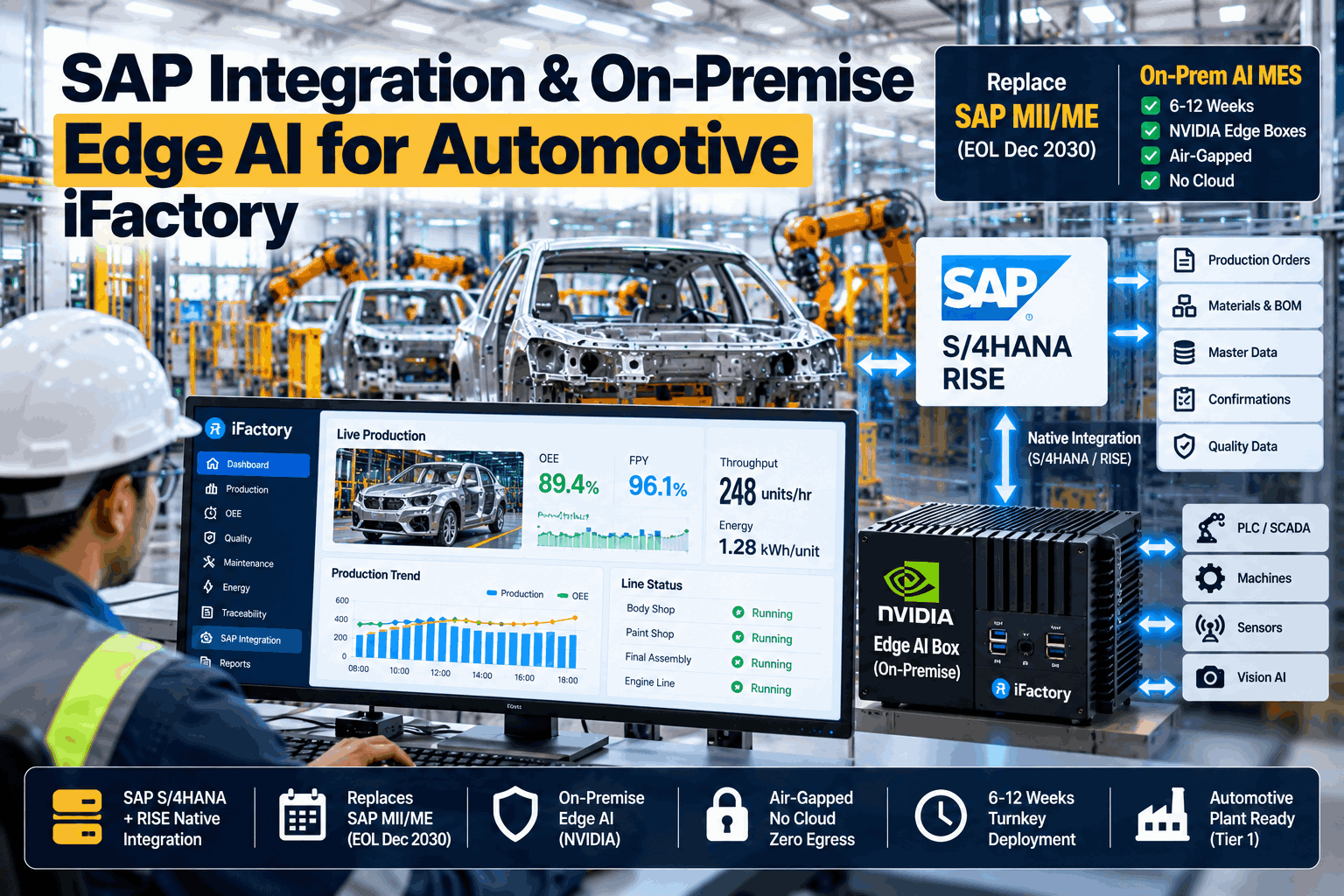
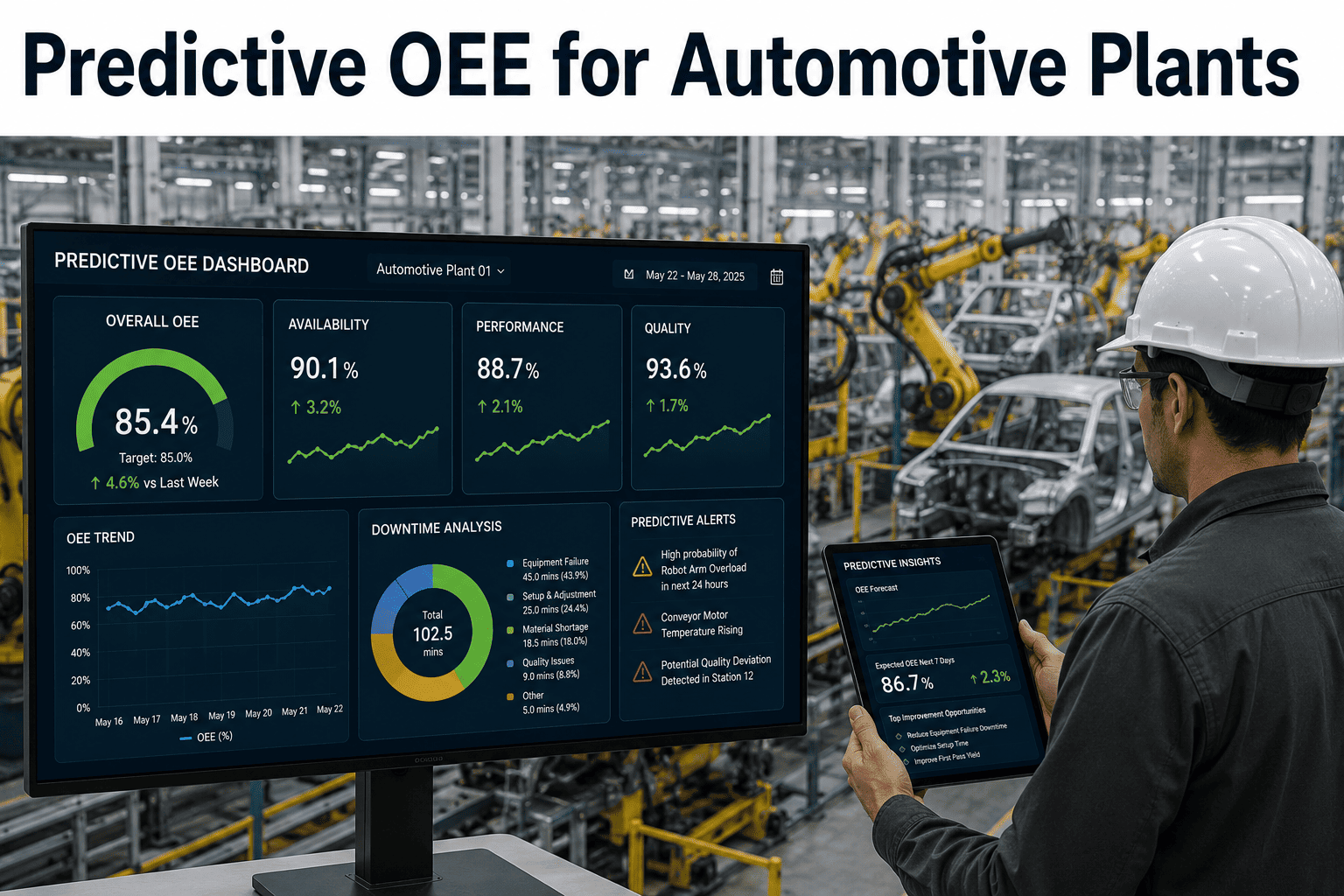
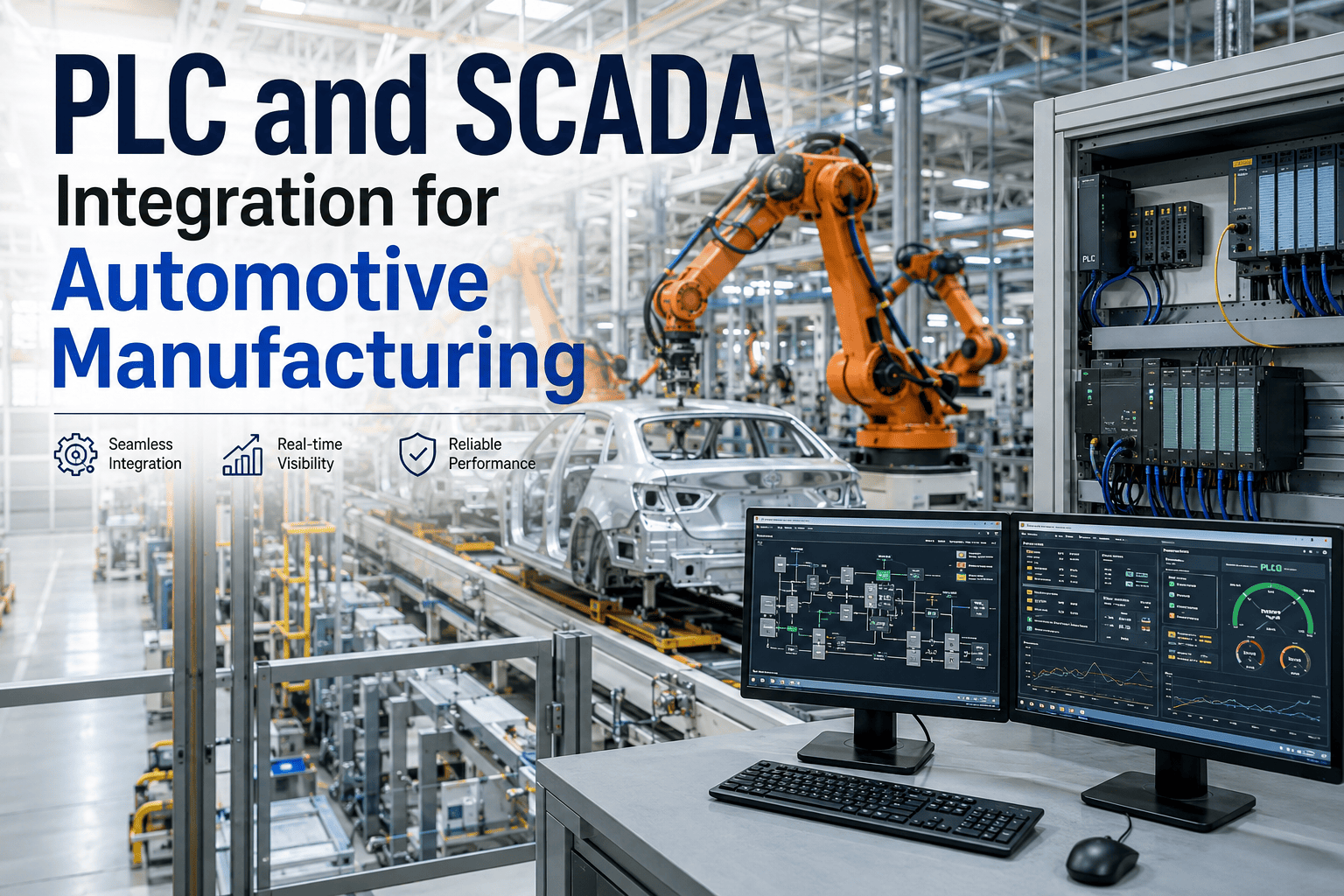
SAP MII was built to pull shop-floor data into dashboards, and for descriptive reporting on what already happened, it still does that job reasonably well in plants that invested heavily in it years ago. The problem shows up when a plant manager asks what is about to happen instead of what already did, because MII was never architected for predictive workloads and bolting machine learning onto it tends to produce brittle, slow, hard-to-maintain scripts. Migrating away from MII does not have to mean ripping out SAP entirely or spending eighteen months on a big-bang replacement. You can book a demo to see how a pre-configured AI appliance runs predictive OEE alongside your existing SAP environment during migration.
SAP MII MIGRATION FOR AUTOMOTIVE PLANTS
By the Time SAP MII Shows You a Problem, the Shift Is Already Over
iFactory replaces descriptive MII dashboards with predictive OEE running on a pre-configured appliance, deployed alongside your existing SAP environment rather than as a disruptive rip-and-replace.
SAP MII TODAY
Reports what happened last shift
Custom scripts for any advanced logic
Descriptive dashboards, manual review
AI-NATIVE LAYER
Predicts what will happen this shift
Pre-configured models, no custom scripting
Predictive alerts, automatic escalation
WHY MII HITS A CEILING
The Architectural Limits That Show Up When Plants Try to Make MII Predictive
These are not implementation mistakes. They are structural limits of a platform designed fifteen-plus years ago for a different class of workload than predictive analytics.
Query Performance at Scale
MII's query engine was designed for dashboard refresh rates, not for the continuous, high-frequency queries that predictive models need to stay current.
No Native Machine Learning Layer
Predictive logic has to be bolted on through custom Java or external scripts, creating a maintenance burden that grows with every new model.
Rigid Data Model Assumptions
MII's connectors assume relatively static plant floor topology, making it brittle when equipment, lines, or product mixes change frequently.
Talent Scarcity
Engineers who know MII deeply are increasingly hard to hire, while the market for modern data and AI talent continues to grow.
MIGRATION PATH
A Phased Migration That Does Not Require Shutting Down SAP MII on Day One
The riskiest way to migrate off any entrenched system is a hard cutover. This path runs the new AI-native layer in parallel until it has proven itself against the same production reality MII has been reporting on for years.
PHASE 1
Appliance Deployed in Parallel
The pre-configured AI appliance connects to the same shop-floor data sources MII already reads from, running alongside without disrupting existing reports.
PHASE 2
Predictive OEE Validated Against Actuals
Predictions are compared against MII's descriptive reporting and actual shift outcomes over a defined validation window before anyone relies on them.
PHASE 3
High-Value Use Cases Cut Over First
The specific dashboards and reports plant teams check most, typically OEE and downtime, migrate first to the new predictive layer.
PHASE 4
Remaining MII Scope Decommissioned Gradually
Lower-priority MII reports migrate on their own timeline, and MII itself is decommissioned only once every dependent workflow has a replacement.
Predictive OEE Does Not Require Abandoning SAP — It Requires Sitting Next to It
iFactory's pre-configured appliance runs predictive OEE in parallel with your existing SAP MII environment, validated against real production data before anything cuts over. Book a demo to see a parallel deployment plan for your plant.
DESCRIPTIVE VS PREDICTIVE OEE
What Changes When OEE Reporting Moves From Descriptive to Predictive
The table below shows the practical difference plant managers experience day to day once OEE moves from a rearview report to a forward-looking prediction.
| Capability | Descriptive OEE (MII) | Predictive OEE (AI-Native) |
|---|
| Timing of Insight | After shift completion | During the shift, before completion |
| Downtime Cause | Logged after the fact | Flagged as risk before it occurs |
| Action Enabled | Retrospective review meeting | Real-time intervention on the floor |
| Customization Effort | Custom scripting per use case | Pre-configured, minimal setup |
MIGRATION READINESS
SAP MII Migration Readiness Checklist
Confirm these fundamentals are documented before scoping a parallel-deployment migration timeline.
Current MII dashboards and reports inventoried by usage frequency and business owner
Shop-floor data source connectors documented, including any custom MII scripts
Validation window defined for comparing predictive output against MII's historical reports
SAP team and plant IT aligned on parallel-run data access and network requirements
High-priority use case identified for first cutover, typically OEE or downtime
Decommission criteria defined for retiring MII scope once replacements are validated
FREQUENTLY ASKED QUESTIONS
Questions SAP and Plant IT Teams Ask About Migrating Off MII
Do we need to remove SAP entirely to make this migration work?
No, this migration specifically targets MII as the shop-floor reporting and integration layer, not the broader SAP ERP environment, which typically continues running unaffected. Most plants keep SAP ERP for planning, finance, and order management while replacing only the MII layer that handles real-time shop-floor data and dashboards.
Contact support to clarify scope for your specific SAP landscape.
How long does the parallel validation period typically run before cutover?
Most plants run a parallel validation period of four to eight weeks, long enough to cover normal production variation including different shifts, product mixes, and at least one planned maintenance cycle. Plants with highly seasonal or infrequent production patterns sometimes extend this window to capture those specific conditions before committing to cutover.
Book a demo to scope a validation window for your production pattern.
What happens to custom MII scripts our team built over the years?
Custom MII scripts are inventoried during the readiness phase and each one is mapped to either a pre-configured equivalent in the new AI-native layer or flagged for custom migration if it handles a genuinely unique business rule. Most plants find that a large share of their custom scripts were built to work around limitations that simply do not exist in a predictive AI architecture.
Contact support to review your existing script inventory.
Is the pre-configured appliance a cloud service or does it run on-premises?
The appliance is designed to run on-premises alongside existing plant infrastructure, which matters for automotive plants where shop-floor data latency and network reliability requirements make cloud-only architectures impractical for real-time predictions. This also keeps the deployment model consistent with how MII itself typically runs today.
Book a demo to review deployment architecture options for your plant.
Will our plant floor operators need to learn a completely new interface?
The predictive layer is designed to present information in a format similar to what operators already check for OEE and downtime, with the key difference being that alerts appear before a problem fully materializes rather than only in the after-shift report. Most plants report a short adjustment period since the underlying metrics and terminology stay consistent with what MII already reported.
Contact support to review interface changes for your operator teams.
Stop Waiting Until After the Shift to Find Out What Went Wrong
iFactory's pre-configured AI appliance runs predictive OEE alongside your existing SAP MII environment, validated before anything replaces what you already rely on. Book a demo to see a migration plan built around your plant.