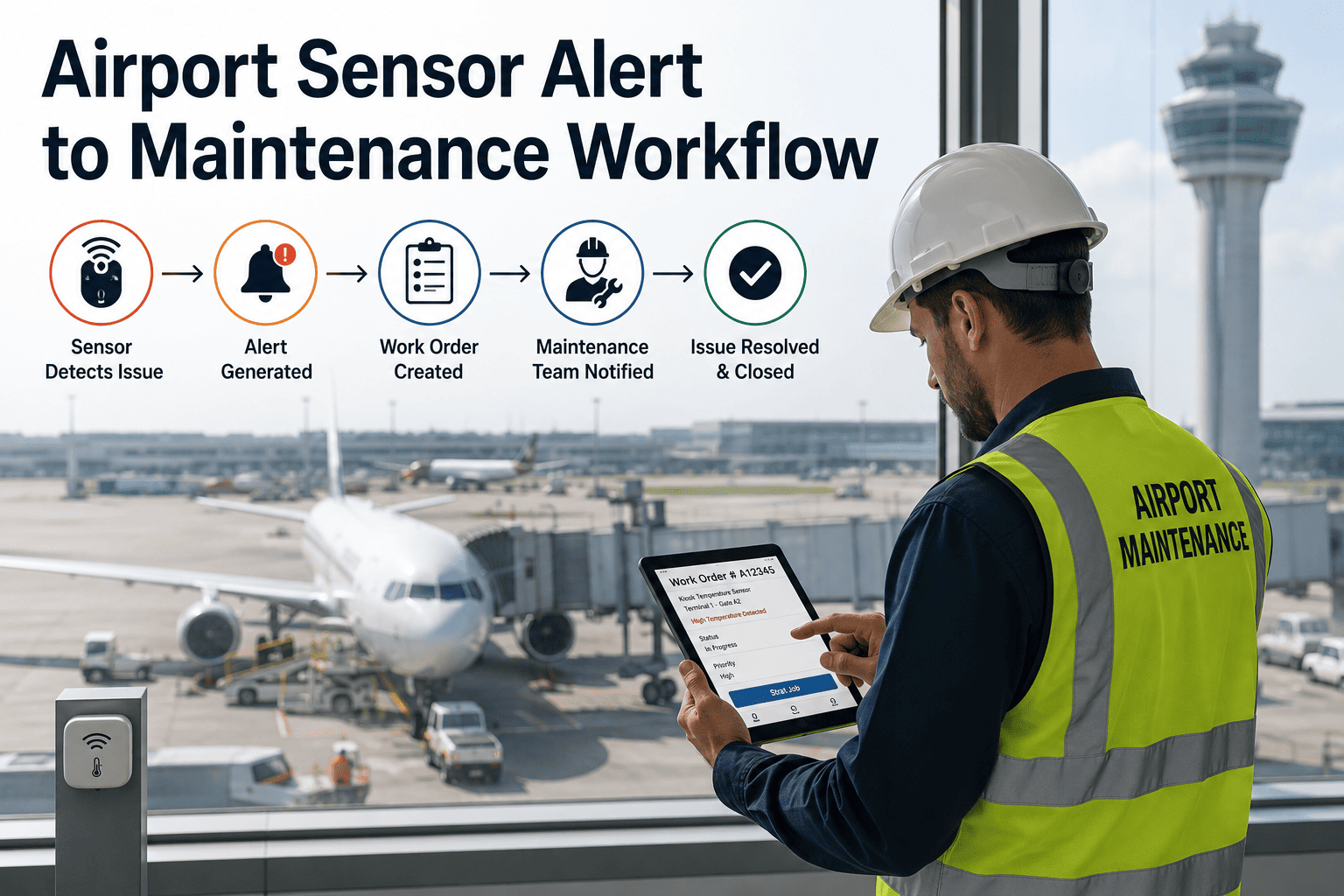
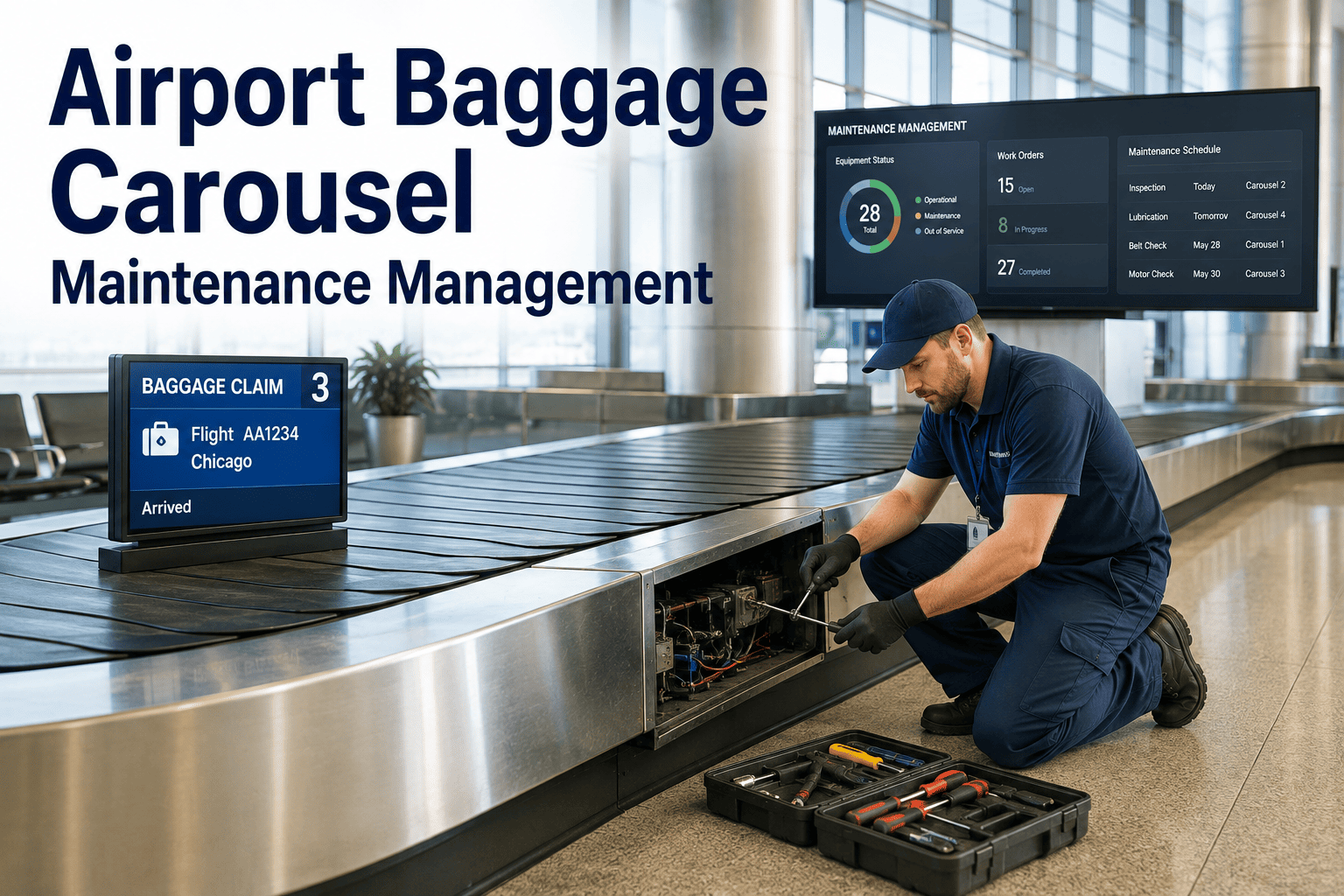
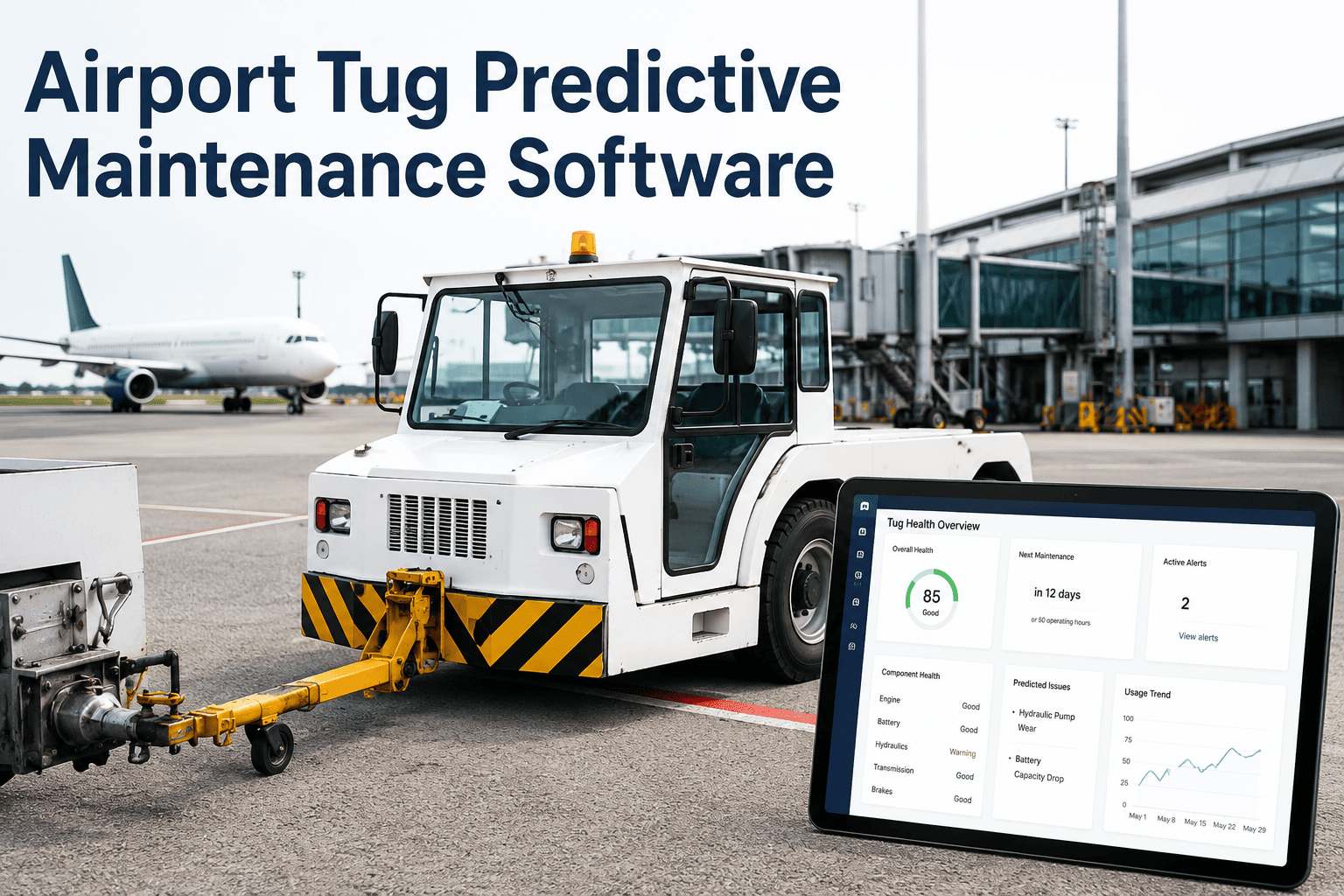
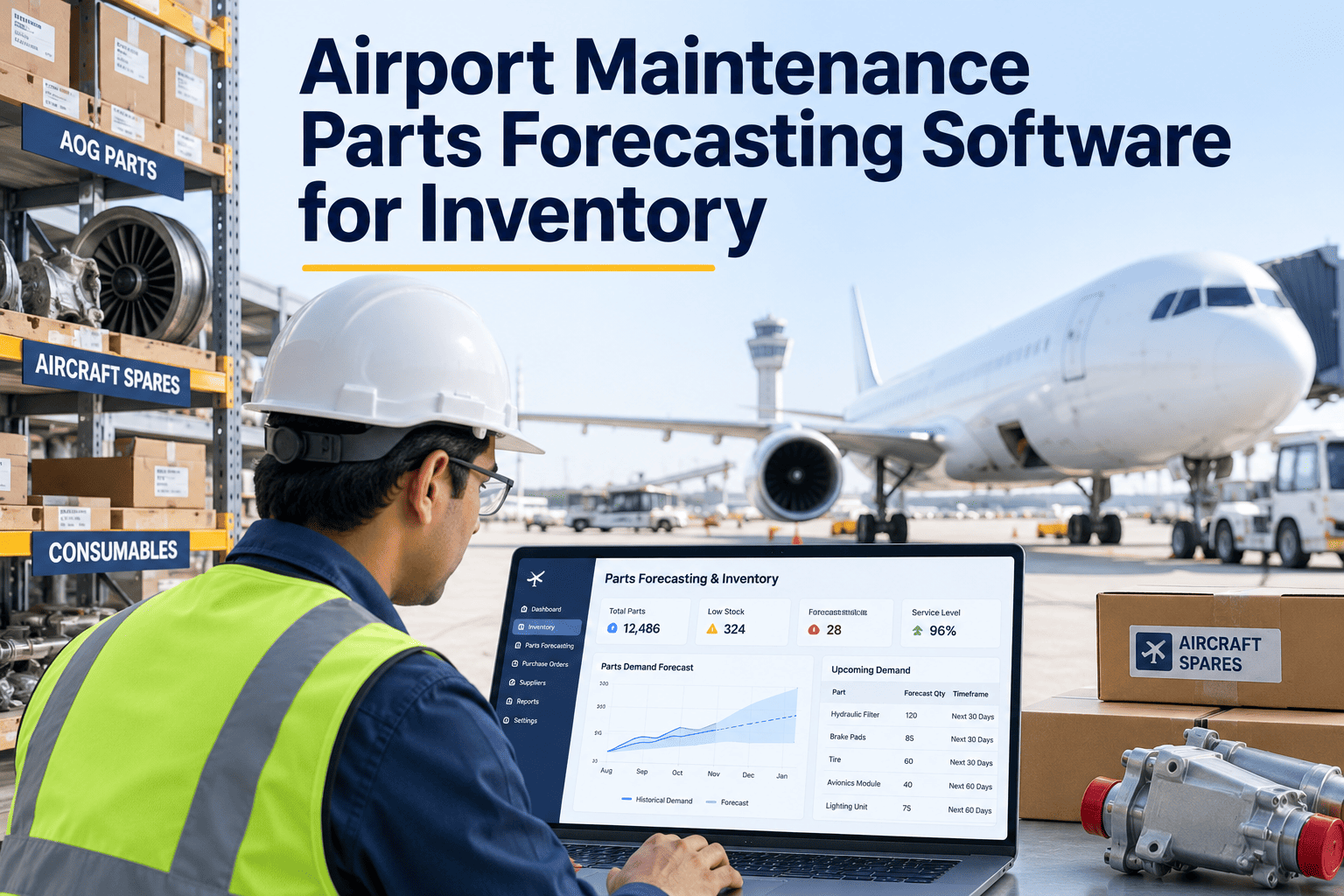
A sensor firing an alert is not the same thing as a maintenance team acting on it. Most airports already have vibration, temperature, and current sensors wired into baggage conveyors, jet bridges, HVAC chillers, and generators — the alerts arrive on time, but they land as a raw signal with an asset ID and a threshold breach, nothing more. Somebody still has to figure out which technician to send, whether the right part is in stock, what the repair procedure actually calls for, and how urgent the job really is compared to everything else on today's list. That translation step, done manually, is where most of the value of an IoT investment quietly disappears. A closed-loop workflow that converts every sensor alert directly into a prioritized, fully-detailed work order is what turns airport sensor data into an operational outcome instead of a noisy inbox. See how that conversion works end to end by booking a demo.
AVIATION MAINTENANCE · IOT INTEGRATION · CLOSED-LOOP WORKFLOW
From a Raw Sensor Alert to a Dispatched Work Order, Automatically
iFactory closes the gap between the moment a sensor detects a problem and the moment a technician has everything needed to fix it — asset context, failure risk, procedure, parts, and scheduling, attached automatically to every alert.
Sensor Alert
Threshold breach, no context
→
Context Enrichment
Asset, risk, parts, procedure
→
Work Order Dispatched
Prioritized, ready to act on
<2 min
Typical time between a sensor alert firing and a structured work order reaching a technician
30%
Reported reduction in maintenance response time after moving to automated work order generation
28%
Fewer parts-pick errors reported when work orders carry an inventory-checked parts list from the start
WHY ALERTS STALL
Where the Handoff Between Sensor and Technician Breaks Down
An airport can have excellent sensor coverage and still see the same failures repeat, because the gap isn't in the detection — it's in everything that has to happen between a threshold breach and a wrench turning. These are the four points where that handoff most often stalls.
Alerts Arrive Without Asset Context
A threshold breach on "Sensor 4471" means little on its own — someone still has to look up which asset it's on, where it sits, and what its maintenance history looks like.
No Automatic Parts Check
A technician dispatched without confirming stock discovers the needed part is unavailable only after arriving at the equipment, turning a planned repair into a second trip.
Manual Transcription Between Systems
Someone has to re-key the alert into the CMMS by hand, introducing delay and the risk that a genuine early warning is missed, mistyped, or simply never entered.
Every Alert Looks Equally Urgent
Without a priority score attached, a minor drift on a low-criticality asset competes for the same attention as a developing fault on a jet bridge or a chiller.
THE ENRICHMENT LAYER
What a Sensor Alert Needs Before It Becomes a Work Order
Closing the loop between detection and action means attaching five specific pieces of context to every alert before it ever reaches a technician's queue. Each layer answers a question a planner would otherwise have to chase down manually.
1
Asset Context
Asset tag, location, criticality rating, and maintenance history pulled automatically from the asset registry.
2
Failure Risk & Fault Classification
The specific failure mode the model has identified, along with an estimated time-to-failure window.
3
Repair Procedure
The correct maintenance procedure reference matched to the classified fault, not a generic inspection checklist.
4
Parts Availability
Required parts checked automatically against current inventory, flagging a shortage before a technician is dispatched.
5
Optimal Scheduling Window
A recommended timing calculated from remaining useful life, operational schedule, and crew availability.
SIDE BY SIDE
What a Technician Receives, Before and After the Workflow Closes the Loop
The difference between a raw alert and a closed-loop work order is not a matter of formatting — it's the difference between a technician who has to investigate before they can start, and one who can walk straight to the equipment with everything they need already in hand.
| Work Order Field |
Raw Sensor Alert |
iFactory-Enriched Work Order |
| Asset Identification |
Sensor ID only |
Asset tag, location, criticality rating |
| Fault Description |
"Threshold exceeded" |
Classified failure mode with confidence level |
| Priority |
Not assigned |
Ranked against every other open alert |
| Repair Procedure |
Not included |
Matched procedure reference attached |
| Parts Status |
Unknown until on site |
Checked against inventory in advance |
| Scheduling |
Whenever someone notices the alert |
Optimal window based on risk and crew availability |
See your own sensor alerts converted into a work order, live
Walk through how iFactory would enrich alerts from your existing baggage, jet bridge, HVAC, and generator sensors — no new hardware required to start.
HOW IT WORKS
The Five-Step Path from Alert to Dispatched Technician
Every closed-loop alert follows the same sequence, regardless of which asset or sensor type triggered it.
1
Sensor Alert Fires
A vibration, temperature, current, or pressure reading crosses a learned threshold on a monitored asset.
2
Context Is Attached Automatically
Asset registry, maintenance history, and criticality rating are pulled in without any manual lookup.
3
Risk and Priority Are Scored
The alert is ranked against every other open item so the most urgent work rises to the top of the queue.
4
A Structured Work Order Is Generated
Procedure, parts status, and a recommended scheduling window are attached before the order ever reaches a queue.
5
A Technician Is Dispatched
The work order reaches the right technician's mobile queue with everything needed to complete the repair on the first visit.
MATURITY LEVELS
Manual Triage, Rule-Based Alerting, or a Closed Loop
Most airports sit somewhere along this progression, and each stage carries a meaningfully different response time and error rate on the same underlying sensor data.
| Approach |
How an Alert Becomes Work |
Typical Response Time |
| Manual Triage |
A planner reviews raw alerts and manually creates each work order |
Hours to days, depending on staffing and queue length |
| Rule-Based Alerting |
Fixed rules route alerts to a queue, but context still requires manual lookup |
Faster routing, but still a manual enrichment step |
| Closed-Loop Workflow |
Context, risk, parts, and procedure attach automatically at the moment of alert |
Minutes, with no manual transcription step |
COMMON MISTAKES
Where IoT-to-Workflow Integrations Fall Short
Connecting Sensors Before the Asset Registry Is Clean
An alert enriched against an outdated or incomplete asset record produces a work order that still needs manual correction.
Treating Every Alert as Equally Urgent
Without a priority score, technicians end up triaging manually anyway, which erases most of the time saved by automation.
Skipping the Parts-Check Step
A work order generated without an inventory check still risks a wasted trip if the required part turns out to be out of stock.
Leaving the Loop Open
If completed work order data doesn't feed back into the sensor models, the system never learns from confirmed and false alerts.
CASE SCENARIO
A Composite Example: The Alert That Didn't Wait for a Planner
A regional airport's maintenance team had built solid sensor coverage across its baggage handling system, but alerts still landed in a shared inbox that a planner reviewed once a day, which meant even a genuinely urgent fault sometimes waited hours before anyone acted on it. After connecting sensor alerts directly into a closed-loop workflow, a rising current-draw anomaly on a conveyor drive motor generated a structured work order within two minutes — asset tag, classified fault, a confirmed-in-stock replacement part, and a recommended overnight repair window all attached automatically. The technician completed the repair during the scheduled window instead of during the next morning's peak departure bank, and the same alert type is now handled the same way every time it fires, with no planner review step required to get it moving.
GETTING STARTED
Readiness Checklist Before You Automate the Alert-to-Work-Order Path
1
Confirm your asset registry is current and accurate for the assets whose alerts you plan to automate first.
2
Identify which sensor types and asset classes generate your highest volume of alerts today.
3
Check that your CMMS can receive an automated work order rather than requiring manual entry from an alert.
4
Decide how completed work order outcomes will feed back into the alerting model to reduce false positives over time.
FREQUENTLY ASKED QUESTIONS
What Airport Teams Ask About Automating Sensor-to-Work-Order Workflows
Does this replace our existing CMMS, or work alongside it?
It works alongside your existing CMMS rather than replacing it, since the goal is to enrich the alert with context before it lands as a work order in the system your team already uses. iFactory's integration layer connects with SAP PM, IBM Maximo, Oracle eAM, and most other CMMS platforms through a standard API, so the automation sits in front of your existing workflow rather than requiring a system change.
Contact our support team to review compatibility with your current CMMS.
Do we need new sensors, or can this work with what we already have installed?
In most cases the automation layer connects directly to the sensors you already have installed on baggage conveyors, jet bridges, HVAC equipment, and generators, since the value comes from enriching the alerts those sensors already generate rather than adding new hardware. Where a specific asset genuinely lacks the needed telemetry, targeted sensor additions can close that gap without a broader system replacement.
Book a demo to see how your current sensor feeds would connect.
How does the system decide which alerts are the most urgent?
Each alert is scored against asset criticality, estimated failure risk, and how it compares to every other currently open item, so a developing fault on a jet bridge or a chiller is ranked well ahead of a minor drift on a lower-criticality asset. That ranking is what allows a technician's queue to reflect actual urgency instead of the order in which alerts happened to arrive.
What happens if the required part isn't in stock when an alert fires?
The work order is generated with a flagged parts shortage rather than being dispatched as if the part were available, which lets a planner reorder or reprioritize before a technician makes a wasted trip. Reported outcomes from similar closed-loop deployments show a meaningful reduction in parts-pick errors once this check runs automatically.
Contact our support team to review how parts data would sync with your current inventory system.
How long does it take to get sensor alerts flowing into automated work orders?
Integration between an existing IoT platform and a CMMS commonly takes a few weeks once the asset registry and parts data are in reasonable shape, though the exact timeline depends on how many asset classes and sensor types are in scope. Starting with your highest-volume alert source and expanding from there typically produces a working, measurable result faster than attempting to automate every alert type at once.
Book a demo to scope a realistic rollout timeline for your airport.
STOP LETTING ALERTS SIT IN A QUEUE
Turn Every Sensor Alert Into a Work Order Your Team Can Act on Immediately
iFactory attaches asset context, failure risk, procedure, and parts status to every alert automatically — so your team spends time fixing equipment, not chasing down information.