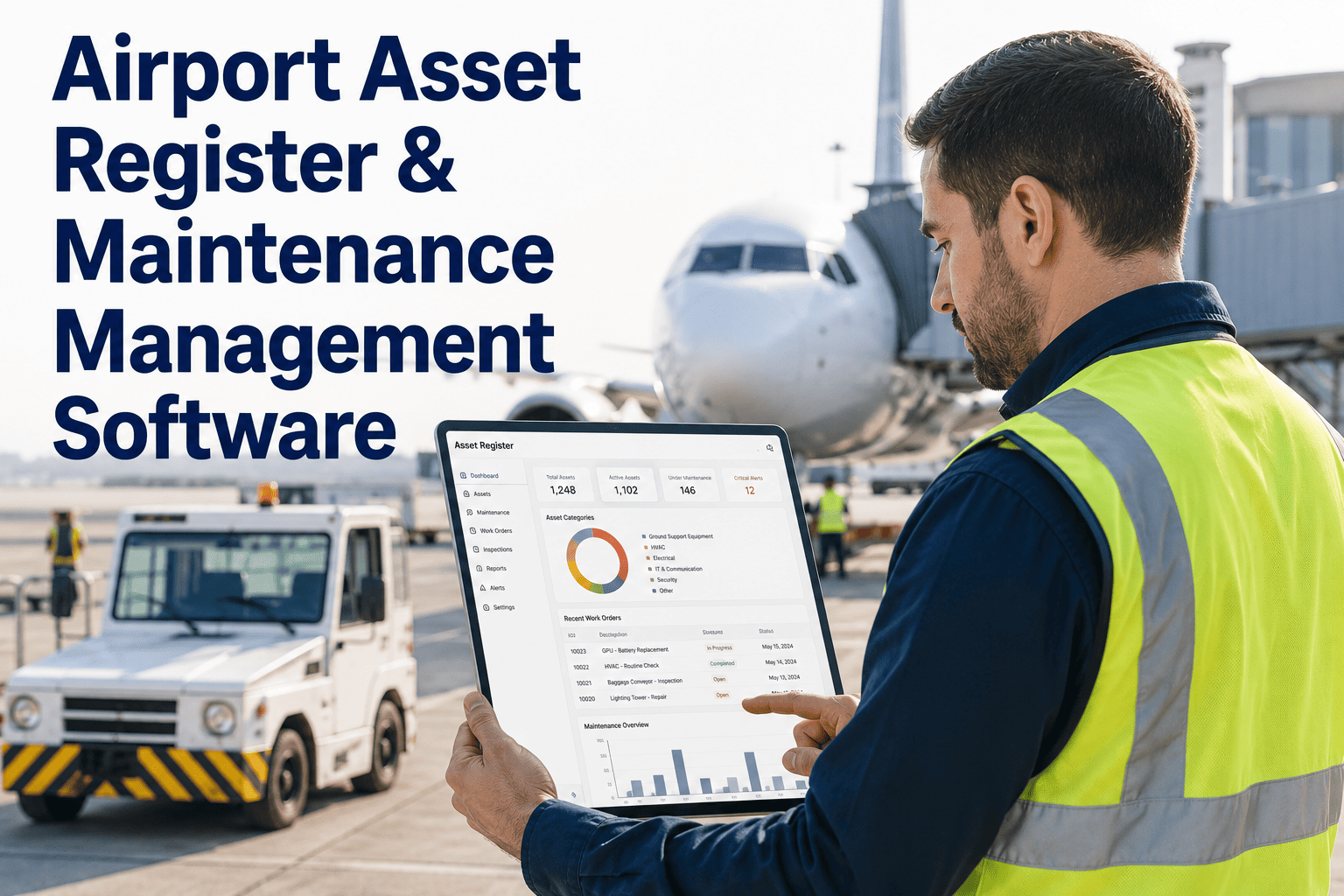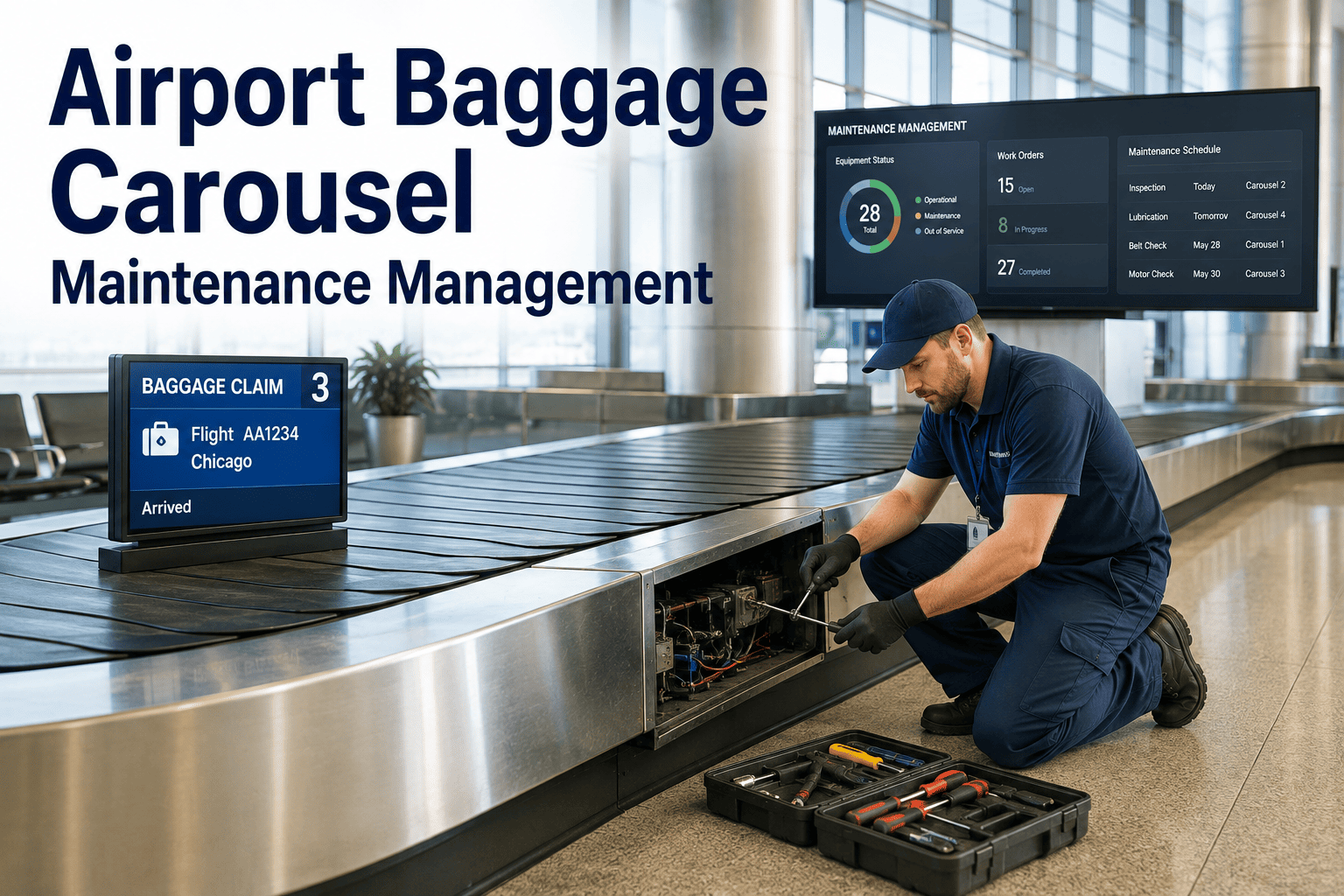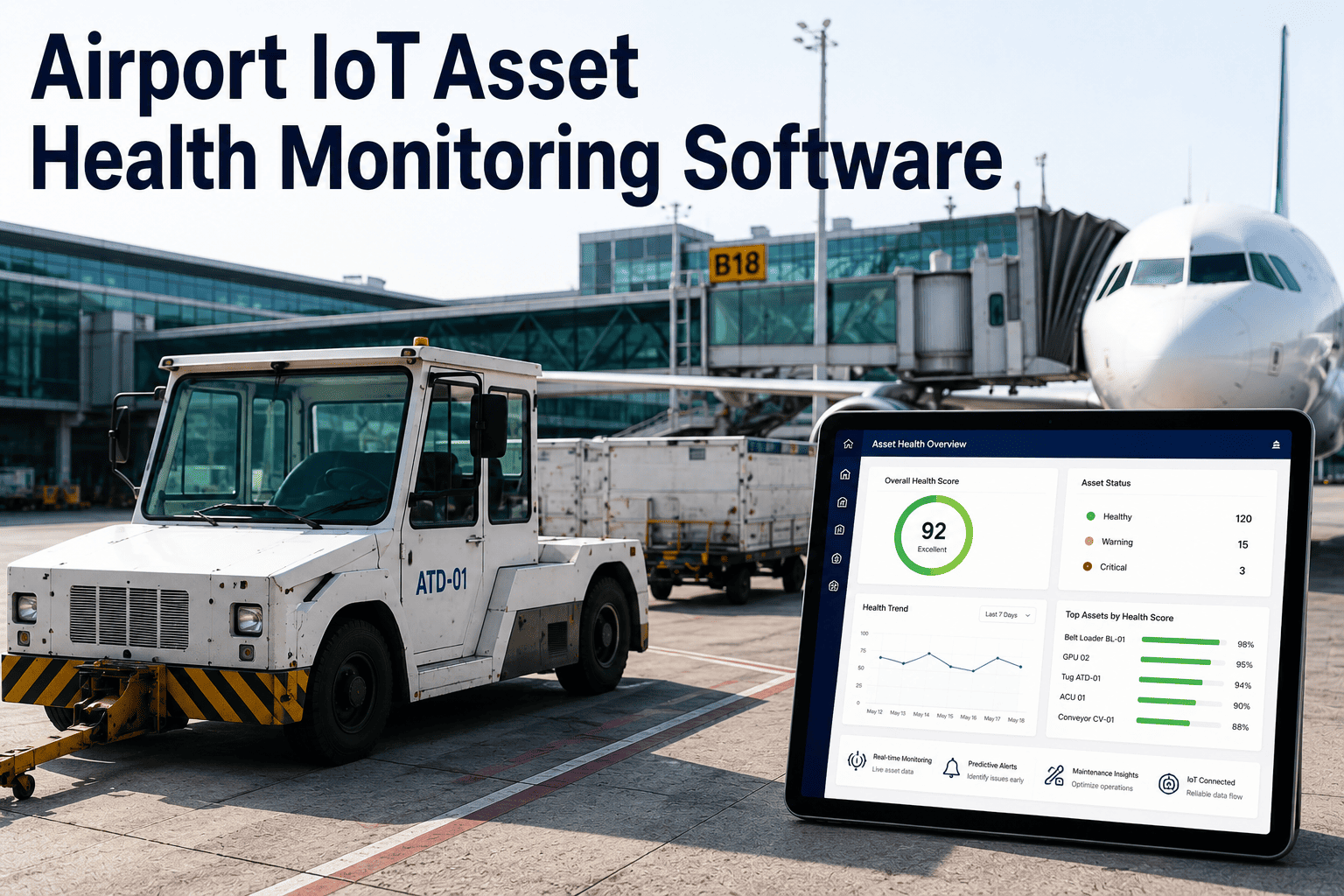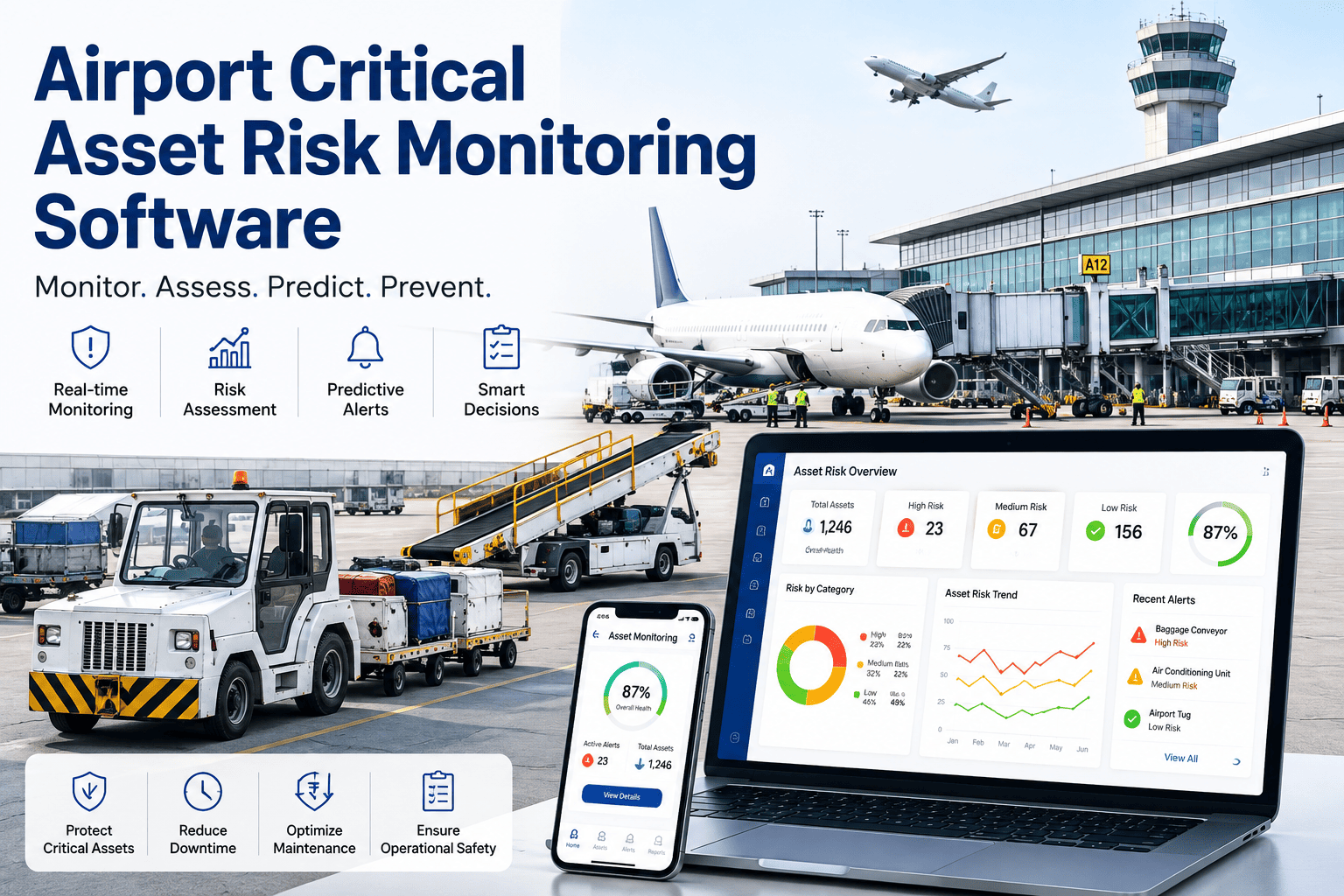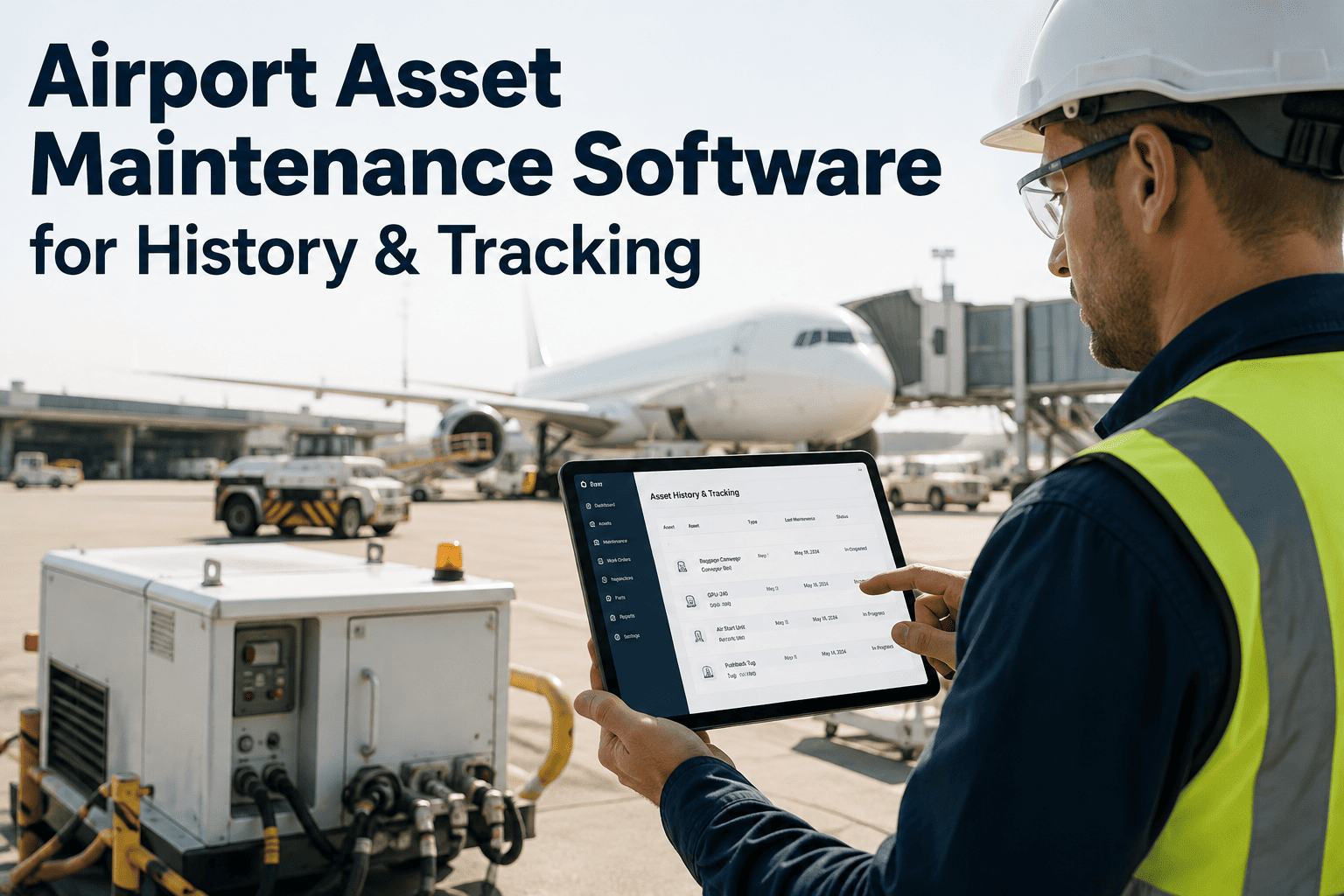
Most airport maintenance teams can tell you when a jet bridge motor failed last week. Far fewer can tell you how many times it has failed in the past three years, which parts were replaced each time, what each incident cost, or whether the pattern points toward a capital replacement decision instead of another repair. That gap between knowing today's problem and understanding an asset's full lifecycle is where budgets get wasted and safety risk quietly builds up across runway lighting, jet bridges, baggage systems, HVAC plants, and ARFF vehicles. Airports running dozens of asset categories across airside and landside operations need one dependable record instead of scattered work orders, paper logs, and technician memory, which is why operations teams are working with iFactory's airport asset engineering team to build history-tracking systems that follow every asset from installation to retirement, turning years of scattered maintenance activity into one dependable, searchable record.
Give Every Runway Light, Jet Bridge, and ARFF Vehicle A Complete Maintenance History
Track inspections, failures, repairs, parts, labor costs, and lifecycle status for every airside and landside asset in one connected system. Replace scattered paper logs and disconnected spreadsheets with a single, audit-ready record that airport operations, maintenance, and compliance teams can all trust — and can all read the same way, at the same time.
The History Gap Behind Every Repeat Failure And Every Surprise Capital Request
Airports are asset-dense environments by nature. A mid-size hub can run thousands of individually tracked components across airfield lighting, jet bridges, baggage handling conveyors, HVAC plants, escalators, ARFF vehicles, ground support equipment, and terminal systems, each with its own maintenance interval, regulatory obligation, and failure pattern. When those records live in separate spreadsheets, radio logs, and technician memory, the airport loses the one thing that actually predicts future failures: a continuous, connected history for every individual asset.
The consequence shows up in two places. First, technicians keep repairing the same fault on the same asset because nobody can quickly pull up how many times it has already failed and why. Second, capital planning teams get blindsided by equipment that "suddenly" needs replacement, when the failure and cost trend was visible in the data all along, just never assembled into one lifecycle view. Fragmented records don't just slow teams down; they hide the exact signals that would have justified a proactive fix months earlier.
There is also a compliance dimension that gets harder every year. Airfield equipment, ARFF vehicles, and several terminal systems carry regulatory inspection obligations that must be documented and produced on request, and an auditor asking for three years of history on a specific asset is asking a question that paper systems were never built to answer quickly. Rebuilding that trail after the fact from binders, shift notes, and technician recollection is slow, error-prone, and stressful for a team that already has a full operational schedule to run. A connected asset record turns that same request into a routine export instead of a multi-day scramble.
The Six-Point Lifecycle History Every Airport Asset Should Carry
A true asset history is not a single inspection date. It is a running, connected timeline that follows the asset from the moment it is installed through every touchpoint until the day it is decommissioned. The six record points below are what airport asset maintenance software captures automatically as each asset moves through its working life.
Six Capabilities Behind Every Airport Asset History Record
Asset history tracking is only useful if the underlying platform makes it effortless to capture and instantly searchable to retrieve. The six capabilities below are what turns a maintenance management system into a real airport asset history engine, and each one removes a specific step that today forces a technician back to a desk, a binder, or a phone call.
Why Spreadsheets And Binders Can't Deliver A Real Asset Lifecycle View
Almost every airport maintenance team already tracks something. The problem is rarely a total absence of records — it's that the records live in disconnected places, get summarized differently by every technician, and never roll up into one lifecycle view per asset. The comparison below is the structural reason spreadsheets and paper logs eventually break down as the asset count grows.
| Dimension | Spreadsheets & Paper Logs | Connected Asset History Software |
|---|---|---|
| Record Location | Scattered across files, binders, radios | One profile per asset, always current |
| Failure Pattern Visibility | Depends on someone remembering | Automatically surfaced across the fleet |
| Cost Roll-Up Per Asset | Manual, rarely reconstructed | Continuous running total per asset |
| Field Access Speed | Radio call or return to office | QR scan, instant history on device |
| Audit Preparation Time | Days of manual document gathering | Exportable on demand, always ready |
| Replacement Planning Basis | Reactive, after repeated failure | Data-driven lifecycle signal, proactive |
The gap widens with scale, not shrinks. A small facility with a handful of assets can plausibly keep track by memory. An airport running airside and landside operations around the clock, with regulatory inspection obligations layered on top, cannot — and the cost of that gap shows up as repeat failures, blind capital requests, and audit scrambles that a connected history record eliminates by design.
It also changes who can actually use the data. A spreadsheet is only useful to whoever built it and knows where to look. A connected asset history is equally readable by a technician in the field, a maintenance supervisor building next month's schedule, and a finance lead reviewing capital requests, because everyone is looking at the same record instead of a personal version of the truth. That shared visibility is often what turns asset history tracking from a maintenance department tool into an airport-wide operational asset.
Walk Through A Live Asset History Record With Our Team
Book a walkthrough and see exactly how iFactory's airport asset maintenance platform builds a lifecycle record for runway lighting, jet bridges, HVAC plants, and ARFF vehicles — from first installation entry to replacement signal.
Five Ways A Connected Asset History Changes The Numbers
Airport operations and maintenance leaders adopt asset history tracking for reasons that go well beyond tidier records. The five categories below are where the return consistently shows up once a full lifecycle view is in place across airside and landside equipment.
Four Airport Asset Categories That Depend On A Complete Record
Not every asset carries the same documentation weight. The four categories below are where a complete, connected history is most directly tied to safety, compliance, and passenger experience across a typical airport property, and each one illustrates a different reason the same lifecycle-tracking approach still applies.
The airports that get maintenance right stop treating history as paperwork and start treating it as an operational asset in its own right. When a technician can scan a jet bridge and instantly see six failures, three repair patterns, and a rising cost curve, the conversation changes from "fix it again" to "let's talk about replacement budget." That single shift, moving from isolated work orders to a connected lifecycle record per asset, is what separates airports that keep getting surprised by capital requests from airports that plan for them a year in advance. It also changes the regulatory conversation. An inspector asking for three years of runway lighting inspection history used to mean a scramble through binders. Now it's an export. That difference alone is worth the investment on most properties I've worked with.
Frequently Asked Questions
Give Every Airport Asset A Lifecycle Record That Actually Follows It
iFactory's airport asset maintenance platform connects inspections, failures, repairs, parts, and cost into one profile per asset — across airfield, terminal, and facility equipment — so your team always knows an asset's full history before deciding whether to repair again or plan a replacement.