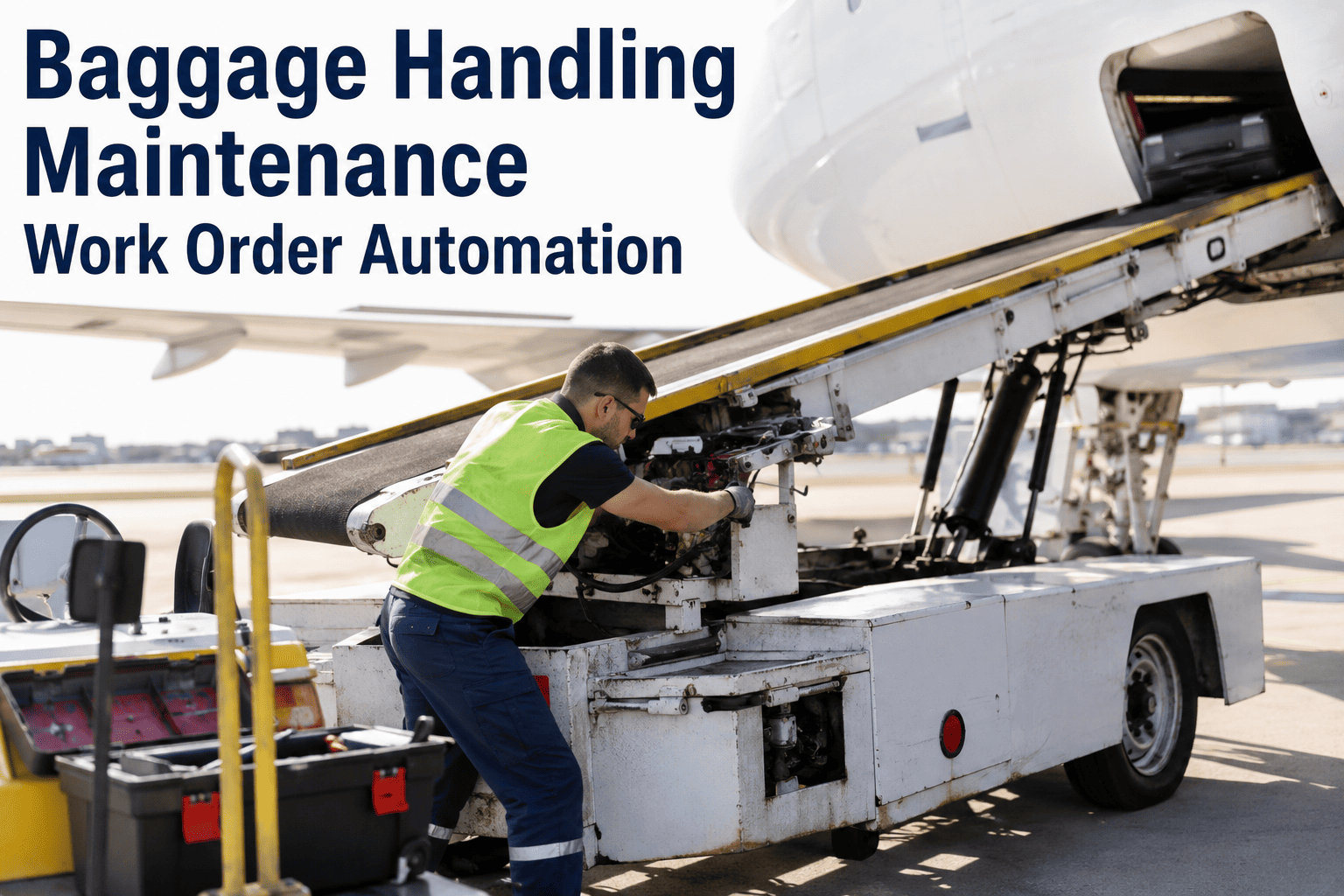
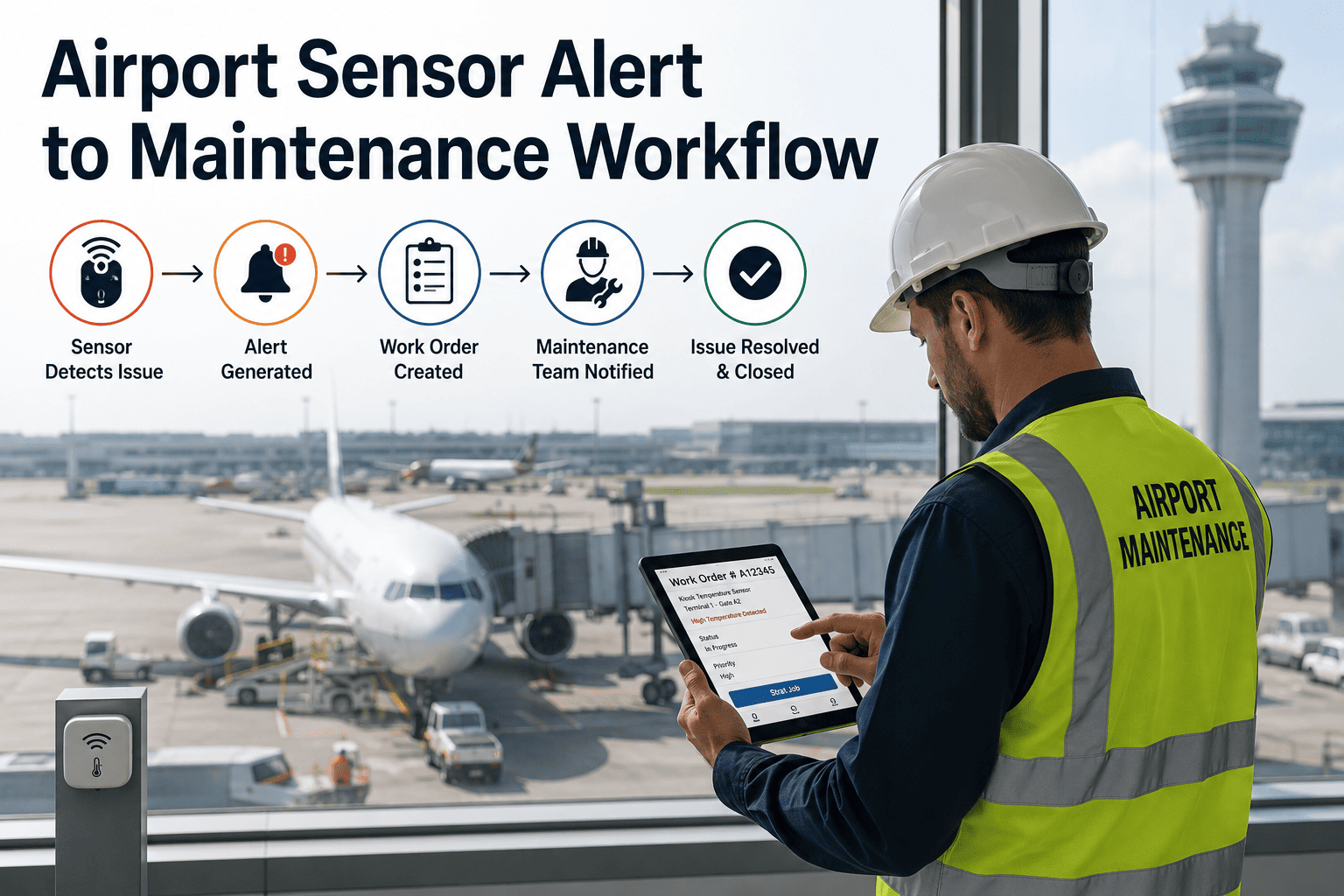
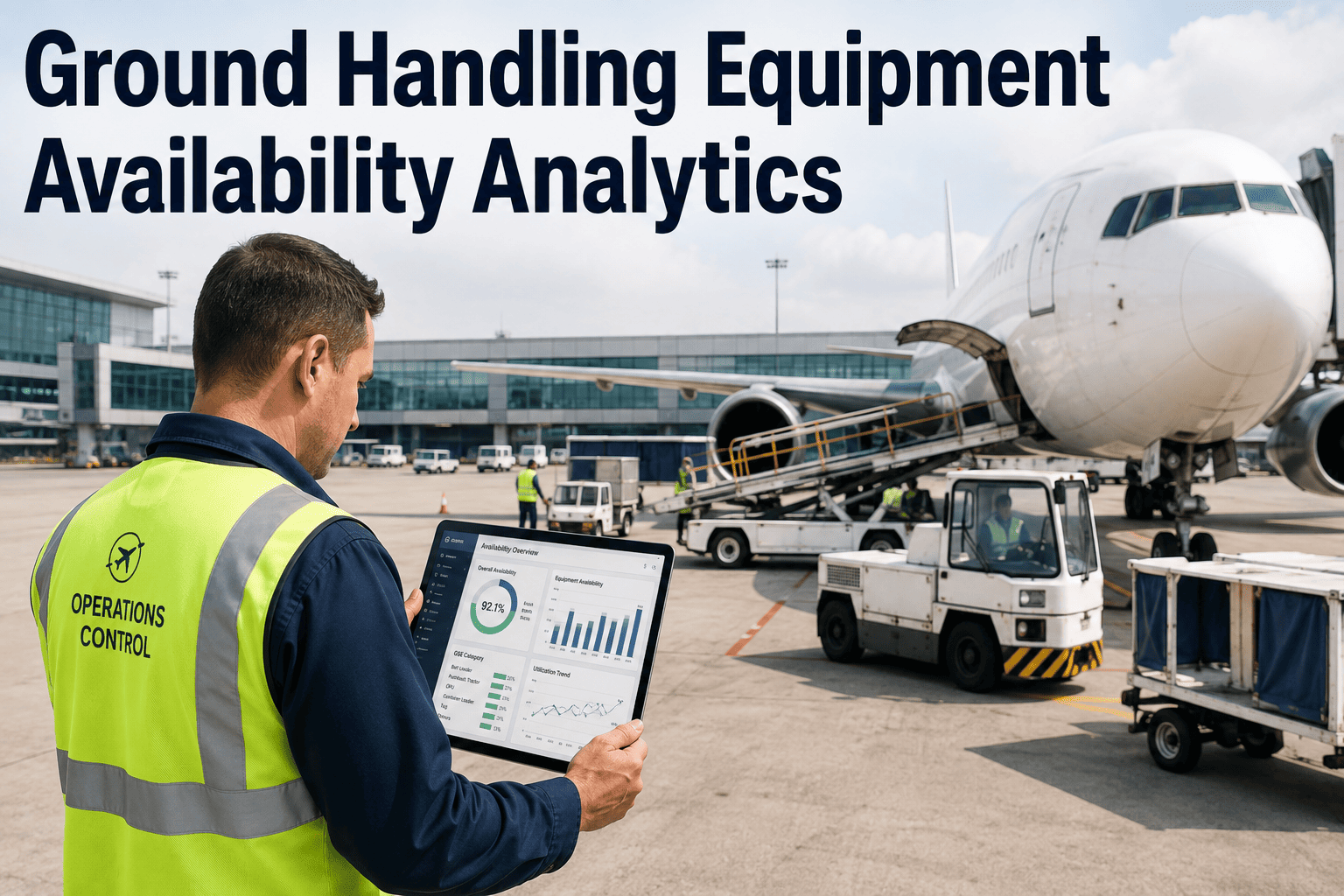
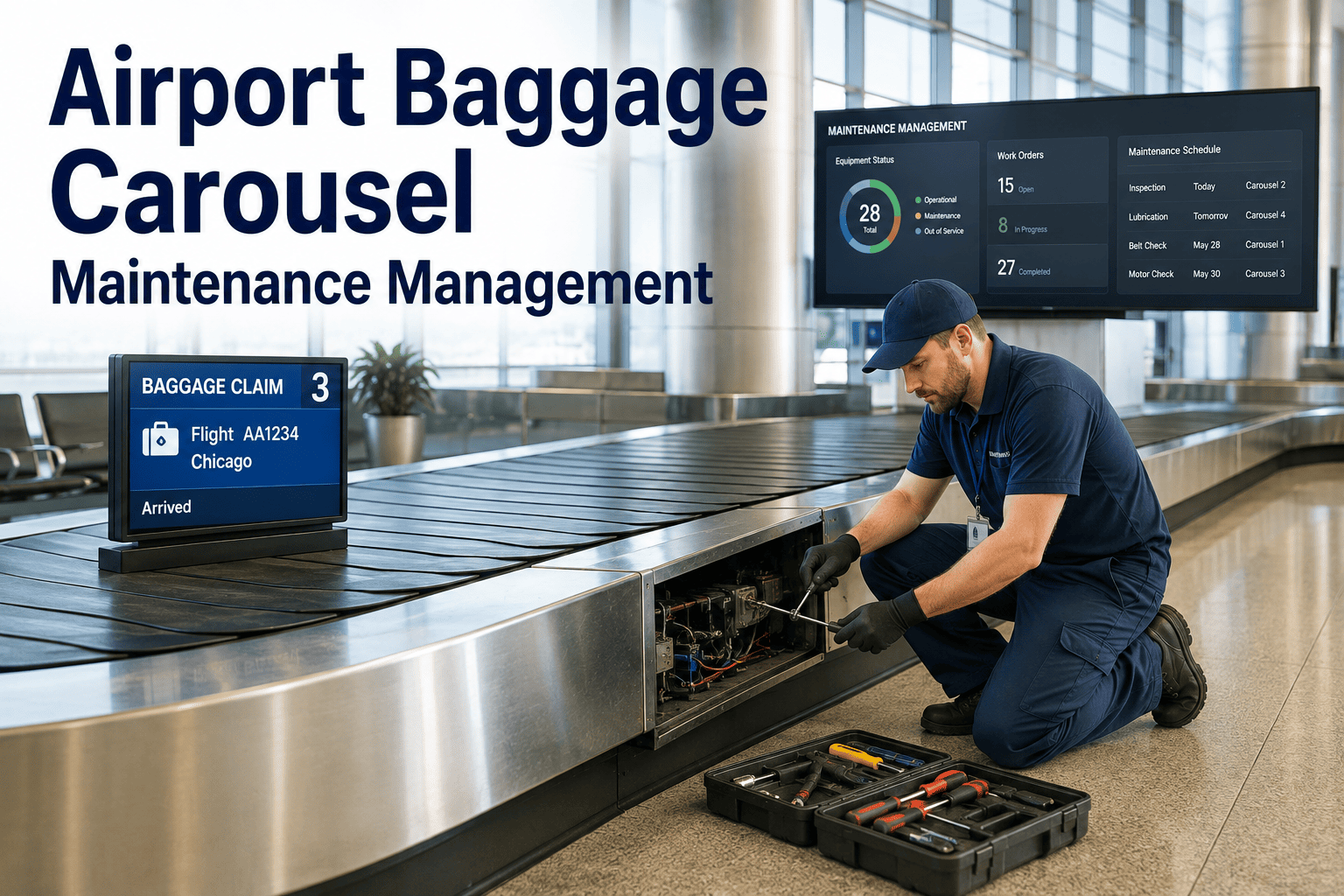
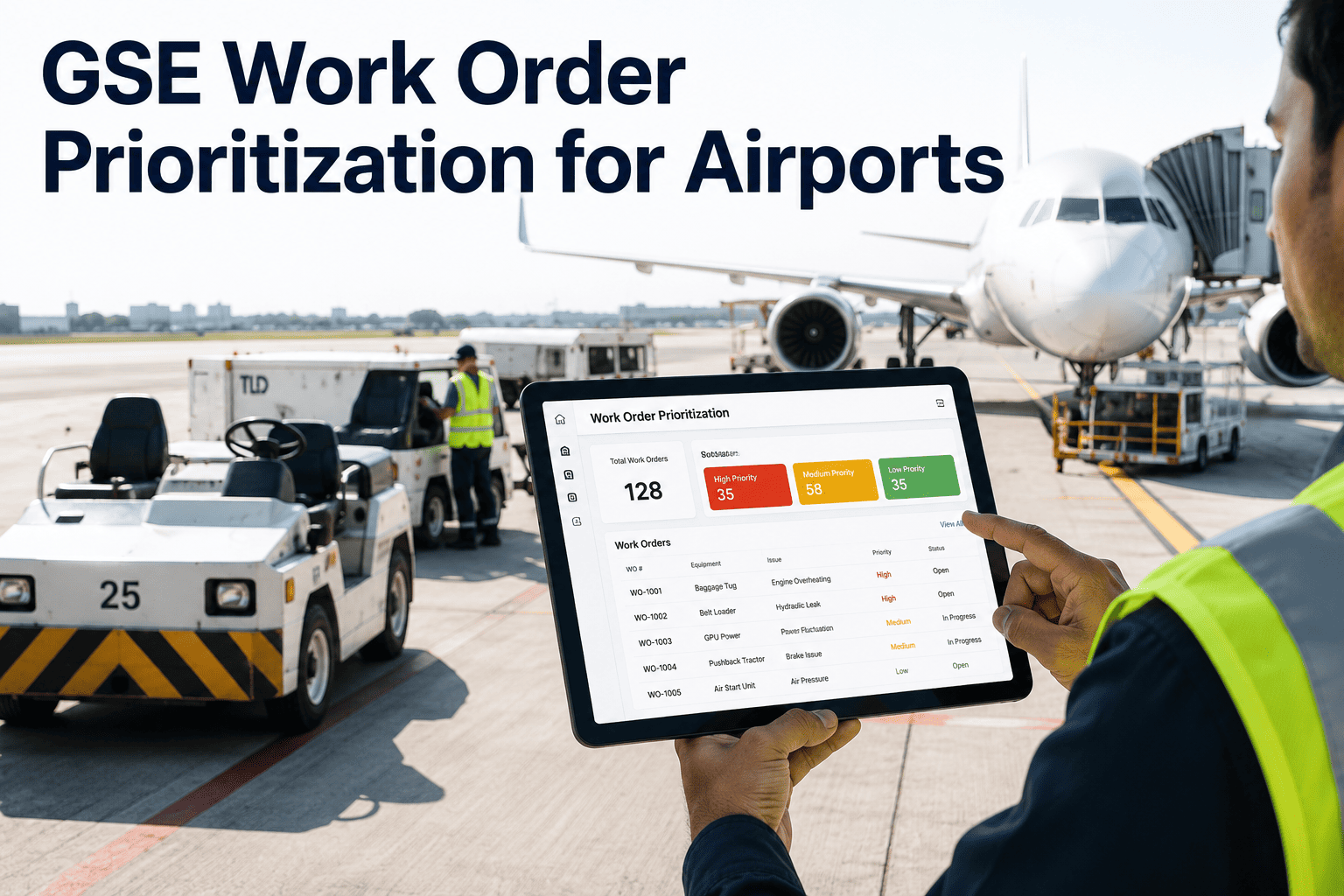
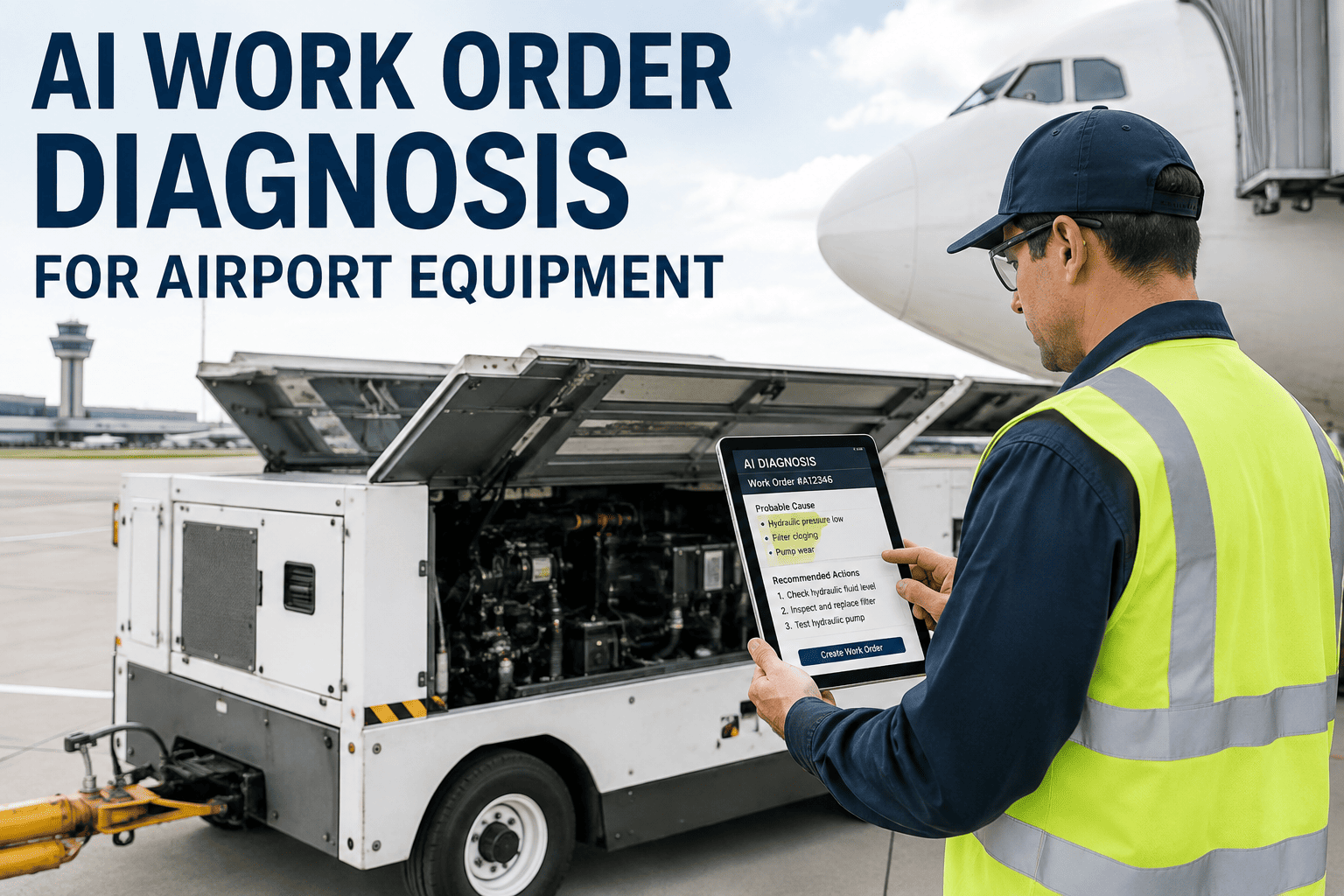
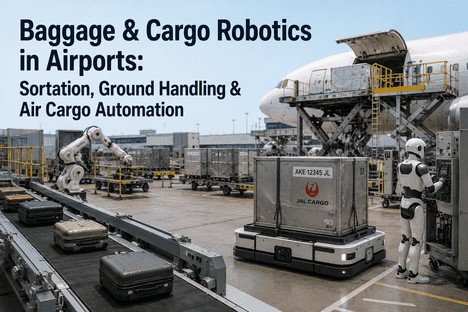
Baggage handling systems are the single largest source of flight delays attributable to ground operations at major airports, and the root cause in most cases traces back to a maintenance work order that was created too late, assigned to the wrong technician, or lost entirely in a manual process that depended on a shift supervisor noticing a problem and remembering to log it. A conveyor belt showing early vibration degradation at the screening junction does not generate a work order in most airports because the sensor alert goes to the building management system while the maintenance team works from a separate CMMS with no connection to that data. The result is predictable: the belt runs until failure, bags back up, flights miss departure windows, and the emergency response costs five to ten times what a condition-triggered work order would have cost. Automating baggage handling maintenance work orders means connecting inspections, sensor alerts, failure risk models, and scheduled triggers directly to work order generation without any human intermediary in the chain. You can book a demo to see how iFactory automates work orders for baggage handling systems.
GUIDE · BAGGAGE SYSTEMS · WORK ORDER AUTOMATION · AIRPORT OPERATIONS
Your Baggage System Sensors Detect Problems — Your Work Orders Still Start With a Phone Call
This guide shows where manual work order creation fails baggage handling reliability, the four trigger sources that should automate work order generation, and the maturity levels for building a fully automated BHS maintenance workflow.
SYSTEM JOURNEY
Where Baggage System Failures Occur at Every Stage of the Handling Process
A baggage handling system is not a single machine but a chain of interconnected subsystems, and a failure at any stage creates a bottleneck that propagates upstream and downstream through the entire flow. Understanding where each stage is vulnerable helps prioritize which components need automated work order triggers and which inspection points generate the most critical maintenance signals.
01
Check-in Input
Conveyor feeds from check-in counters into the initial screening system with bag surge loading patterns
Belt mistracking and edge wear from asymmetric loading
Motor overload from peak check-in surge periods
Jam sensor calibration drift causing false stops
02
Security Screening
Standard and oversized screening with diverter gates routing cleared and rejected bags to separate paths
Diverter gate solenoid response time degradation
Screening sensor calibration drift affecting throughput
Reject conveyor backup from diverted bag accumulation
03
Sortation System
Tilt tray or cross-belt sorters reading bag tags and diverting to flight-specific make-up carousels
Tilt tray mechanism cycle time increase from wear
Induction sensor accuracy degradation causing mis-sorts
Barcode reader degradation reducing read rates
04
Make-up Carousel
Transfer carousels accumulating sorted bags by flight for manual or automated loading onto baggage carts
Carousel drive motor current increase from bearing wear
Speed variation affecting bag positioning accuracy
Bag pusher mechanism force degradation
05
Aircraft Loading
Chute systems transferring bags from make-up to baggage carts and bulk load containers at the gate position
Chute surface wear increasing bag transition friction
Junction alignment drift causing bag misdirects
Weight sensor calibration affecting load planning
06
Reclaim Carousel
Inbound bag delivery carousels assigned by flight with bag jam detection and passenger reclaim timing
Carousel drive system vibration from bearing degradation
Flight assignment system synchronization errors
Bag jam detection sensor response time increase
THE MANUAL CHAIN
Five Links in the Manual Work Order Chain — Three of Them Break Regularly
The manual work order process for baggage systems relies on a chain of human handoffs where information is verbally relayed, remembered, and later transcribed into a CMMS. Each handoff introduces delay, detail loss, and the possibility that the chain breaks entirely. The visualization below marks the three links where breakdown most frequently occurs in airport baggage maintenance operations.
1
Problem Detected
Operator notices unusual noise, vibration, bag backup, or alert on BMS dashboard during shift operations
BREAK POINT
2
Problem Reported
Supervisor called or paged, verbal description relayed without structured data, urgency often understated
BREAK POINT
3
Work Order Created
Supervisor logs into CMMS from memory, enters incomplete equipment ID and symptom description, priority often misclassified
4
Technician Assigned
Maintenance planner reviews queue, assigns based on availability rather than skill match or location proximity
BREAK POINT
5
Work Completed and Closed
Technician responds without sensor context, diagnoses from scratch, repairs, and closes work order with minimal documentation
Break points represent stages where information is lost, delayed, or incorrectly transcribed — the exact gaps that automation eliminates
TRIGGER SOURCES
Four Automated Trigger Sources That Feed Work Order Generation Without Human Intervention
Automating work order creation requires defining the specific data sources that will initiate a maintenance action. Each trigger source serves a different purpose in the maintenance strategy, and a robust automation system connects all four sources to the work order engine so that no detectable condition falls through the gaps that exist in a manual process.
TRIGGER 1
Inspection Findings
Routine BHS inspections, pre-shift walkdowns, and regulatory compliance checks that identify wear patterns, visible damage, or degradation requiring scheduled corrective action with documented evidence
TRIGGER 2
Sensor Alerts
IoT sensors on conveyor motors, belt tensioners, diverters, and sorters that detect anomalies exceeding configured thresholds and automatically generate maintenance requests with attached sensor data
TRIGGER 3
Failure Risk Models
Predictive algorithms analyzing degradation trends across vibration, current, and temperature data to calculate remaining useful life and generate work orders before failure probability crosses acceptable limits
TRIGGER 4
Scheduled Maintenance
Time-based and cycle-based maintenance schedules that automatically generate work orders at defined intervals with all required task lists, parts information, and safety procedures pre-loaded into the work order
AUTOMATED WORK ORDER
Generated with complete context including equipment ID, location, trigger source, severity classification, relevant sensor readings, required parts, and qualified technician assignment — without any manual data entry
Every Broken Link in Your Manual Chain Is a Baggage Delay Waiting to Happen
iFactory connects inspection findings, sensor alerts, predictive models, and scheduled triggers directly to automated work order generation, eliminating the human handoff chain that delays baggage system maintenance.
COMPONENT MAP
Baggage Handling Component Maintenance Map: What to Monitor, What Triggers Action
Each major baggage handling subsystem has specific condition indicators that reliably predict degradation and specific automated actions that should be triggered when those indicators cross their thresholds. The map below connects the component to its monitoring approach, failure modes, trigger rules, and the automated work order action that results from each trigger event.
Conveyor Belt Systems
Monitoring
Motor current draw, vibration velocity, belt tracking offset, roller rotation resistance
Failure Modes
Belt edge fraying, motor bearing wear, roller seizure, belt mistracking causing bag damage
Trigger Rule
Current exceeds 15% above baseline or tracking offset exceeds 10mm or vibration above ISO threshold
Auto Action
Generate work order with severity classification, attach motor and belt sensor data, assign to conveyor technician
Screening Diverters
Monitoring
Solenoid response time, pusher force output, alignment sensor readings, actuation cycle count
Failure Modes
Solenoid fatigue, pusher mechanism wear, alignment drift causing mis-diverts, slow response creating throughput bottleneck
Trigger Rule
Response time exceeds 200ms above baseline or force output drops below 85% of calibrated value
Auto Action
Generate work order with diverter ID and response time trend, flag for next scheduled screening downtime window
Sortation Tilt Trays
Monitoring
Tilt mechanism cycle time, induction sensor accuracy, tray balance measurement, sort rate deviation
Failure Modes
Tilt actuator wear reducing speed, induction sensor drift causing mis-sorts, tray imbalance causing bag fall-off
Trigger Rule
Cycle time increases by 50ms above baseline or mis-sort rate exceeds 0.1% of total sort volume
Auto Action
Generate work order with tray ID, cycle time trend chart, and mis-sort rate data for diagnostic context
Make-up Carousels
Monitoring
Drive motor current, speed variation percentage, bag pusher force, positioning sensor accuracy
Failure Modes
Drive bearing degradation, speed fluctuations disrupting bag spacing, pusher mechanism wear causing incomplete transfers
Trigger Rule
Motor current exceeds 12% above baseline or speed variation exceeds 3% of setpoint or pusher force below threshold
Auto Action
Generate work order with carousel ID, motor trend data, and affected flight list for scheduling priority assessment
Baggage Chutes and Slides
Monitoring
Surface wear measurement at friction points, junction alignment offsets, bag transition time, throughput rate
Failure Modes
Surface degradation increasing bag friction and jam risk, junction misalignment causing bag misdirects, structural fatigue
Trigger Rule
Bag transition time increases 20% above baseline or alignment offset exceeds 15mm or visual inspection flags wear
Auto Action
Generate work order with chute location, wear measurement data, and inspection photos from last assessment
Reclaim Carousels
Monitoring
Drive system vibration, flight assignment sync accuracy, jam detection response time, carousel speed stability
Failure Modes
Drive bearing wear causing vibration and noise, sync errors displaying wrong flight on carousel, jam sensor delay
Trigger Rule
Vibration velocity exceeds ISO grade for equipment class or sync error rate exceeds 0.05% or jam response exceeds 2 seconds
Auto Action
Generate work order with reclaim unit ID, vibration trend data, and affected flight schedule for passenger impact assessment
SPEED COMPARISON
Work Order Creation Speed: Manual Process vs Automated Triggers
The most visible difference between manual and automated work order creation is the time between condition detection and work order availability in the technician queue. The comparison below shows typical time ranges for five common baggage system maintenance scenarios, illustrating why automation does not just save effort but eliminates the delay window during which degradation continues unchecked toward failure.
Belt Vibration Anomaly Detected by Sensor
Routine Inspection Finding Requiring Corrective Action
Scheduled Preventive Maintenance Due
Sorter Error Rate Increase Detected by System
Emergency Breakdown Requiring Immediate Response
MATURITY PROGRESSION
Three Levels of Baggage Handling Work Order Automation Maturity
Not every airport needs to jump directly to fully predictive work order automation. The maturity model below defines three levels that build on each other, allowing airports to start with the highest-impact automation and progressively add intelligence as the data foundation and organizational readiness mature. Each level delivers measurable improvement over the previous one, so the ROI is positive at every stage of the progression.
LEVEL 1
Triggered Creation
Work orders are automatically generated from defined trigger sources including sensor threshold breaches, inspection checklist findings, and scheduled maintenance calendars. The work order enters the CMMS queue with complete equipment and location data but still requires manual review, priority classification, and technician assignment before a technician is dispatched to the baggage system.
LEVEL 2
Classified and Assigned
Work orders are automatically generated, classified by priority based on the triggering condition and the affected BHS component's operational criticality, and assigned to qualified technicians based on skill matching, current location, and workload availability. The work order arrives in the technician queue ready for execution without any manual review or assignment step in the process.
LEVEL 3
Predictive and Optimized
Work orders are generated from predictive failure models that anticipate degradation before thresholds are breached, optimized for scheduling efficiency by coordinating with flight timetables and baggage volume forecasts, and continuously refined based on technician completion feedback and actual versus predicted failure timing to improve model accuracy over time.
FREQUENTLY ASKED QUESTIONS
Questions From Baggage Handling Maintenance and Operations Leaders
How does automated work order generation handle the overlap between sensor alerts and scheduled maintenance for the same baggage system component?
The automation engine performs a deduplication check before creating any work order, comparing the triggered action against existing open work orders and upcoming scheduled maintenance for the same equipment ID. If an open work order already exists for the component, the sensor alert is attached as additional context to the existing order rather than creating a duplicate. If a scheduled PM is approaching within a configurable window, the alert is merged into the scheduled work order with the sensor data added as a priority escalation flag.
Contact our support team to discuss deduplication rules for your baggage system configuration.
What happens when an automated work order is generated during peak baggage processing periods when technicians cannot safely access the equipment?
The automation engine incorporates operational context including current flight schedule, baggage volume forecasts, and defined safe-work windows for each BHS zone when generating and scheduling work orders. If a trigger occurs during a peak processing period, the work order is created with a deferred execution time that aligns with the next available safe-access window rather than dispatching a technician into an active baggage flow. The work order retains its original trigger timestamp and severity classification so the delay is documented and the urgency is preserved.
Book a demo to see how operational scheduling integrates with work order automation.
Can the system differentiate between a sensor alert that requires immediate shutdown and one that allows continued operation with monitoring?
Each trigger rule includes a severity classification that determines the automated response level: critical triggers that indicate imminent safety risk or catastrophic failure potential generate immediate work orders with alarm notifications and recommended shutdown procedures, high-severity triggers generate urgent work orders with recommended scheduling within a defined window, and standard triggers generate normally prioritized work orders for the next available maintenance slot. The severity mapping is configured during implementation based on equipment criticality, failure mode analysis, and operational impact assessment for each BHS component.
Contact our support team to discuss severity classification for your baggage system components.
How does the system handle baggage system components that do not have sensors installed and rely on inspection-based monitoring?
Inspection-based triggers use the same automation engine as sensor-based triggers, with the inspection checklist serving as the data input instead of a sensor stream. When a technician completes a structured BHS inspection checklist and marks a finding that maps to a configured trigger rule, the system automatically generates a work order with the inspection data, photographs, and measured values attached as context. This means inspection-based and sensor-based monitoring coexist in the same automation framework, and components without sensors receive the same automated work order generation capability as fully instrumented equipment.
Book a demo to see how inspection triggers integrate with sensor triggers in the same workflow.
What is the typical implementation timeline for baggage handling work order automation at a mid-size airport?
A typical implementation for a mid-size airport with standard BHS configuration takes eight to fourteen weeks from initial assessment through Level 2 automation activation. The first three to four weeks cover BHS asset inventory, trigger rule configuration, and integration with existing sensor infrastructure and CMMS. Weeks four through eight focus on parallel operation where automated work orders are generated but held for manual review while accuracy is validated against actual conditions. Weeks eight through fourteen transition to Level 2 with automated classification and assignment, with Level 3 predictive capabilities added in a subsequent phase as sufficient historical data accumulates.
Book a demo to receive a detailed implementation timeline for your baggage system.
Every Hour Between Sensor Detection and Work Order Dispatch Is an Hour Your Baggage System Runs Toward Failure
iFactory automates the entire work order chain for baggage handling systems — from trigger detection through classification, assignment, and dispatch — so maintenance actions begin within minutes instead of hours.