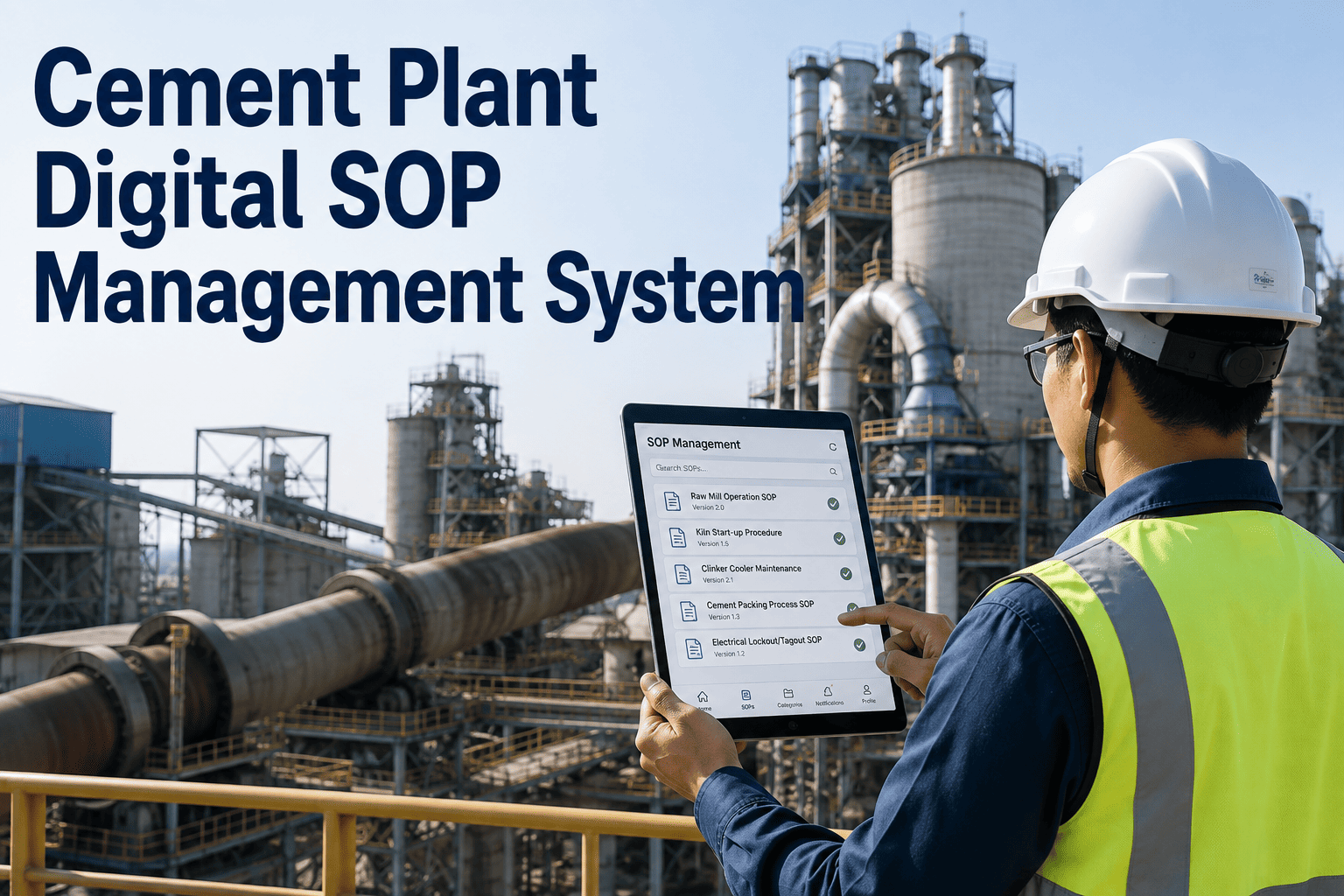
Ask five different inspectors to audit the same cement plant area on the same day, and you will likely get five different findings, five different levels of detail, and five different interpretations of what counts as a compliance risk. Paper checklists and spreadsheet trackers cannot enforce consistency, which means audit quality in most plants depends heavily on which individual happened to walk the floor that shift. Book a demo to see how standardized digital audits remove that inconsistency entirely.
Maintenance Audits Should Not Depend on Who Happens to Be Holding the Clipboard
iFactory replaces inconsistent paper and spreadsheet audits with structured digital inspections, automatic compliance tracking, and AI-generated recommendations that flag risk before it becomes downtime, a violation, or a safety incident.
Why Manual Maintenance Audits Quietly Fail Cement Plants
Cement plants run some of the harshest maintenance environments in industry, with kiln systems, crushers, mills, and conveyor networks all subject to extreme heat, dust, and vibration. A missed audit finding in this environment does not stay small, it compounds into unplanned downtime, safety exposure, or a compliance citation that could have been caught weeks earlier.
Paper-based and spreadsheet audit processes fail in predictable ways: findings get logged inconsistently between inspectors, photo evidence gets lost or never attached, follow-up actions fall through the cracks between shifts, and by the time someone compiles the data for a compliance review, the underlying conditions have often already changed.
One Standardized Checklist, Every Inspector, Every Time
The foundation of a reliable audit program is a checklist that does not change based on who is running it. Digital inspection templates enforce the same structure, the same required fields, and the same evidence standards across every audit, every shift, every location in the plant.
Every flagged item automatically routes to a corrective action workflow with an assigned owner and due date, so a finding logged on the floor never has to depend on someone remembering to follow up manually later.
Every Audit Finding, Fully Traceable From Flag to Fix
iFactory keeps a complete audit trail linking every finding to its corrective action, its owner, and its resolution date, giving compliance teams a defensible record instead of a folder of disconnected paper forms.
A Live View of Compliance Status Instead of a Quarterly Scramble
Most plants only get a true picture of their compliance posture when an audit deadline forces someone to compile it manually. iFactory maintains that picture continuously, so compliance status is always current rather than reconstructed under time pressure.
AI Recommendations Turn Audit Data Into Priorities, Not Just Records
Logging findings consistently is only half the value. The other half comes from what the accumulated data reveals once it is analyzed as a whole rather than reviewed one audit at a time.
What Actually Changes When Audits Move Off Paper
The difference between a paper-based audit program and a digital one is not just convenience, it shows up directly in how defensible and actionable the resulting data actually is.
| Audit Element | Paper or Spreadsheet | iFactory Digital Audit |
|---|---|---|
| Checklist consistency | Varies by inspector and form version | Standardized template, every time |
| Photo evidence | Often missing or unlinked to the finding | Attached directly to each checklist item |
| Corrective action follow-up | Manual, easy to lose track of | Automatically assigned with due dates |
| Compliance reporting | Compiled manually before deadlines | Available continuously, exportable anytime |
| Trend visibility | Requires manual cross-referencing | Surfaced automatically across audit cycles |
Audit Areas Cement Plants Standardize First
Not every plant starts digital audits in the same place, but certain areas consistently deliver the fastest return because of how frequently they are inspected and how costly a missed finding can be.
Common Questions About AI-Powered Maintenance Audits
How difficult is it to convert existing paper checklists into digital audit templates?
Most plants already have a working checklist structure, even if it lives on paper or in a spreadsheet, which makes conversion faster than building an audit program from scratch. The typical process involves mapping existing checklist items into a standardized digital template, adding photo and measurement fields where useful, and validating the new format with a small pilot group before rolling it out plant-wide. Most conversions can be completed and piloted within a few weeks rather than months. Book a demo to see how existing checklists get mapped into a digital audit format.
Can inspectors use the audit software without reliable internet access on the plant floor?
Yes, mobile inspection tools are built to work in offline mode for the dusty, signal-poor areas common in cement plants, capturing checklist entries, photos, and measurements locally and syncing automatically once a connection is available again. This means an inspector working deep inside a kiln building or a remote conveyor gallery does not need to interrupt the audit to find signal. It also means no findings get lost if connectivity drops mid-inspection, since everything is saved locally first. Contact support to confirm offline capability for your specific plant layout.
How does the AI recommendation engine decide which findings to prioritize?
Prioritization is based on a combination of factors including finding severity, how frequently the same issue has recurred on that asset, and how the specific finding relates to known failure patterns across similar equipment. This is not a black-box score handed down without explanation, each recommendation includes the underlying reasoning so maintenance teams can validate and, if needed, override the system's suggested priority based on operational context the AI would not otherwise know. Book a demo to see how prioritization logic gets applied to real audit findings.
Does the software integrate with existing CMMS or ERP systems already in use?
Yes, audit findings and corrective actions are designed to sync with existing computerized maintenance management and enterprise resource planning systems, so a flagged finding can automatically generate a work order rather than sitting in a separate audit tool disconnected from the maintenance workflow. This integration is typically what determines whether a digital audit program actually closes the loop on corrective actions or simply digitizes the same disconnected process that paper audits had. Contact support to review integration options for your current CMMS or ERP platform.
How long does it take to see a measurable improvement in audit compliance after switching?
Most plants see an immediate improvement in checklist consistency and evidence capture within the first audit cycle simply because the digital format enforces required fields that paper forms could not. The larger gains in corrective action closure rate and repeat finding reduction typically become visible over two to three audit cycles, once the automatic follow-up assignment and trend detection have enough accumulated data to work with. The exact timeline depends on audit frequency, but the underlying consistency improvement starts on day one. Book a demo to see typical compliance improvement timelines from similar cement plant deployments.
Standardize Every Audit, Every Inspector, Every Time
iFactory turns inconsistent paper audits into a structured, traceable digital program with AI-driven recommendations that catch risk before it becomes downtime or a compliance gap.