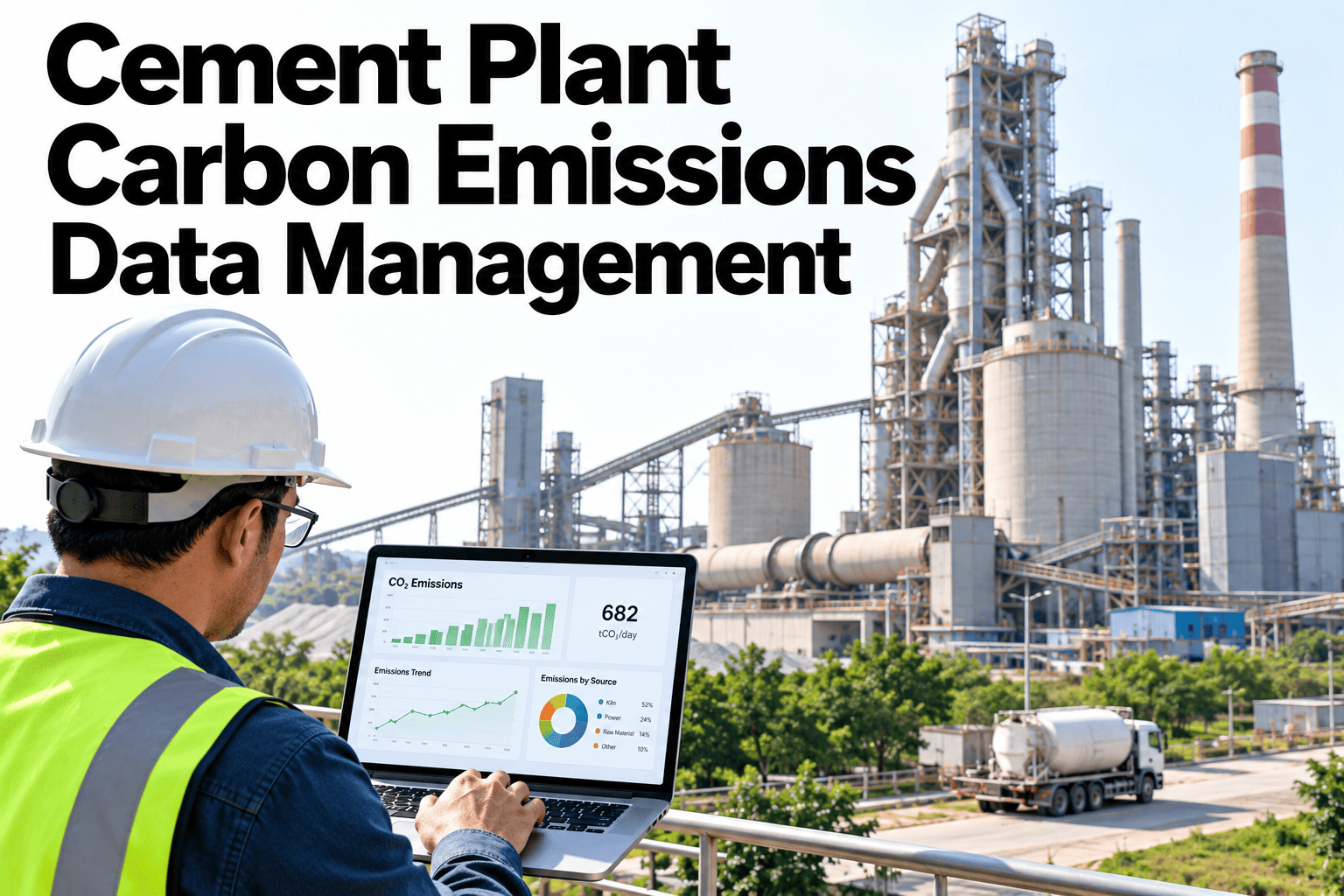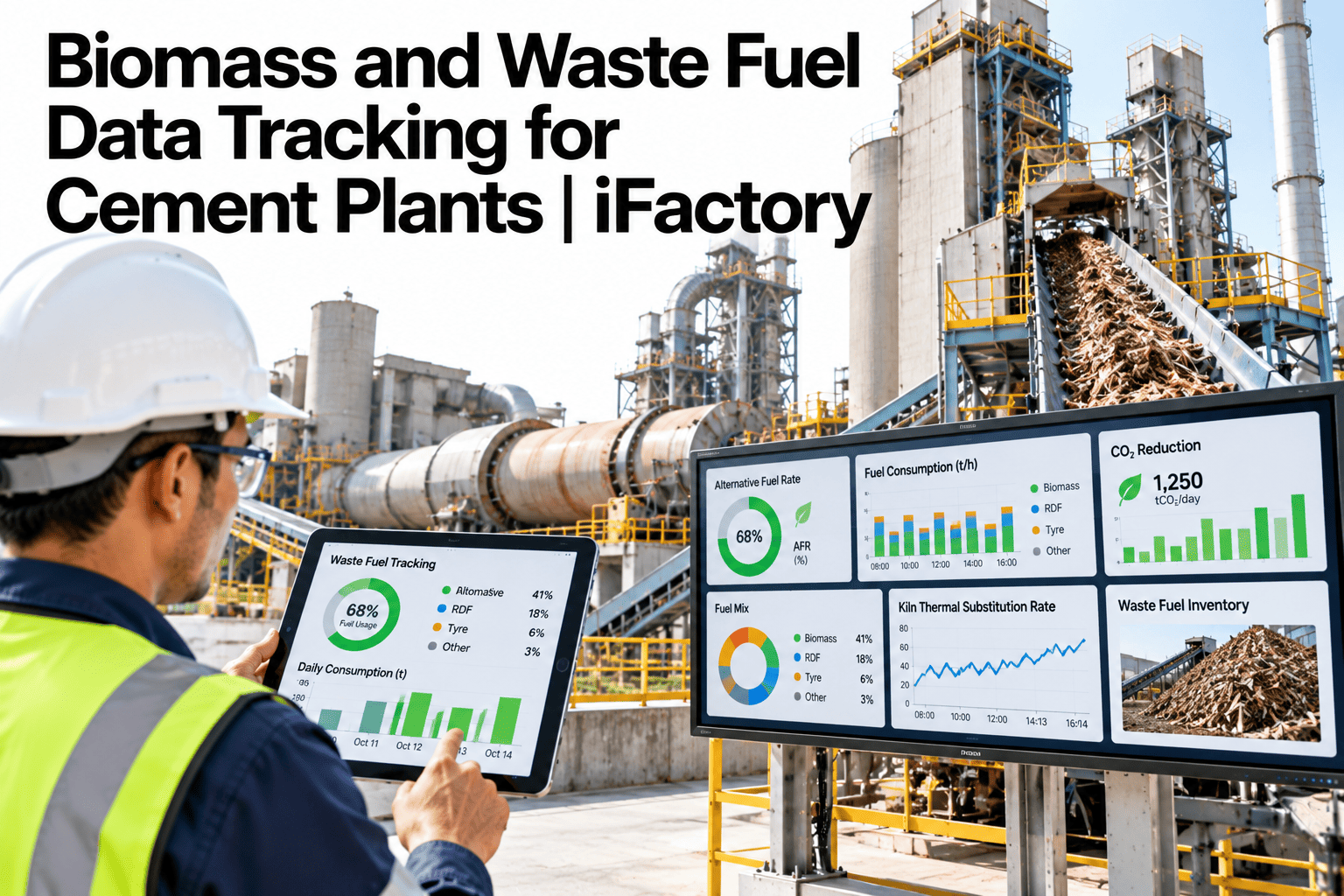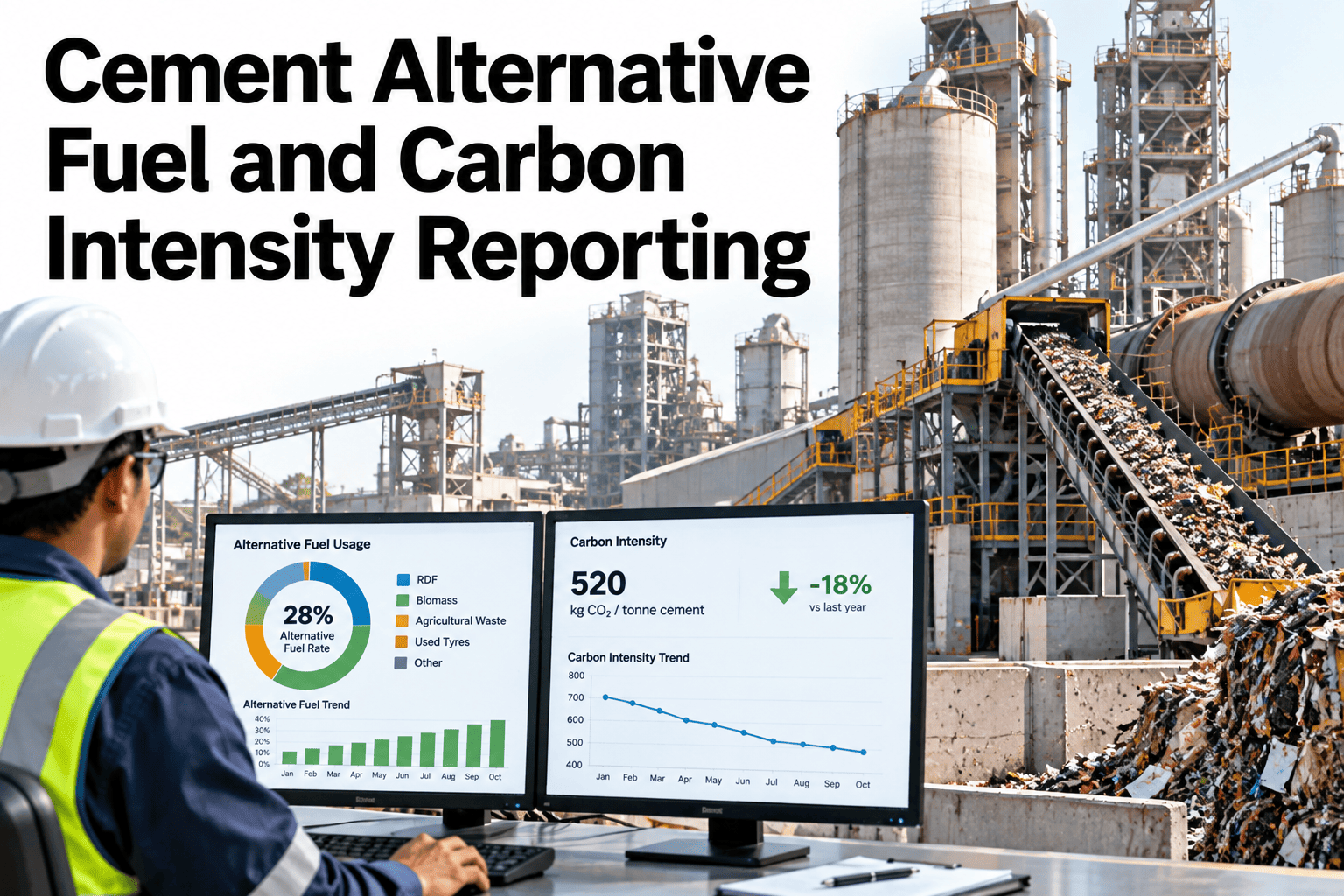
Thermal substitution rate gets reported as a single headline percentage, but the number behind it depends on a chain of smaller calculations that each need to be right: fuel type and quantity by batch, the calorific value used for each fuel, the emission-factor assumptions applied, and the production basis used to normalize the result. A TSR figure calculated with inconsistent calorific value assumptions from one quarter to the next can move meaningfully without any real change in the fuel mix, which undermines confidence in the whole carbon intensity report built on top of it. Reporting controls that keep each of these inputs consistent and documented are what make the final TSR and carbon intensity figures something a plant can stand behind. Reporting teams reviewing their current process can see TSR and carbon intensity calculated from live fuel and production data before the next report is due.
Cement Alternative Fuel and Carbon Intensity Reporting
Fuel quantity, calorific value, TSR calculation and emission factors kept consistent, batch to batch and quarter to quarter.
Why TSR Can Drift Without the Fuel Mix Changing
A reported TSR figure can move for reasons that have nothing to do with actual fuel use.
Using a different LHV assumption between quarters shifts the calculated figure without a real change.
Switching the production basis used for normalization changes the figure independent of fuel mix.
An emission factor applied inconsistently makes the carbon intensity figure hard to defend.
Reporting controls that lock these inputs consistently are what keep TSR and carbon intensity reflecting reality rather than calculation drift.
Fuel Type and Quantity, Calorific Value
The TSR calculation starts with accurate fuel data at the batch level.
Fuel Type and Quantity
Conventional and alternative fuel consumption, logged by type and batch.
Calorific Value
LHV applied consistently per fuel type, tested rather than assumed where possible.
Check Your Own TSR Inputs for Consistency
Book a 30-minute session and bring your last two quarters of TSR data. iFactory AI will check whether the inputs stayed consistent.
TSR Calculation and Emission-Factor Assumptions
The calculation itself needs to be applied the same way every time it is run.
| Component | What It Determines | Why Consistency Matters |
|---|---|---|
| TSR calculation | Share of thermal energy from alternative fuels | The core headline figure being reported |
| Emission-factor assumptions | CO2 per unit of fuel energy, by fuel type | Directly drives the carbon intensity result |
Production Normalization and Reporting Controls
The final steps turn a raw calculation into a controlled, repeatable report.
Production Normalization
A consistent production basis is applied so figures are comparable period over period.
Reporting Controls
Input assumptions are version-controlled and reviewed before a report is finalized.
iFactory AI connects fuel, lab and production data into one consistent TSR and carbon intensity model. Scope covers data integration and reporting controls setup.
Expert Review
The most common cause of a TSR figure that looks off quarter to quarter is not a real shift in fuel mix, it is a quietly changed calorific value assumption that nobody flagged. Version-controlling that one input prevents a surprising amount of confusion in the reporting review meeting.
Reporting controls earn their keep the first time someone asks why the figure moved. A documented, version-controlled set of assumptions turns that question into a quick answer instead of a multi-day reconstruction.
Frequently Asked Questions
Should calorific value be tested or taken from a standard reference table?
Tested values, where lab capability allows, give a more accurate picture of actual fuel quality than a standard reference table, especially for variable fuels like biomass and waste-derived fuel. A reference table can serve as a fallback when testing is not available, applied consistently and documented as such. Discuss your current testing setup in a working session.
How often should emission-factor assumptions be reviewed?
An annual review is typical, checking whether published factors have been updated and whether the plant's own fuel mix still matches the assumptions in use. Ask support about your current factor review schedule.
What production basis should be used for normalization?
This depends on the reporting purpose, with clinker production commonly used to isolate kiln-level performance and cement production used for a product-level view; consistency within a given report matters more than which basis is chosen. Request guidance on choosing a basis for your report.
Can this model handle multiple kilns with different fuel mixes?
Yes, TSR and carbon intensity can be calculated per kiln as well as plant-wide, which is useful when different kilns run meaningfully different alternative fuel blends. Contact support about multi-kiln reporting setup.
How long before the reporting controls are fully in place?
Most plants have version-controlled assumptions and a validated model within six to nine weeks, including a check against at least one past reporting period to confirm the figures reconcile. Book a session to estimate your own timeline.
Report a TSR Figure That Holds Up to Scrutiny
iFactory AI keeps fuel quantity, calorific value and emission factors consistent, report after report. Discuss your own data.