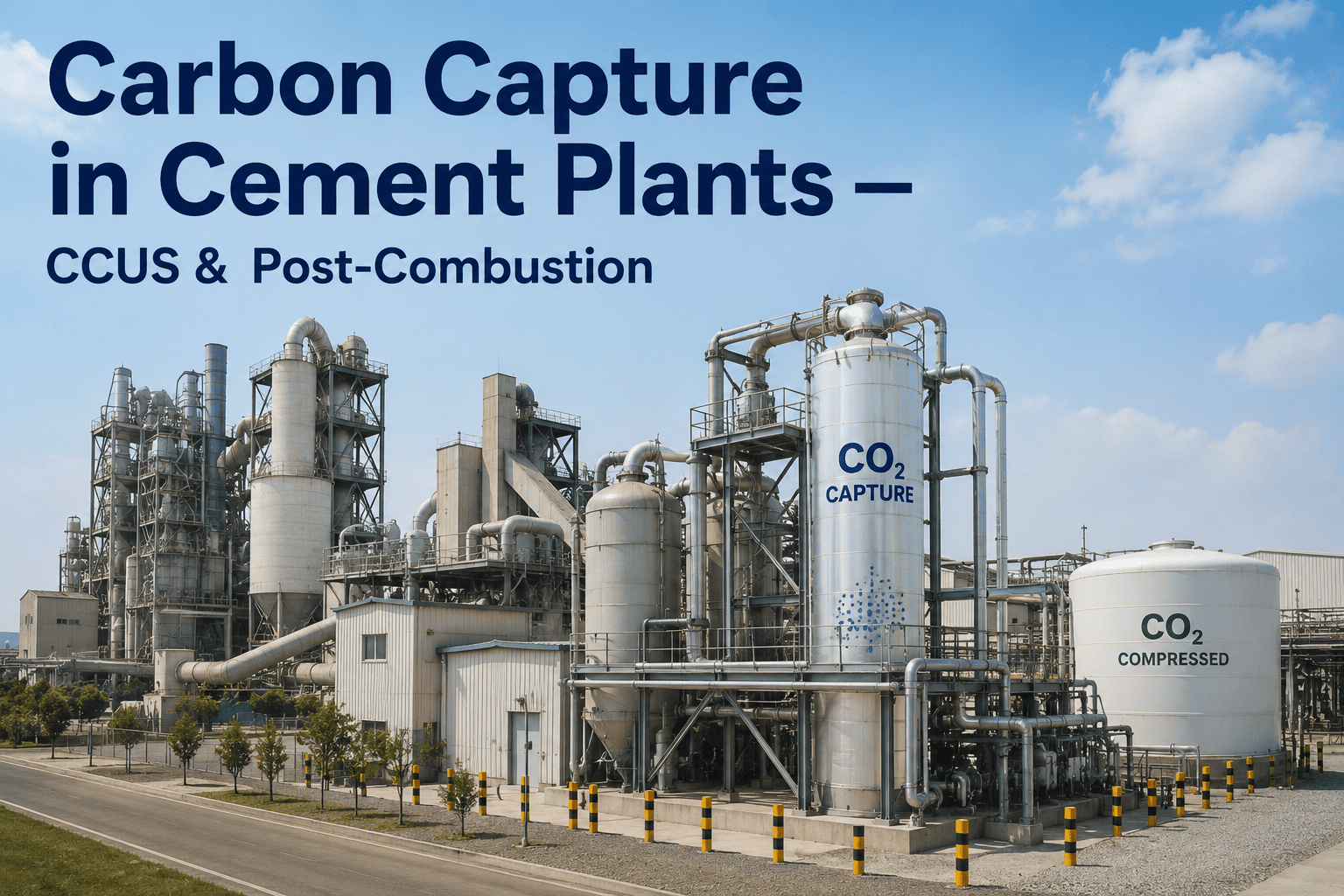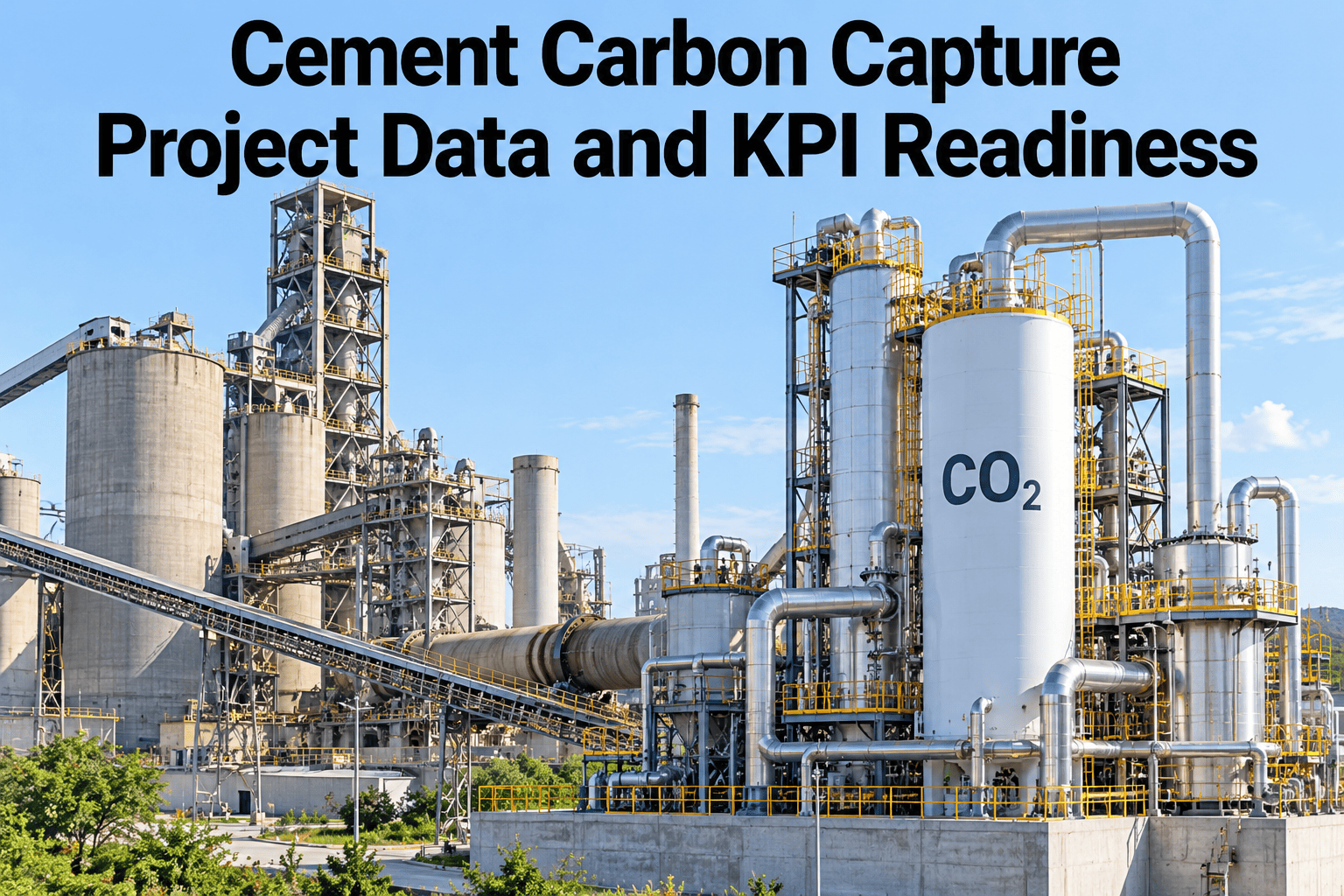
A carbon capture unit joins a cement plant at the point the plant is least forgiving, the kiln flue gas. Heat, power, water, solvent and a new CO2 product line all depend on records that many plants have never kept. Get the data ready first and the project moves faster. See how iFactory AI prepares a cement plant for capture with the records you already hold.
Climb Six Data Steps Before the First Tonne Is Captured
iFactory AI helps cement teams build the baseline, map every interface, define the KPIs and prove the numbers, so a capture project starts with data it can defend.
Why Data Readiness Comes Before the Capture Unit
Capture studies compare options on a short list of numbers, among them capture rate, specific regenerator duty, specific electricity use, kiln integration and cost. Each of those numbers depends on plant data, and weak data means wide error bars on the cost.
Thin baseline
A few spot readings stand in for a year of kiln behavior.
Wide estimates
Studies carry broad cost ranges, often plus or minus 30%.
Late surprises
Heat, power or water limits appear during design, not before.
Slow reporting
Nobody can prove the avoided emissions with a clean record.
That process share is one reason cement flue gas is rich in CO2. One published capture study for a cement plant listed a flue gas stream of 230,000 normal cubic metres an hour at 22% CO2 by volume. Your own plant will differ, and measuring it is step one.
Step 1 · Build the Baseline Emissions Record
The baseline is a year or more of stack and production data, kept at a fine time step, with kiln stops and fuel changes marked. It sets the size of the unit and the yardstick for every later claim.
| Data item | Usual source | Time step | Common gap |
|---|---|---|---|
| Stack flue gas flow | Stack flow meter or CEMS | Minute or hour | Meter drift and missed calibration |
| CO2 concentration | Continuous emission monitor | Minute or hour | Dry and wet basis mixed |
| Clinker output | Kiln scales or DCS totals | Hour or day | Estimates replace weighed values |
| Fuel mix and rates | Feeders, weighbridge, lab | Hour or day | Waste-derived fuel share not logged |
| Raw meal and kiln feed | Lab and feeder totals | Hour or shift | Lab sample time not aligned |
| Kiln stops and starts | DCS events and logbook | Event | Reasons only in paper notes |
| Flue gas impurities | CEMS and spot tests | Hour or spot | SO2, NOx and dust seldom trended |
Step 2 · Map the Process and Energy Inputs
A capture unit is a large new consumer of heat, power and water. Knowing what the plant can spare, and when, decides the design and the running cost.
Heat and steam
Amine regeneration needs heat. At one UK project, waste heat is expected to cover about 20% of the heating need.
Electricity
Fans, pumps and compression add load. Log grid supply, peak demand and any on-site generation.
Cooling water
Capture and compression need cooling. Record source, temperature and permit limits.
Make-up water
Flow, quality and cost, since losses are topped up continually.
Solvent and chemicals
Supply, storage and make-up rates for the solvent and any acid or ammonia use.
Space and routing
Plot area, duct runs and pipe racks, tied to the plant layout.
Check Your Plant Data Against the Six Steps
Book a 30-minute session and iFactory AI will review your stack, kiln and utility records and show which steps are ready.
Step 3 · Define the Capture-Unit Interfaces
Every place the capture unit touches the plant is an interface with signals, owners and risks. Draw them early, because each one needs a data feed and an agreed responsibility.
Kiln and mill gas, dust and impurities reach the unit.
The solvent takes up CO2 and the cleaned gas leaves.
Heat releases CO2 and the solvent returns.
CO2 is dried, compressed and measured.
Storage tanks and a pipeline or ship carry it away.
| Interface | Signals exchanged | Owner | Risk |
|---|---|---|---|
| Kiln to capture unit | Gas flow, temperature, CO2, SO2, NOx, dust | Kiln operations | Kiln upsets reach the solvent |
| Heat supply | Steam or hot water flow, pressure, temperature | Utilities | Heat shared with other users |
| Power supply | Load, demand peaks, trip status | Electrical team | Demand charge and trip effects |
| Water systems | Cooling and make-up flow, quality, temperature | Utilities | Permit limits and seasonal supply |
| CO2 product line | Flow, pressure, purity, biogenic share | Capture operations | Off-spec product, unclear specs |
| Waste streams | Solvent waste, wastewater, by-products | Environment team | Disposal route and cost |
| Control system | Alarms, set points, interlocks | Automation team | Two control systems, one operator |
Step 4 · Write the KPI Definitions
KPI disputes in capture projects usually start with unclear definitions. Fix them in writing before commissioning, and keep the same rule for the whole project.
| KPI | Definition | Unit | Why it matters |
|---|---|---|---|
| Capture rate | CO2 captured divided by CO2 in the gas sent to the unit | Percent | Headline performance, set against the design case |
| Specific regenerator duty | Heat used for regeneration per tonne CO2 captured | GJ per tonne | Main driver of running cost |
| Specific electricity use | Electricity used per tonne CO2 captured | kWh per tonne | Second cost driver |
| Net avoided CO2 | CO2 captured minus CO2 added by the unit's own energy use | Tonnes | The honest climate figure |
| Availability | Hours the unit captured divided by kiln run hours | Percent | Links capture to real kiln operation |
| Solvent consumption | Solvent make-up per tonne CO2 captured | kg per tonne | Shows degradation and loss |
| CO2 product quality | Purity and impurity levels at the export point | Percent, ppm | Decides if the CO2 can be accepted |
| Cost per tonne captured | Operating cost divided by tonnes captured | Currency per tonne | Feeds the business case |
Step 5 · Validate the Data
Capture claims will be tested. Build the checks into daily work, so the proof exists before anyone asks for it.
Step 6 · Plan Project Reporting
Different readers need different views of the same record. Plan the report set early, and make sure each one can be built on the validated data.
Operations view
Capture rate, duty, availability and alarms for the shift team.
Management pack
KPIs against the design case, costs and open issues.
Emissions report
Verified emissions and reductions for the trading scheme and regulators.
Funder evidence
Audit trail for lenders, grant bodies and storage partners.
Common Data Pitfalls on Capture Projects
Most readiness problems repeat at plant after plant. Knowing them early saves weeks of rework during design and commissioning.
Mixed bases
Dry and wet gas readings sit in one column, so CO2 percentages cannot be compared.
Unlogged modes
Direct and compound operation are not tagged, so gas flow looks random.
Averaged peaks
Hourly averages hide short spikes in dust, SO2 and NOx that matter to the solvent.
Silent edits
Formulas change in spreadsheets with no log, and last year cannot be rebuilt.
Who Owns Which Data
Capture projects cross team lines. A simple ownership sheet stops questions bouncing between departments and shows who signs off each record.
| Team | Owns | Signs off | Needs in return |
|---|---|---|---|
| Kiln operations | Gas flow, kiln modes, clinker output | Baseline and stop reasons | Early notice of capture-side limits |
| Utilities | Heat, power and water records | Utility map and spare capacity | Load profile of the new unit |
| Quality lab | Raw meal, fuel and gas samples | Lab values and sample times | Clear sampling points and rates |
| Environment team | Stack data and permits | Emissions report | Validated net avoided CO2 |
| Automation team | Tags, historian and control links | Interface register | Frozen signal list per phase |
| Sustainability | Targets and external reporting | KPI definitions | A single trusted source of figures |
A Simple Worked Example of Net Avoided CO2
The numbers below are illustrative only and do not describe any real plant. They show how the net figure is built, so your team can agree the boundary before the first report.
Questions to Settle With Technology Partners
Capture suppliers will ask for plant data, and your team should ask for data in return. Settle these points in the contract stage.
Scoring Readiness Before You Commit
A short score per step shows leaders the gaps. Rate each step on a simple three-level scale and review the result every month.
| Step | Ready | Partly ready | Not ready |
|---|---|---|---|
| 1 · Baseline | Twelve months, stops explained | Six months, some gaps | Spot readings only |
| 2 · Inputs | Spare heat, power, water mapped | Estimates for one or two | No utility review yet |
| 3 · Interfaces | Register with owners and signals | Drawn, but no owners | Not listed |
| 4 · KPIs | Written and signed off | Drafted, still disputed | Terms differ by team |
| 5 · Validation | Balances closed, changes logged | Checks done by hand | No checks |
| 6 · Reporting | Packs built on validated data | Packs built by hand | No report plan |
Scores work best when two people rate each step on their own and then compare notes. Large gaps between raters point to unclear definitions, which is itself a finding worth recording.
Risks That Poor Data Brings
Wide estimates
Weak data forces large contingency, which can make a good project look too costly.
Wrong sizing
A unit sized on average flow may struggle at the kiln peaks.
Late rework
Missing signals found at commissioning delay the start of operation.
Disputed results
Funders and regulators question figures that cannot be traced back.
What Each Project Phase Needs
How iFactory AI Supports Capture Readiness
iFactory AI joins the stack, kiln, utility and lab records your plant already holds, and keeps one definition for every capture KPI.
Baseline builder
Stack, production and fuel data merged into one time-aligned record.
Utility view
Heat, power and water use shown beside kiln operation.
Interface register
Each signal, owner and time step listed in one place.
KPI library
Written definitions for capture rate, duty, availability and net avoided CO2.
Data checks
Balance checks, gap flags and a log of every formula change.
Report pack
Daily, monthly and annual views built off the same validated record.
A 90-Day Starting Plan
Inventory the data
List every stack, kiln and utility signal, with source and gaps.
Build the baseline
Merge a year of data and explain each kiln stop.
Write the KPIs
Agree definitions, owners and the interface register.
Validate and report
Run the balance checks and issue the first readiness report.
Frequently Asked Questions
How much data do we need before a capture study?
At least a year of stack flow, composition, production and fuel data, with kiln stops explained. More detail narrows the cost range. Book a demo to review your current data against this list.
Who should own the capture KPIs?
Give each KPI to the team that controls its inputs, and give the full set to a small group drawn across operations, utilities, quality and sustainability. Book a demo to plan ownership, or ask support about KPI setup.
What is net avoided CO2 and why report it?
It is the CO2 captured minus the CO2 added by the extra heat and power the unit uses. It gives the honest climate figure for the project. Book a demo to see net avoided CO2 built on sample data.
How do we handle CO2 quality requirements that are still unclear?
Measure more than you need today, including purity and impurities, and keep the raw record. Future rules will depend on whether the CO2 is stored or used. Book a demo to plan your measurement list with the team.
How long does readiness work take?
The turnkey build runs 6–12 weeks, and most of the effort goes into cleaning data and agreeing definitions. Book a demo to build your readiness timeline around your project dates.
Start the Capture Project With Data You Can Defend
iFactory AI gives cement teams a baseline, a KPI library and a clean reporting record. Book a walkthrough on your own plant data.