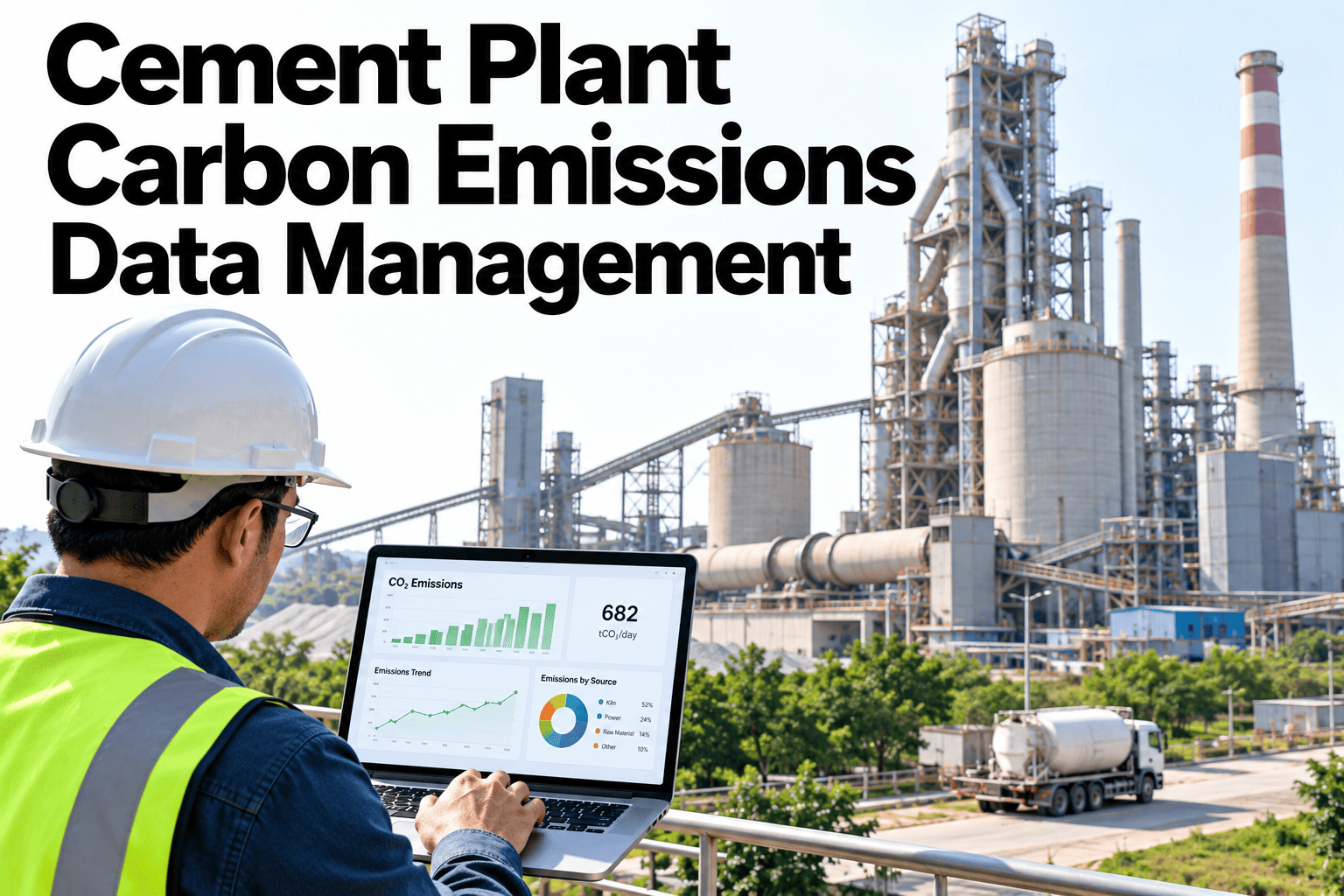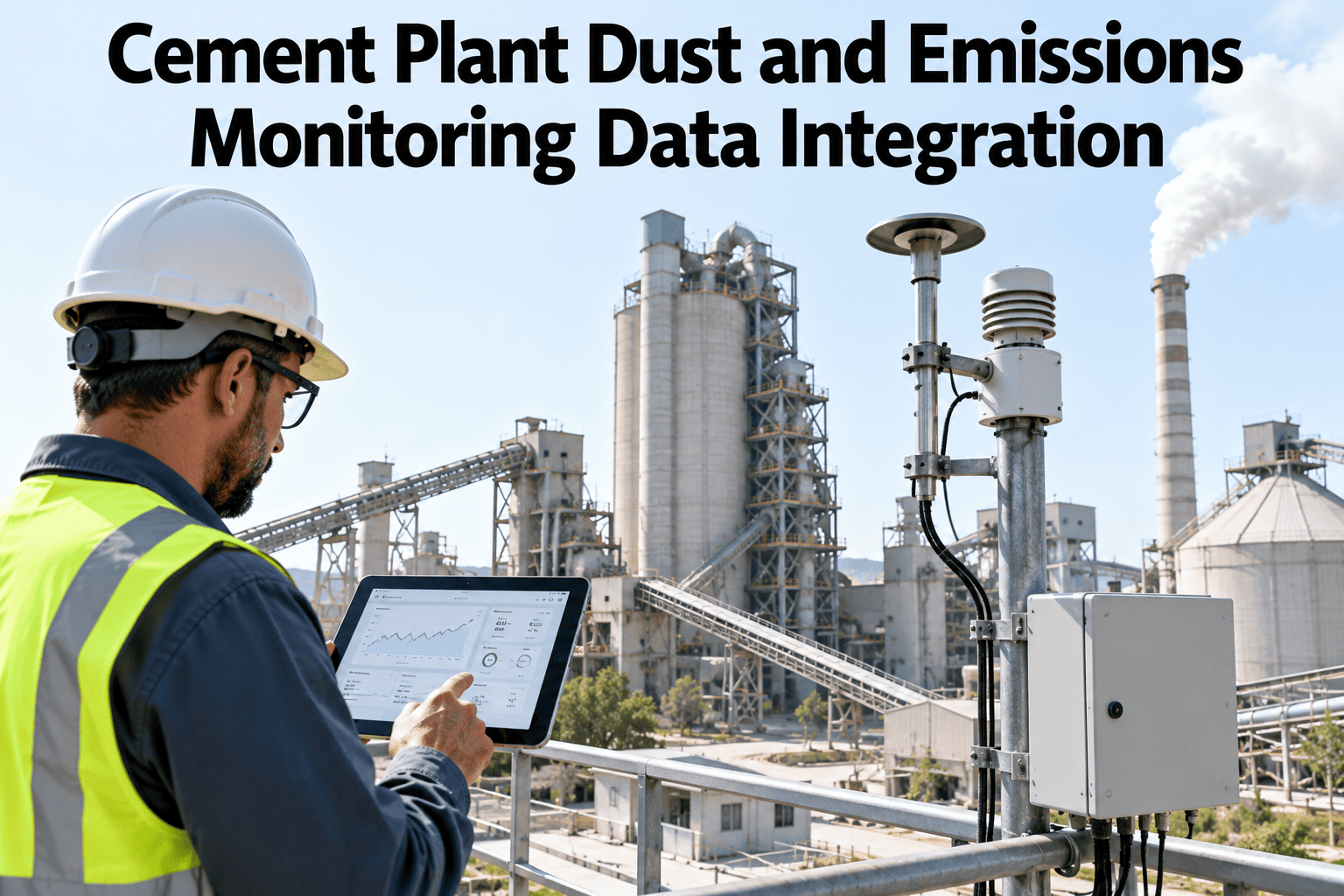
Dust and emissions monitoring at a cement plant usually produces plenty of data, continuous emissions monitors at the stack, dust sensors around the mill and kiln, alarm logs when a threshold trips, but that data rarely lives anywhere near the maintenance records that explain why a reading spiked or the production context that shows what was running at the time. Pulling those pieces together after the fact, for a regulator or an internal review, is slow and error-prone. Integrating monitoring data, alarm logs and maintenance context into one connected view changes that. Plant teams can review their own monitoring data integration in a short session.
Monitoring Data That Explains Itself, Not Just a Reading
iFactory connects emissions and dust monitoring to alarm logs and maintenance context, so a reading comes with the story behind it.
Monitoring Data Sources
Continuous emissions monitors, dust sensors and periodic stack testing each generate data in their own format and cadence, and the first step in integration is bringing that data into one consistent timeline rather than leaving each source siloed in its own system.
| Data Source | What It Captures | Integration Need |
|---|---|---|
| Continuous emissions monitors | Stack-level gas concentrations in near real time | Continuous ingestion aligned to a shared plant clock |
| Dust sensors | Particulate levels at mill, kiln and transfer points | Point-level tracking tied to its specific location |
| Alarm and event logs | Threshold trips and operator acknowledgments | Timestamped linkage back to the reading that triggered them |
Alarm and Event Logs
An alarm log on its own tells you a threshold was crossed. Connected to the underlying reading and to what else was happening on the plant at that moment, it tells you why.
Threshold Trip History
Every threshold crossing is logged with the exact reading and timestamp, not a rounded summary.
Acknowledgment Tracking
Who acknowledged an alarm and when is recorded alongside the event, supporting a clear response record.
Equipment Maintenance Context
Maintenance activity around the same equipment and time window is linked automatically, surfacing a likely cause.
See Your Own Monitoring Points Connected This Way
Book a 30-minute session and iFactory will review how your current monitoring, alarm and maintenance data could connect.
Threshold Governance
Thresholds need owners and a review cadence, not just a configured number in a system. Who can change a threshold, and when it gets reviewed, is part of a defensible monitoring program.
Reporting Views and Escalation Workflow
A connected reporting view serves two audiences at once, the regulatory report that needs a defensible historical record, and the daily operations review that needs to catch an issue while it's still actionable.
Regulatory-Ready Reporting
Historical monitoring data compiles into a reportable format without a manual reconstruction effort each reporting period.
Operational Trend Review
Day-to-day trend views let plant teams catch a developing issue before it becomes a threshold exceedance.
Defined Escalation Path
A threshold exceedance routes to a defined owner automatically, rather than depending on someone noticing it on a dashboard.
Where iFactory Fits
iFactory connects emissions and dust monitoring data with alarm logs and maintenance context into one integrated view, built around your plant's existing data sources.
Unified Monitoring Timeline
Readings from every monitoring point are brought into one consistent, continuous timeline.
Linked Alarm and Maintenance History
Every alarm connects automatically to the underlying reading and any related maintenance activity.
Configurable Threshold Governance
Threshold ownership and review cadence are built into the system, not left to informal tracking.
Defined Escalation Routing
Exceedances route to the right owner automatically, supporting a timely, documented response.
Reviewed by iFactory's Cement Solutions team for alignment with general emissions and dust monitoring data practice. Specific feature capabilities should be validated against current product functionality and your own plant's regulatory requirements before being relied upon for compliance reporting.
Frequently Asked Questions
Does this replace our existing continuous emissions monitoring system?
No, it connects to your existing CEMS and dust monitoring equipment rather than replacing it, pulling the data into a unified, contextualized view. Support can confirm compatibility with your current monitoring equipment.
Can this support our specific regulatory reporting format?
Reporting views are typically configured to match the format your specific regulatory requirements call for, since these vary by jurisdiction and permit conditions.
How does maintenance context actually get linked to a reading?
Maintenance activity logged for the relevant equipment within a defined time window of a reading is surfaced automatically, based on shared equipment identifiers and timestamps. Discuss your plant data and use case to see how this maps to your own maintenance system.
Who typically owns threshold governance after setup?
This is usually a joint responsibility between environmental compliance and operations, with the system supporting whichever ownership structure your plant already uses rather than imposing a new one.
Does this work across multiple plants with different monitoring equipment?
Yes, data from different monitoring equipment across plants can be integrated into one consistent view, though specific equipment compatibility should be confirmed during scoping. Ask support about your specific multi-plant setup.
Give Every Reading Its Context
iFactory connects emissions and dust monitoring to alarm and maintenance data. Discuss your plant data and use case.