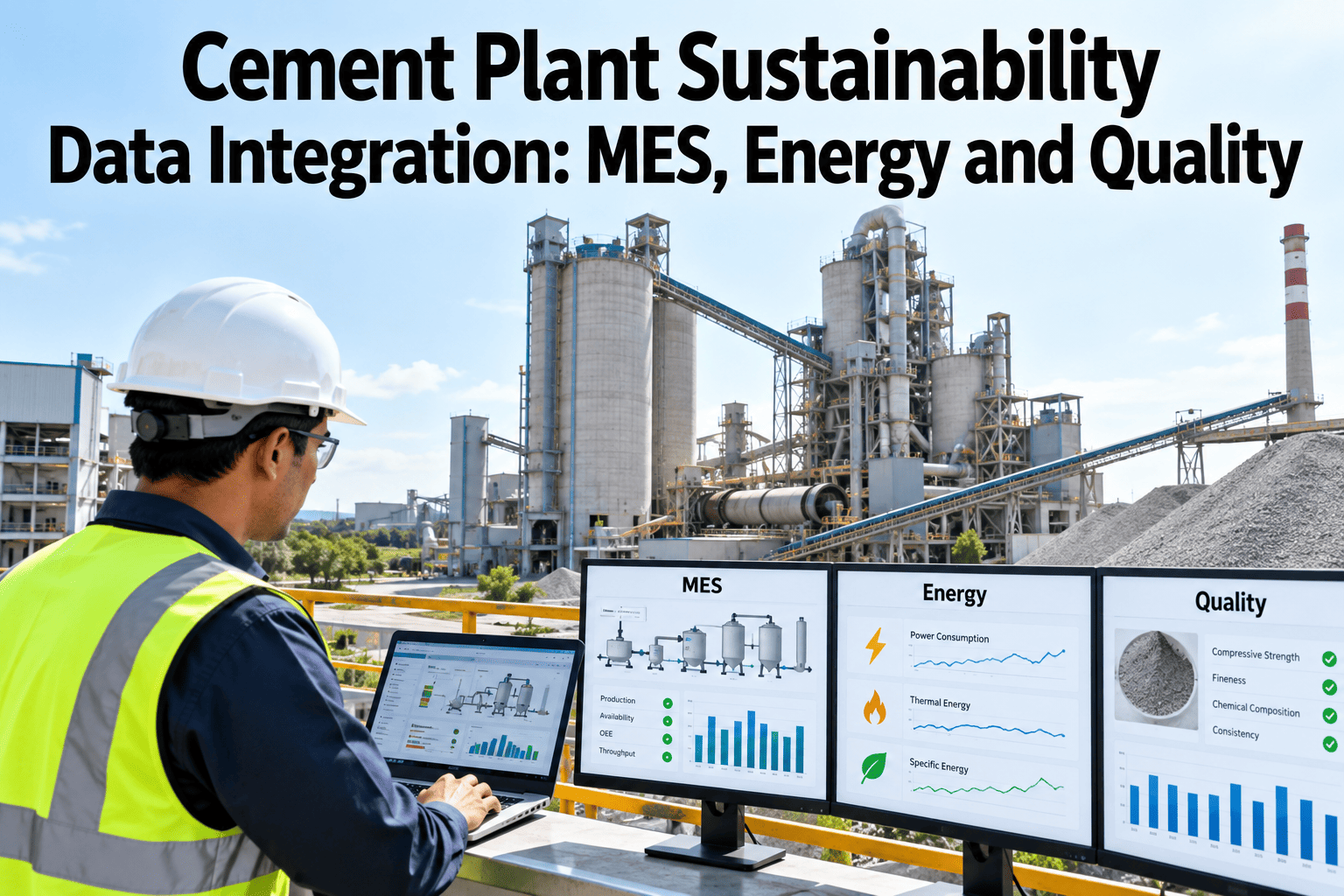
A cement group with several plants rarely has one clean carbon number. Each site's control system records production and energy its own way, the ERP holds a separate version for financial reporting, and at period close somebody has to explain why the two do not quite match. Reconciling carbon data across sites and ERP, before the gap becomes a restated report, means mapping every data source, checking production and energy figures against each other, and logging every exception with its resolution. Groups ready to see their own sites reconciled can book a demo with the iFactory AI team.
Cement Carbon Data Reconciliation Across Sites and ERP
Map data sources, reconcile production and energy figures, and log every exception before period close.
Why Site Data and ERP Rarely Match Exactly
A plant's control system logs production and energy continuously, while the ERP captures a period-end snapshot often built from different meters, different unit conventions or a different cutoff time.
Neither source is necessarily wrong, but without a documented reconciliation, nobody can say which number to trust when a group-level report is due.
Data Source Mapping
Before reconciling anything, every data source feeding the carbon figure needs to be named and mapped to where it lands in the ERP.
| Data Type | Plant Source | ERP Landing Point |
|---|---|---|
| Production | MES or control system output totals | Finished goods or production module |
| Energy | Site meters, fuel and electricity | Utility cost or energy module |
| Material | Raw material intake and stock records | Inventory or materials module |
Reconciliation and Exception Handling
The reconciliation itself follows a short, repeatable sequence at period close.
Close the Period With One Trusted Number
Book a 30-minute walkthrough and see your own sites and ERP reconciled before the next period close.
A Sample Exception Log, Illustrative
The figures below are invented to show the shape of an exception record, not to benchmark your plant.
Common Reconciliation Mistakes
The same gaps repeat across groups reconciling site and ERP carbon data for the first time.
What a Clean Reconciliation Enables
Once sites and ERP reconcile cleanly every period, the close itself gets faster, and the resulting figures carry more weight externally.
Finance can close the carbon figure alongside the financial close instead of waiting weeks for a separate sustainability reconciliation. A verifier reviewing group-level disclosures sees a documented exception log instead of an unexplained gap.
Frequently Asked Questions
What counts as a normal gap between site and ERP data?
A small percentage gap is common and usually explained by timing differences or rounding, while the right tolerance depends on your specific systems and reporting cadence. Book a demo to set a tolerance for your own group.
How often should reconciliation run?
Monthly is a common cadence tied to the financial close, though some groups run a lighter weekly check to catch issues earlier rather than discovering them all at period end.
Can this handle sites on different ERP instances?
Yes, the reconciliation works at the data level regardless of which ERP instance a site runs, as long as each source is properly mapped during setup. Ask support how multi-instance ERP environments connect.
Who should approve the final reconciled figure?
Typically a joint sign-off between finance and sustainability, since the figure feeds both financial and carbon reporting and both functions need confidence in the final number.
Stop Explaining the Gap Every Period Close
iFactory AI maps, reconciles and logs exceptions across your sites and ERP automatically. Book a walkthrough built around your group.