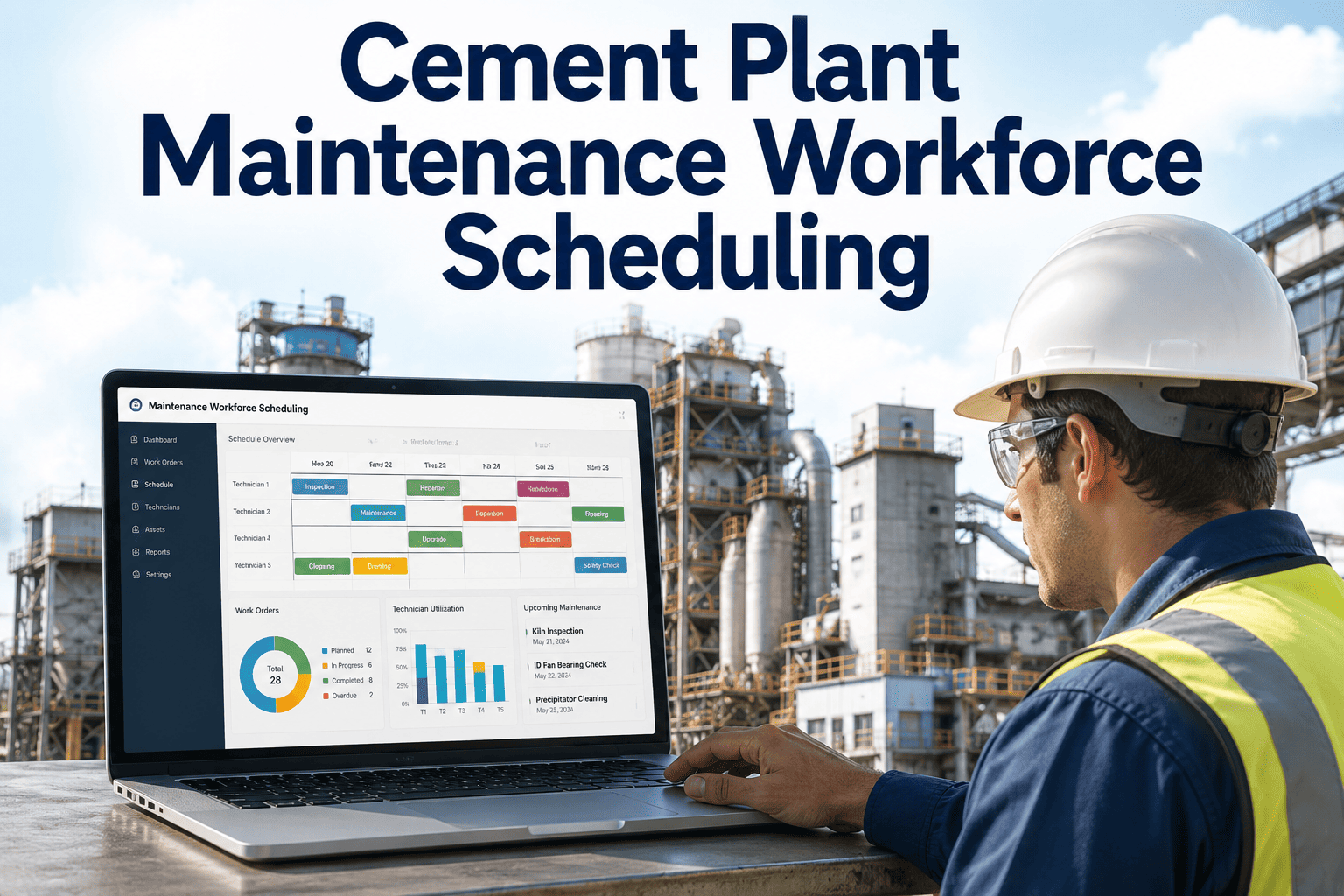
A plant can have a fully staffed maintenance department and still miss half its preventive work every month, simply because the whiteboard schedule was built around who happened to be available on Monday morning rather than which assets actually needed attention that week. Cement plants run lean maintenance crews across mechanical, electrical, and instrumentation trades, and when scheduling is done by memory and gut feel, the most urgent work order and the most convenient technician rarely end up matched. iFactory's AI Workforce Scheduling engine matches technician skill, availability, and current maintenance priority automatically, and the full toolset is available through iFactory support.
AI Workforce Intelligence · Cement Plant Maintenance
Build Next Week's Maintenance Schedule in Minutes, Matched to Priority and Skill Automatically
iFactory's scheduling engine ranks open work orders by urgency, checks which technicians have the right certification and are actually available, and builds a shift-by-shift schedule that a planner used to spend half a day assembling by hand.
Open Priority-1 Work Orders
14
Scheduled This Week
Technicians Fully Utilized
92%
Crew Coverage
Schedule Build Time
6 min
Down From Half a Day
Why Whiteboard Scheduling Breaks Down
Manual Scheduling Optimizes for Convenience, Not for What the Plant Actually Needs
Most cement plants still build the weekly maintenance schedule the same way they did a decade ago: a planner reviews the open work order list, thinks through who is on shift, and assigns tasks based on who is easiest to reach or who did similar work last time. It works well enough on a normal week. It falls apart the moment priorities shift — a bearing alarm comes in overnight, two technicians call in sick, and a planned shutdown gets moved up by three days. Rebuilding the schedule around all three changes by hand, correctly, while still respecting certification requirements and fatigue rules, is genuinely difficult to do quickly and consistently.
iFactory's scheduling engine treats this as an optimization problem instead of a manual exercise. It continuously reads the current work order backlog from the CMMS, ranks tasks by the same risk and priority logic used elsewhere in the plant, checks each technician's certifications, current availability, and recent workload, and proposes a schedule a planner can approve or adjust in minutes rather than build from scratch.
Four Inputs, One Optimized Schedule
What the Scheduling Engine Actually Weighs Before Assigning a Task
01
Work Order Priority
Priority-1 safety and production-critical work orders are surfaced first, and the engine accounts for how long each task has already been sitting in the backlog when ranking it.
02
Skill and Certification Match
Every technician's trade qualifications, equipment-specific training, and confined space or electrical certifications are checked automatically so a task is never assigned to someone unqualified to safely perform it.
03
Real-Time Availability
Shift schedules, approved leave, and hours already logged this week are factored in continuously, so a technician nearing an overtime threshold is not stacked with another long task.
04
Production Plan Alignment
Planned maintenance windows are checked against the production schedule so work on a critical-path asset is timed to an already-planned stop rather than requiring a separate line interruption.
Live Schedule Board
A Full Week of Crew Assignments, Visible at a Glance Instead of Buried in a Spreadsheet
Instead of a static grid a planner has to interpret, the schedule board shows every technician's week as a row of shift blocks, color-coded by work order priority, so a supervisor can see coverage gaps and overloaded technicians in seconds.
Technician
Mon
Tue
Wed
Thu
Fri
R. Patel — Mechanical
Kiln Bearing
Kiln Bearing
PM Round
Inspection
PM Round
S. Okafor — Electrical
MCC Check
Calibration
DCS Fault
DCS Fault
Calibration
M. Costa — Instrumentation
Sensor Check
Flow Meter
Flow Meter
Sensor Check
Open
Stop Rebuilding the Whole Week Every Time One Thing Changes.
iFactory re-optimizes the schedule automatically the moment a priority-1 work order comes in, a technician calls in sick, or a shutdown date moves, instead of leaving the planner to redo it by hand.
How It Fits Your Current Workflow
Five Steps From Open Work Order to Confirmed Technician Assignment
1
Work orders sync from the CMMS — new and existing open tasks, along with their priority level and required trade, are pulled in continuously rather than through a manual export.
2
Technician profiles are checked — certifications, trade classification, and current shift pattern are matched against each open task's requirements before anyone is proposed.
3
A draft schedule is generated — the engine proposes assignments across the coming shifts, balancing priority, skill fit, and workload across the whole crew.
4
The planner reviews and approves — a supervisor can adjust any assignment manually before publishing, keeping human judgment in the loop for edge cases the model doesn't have context on.
5
The schedule re-optimizes automatically — when a new priority-1 order arrives or a technician's availability changes mid-week, affected assignments are recalculated without requiring a full manual rebuild.
Before vs. After
Maintenance Scheduling — Whiteboard Planning vs. iFactory Optimization
Function
Whiteboard / Manual Scheduling
iFactory Workforce Scheduling
Schedule Build Time
A planner spends hours each week manually assembling and re-checking the schedule
A draft schedule is generated automatically in minutes for planner review
Priority Alignment
Tasks are assigned based on convenience, and priority-1 work can sit unassigned
Highest-priority open work orders are matched to available qualified technicians first
Certification Compliance
Checked manually and occasionally missed under time pressure
Verified automatically against every technician's current certification record
Response to Change
A sick call or urgent alarm mid-week forces a manual rebuild of the remaining schedule
Affected assignments are re-optimized automatically without a full manual rebuild
Workload Balance
The same reliable technicians tend to get overloaded while others are underused
Assignments are balanced across the crew based on current logged hours
Measured Outcomes
What Maintenance Planners See After Deploying AI Scheduling
78%
Reduction in Schedule Build Time
Planners report cutting the time spent assembling and adjusting the weekly maintenance schedule from several hours to well under an hour.
31%
More Priority-1 Orders Closed On Time
Automatically surfacing and matching urgent work orders to available qualified technicians reduces how often high-priority tasks slip past their target window.
22%
Reduction in Unplanned Overtime
Balancing workload across the full crew, rather than repeatedly leaning on the same available technicians, cuts avoidable overtime hours.
0 missed
Certification Mismatches
Automated certification checks before assignment eliminate the scheduling errors that previously required last-minute reassignment on site.
Minutes
To Re-Optimize After a Change
A sick call, urgent alarm, or shifted shutdown date triggers an automatic schedule adjustment instead of a manual rebuild from scratch.
15%
Higher Crew Utilization
Matching available technicians to open work more precisely reduces idle time between assignments across the maintenance department.
Field Case
Rebuilding a Full Week's Schedule in Six Minutes After a Shutdown Moved Up
A cement plant maintenance department had a full week of preventive and corrective work already assigned when production notified them that a planned kiln shutdown was moving up by three days to align with a raw material delivery window. Under the old whiteboard process, this typically meant a planner spending most of an afternoon manually reshuffling technician assignments, checking who was certified for shutdown-specific tasks, and hoping nothing got missed in the rush. With the scheduling engine already tracking every technician's certifications and current workload, the planner instead re-ran the optimization against the new shutdown date and had a validated draft schedule ready for review in six minutes. Every certification requirement was still checked automatically, and the only manual work left was final sign-off on two assignments the planner wanted to adjust for personal preference.
6 minTo generate the revised schedule
3 daysShutdown moved up with no scheduling delay
0Certification mismatches in the new plan
Frequently Asked Questions
Maintenance Workforce Scheduling — What Planners Ask First
Does the engine replace the maintenance planner's judgment?
No — it removes the repetitive manual work of cross-checking priority, certification, and availability across dozens of technicians and work orders, and proposes a draft schedule based on that analysis. A planner or supervisor still reviews and approves every schedule before it is published, and can manually override any individual assignment for reasons the model doesn't have visibility into, such as a technician's personal circumstances or an informal cross-training arrangement.
Book a Demo to see the review and approval workflow.
How does it know which technicians are qualified for a given task?
Each technician's profile stores their trade classification, equipment-specific training history, and safety certifications such as confined space entry or electrical arc flash qualifications, along with expiration dates where applicable. When a work order requires a specific certification, only technicians currently holding a valid credential for that requirement are considered for the assignment, and the system flags upcoming certification expirations before they become a scheduling problem.
Can it integrate with our existing CMMS and time and attendance systems?
Yes — the scheduling engine connects to the major CMMS platforms used in cement operations to read open work orders and priority levels, and can integrate with common time and attendance or shift management systems to pull current availability and logged hours automatically. Where a direct integration isn't yet available for a specific system, a standard file-based sync can be configured as an interim solution.
Contact support to confirm compatibility with your systems.
What happens when priorities change in the middle of the week?
When a new priority-1 work order comes in, a technician calls in sick, or a planned shutdown date shifts, the engine automatically re-evaluates only the affected portion of the schedule rather than requiring a full manual rebuild. The planner receives an updated draft reflecting the change and can approve it or make further manual adjustments, which typically takes a few minutes instead of the better part of an afternoon.
How long does it take to get this running for our maintenance team?
A single-site deployment with an existing digital CMMS typically goes live within two to three weeks, covering technician profile setup, certification data import, and validation against a few weeks of historical scheduling to confirm the logic matches how your plant actually prioritizes work. Multi-site deployments or plants still using paper-based certification tracking generally take four to six weeks.
Book a Demo for a timeline specific to your maintenance department.
Your Crew's Time Is Too Valuable to Spend Rebuilding the Same Schedule Twice a Week.
Automated, priority-matched maintenance scheduling that adapts the moment your plant's priorities change — live in as little as two weeks.