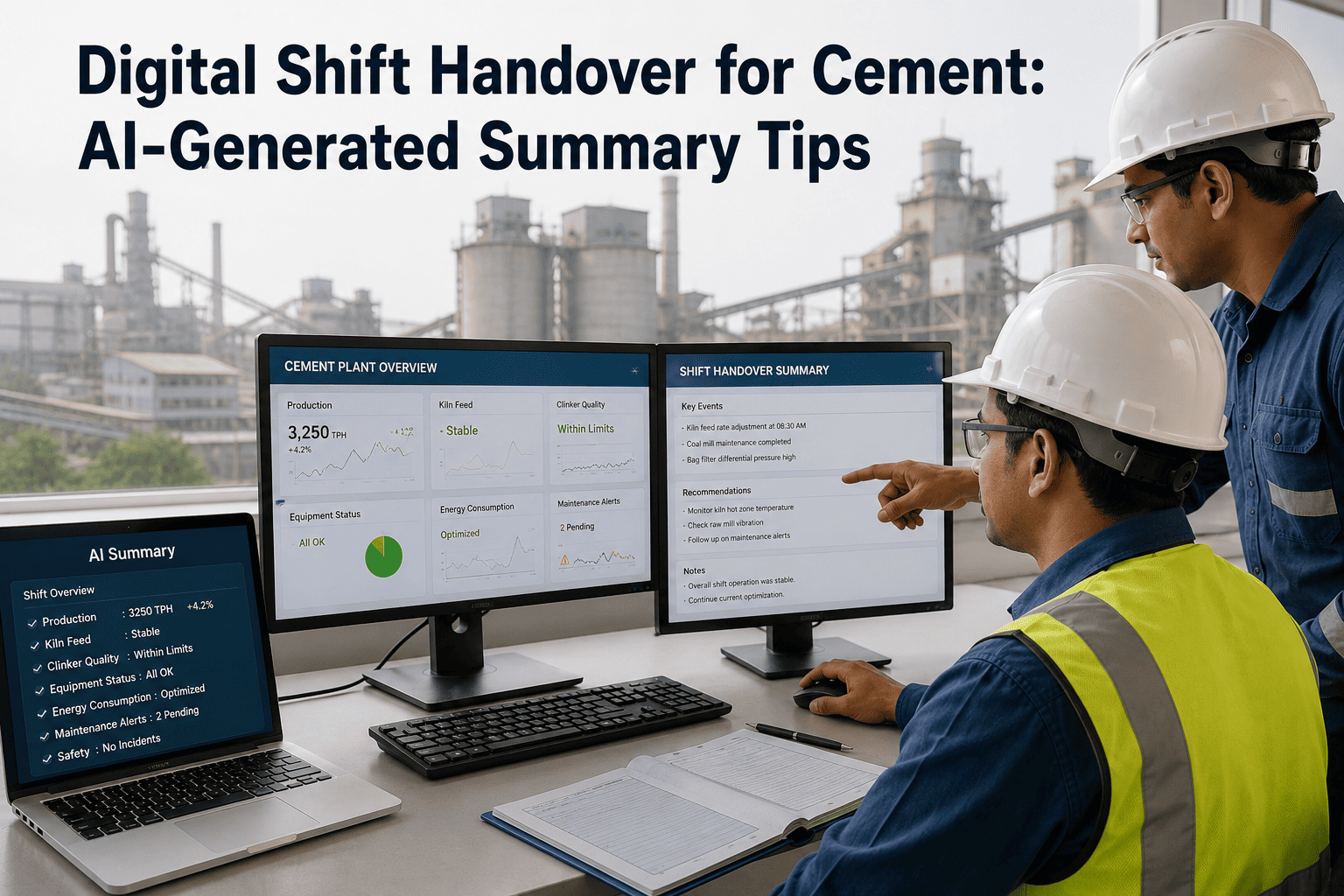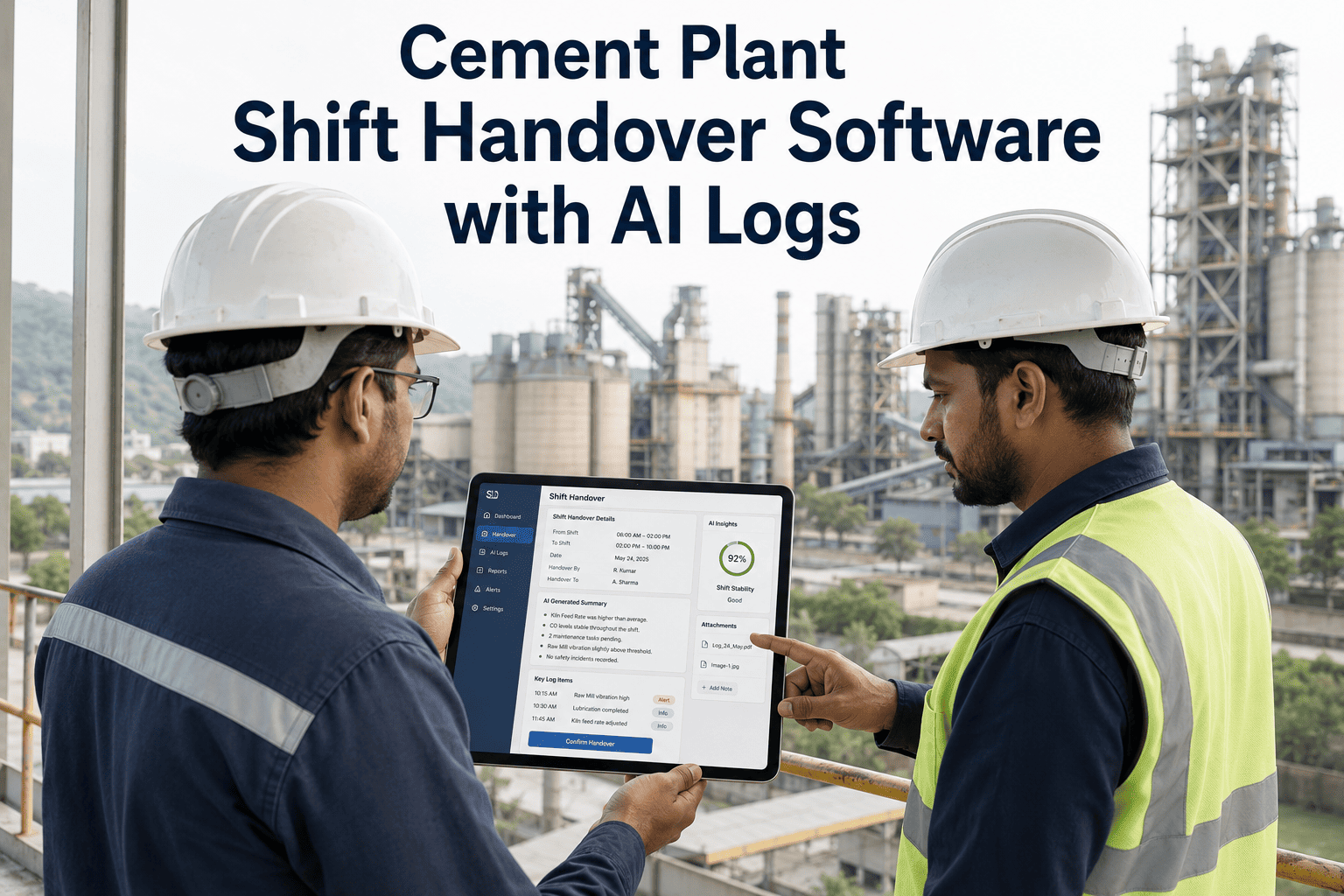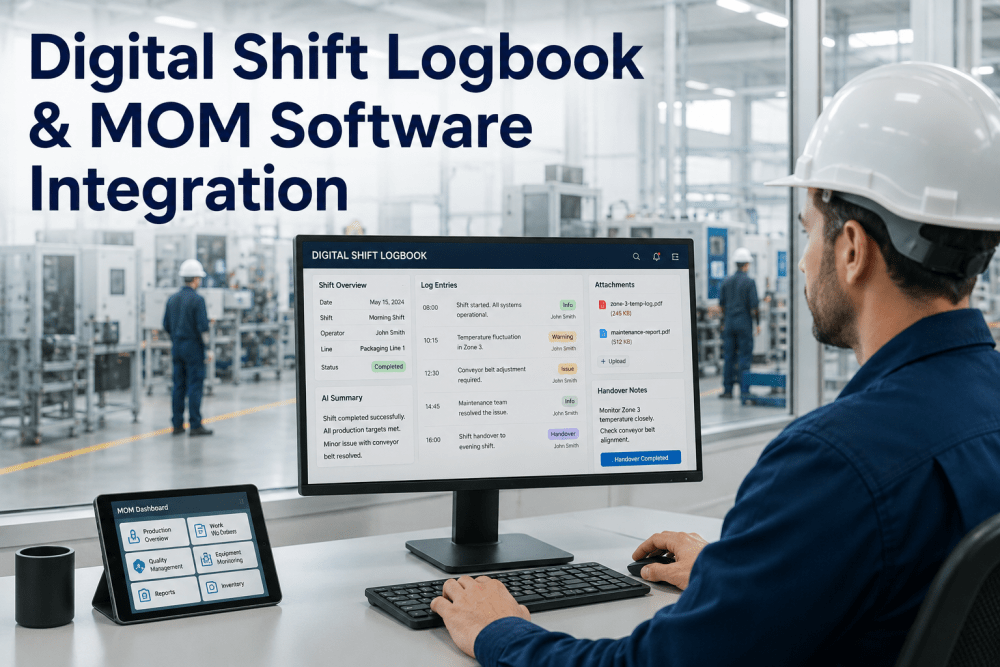
A cement plant runs around the clock, which means every process exception, every maintenance flag, and every pending action has to survive a handover between shifts that often amounts to a few rushed minutes and a logbook nobody reads closely. The outgoing shift knows exactly what happened on the kiln at 3 a.m.; the incoming shift is starting from whatever made it into the notes, and a critical detail left out there is a detail the next shift simply does not have. A digital production log that structures what gets captured removes the guesswork from that handoff. See a structured shift handover built from your own plant's data.
A Shift Handover Nobody Has to Guess At
iFactory AI structures shift summaries, process exceptions, maintenance events, and pending actions into one digital log, so nothing critical gets lost between shifts.
Where a Paper Logbook Actually Fails
A handwritten logbook depends entirely on what the outgoing operator remembers to write down in the last few minutes of a long shift, and a kiln upset or a maintenance flag that happened hours earlier often gets summarized in a single rushed line, if it gets written down at all, leaving the incoming shift to rediscover the same issue rather than build on what was already known about it.
Six Things Every Handover Needs
A complete handover covers the same six categories every time, regardless of how eventful or quiet the shift was.
Shift Summary
Production totals, kiln status, and overall shift performance at a glance.
Process Exceptions
Any deviation from normal operating parameters, logged with time and context.
Maintenance Events
Equipment issues flagged, addressed, or still pending attention.
Pending Actions
Open items the incoming shift needs to follow up on or complete.
Accountability
Who owns each open item, with acknowledgement logged at handover.
Trend Reporting
Shift-over-shift patterns surfaced automatically rather than buried in old notes.
Structure Your Own Shift Handover
Book a 30-minute session and see a structured digital handover log built from your own plant's shift data.
What Gets Captured, and How
Different categories of information need different capture methods to stay accurate and complete.
| Category | Capture Method | Why It Matters |
|---|---|---|
| Process exceptions | Logged automatically from process data where possible | Removes reliance on an operator remembering to note it |
| Maintenance events | Linked directly from the CMMS work order system | Keeps the handover consistent with the maintenance record |
| Pending actions | Entered manually, assigned an owner and due status | Creates a clear accountability trail across shifts |
| Shift summary | Auto-populated from production totals, reviewed by the shift lead | Gives the incoming shift an accurate starting picture |
From Shift End to Shift Start
The handover moves through a consistent sequence regardless of how many open items carry over.
Trends Across a Week of Shifts
A single shift's log is useful in the moment. Read across a week, the same data starts showing patterns a single handover never reveals on its own.
Rolling Out Across Your Shift Schedule
iFactory AI connects to your existing process historian and CMMS, so exceptions and maintenance events populate the log automatically rather than requiring duplicate data entry.
Expert Review
The night-shift pattern in exception trending is one of the most common findings once a plant starts reading handover data across a full week rather than one shift at a time, and it usually points toward staffing, lighting, or process monitoring gaps that are much easier to address once they are visible as a pattern rather than scattered across individual logbook entries.
Frequently Asked Questions
Does this replace our existing CMMS or process historian?
No, it connects to your existing CMMS and process historian rather than replacing either system, pulling maintenance and process data into the handover log automatically. Support can confirm compatibility with your current systems.
Can the handover template be customized to our plant's process?
Yes, the categories and specific parameters tracked are configured to match your own kiln, mill, and process setup rather than a generic cement industry template.
How is accountability tracked for pending actions?
Each pending action is assigned an owner and carried forward automatically until it is marked resolved, so an open item never silently drops out of the record. See accountability tracking on a call.
Does this work across multiple shift rotations and crews?
Yes, the log structure applies consistently across every shift rotation and crew, with trend reporting able to compare performance across crews as well as over time.
What happens to historical logbook data when we switch over?
Historical records can be referenced alongside the new digital log during rollout, and the switch is typically phased so operators have time to adjust to the new format. Ask support about historical data handling.
Make Every Handover Count
iFactory AI structures shift summaries, exceptions, maintenance events, and pending actions into one accountable digital log. Discuss your plant's use case.