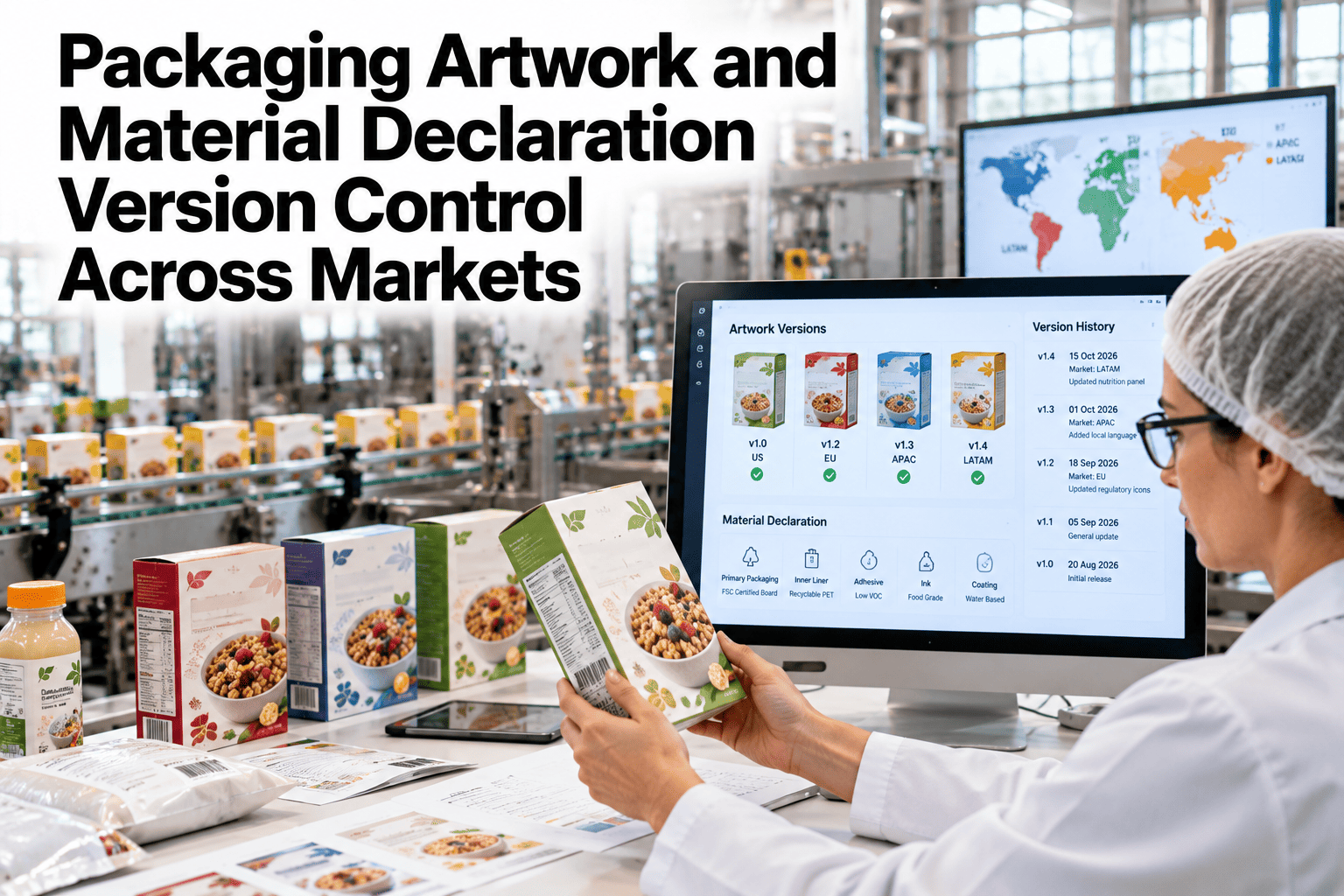
A print run using the wrong artwork version rarely fails because someone made a careless choice. It fails because the correct version was not obviously the correct version, sitting in a shared folder next to four other files named almost identically, with no indication of which one a regulator had actually approved for that market. Packaging version control problems are quiet until the pallet of mislabeled stock is already built. See how version control would run across your own market variants.
Make the Approved Version the Only One Anyone Can Print
iFactory AI links every artwork file to its material declaration and market approval status, blocking obsolete versions before they reach a print run.
One SKU, Many Market Variants
A single product can carry a different artwork file for every market it ships to, each tied to its own material declaration and regulatory approval.
Version drift creeps in when a material declaration updates in one market but the linked artwork does not get flagged for review, leaving a label referencing an ingredient list that no longer matches what's inside the package.
Market Variants at a Glance
Four markets, four approval states, for the same underlying SKU.
Check Your Own Market Variant Status
Book a 30-minute session and see where artwork and material declarations have drifted out of sync across your markets.
How a Revision Moves Through Approval
Every artwork change follows the same path, so a new version can never quietly become the active one without sign-off.
What Gets Tracked on Every Version
| Record | What It Confirms |
|---|---|
| Artwork File | Exact print-ready file tied to a specific version number |
| Material Declaration Link | Which declaration version the artwork's claims are based on |
| Approval History | Who approved the revision, and for which markets |
| Obsolete Flag | Whether a version has been superseded and is blocked from print |
Why Obsolete Version Blocking Matters
Getting It Running on Your Portfolio
iFactory AI connects to your artwork management and regulatory documentation systems.
Frequently Asked Questions
Does this replace our existing artwork management system?
No, it can work alongside your current system, adding the material declaration linkage and obsolete version blocking rather than replacing existing file storage.
How are market-specific variants handled?
Each market variant is tracked as its own linked record, so a declaration update in one market does not get mistakenly applied to another market's approval status.
Can a blocked obsolete version still be viewed for reference?
Yes, obsolete versions remain accessible for audit and reference purposes, they are simply blocked from being sent to print as the active file.
What happens when a material declaration changes mid-approval?
The affected artwork revision is flagged for re-review rather than proceeding to approval with an outdated declaration link. Support can walk through this scenario in more detail.
Does this support a portfolio with hundreds of SKU-market combinations?
Yes, version tracking scales across a full portfolio of SKUs and market variants. Ask how this would map to your portfolio in a walkthrough.
Never Print an Obsolete Version Again
iFactory AI links artwork to its material declaration and blocks outdated versions before they reach a print run. Book a walkthrough.