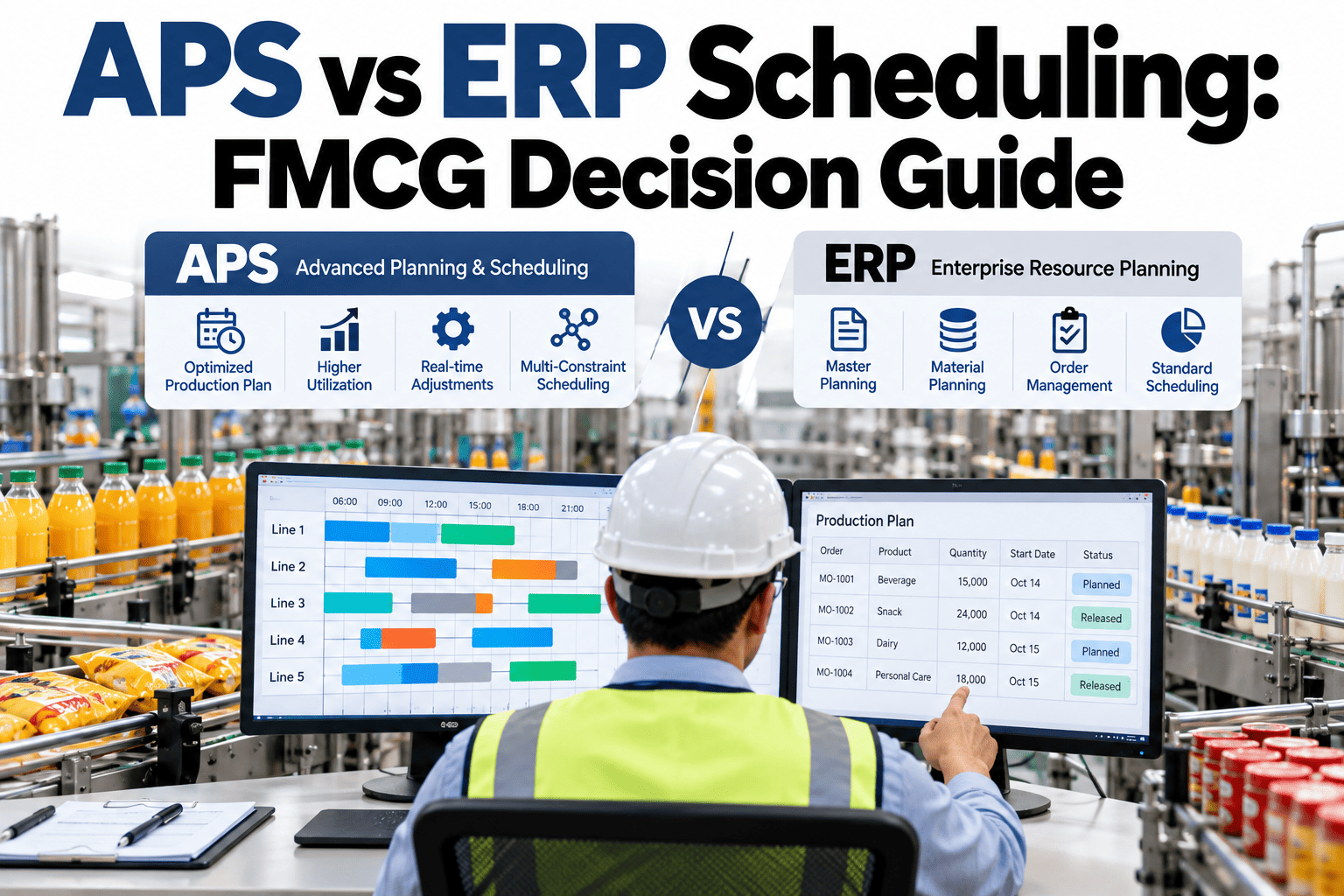
Most FMCG plants already run an ERP, and most ERPs include some form of planning. So why do planners still keep a spreadsheet beside it? Because ERP scheduling usually assumes infinite capacity, fixed lead times and neat batch sizes, while the plant has changeovers, shared equipment and labor limits. Advanced planning and scheduling fills that gap. The decision is rarely either-or. Teams can compare ERP and APS outputs on a real week of orders to see where the difference actually matters.
ERP Plans the Business. APS Schedules the Plant.
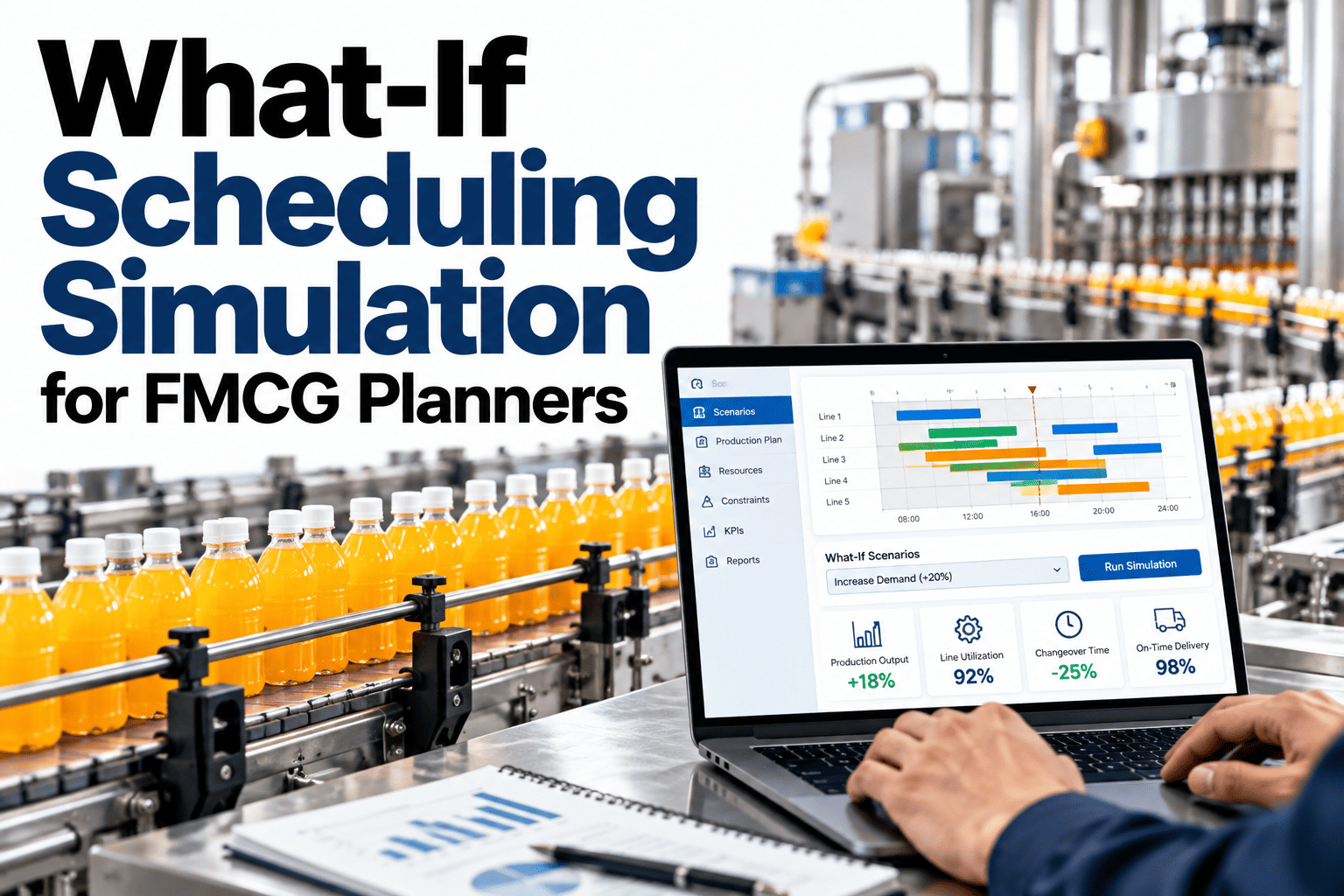
iFactory Dynamic Scheduler adds finite-capacity scheduling alongside your ERP, so each system does the job it does best.
Where Each System Is Strong
They solve different problems at different time scales.
How the Two Systems Coexist
ERP sends demand and materials down. APS returns a feasible schedule and actuals flow back up.
Simplified integration. Your ERP and interfaces will shape the real design.
Where ERP Scheduling Tends to Break
These gaps are the usual reasons planners reach for spreadsheets.
| Situation | What ERP Assumes | What Actually Happens |
|---|---|---|
| Changeover-heavy lines | Fixed setup time | Setup depends on the SKU sequence |
| Shared equipment | Unlimited capacity | Two lines queue for one mixer |
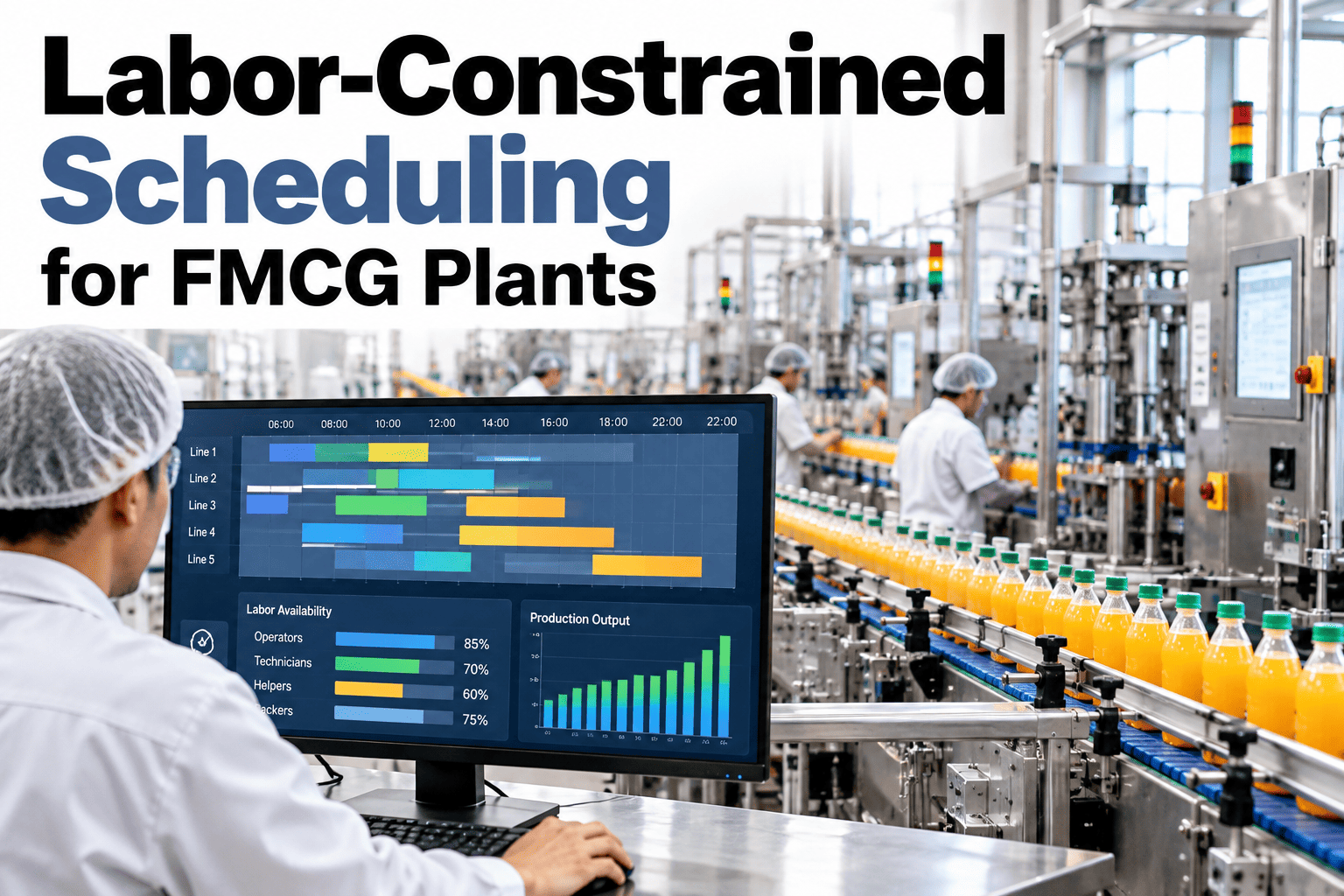
| Labor constraints | People are available | Skills and shifts limit starts |
| Late material | Plan stays valid | Schedule must reshuffle in hours |
Signals That Point to Your Next Step
Use a few honest signals to decide how much scheduling help you need.
See ERP and APS Side by Side on Your Orders
Share a week of orders and your ERP planning output. We will run it through finite-capacity scheduling and compare the results.
Rules for Peaceful Coexistence
Systems clash when ownership is unclear. Agree these early.
One owner per decision
ERP owns demand and inventory, APS owns the sequence
One source of master data
Rates, calendars and BOMs live in one place
Clear handoff timing
Define when schedules are released and frozen
Closed feedback loop
Actual output returns to ERP without re-entry
A Practical Integration Path
Start narrow and widen as trust grows.
What Experienced Planners Look For in an ERP and APS Setup
Frequently Asked Questions
Do we need to replace our ERP to use APS?
No. APS usually sits beside the ERP, reading orders and inventory and returning a schedule. Review how your ERP would connect in a short technical session.
Will APS and ERP produce conflicting dates?
They can if ownership is unclear. Decide which system owns promise dates and which owns the sequence. Conflicts then become a handoff question, not a technical one.
Is APS only for large plants?
Not necessarily. Plants with changeovers, shared equipment or tight labor benefit at many sizes. Check whether your plant profile fits APS with our planners.
How long does an APS pilot take?
It depends on data readiness more than on software. If rates, calendars and BOMs are clean, a pilot line can start quickly. Poor master data is the usual delay.
What should we measure to know it works?
Track on-time delivery, changeover hours and planner time spent on replanning. See which measures show value earliest on a short call.
Keep Your ERP and Fix the Schedule
Bring your ERP planning output and a tough week of orders. We will show how finite-capacity scheduling sits beside it.