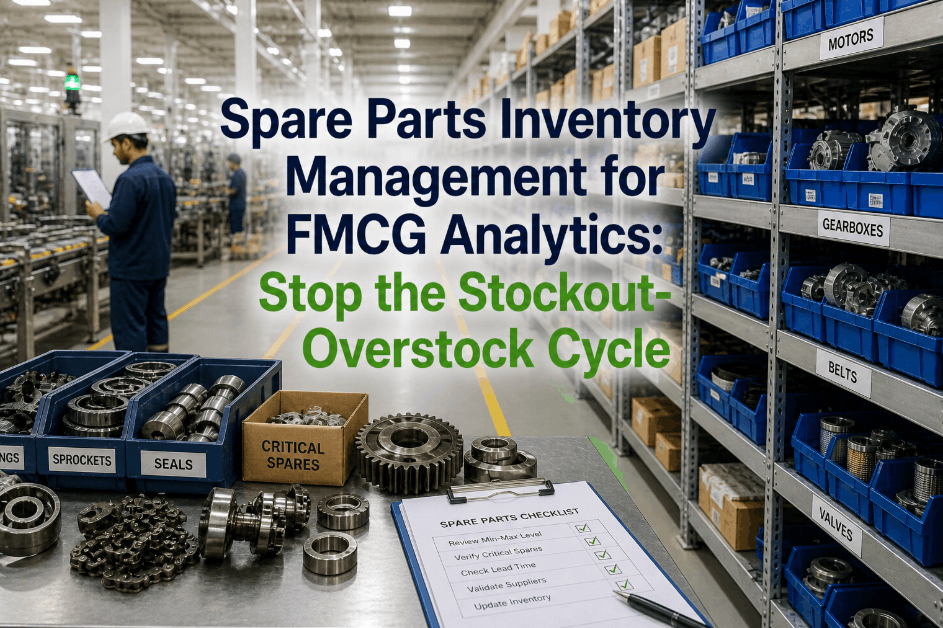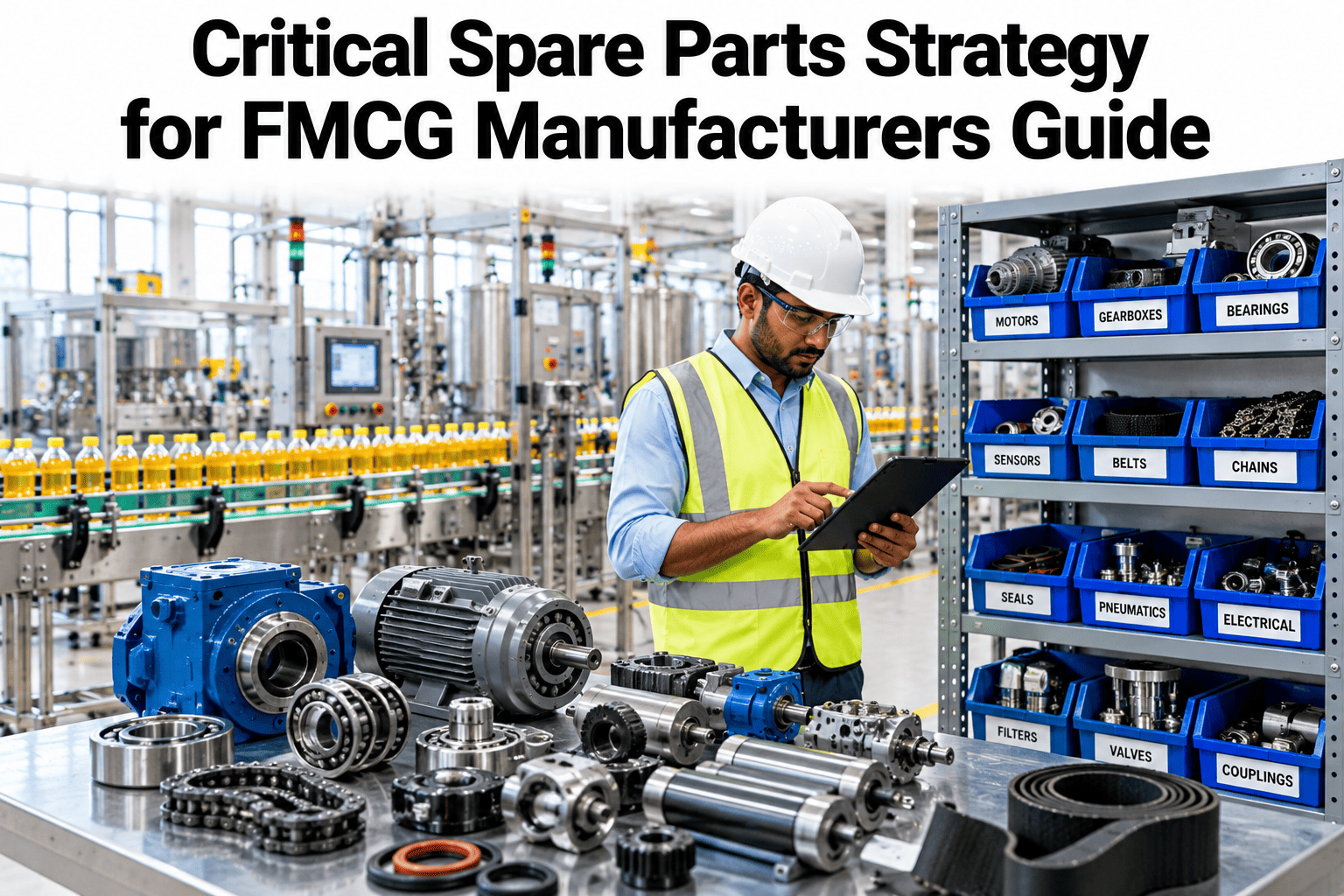
Every maintenance storeroom has a shelf of parts nobody has touched in three years sitting next to an empty bin for the one bearing that, when it fails, stops the whole line. Spare parts strategy usually drifts toward stocking what is easy to track rather than what actually carries risk, because criticality scoring takes real effort and most plants never get around to it. The parts that matter are not always the expensive ones. See a criticality-scored spare parts list built for your own line.
Stock the Parts You Cannot Afford to Be Without
iFactory AI scores spare parts by true criticality, not price or usage frequency, and recommends a stocking policy that matches the risk.
Stock on-site
VMI or local stock
Order on failure
No stock needed
Price Is a Poor Proxy for Criticality
An expensive gearbox that rarely fails can sit safely on a long-lead order. A ten-dollar sensor that stops a filler line the moment it fails cannot.
Criticality is a function of failure impact and lead time together, not the price tag, and most stocking decisions get this backwards by defaulting to value-based inventory rules built for finished goods, not maintenance parts.
Scoring Criticality
A usable criticality score combines a small number of factors that are easy to track consistently across every part.
| Factor | What It Measures | Weight in Score |
|---|---|---|
| Downtime impact | Line stoppage if part fails with no spare | Highest |
| Lead time | Days to receive a replacement from the vendor | High |
| Failure frequency | How often the part has historically failed | Moderate |
| Unit cost | Capital tied up per unit stocked | Low |
See Your Own Parts Scored by Criticality
Book a 30-minute session and iFactory AI will walk through a criticality-scored stocking plan for your own parts list.
Four Stocking Patterns, Matched to Risk
Not every critical part needs to sit on your own shelf. The right policy depends on lead time as much as impact.
On-Site Stock
For high-impact parts with long vendor lead times, kept on-site despite carrying cost.
Vendor-Managed Inventory
For high-impact parts with short lead times, where a local vendor holds stock on call.
Order-on-Failure
For low-impact parts where downtime cost does not justify holding inventory.
Pooled Regional Stock
For parts shared across multiple plants, reducing total inventory while covering risk.
A Composite Plant View
Twenty parts scored by criticality against current stocking status. Darker cells show parts at the highest risk of an understocked failure.
Rolling It Out at the Plant
iFactory AI arrives turnkey, built to connect to your existing CMMS and parts inventory system.
Frequently Asked Questions
Do we need to re-enter our entire parts catalog?
No, existing parts data is imported from your current CMMS or inventory system rather than re-entered manually. Support can walk through the import process for your current system.
How does the system know a part's downtime impact?
Impact is estimated from the equipment the part serves, combining its role in the line with historical downtime data where a similar failure occurred. This refines further as more failure history accumulates.
Can this recommend reducing stock on some parts?
Yes, the scoring works both directions, flagging overstocked low-criticality parts alongside understocked critical ones, so the recommendation can free up capital as well as reduce risk. See both sides of the recommendation in a walkthrough.
Does this work with vendor-managed inventory arrangements?
Yes, VMI arrangements are factored into the stocking recommendation as an alternative to on-site stock for high-impact, short-lead-time parts, rather than treating all critical parts the same way.
How does this connect to our maintenance budget planning?
Criticality scores and stocking recommendations tie directly to maintenance budget and capital planning, since the system shows where inventory spend reduces risk and where it does not. Ask support how this rolls into budget planning.
Stock by Risk, Not by Habit
iFactory AI scores every spare part by true criticality and recommends the right stocking policy. Book a walkthrough to see it on your own parts list.