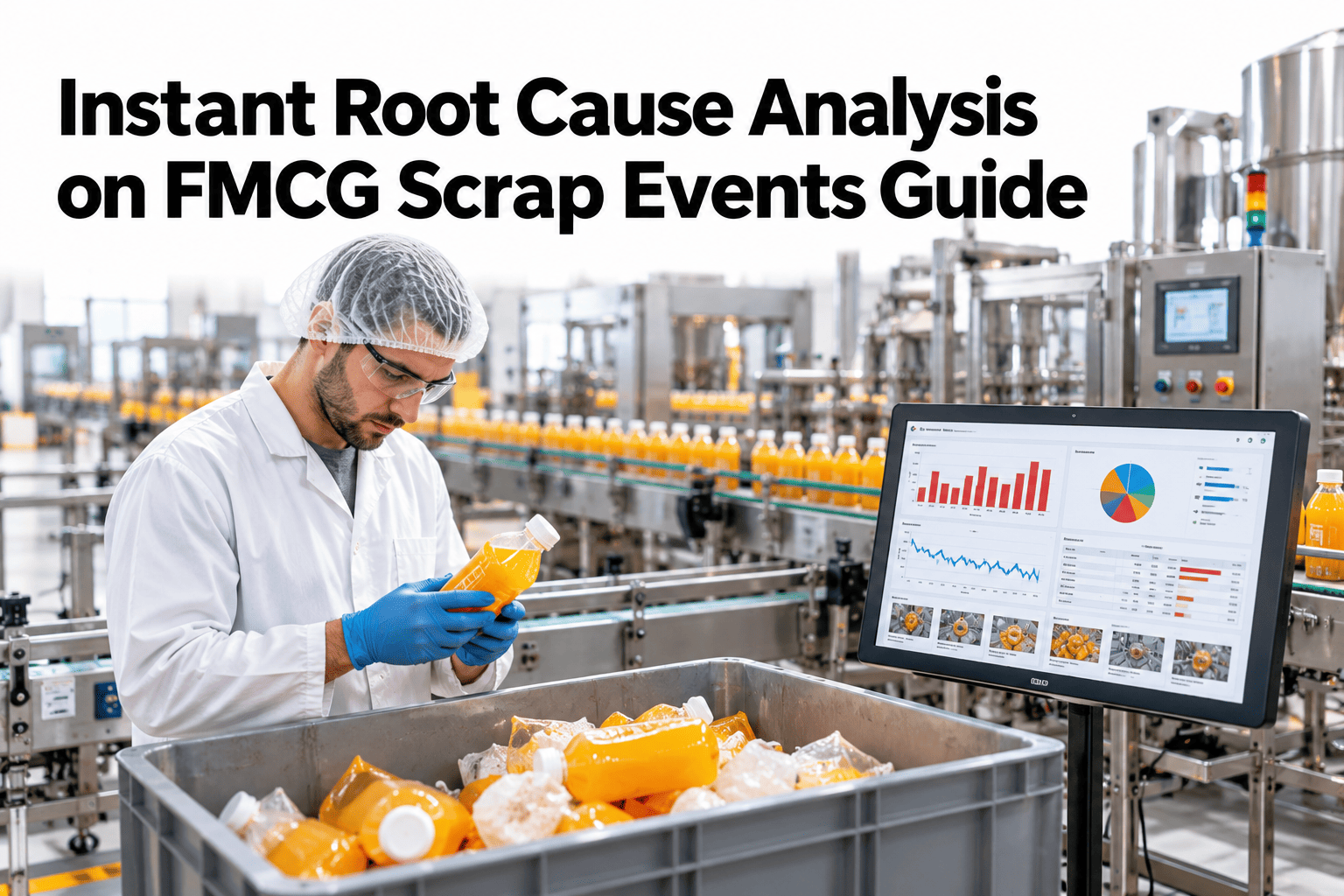
On a fast FMCG line, a burst of scrap lasts minutes, but the investigation often lasts days. By the time someone asks what happened, the machine state has changed, the material lot has moved on and the operators have forgotten the details. Instant root cause analysis captures the context while it still exists, correlating line state, quality results and material lot at the moment of the event. The goal is simple, an answer before the shift ends. Teams who want that can ask iFactory AI how scrap events are captured and correlated in real time.
Find the Root Cause of a Scrap Event Before the Shift Ends
iFactory AI freezes the context around every scrap event and correlates line state, quality data and material lot, so the likely cause is on the supervisor's screen while the line is still running.
What Happens in the Minutes After a Scrap Event
A good RCA routine follows a short chain, and the earlier steps are automatic.
The Three Data Views and Their Questions
Each view answers a different question. Together they narrow the cause quickly.
| Data View | What It Contains | Question It Answers |
|---|---|---|
| Line state | Speed, temperatures, pressures, alarms, changeovers and recent stops | What was the machine doing |
| Quality data | Checkweigher, vision and metal detector results, lab tests | What went wrong with the product |
| Material lot | Ingredient, film and packaging lots with supplier | What was the product made from |
| People and shift | Crew, handovers and recent interventions | What had recently changed |
The First Suspects on a Packaging Line
Most scrap events trace to a short list of suspects. Checking them first saves time.
Packaging material lot
Film thickness, print registration or seal layer variation from a new reel or lot.
Seal and forming settings
Jaw temperature, pressure or dwell time drifting from the recipe.
Product and fill conditions
Product temperature, viscosity or dusting affecting fill and seal quality.
Recent change or intervention
A changeover, splice, adjustment or cleaning shortly before the event.
Which Symptom Points to Which Suspect
Symptoms leave clues. The matrix, shown as an illustration, links common symptoms to likely suspects.
| Symptom | Material Lot | Machine Settings | Recent Change |
|---|---|---|---|
| Weak or leaking seals | Moderate | High | Moderate |
| Print or label misregistration | High | Moderate | Moderate |
| Underweight or overweight packs | Moderate | High | Moderate |
| Contamination rejects | High | Low | Moderate |
| Jams and misfeeds | Moderate | Moderate | High |
See Your Next Scrap Event Explained Before It Is Over
Book a 30-minute session and iFactory AI will review your scrap records and line data to show how many events could be explained within the shift.
How Fast Can You Know?
The longer the gap between event and analysis, the less evidence survives. The chart shows an illustrative view of how evidence quality changes with time.
Next-Day Review or Instant Correlation
Both have a place, but they answer different questions.
The Five Whys With Data Behind Each Answer
Data keeps the five whys honest. Each answer should point to a record, not an opinion.
What was rejected? Check quality data.
What was the line doing? Check line state.
What changed beforehand? Check changes and interventions.
Which material was in use? Check the lot.
Why can it recur? Check the standard and the control.
Scrap Event Response Checklist
Use this list at the line when an event triggers an alert. Each box should be answerable in minutes.
A Composite Scenario: The Seal That Failed at Ten Past Two
This is a composite example, not a named plant. It shows what instant correlation changes.
Mistakes That Slow Down RCA
These habits push the answer back by days.
Waiting for the weekly report
Evidence fades while the report is prepared.
Looking at one data source
Single views often point to the wrong suspect.
Recording causes as other
Without a cause, patterns cannot be seen.
Skipping the recurrence check
A cause that returns was never really fixed.
What iFactory AI Adds to Instant RCA
iFactory AI is smart manufacturing and industrial software for FMCG and process plants. Explore instant RCA in a live product tour on realistic line data.
A 30-Day Plan to Start
A month is enough to prove instant RCA on one line.
Review of Instant Root Cause Analysis
A practical review of what makes fast RCA trustworthy, written as editorial guidance rather than a named expert quote.
Capture the context early
Evidence decays quickly, so freeze it at the moment of the event.
Use more than one view
Two or three data views agreeing is far stronger than one.
Record the cause properly
A coded cause is what turns single events into patterns.
Frequently Asked Questions
What is instant root cause analysis?
It is correlating line state, quality data and material lot automatically at the moment of a scrap event, so a likely cause appears within the shift. See an event explained in a live demo with realistic data. It replaces days of investigation with minutes of review.
Does instant RCA find the exact cause every time?
No. It ranks likely causes with evidence and shortens the search, and the supervisor confirms and acts. Hard cases still need engineering work, but they start from much better evidence.
What data do we need?
Timestamped line data, quality or reject results and material lot records, ideally with a shared clock. Ask support what your lines already provide before adding anything. Many lines have most of it.
Which lines should we start with?
Start with a line that has frequent scrap and reasonable data. A visible first win builds trust. Extend to other lines once supervisors rely on the ranked suspects.
How soon can we see results?
Many plants see useful ranked suspects within weeks of connecting one line. Book time to scope an instant RCA pilot with your operations team. Time to cause is the clearest measure of success.
Know Why It Happened Before the Shift Ends
iFactory AI correlates line state, quality and material lot at the moment of every scrap event so causes are found while they matter. Book a walkthrough to see it on your own line.

-in-fmcg-a-step-by-step-guide-to-eliminating-recurring-failures.png)