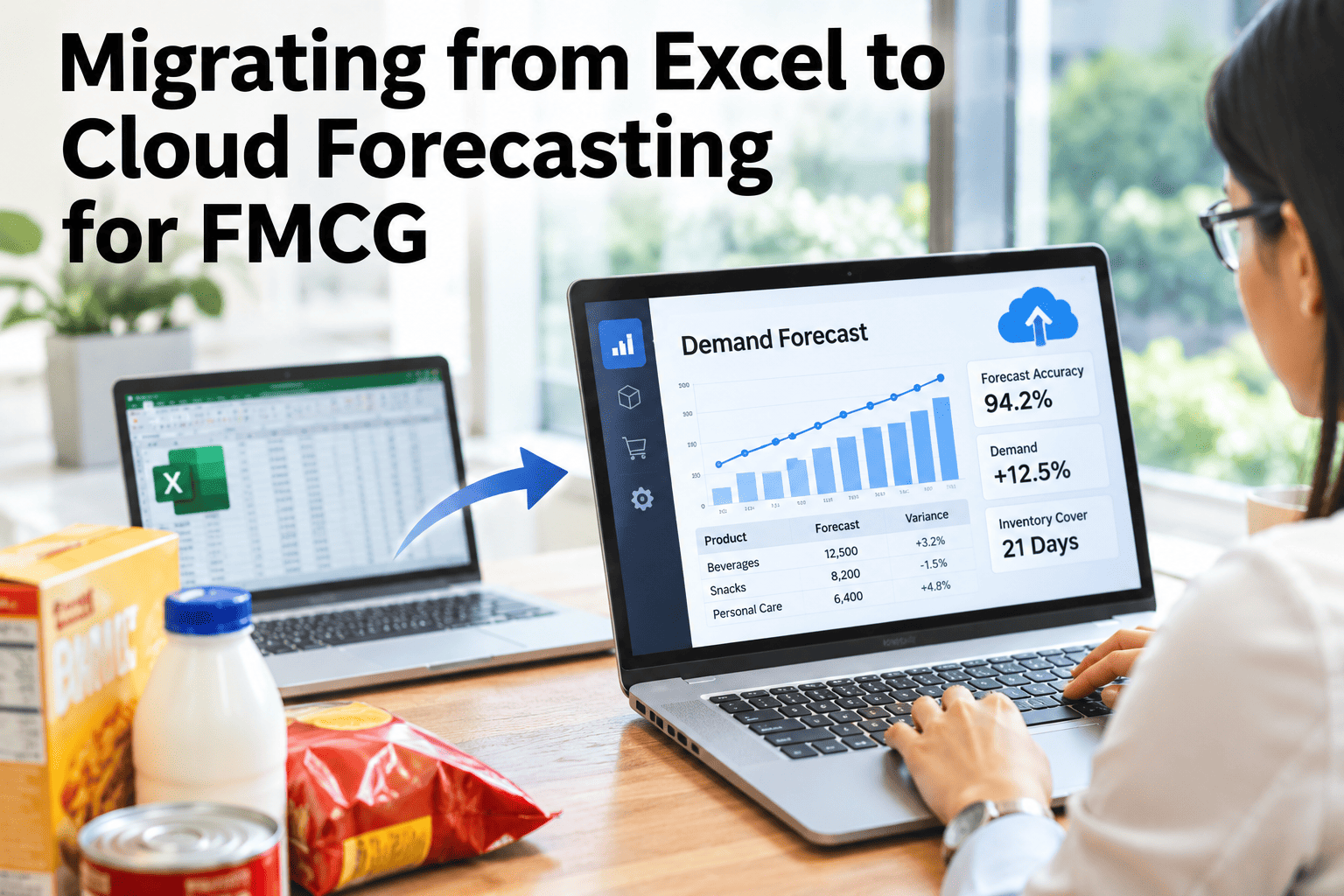
Most FMCG demand planners can tell you exactly how many hours a week disappear into building, checking and re-circulating forecast spreadsheets, and the honest answer is usually a double-digit chunk of their working time. The risk in moving off that spreadsheet isn't the destination, it's a migration that skips a step — extracting the wrong history, translating a planner's judgment calls into rules nobody validated, or going live without ever running the new system next to the old one. iFactory AI's planning team can map a low-risk cutover plan against your current Excel forecasting process before committing a go-live date.
The Spreadsheet Isn't the Problem — An Unplanned Cutover Is
A four-phase path — data extraction, model translation, planner training and a parallel-run playbook — moves an FMCG forecasting process off Excel without a week where nobody trusts the numbers.
Why Excel Reaches a Hard Ceiling at FMCG Scale
A spreadsheet model works fine for a handful of SKUs reviewed monthly, but FMCG forecasting runs against hundreds or thousands of SKUs, multiple channels, promotional calendars and daily sell-through signals, and spreadsheets simply were not built to replan against that volume on a daily cadence. The ceiling isn't about Excel being a bad tool, it's about asking a manual, file-based process to do something that needs automated, continuous recalculation.
Forecast files circulated by email create conflicting "latest" versions across teams.
A monthly or weekly refresh can't react to a sudden sell-through or promotion shift.
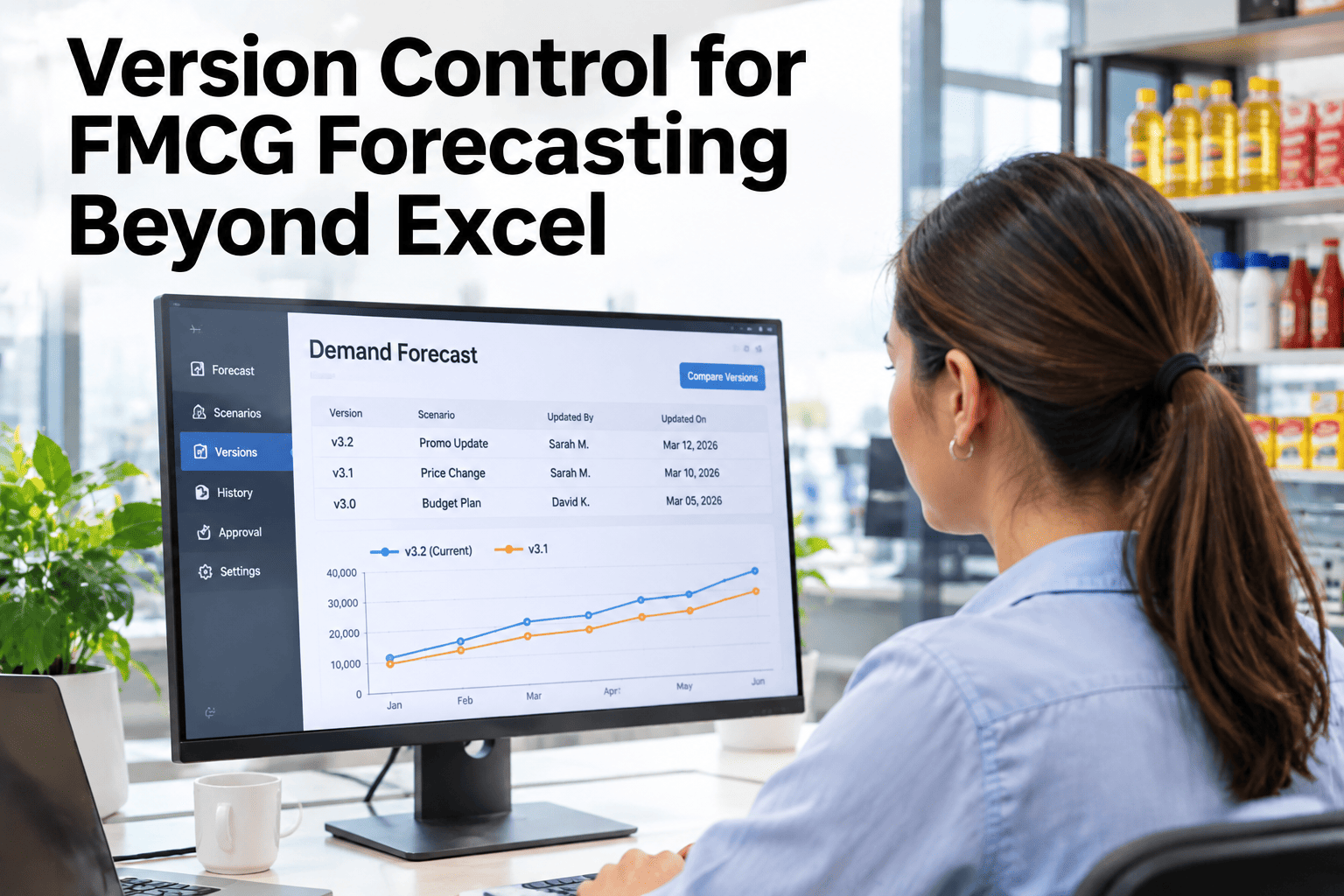
Manual adjustments buried in cells make it hard to know what the model actually predicted.
A forecast miss is difficult to trace back to the assumption that caused it.
Phase 1: Data Extraction
Migration starts with pulling the history that actually matters, not every tab in every planner's personal workbook. Our team can review what's extractable from your current sales and planning systems before scoping the rest of the migration.
| Data Source | What to Extract | Common Pitfall |
|---|---|---|
| Historical sales | SKU-level, channel-level, at least 2 years where available | Promotional periods not flagged separately |
| Promotional calendar | Past promotion dates, mechanics and uplift | Stored in a planner's memory, not a system |
| Planner override logic | The judgment rules planners apply manually today | Treated as undocumented "tribal knowledge" |
| Master data | SKU hierarchy, channel structure, new launches | Inconsistent naming across regional spreadsheets |
Phase 2: Model Translation
Document what the spreadsheet model actually does today, overrides included.
A bad manual rule shouldn't be preserved just because it was always there.
Run the new model against last year's known outcomes before touching live planning.
See Your Current Spreadsheet Logic Mapped Out
Bring your current forecasting workbook and see which parts of the logic translate cleanly and which need a planner's judgment captured properly for the first time.
Phase 3: Planner Training That Builds Trust, Not Just Clicks
A planner who doesn't trust the new system will keep a shadow spreadsheet running indefinitely, which defeats the entire migration. Training has to cover not just how to use the new interface, but why the model reached a given number, so a planner can defend a forecast in a meeting the same way they could defend their own spreadsheet logic.
What drove this number, not just what the number is.
A visible, logged override — not a hidden cell edit.
What to check before assuming the model is wrong.
Understanding daily replan output versus a static monthly number.
Phase 4: The Parallel-Run Playbook
Nobody should have to take the new system's word for it. Running the cloud forecast alongside the existing Excel process for a defined window, on a defined scope, is what turns "trust us" into a comparison planners can see for themselves.
Common Migration Mistakes
A full-portfolio cutover on day one multiplies the risk of every other mistake.
Going live without a comparison period leaves planners with nothing to trust the switch against.
A flawed manual rule, preserved and automated, just fails faster and less visibly.
Planners who don't understand the model's logic will quietly rebuild their old spreadsheet.
A Composite Scenario: The Pilot That Earned Its Rollout
Picture an FMCG planning team scoping their migration to roughly 150 high-volume SKUs representing a meaningful share of revenue, rather than attempting the full portfolio immediately.
Running both forecasts side by side for eight weeks gave planners a direct comparison rather than a promise, and the rollout to the rest of the portfolio only happened once that pilot group's planners had seen the new system hold up against their own spreadsheet week after week. The scenario illustrates the method; actual timelines and scope depend on each team's own planning complexity.
Where iFactory AI Fits
iFactory AI's adaptive forecasting and daily replan engine is built to sit alongside an existing Excel process during the parallel-run window, not just replace it on a single cutover date.
History and planner logic pulled and documented before any model goes live.
Forecasts update against real sell-through signals, not a static monthly cycle.
Side-by-side comparison against the existing spreadsheet during the pilot window.
Frequently Asked Questions
Most FMCG teams start with a few hundred high-volume SKUs representing a meaningful share of revenue, which is enough to validate the model without the risk of a full-portfolio cutover on day one. Scope a pilot group for your product portfolio.
Long enough to cover at least one full planning cycle plus a promotional event if possible, since that's what lets planners see the new system handle the scenarios that actually challenge a forecast. Discuss a parallel-run window that fits your planning calendar.
It gets documented and reviewed rather than discarded or blindly automated, since some manual rules reflect real market knowledge worth keeping while others were simply workarounds for the spreadsheet's limitations. Walk through how override logic is handled.
Yes, but as a visible, logged override rather than a hidden spreadsheet cell edit, which keeps the audit trail intact and makes it possible to see which adjustments actually improved accuracy over time. Ask how overrides are tracked in the new system.
Skipping the parallel-run step is the most common cause, since planners asked to trust a new system on faith alone tend to keep running their old spreadsheet in the background indefinitely, which quietly defeats the migration. Review a parallel-run plan before your own cutover date.
Move Off the Spreadsheet Without a Trust Gap
iFactory AI runs data extraction, model translation, planner training and a parallel-run comparison, so your team sees the new forecast prove itself before the old one goes away.