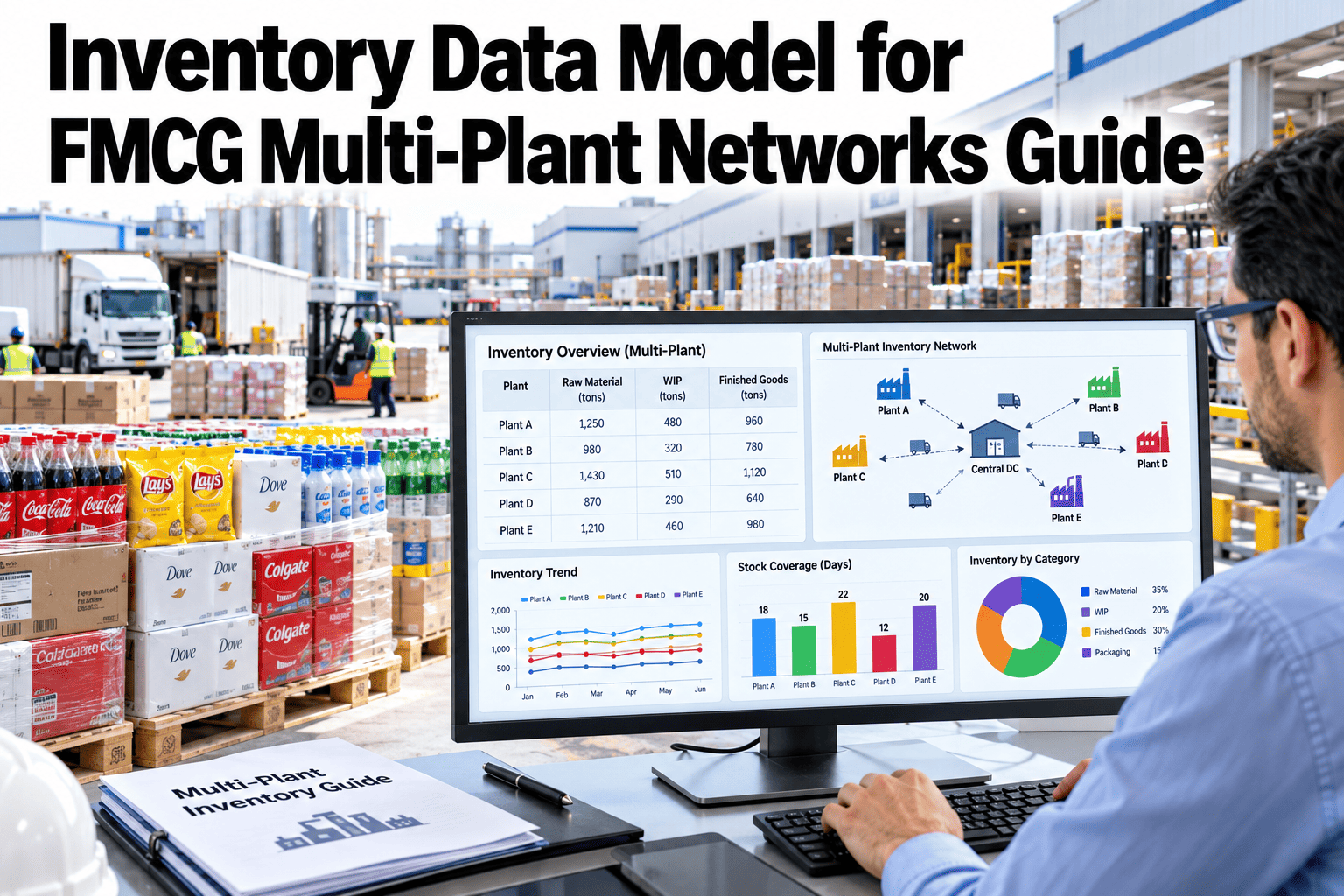
Two reports from two plants can show different inventory numbers for the same product because they quietly mean different things by the word stock. A clear inventory data model fixes this by defining the inventory states, the level of detail at which stock is recorded and the lot information that travels with it. For multi-plant FMCG networks, it is the foundation for trustworthy dashboards, planning and audits. This guide sets out six inventory states and the grain and metadata that keep reports consistent. To review your own model, you can walk through an inventory data model with our team.
FMCG inventory and multi-location sync
Give Every Plant the Same Meaning for the Word Stock
iFactory AI helps FMCG networks define inventory states, record stock at a consistent level of detail and carry lot data through every report.
Six states of inventory
Available
Reserved
In transit
Quality hold
In production
Blocked
Six inventory statesOne Quantity, Six Meanings
Stock is never just a number. The state tells you what you can do with it.
Available
Unrestricted stock that can be sold or used now.
Reserved
Stock set aside for specific orders or production.
In transit
Stock moving between locations, owned but not on site.
Quality hold
Stock awaiting release or inspection.
In production
Material and product inside manufacturing, not yet finished.
Blocked or expired
Stock that cannot be used, such as damaged or expired product.
Reports that mix these states give misleading answers. Available stock and total stock are very different numbers.
GrainThe Level of Detail at Which Stock Is Recorded
SKU
The product and pack size.
Location
Plant, warehouse, zone or store.
Lot
The batch with its dates and quality status.
State
Which of the six states the quantity is in.
Record stock at the finest level you may need. You can always roll detail up into summaries, but you cannot rebuild detail later.
Lot-level metadataInformation That Should Travel With Every Lot
| Field | Why it matters | Example use |
|---|
| Lot or batch number | Links stock to production and quality records | Recalls and complaint investigation |
| Production date | Shows age and rotation | First-in, first-out planning |
| Expiry or best-before date | Controls shelf life and sale windows | Aged stock alerts |
| Plant or supplier | Shows origin | Quality and cost analysis |
| Quality status | Shows whether stock can be released | Blocking and release rules |
| Unit of measure and pack structure | Keeps quantities comparable | Converting cases and units |
Check Whether Your Reports Mean the Same Thing
Share two inventory reports from different plants and see how iFactory AI would map them onto one consistent model.
Moving between statesHow Stock Flows Through the Model
1
Receive
Stock enters, often on hold pending checks.
2
Release
Quality approves and stock becomes available.
3
Reserve and pick
Stock is allocated to orders and moves out.
4
Ship and transfer
Stock moves to in transit and then to the next location.
Every movement should change a state or a location with a recorded reason. Silent edits break trust in the numbers.
Multi-plant syncKeep Every Site on One Data Model
Plants with their own definitions produce reports that cannot be added together.
Plant A inventory systemPlant B inventory systemDistribution centre systems
Shared inventory model
Network stock reportsPlanning and forecastingAudit and compliance reports
Mapping each site's local codes onto the shared model is a one-time job that saves ongoing reconciliation.
Weak versus strongWhat Separates a Reliable Model From a Confusing One
Weak model
States undefined or mixed together
Stock recorded only by SKU and site
Lot data missing or in free text
Each plant uses its own units
Strong model
Six clear states with definitions
SKU, location, lot and state recorded
Lot data stored in structured fields
Units and pack structure standardised
Modelling rulesFive Rules That Prevent Reporting Arguments
1
One definition per term
Write down what available, reserved and in transit mean.
2
Stock changes only by event
Every change comes from a recorded movement.
3
Standard units of measure
Convert once, at a controlled point.
4
Consistent location hierarchy
Plant, warehouse, zone and bin follow one structure.
5
Keep history
Store movements, not only current balances.
MaturityThree Levels of Data Model Quality
Draft
Terms exist but differ by site.
Agreed
One shared definition set is approved.
Governed
Definitions are enforced, monitored and reviewed.
Most networks move through these levels over months. To place yours, ask our team for a data model maturity check.
Reporting consistencyFour Questions Every Report Should Answer Clearly
Which state?
Available, reserved, in transit or other
Which grain?
SKU, location, lot or all
Which units?
Each, case or weight
As of when?
The snapshot time and time zone
A report that answers these four questions in its header avoids most misunderstandings.
Before and afterWhat Consistency Does to Report Disagreements
Track disputes and manual reconciliations before and after. This view is illustrative.
Local definitions
Manual reconciliation effort
Shared model
Manual reconciliation effort
RolloutFive Steps to a Shared Inventory Model
1
Collect definitions
List how each plant defines stock states and units.
2
Agree the model
Choose states, grain and lot fields with all sites.
3
Map local systems
Link each site's codes to the shared model.
4
Test with reports
Rebuild a few key reports and compare totals.
5
Govern and review
Name owners and review definitions regularly.
Six inventory states defined and approved
Grain set at SKU, location, lot and state
Lot metadata fields agreed
Units of measure and pack structures standardised
Location hierarchy documented
Local systems mapped to the shared model
Key reports rebuilt and reconciled
Data owner named for the model
Expert reviewWhat a Supply Chain Data Architect Would Check First
A data model is a business agreement written down. The technology is the easy part. Agreeing definitions across plants is the real work.
Verdict
Strong when definitions are simple, written and enforced across every site.
Watch for
Models so detailed that nobody can follow them.
Do next
Write one page defining the six states and test it with two plants.
Frequently asked questionsWhat FMCG Teams Ask About Inventory Data Models
Why six inventory states?
Six states cover the common situations in FMCG: available, reserved, in transit, on quality hold, in production and blocked. Your own model can differ, but every state needs a clear definition and every movement a clear reason.
Compare states for your network.
What does SKU-location grain mean?
It means stock is recorded for each product at each location, and for FMCG usually also by lot and state. Recording at this level lets you roll up to any summary you need later.
Ask about choosing the grain.
Which lot fields are essential?
Lot or batch number, production date, expiry or best-before date, origin and quality status are the core fields. Add others such as storage conditions where they matter.
Review lot fields.
How do we align plants with different systems?
Create a shared model, then map each plant's codes and states to it. Rebuild a few key reports on the shared model and reconcile them with local numbers.
Ask about mapping approaches.
How do we keep the model from drifting?
Assign an owner, review definitions regularly and monitor data quality. Changes should go through a simple approval step.
Plan data governance.
One definition, one version of the truth
Make Every Inventory Report Tell the Same Story
Book a session with iFactory AI to define your inventory states, set your grain and map plant systems onto one reliable data model.