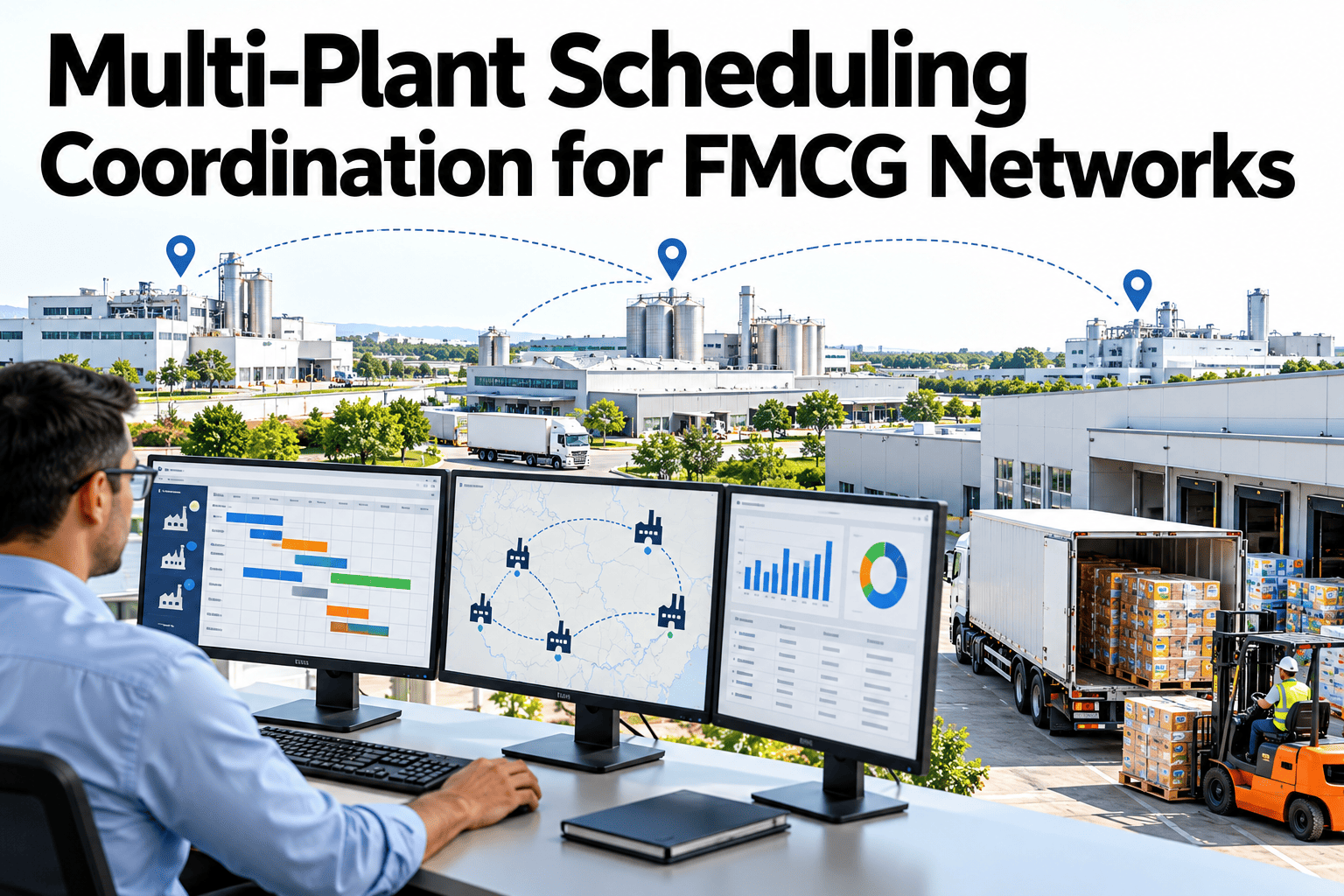
Most FMCG networks run several plants that could, on paper, make the same SKU. In practice each one schedules against its own backlog, its own changeover costs and its own idea of what "urgent" means, so the same product can be behind schedule at one site while another sits with open capacity two states away. Multi-plant coordination is not about forcing every plant onto a single master schedule, it is about seeing the network's true capacity picture clearly enough to move volume to where it can actually be made on time. Supply and planning teams can see how iFactory AI compares live capacity across plants before a transfer decision is made.
Multi-Plant Scheduling Coordination for FMCG Networks
See which plants have room before a line runs behind, and move volume while there's still time to act.
Why Plants Default to Running Alone
Siloed scheduling is not a failure of effort, it is what happens by default when each plant only has visibility into its own backlog.
Each site's capacity and backlog sit in a separate system, invisible to the others.
Plant teams are measured on their own throughput, not network-wide delivery.
Moving production between sites has real cost and lead time that discourages ad hoc shifts.
None of this means plants are wrong to focus locally. It means someone needs the network-level view that no single plant has on its own.
Production Balancing: What to Compare Before Shifting Volume
A transfer decision is only as good as the inputs behind it. Four factors decide whether a shift actually helps.
| Factor | Why It Matters | Common Mistake |
|---|---|---|
| Available capacity | Confirms the receiving plant genuinely has room | Using rated capacity instead of real open hours |
| Changeover cost | A new SKU at a plant may cost more in changeover than it saves | Ignoring changeover time in the comparison |
| Line qualification | Not every line is validated to run every SKU or grade | Assuming any line can run any product |
| Transfer lead time | Material and logistics lead time affects whether the shift meets the deadline | Comparing only production time, not total time to delivery |
Compare These Four Factors Across Your Own Network
Book a 30-minute session and iFactory AI will show how capacity, changeover cost, qualification and lead time compare across your plants before a transfer is proposed.
Transfer Planning in Four Steps
A transfer that is not planned deliberately tends to create a new bottleneck at the receiving site. Work through these in order.
Identify the gap
Confirm the originating plant genuinely cannot meet the deadline on its own.
Screen candidates
Check real capacity, qualification and changeover cost across eligible plants.
Confirm logistics
Verify material availability and transfer lead time at the receiving site.
Commit and track
Lock the transfer into both schedules and monitor it through to delivery.
Network Optimization Versus Single-Plant Optimization
Optimising each plant separately can still leave the network worse off. The two goals need to be reconciled, not assumed to align.
Common Scenarios Worth Modelling
A few recurring situations are worth a standing playbook rather than a fresh debate every time they come up.
A promotion or seasonal surge pushes one plant past capacity while others have room.
Unplanned downtime at one site creates a gap that needs covering elsewhere.
A material shortfall at one plant may be available at another, shifting where production can run.
The networks that get real value from multi-plant coordination are the ones that treat it as a standing capability, not a crisis response. Waiting until a plant is already behind schedule to start comparing network capacity means the transfer decision is made under pressure, with less time to verify qualification and logistics properly. Build the comparison into the weekly planning cycle so capacity gaps and slack are visible before they become urgent, and reserve the fast, reactive process for the genuine surprises that no amount of planning could have caught.
Where iFactory AI Fits
iFactory AI brings plant-level schedules into one network view, so capacity gaps and transfer opportunities are visible before a deadline is at risk.
Live network capacity view
Load across all plants is shown together, updated as each site's schedule changes.
Transfer feasibility checks
Qualification, changeover cost and lead time are checked automatically before a transfer is proposed.
Scenario playbooks
Common situations like demand spikes or line breakdowns are modelled in advance, speeding up the response.
Ask in plain language
Ask which plant has open capacity for a given SKU this week and receive a ranked answer.
Frequently Asked Questions
How do we know if moving production to another plant is actually worth it?
Compare real available capacity, changeover cost at the receiving plant, line qualification for the SKU, and total transfer lead time against the deadline, not just whether the other plant has open hours on paper. You can watch this comparison run on sample network data in a live session.
How often should network capacity be reviewed across plants?
Build it into the regular weekly planning cycle rather than only reacting once a plant is already behind, since a standing view of capacity and gaps gives far more time to verify a transfer properly. To set this up, request a network review session with the iFactory AI team, or ask support what data is needed to get started.
What stops a transfer from working even when a plant has open capacity?
The most common blockers are line qualification gaps, changeover cost that erases the benefit, and material or logistics lead time that misses the deadline even if production itself would fit. A short product tour of transfer feasibility checks shows how these are screened together.
Does network scheduling mean giving up plant-level autonomy?
No. It means giving plant teams visibility into the network picture alongside their own schedule, so local decisions can account for network conditions rather than being made blind to them. See how plant and network views work together in a guided walkthrough.
How should we prepare for recurring situations like demand spikes or breakdowns?
Build a standing playbook for each recurring scenario, with the candidate plants and feasibility checks already worked out, rather than starting the analysis from scratch each time it happens. Schedule a walkthrough of scenario playbook setup to see how this is modelled for your network.
See Your Network's True Capacity Picture
iFactory AI brings every plant's schedule into one view, so capacity gaps are visible before a deadline is at risk. Book a walkthrough to see it built around your own network.