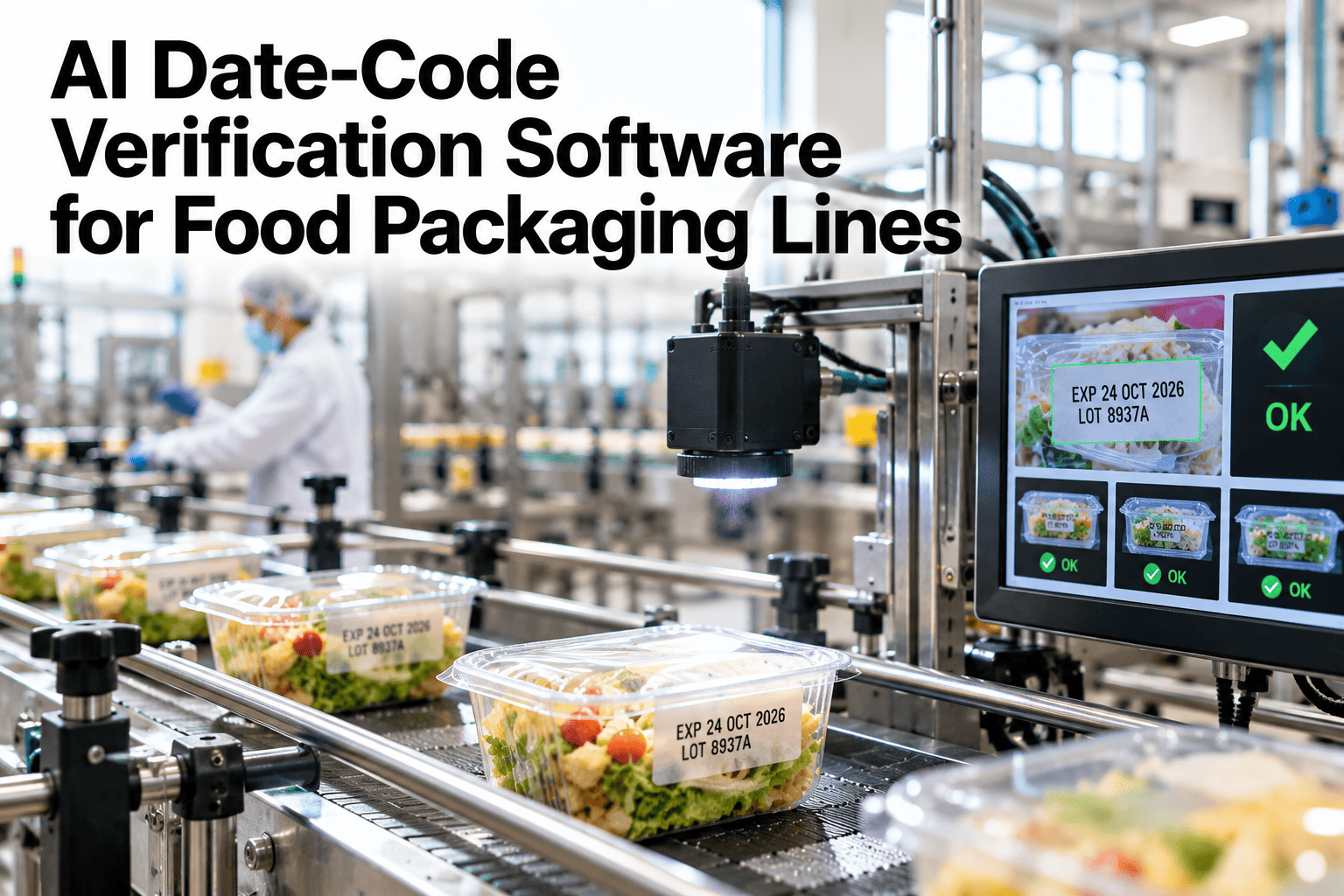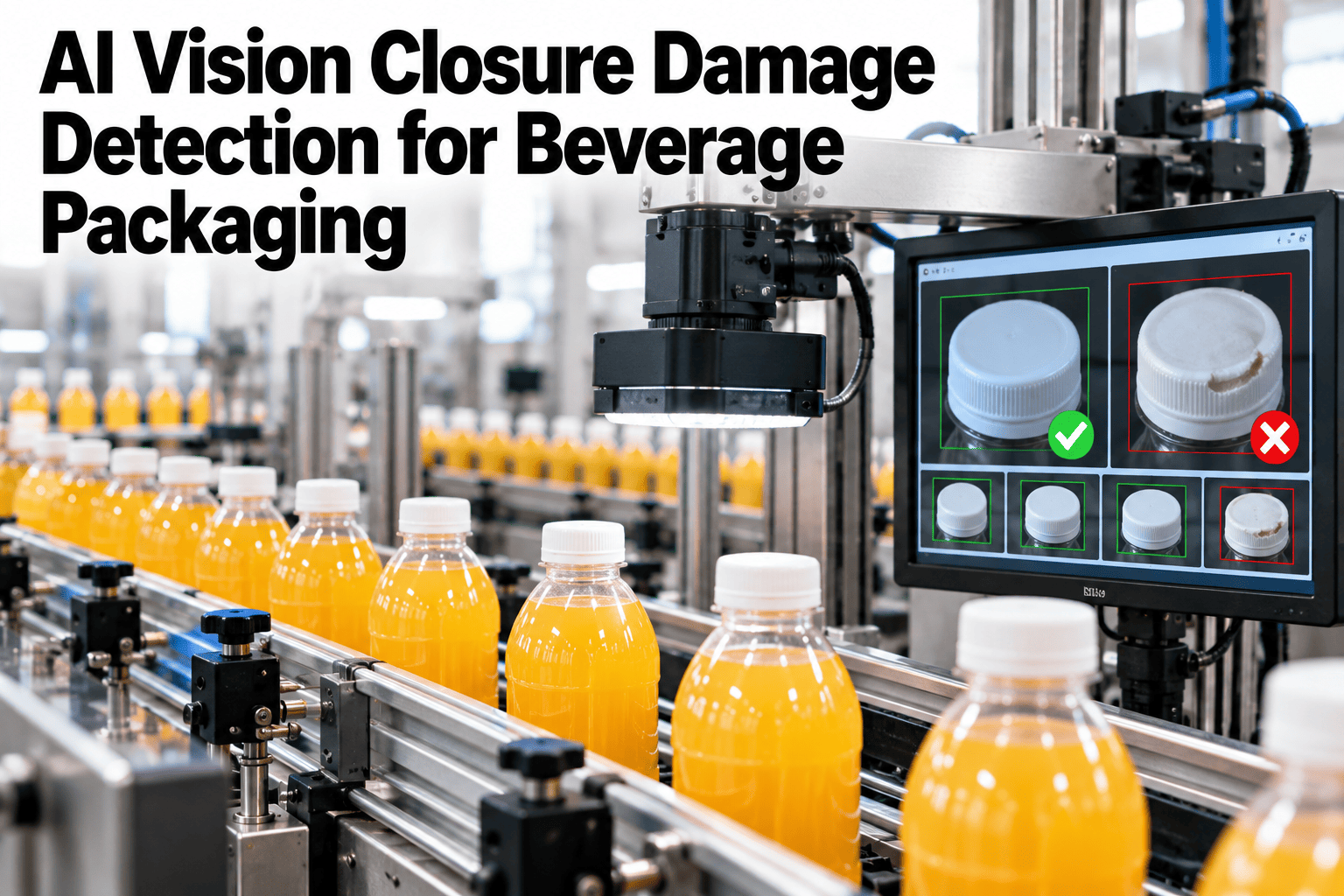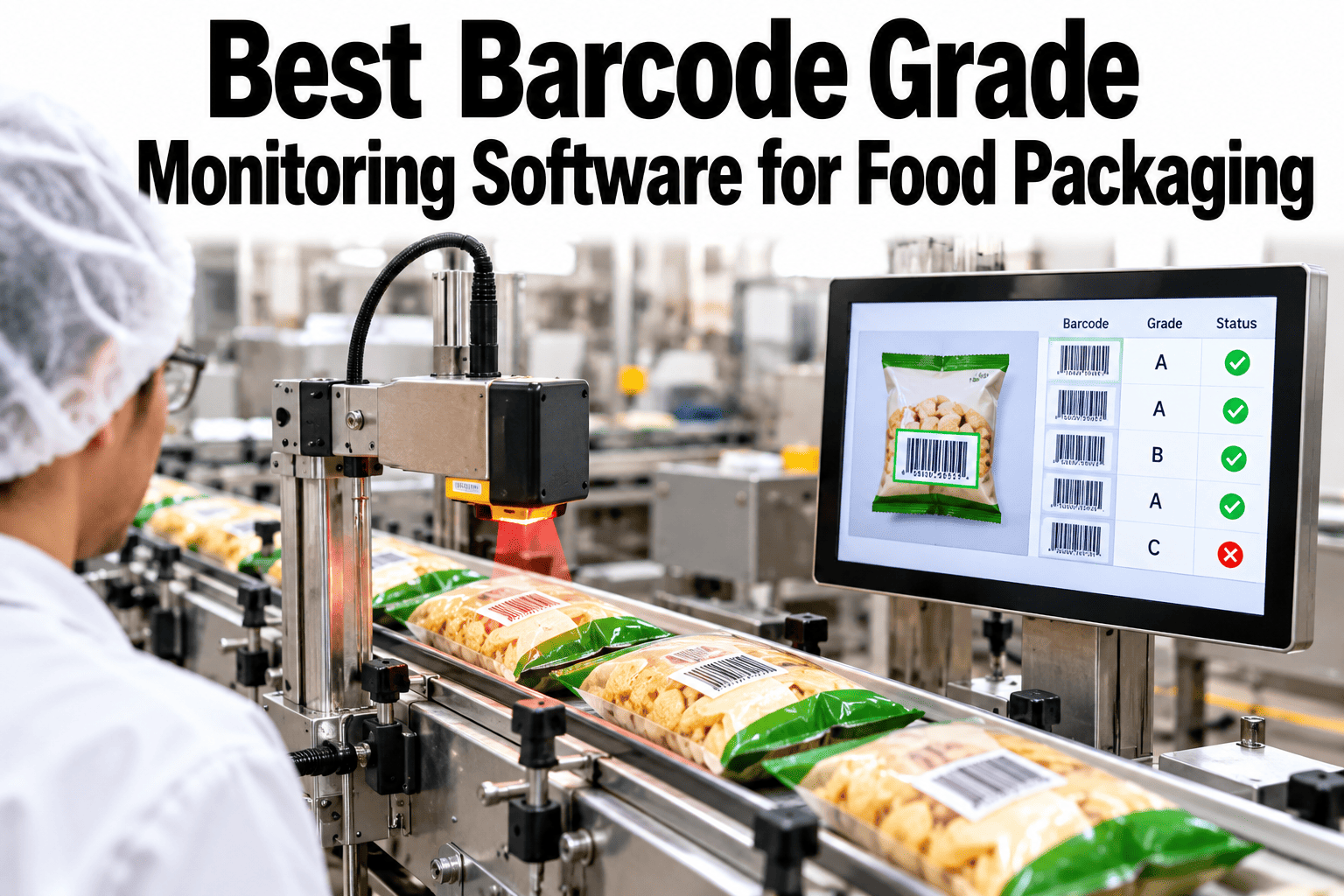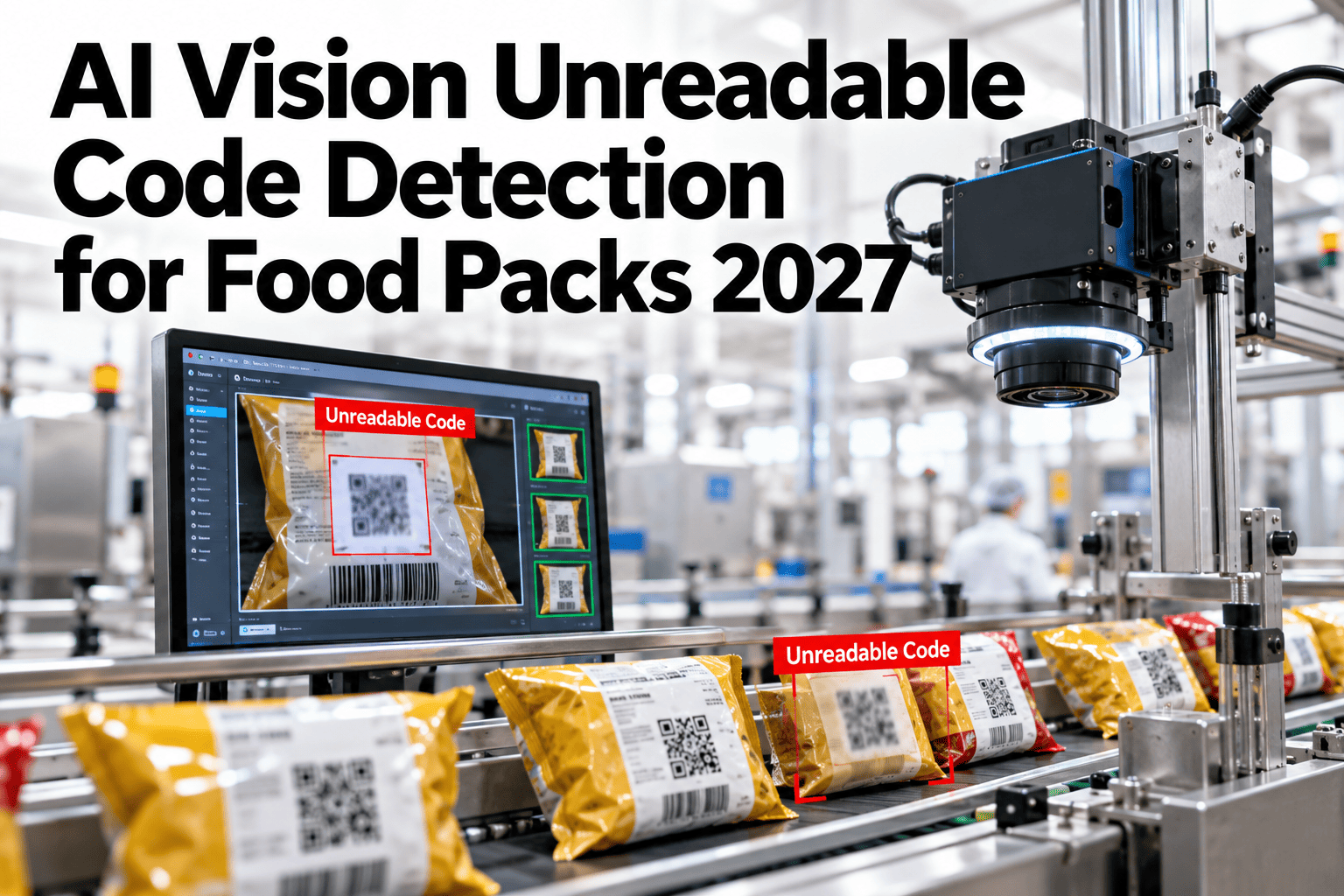
A date code can be printed in exactly the right place with exactly the right content and still fail the moment it actually needs to be read, because a smeared character, a faded print, or a dropped letter turns a technically correct code into one a distribution center scanner simply cannot parse. That failure usually isn't discovered on the plant floor at all, it shows up hours or days later as a rejected pallet at a DC, well after the cost of catching it on the line has multiplied into the cost of handling a return shipment. Catching print-quality failures before cases leave the plant is a different problem from verifying code content, and it needs its own dedicated check. See unreadable code detection running on your own packaging line.
Catch the Scanner Failure Before the DC Does
iFactory AI catches smeared, faded, and dropped-character codes on the line, before a distribution center scanner ever gets the chance to reject them.
Correct Content Does Not Guarantee a Readable Code
Verifying that a code's content is correct for the running SKU answers one question, and verifying that the printed code can actually be scanned answers a completely different one, since a printer running low on ink, a slightly misaligned print head, or a contaminated print surface can all produce a code with perfectly correct content that a DC scanner still cannot read reliably.
Smeared Codes
Print that has smudged or blurred, often from handling before the ink fully sets.
Faded Codes
Print density too low for reliable scanning, often from low ink or print head wear.
Dropped-Character Codes
One or more characters missing or incomplete, breaking the code's scannability.
Check Print Quality on Your Own Line
Book a 30-minute session and see code readability detection running against your own packaging line's print quality.
Matching Print Issue to Root Cause
The specific readability failure pattern usually points toward a specific printer issue worth checking first.
| Pattern | Likely Cause | Where to Check |
|---|---|---|
| Smearing | Handling before ink cure, or print head contact issue | Dry time and print head clearance |
| Fading | Low ink level or worn print head | Ink supply and print head condition |
| Dropped characters | Print head nozzle blockage or timing issue | Print head maintenance and triggering signal |
From Print to Scan-Ready Confirmation
Readability is confirmed the same way a DC scanner would attempt to read it, catching the failure before it ever leaves the plant.
Rolling Out on the Packaging Line
iFactory AI connects cameras at the print inspection point, calibrated to simulate scanner-grade readability requirements.
Expert Review
Readability detection and content verification solve two different problems and are easy to confuse as the same check, but a plant running only one of them is still exposed on the other, which is why the strongest setups run both together rather than treating either as a substitute for the other.
Frequently Asked Questions
How is readability different from the content verification check?
Content verification confirms the code says the right thing for the running SKU; readability confirms a scanner can actually parse the code regardless of whether its content is correct, and both checks can run together. Support can explain how the two checks complement each other.
Does this simulate the exact scanner our distribution centers use?
Readability thresholds are calibrated to common scanner-grade standards and can be tuned closer to your specific distribution partners' requirements where that information is available.
Can this detect a gradually worsening print head before it fails completely?
Yes, tracking the readability trend over time can surface a gradually fading or degrading print head before it produces a fully unreadable code. See trend detection on a call.
What happens to a package flagged for a readability failure?
Flagged packages are diverted automatically before case packing, with the specific print-quality pattern logged to help identify the underlying printer issue.
Does this work across different print technologies?
Yes, detection is calibrated to the specific print technology in use, whether inkjet, laser, or another method, so different printer types on different lines are each handled correctly. Ask support about your specific print technology.
Catch the Scan Failure on the Line, Not at the DC
iFactory AI catches smeared, faded, and dropped-character codes before cases ever leave the plant. Book a demo on your own packaging line.