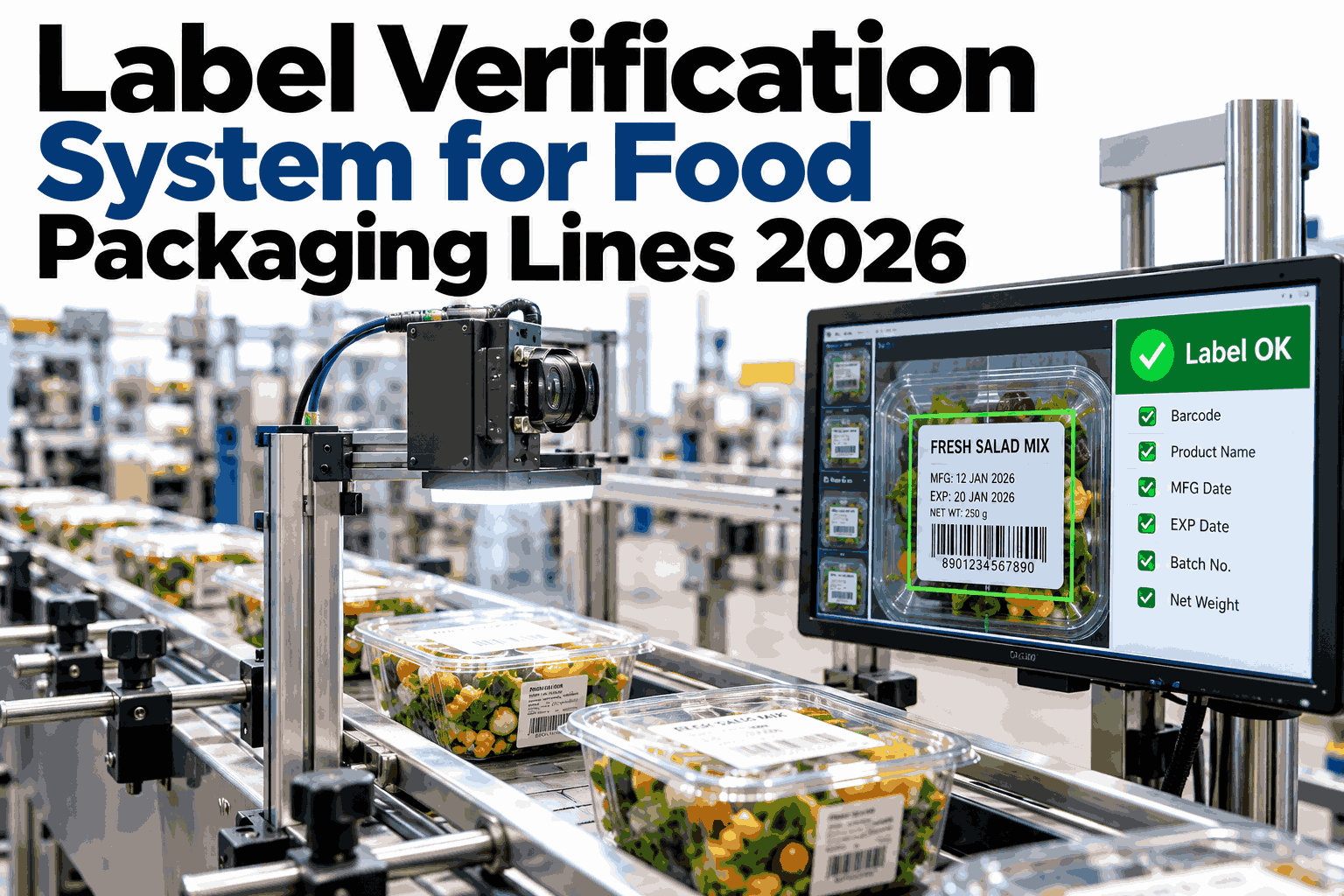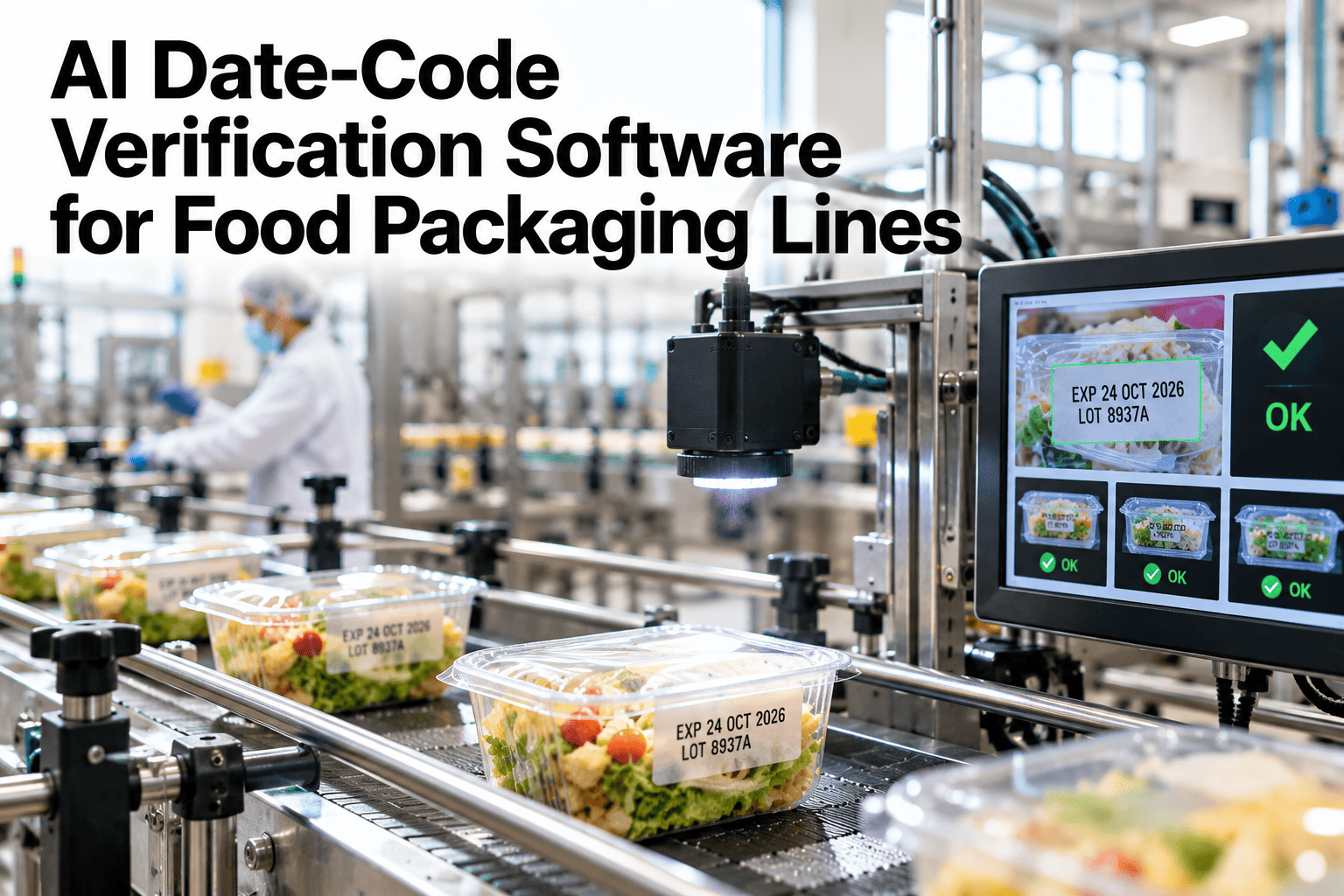
A date code that is readable but wrong is arguably worse than one that is unreadable, since an unreadable code at least gets caught at the distribution center scanner, while a clearly printed, perfectly legible code showing the wrong date for the wrong SKU sails right through and becomes a retailer's problem, then a consumer's problem, then a recall. Verifying that a date code is correct for the specific SKU running on the line right now, not just confirming that a code is printed, is the check that actually prevents that chain of events. See date-code verification running against your own running SKU.
A Readable Code Can Still Be the Wrong Code
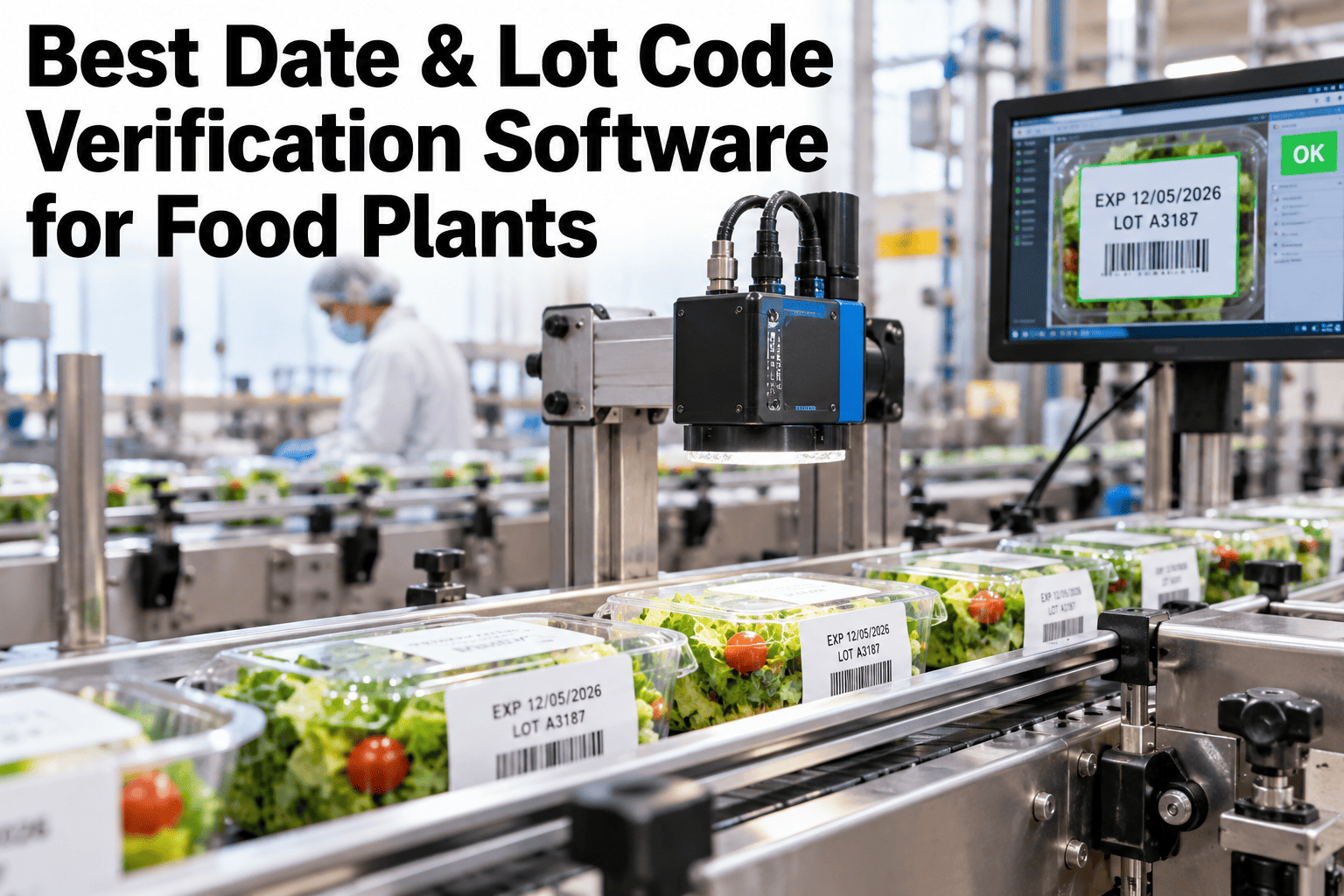
iFactory AI OCR-checks every printed date code against the running SKU, with automatic reject and a root cause hint when something doesn't match.
Printed Correctly Is Not the Same as Printed Right
A code-readability check confirms the printer is working, but it says nothing about whether the date and lot information actually printed matches what the SKU running on the line right now requires, which means a printer set to the wrong date, left over from a prior run, or mismatched against a changeover can print a perfectly crisp, perfectly wrong code without tripping a single readability alarm.
OCR Capture
Every printed code read via optical character recognition at line speed.
SKU Cross-Check
Code content verified against the specific SKU and expected date logic for that run.
Automatic Reject
A mismatch rejects the package automatically before it reaches case packing.
Verify Codes Against Your Running SKU
Book a 30-minute session and see date codes OCR-checked against the running SKU on your own packaging line.
Common Mismatch Patterns
A mismatch usually falls into one of a few recognizable patterns, each pointing toward a different root cause.
| Mismatch Pattern | Likely Root Cause | Where to Check |
|---|---|---|
| Code matches prior SKU's date logic | Printer not reset after a changeover | Changeover procedure and printer settings |
| Date offset consistently wrong by a fixed amount | Shelf-life calculation error in the print logic | Print logic configuration for that SKU |
| Intermittent, no clear pattern | Printer communication or timing issue | Printer connection and triggering signal |
From Printed Code to Verified or Rejected
Every code is captured and checked within the line's existing cycle time, with a clear path when something doesn't match.
Rolling Out on the Packaging Line
iFactory AI connects to existing date-code printers, cross-referencing captured codes against your SKU master data.
Expert Review
Changeover-related mismatches are the single most common root cause this kind of system catches, since the moment of switching from one SKU to another is exactly when a printer setting is most likely to be missed, and it is also the moment a human visual check is least likely to catch it given everything else happening during a changeover.
Frequently Asked Questions
Does this work with our existing date-code printers?
Yes, it connects to printers already in use on most packaging lines rather than requiring a printer replacement. Support can confirm compatibility with your current printers.
How does the system know what the correct code should be?
Expected date logic is imported from your SKU master data, so the system knows what a correct code should look like for whatever product is currently running.
What happens to a rejected package?
A rejected package is diverted automatically before it reaches case packing, with the specific mismatch pattern logged for the line team to review. See the rejection workflow on a call.
Can this catch a changeover-related printer error specifically?
Yes, a mismatch pattern consistent with a prior SKU's date logic is flagged with that specific root cause hint, pointing directly at the changeover process rather than a generic error.
Does this integrate with our existing quality and SPC reporting?
Yes, verification results and mismatch data can feed into your existing quality reporting rather than requiring a separate standalone dashboard. Ask support about reporting integration.
Verify Every Code, Not Just Read It
iFactory AI OCR-checks every date code against the running SKU, with automatic reject and a root cause hint. Book a demo on your own packaging line.