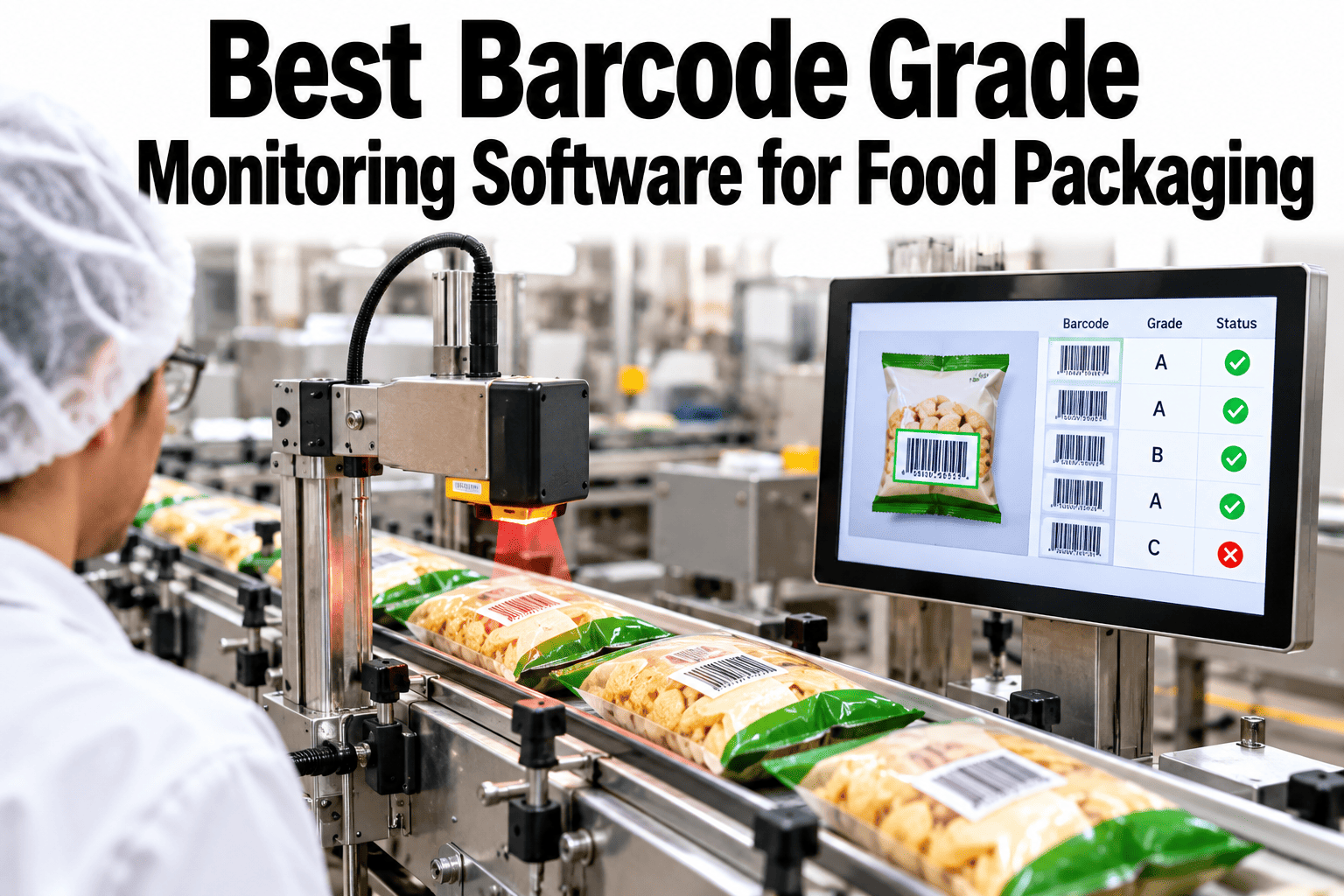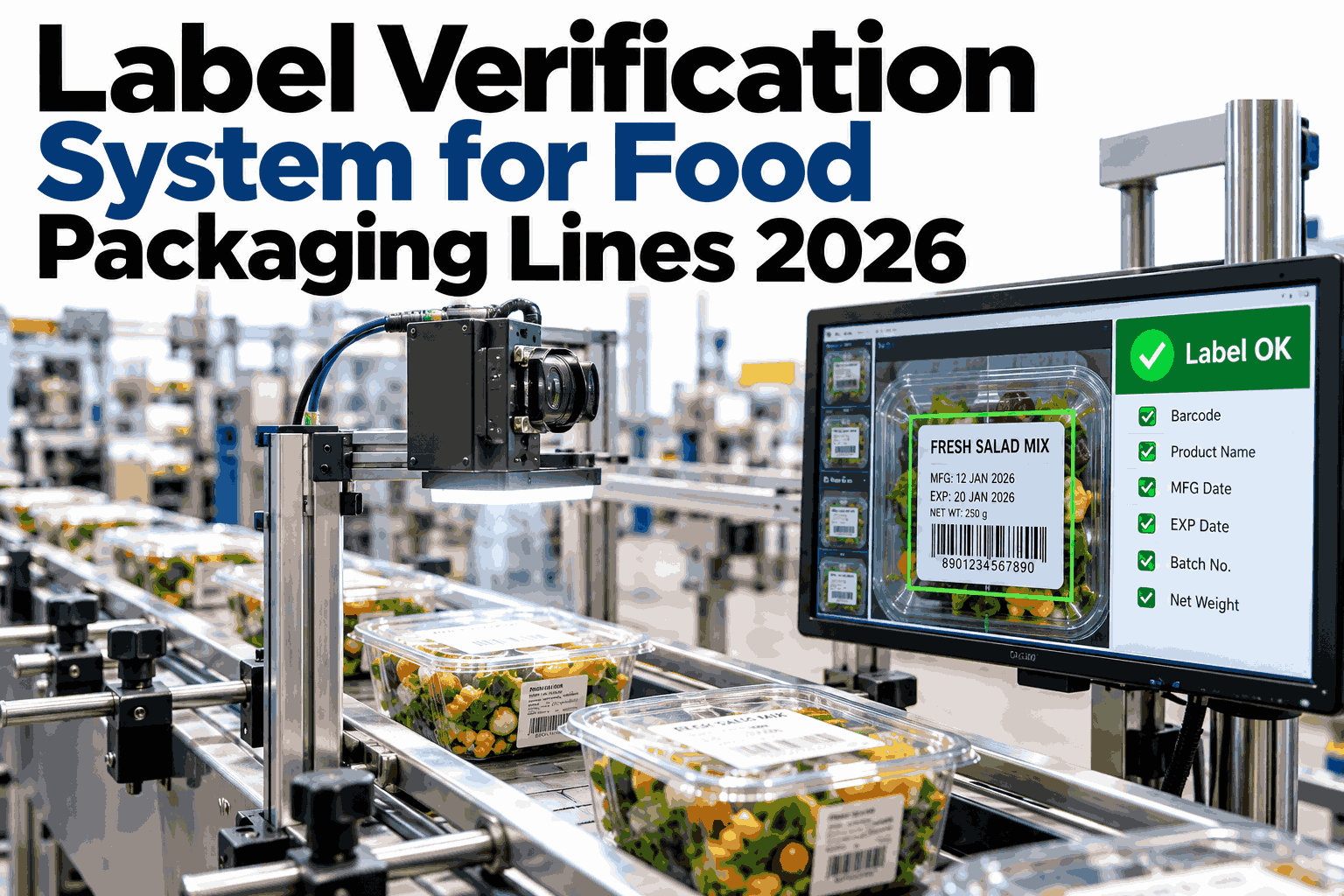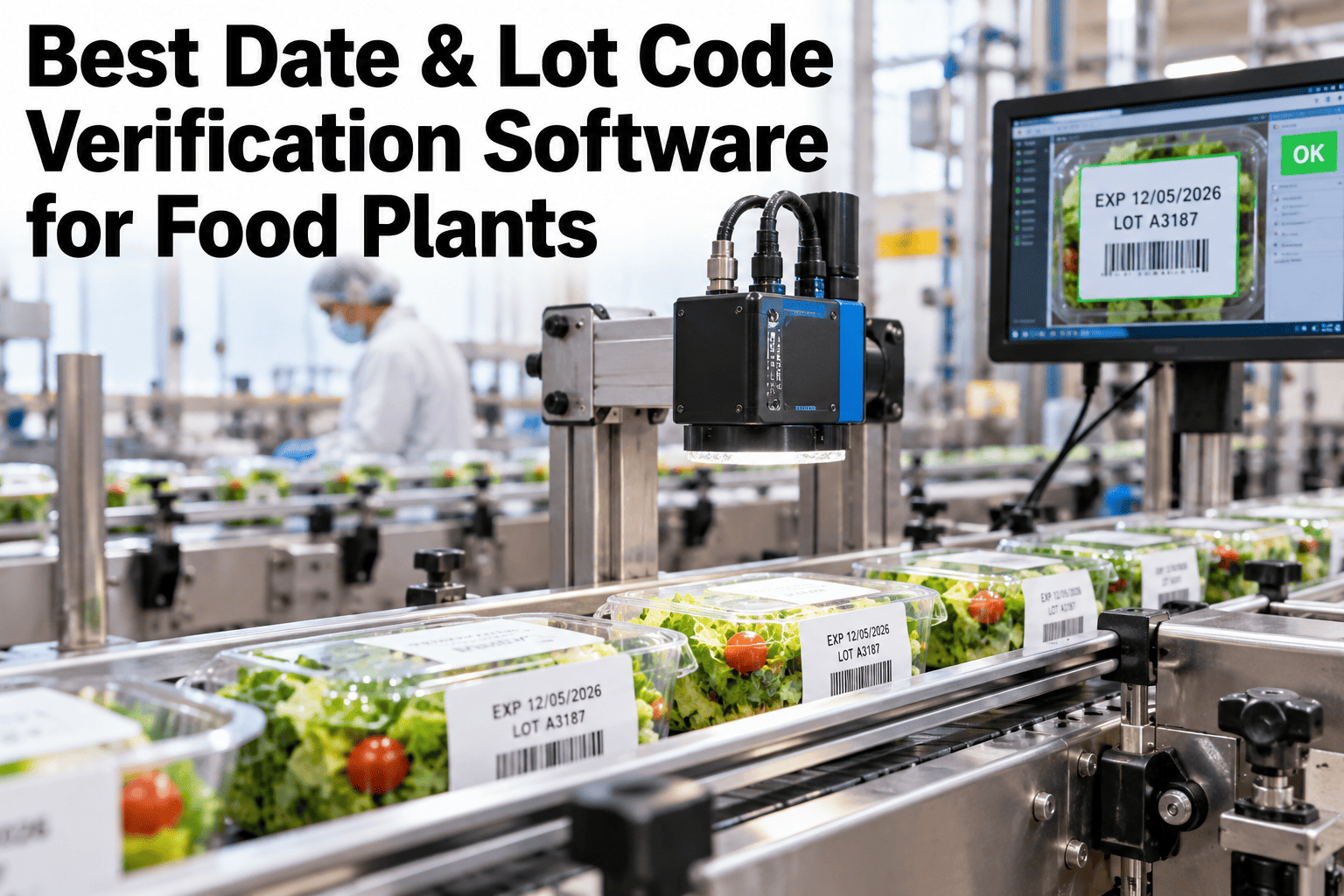
A date code that prints slightly smudged, or a lot code that's missing a digit, can slip past a human inspector hundreds of times a shift without anyone noticing, since the print looks close enough at a glance and nobody is checking every single package against the master record. That small gap is exactly what a distribution center's own incoming inspection is built to catch, and a pallet rejected at the DC for a date code issue costs far more in freight, rescheduling, and relationship friction than catching the same print defect at the line. AI vision verification checking one hundred percent of packages against the intended code, with an automatic reject on any failure, is what actually closes that gap, and if you want to see this kind of verification running against your own print formats, you can review a verification demo with our team.
Catch Every Bad Code Before It Reaches the DC, Not After
100% AI vision verification of date and lot codes with automatic reject on failure, built to keep distribution center rejections for code issues at zero instead of a recurring cost.
The Print Defects That Slip Past Manual Checks
A date or lot code can fail in several distinct ways, and a quick visual glance often isn't enough to catch the ones that actually cause a DC rejection.
The Verification Pipeline From Print to Reject
Verification happens inline, immediately after printing, so a failed code is caught and removed before it has a chance to travel any further down the line.
Spot-Check Inspection vs 100% Vision Verification
The difference isn't about accuracy per package checked, it's about how many packages actually get checked at all.
| Factor | Manual spot-check | 100% vision verification |
|---|---|---|
| Coverage | A sample, often a small percentage of total output | Every single package printed |
| Consistency | Varies with operator fatigue and attention | Identical criteria applied to every check |
| Response to a failure | Depends on when the sample catches it | Immediate, automatic reject at the point of failure |
| DC rejection risk | Real, since gaps between samples can pass defects | Minimal, since nothing unverified leaves the line |
The coverage gap is the real story here, since even a highly attentive manual inspector checking a sample simply cannot catch a defect that occurs between their checks.
Test Verification Against Your Own Print Formats
Share samples of your current date and lot code formats and we will show how verification would run against them.
Setting Up Verification for a New Production Run
Verification accuracy depends on the system knowing exactly what the correct code should look like before the run even starts.
What iFactory Food Plant Specialists See on Code Verification
iFactory food plant specialists who support date and lot code verification rollouts consistently find that changeover periods carry the highest risk of a wrong code being applied, since a printer job not updated correctly for the new run is one of the most common causes of a code mismatch.
They recommend treating the changeover reset step as a hard checkpoint rather than an assumption, confirming the master code update before production resumes, since this single check prevents the most costly category of code failure, an entire run printed with the wrong date.
What Quality Teams Ask About Code Verification Software
Bring 100% Date and Lot Code Verification to Your Line
Book a session with iFactory AI to see every package verified against its intended code with automatic reject on failure.