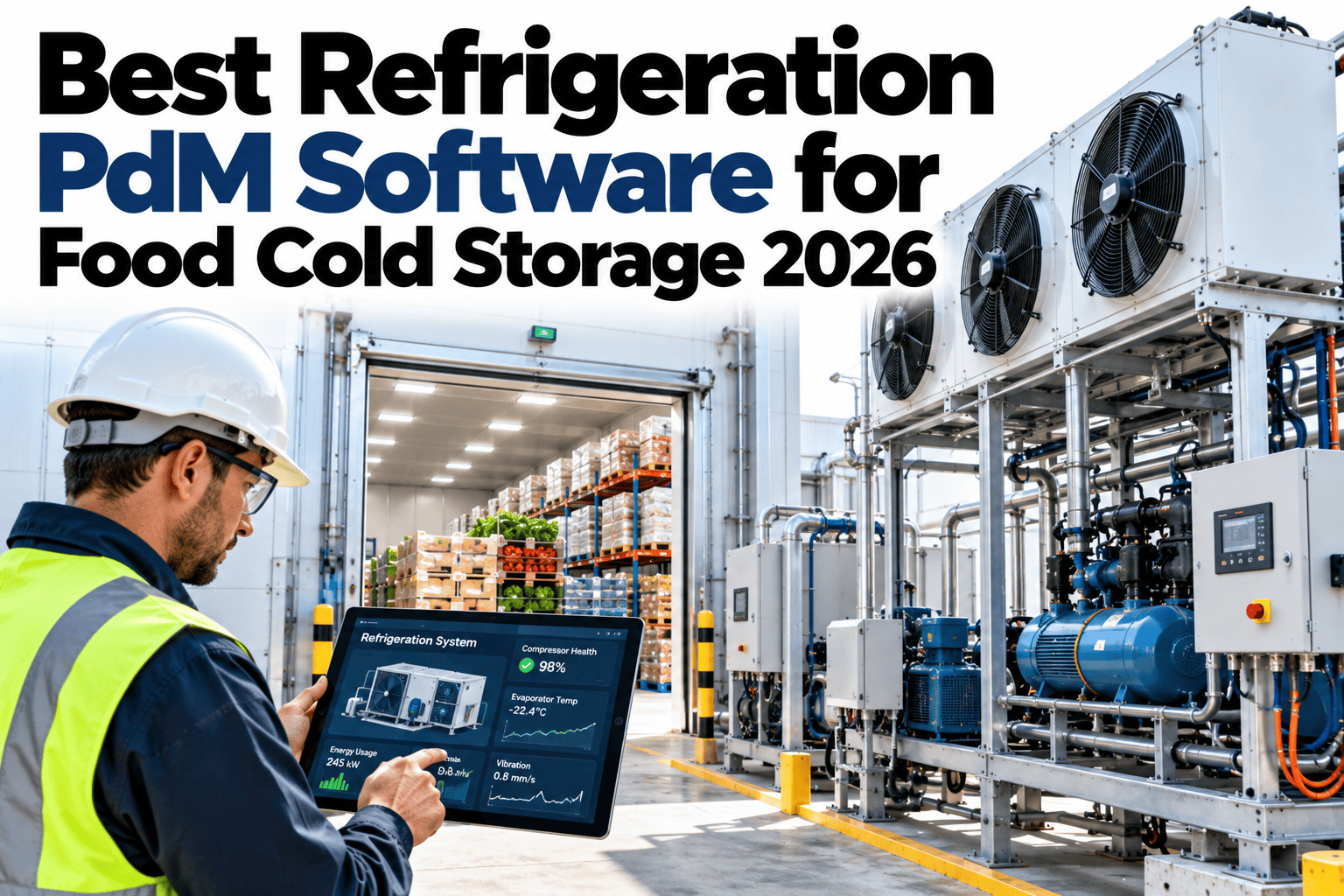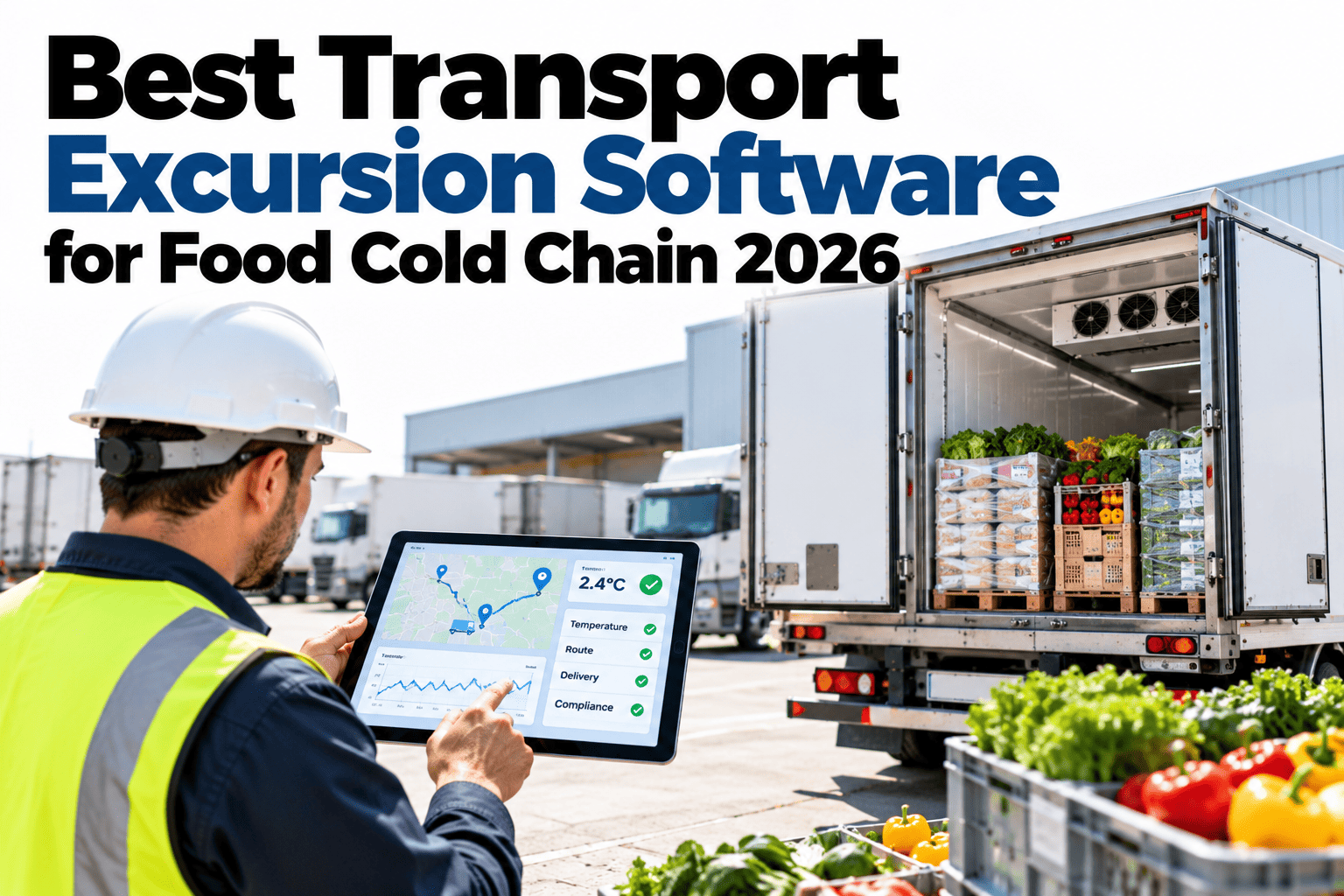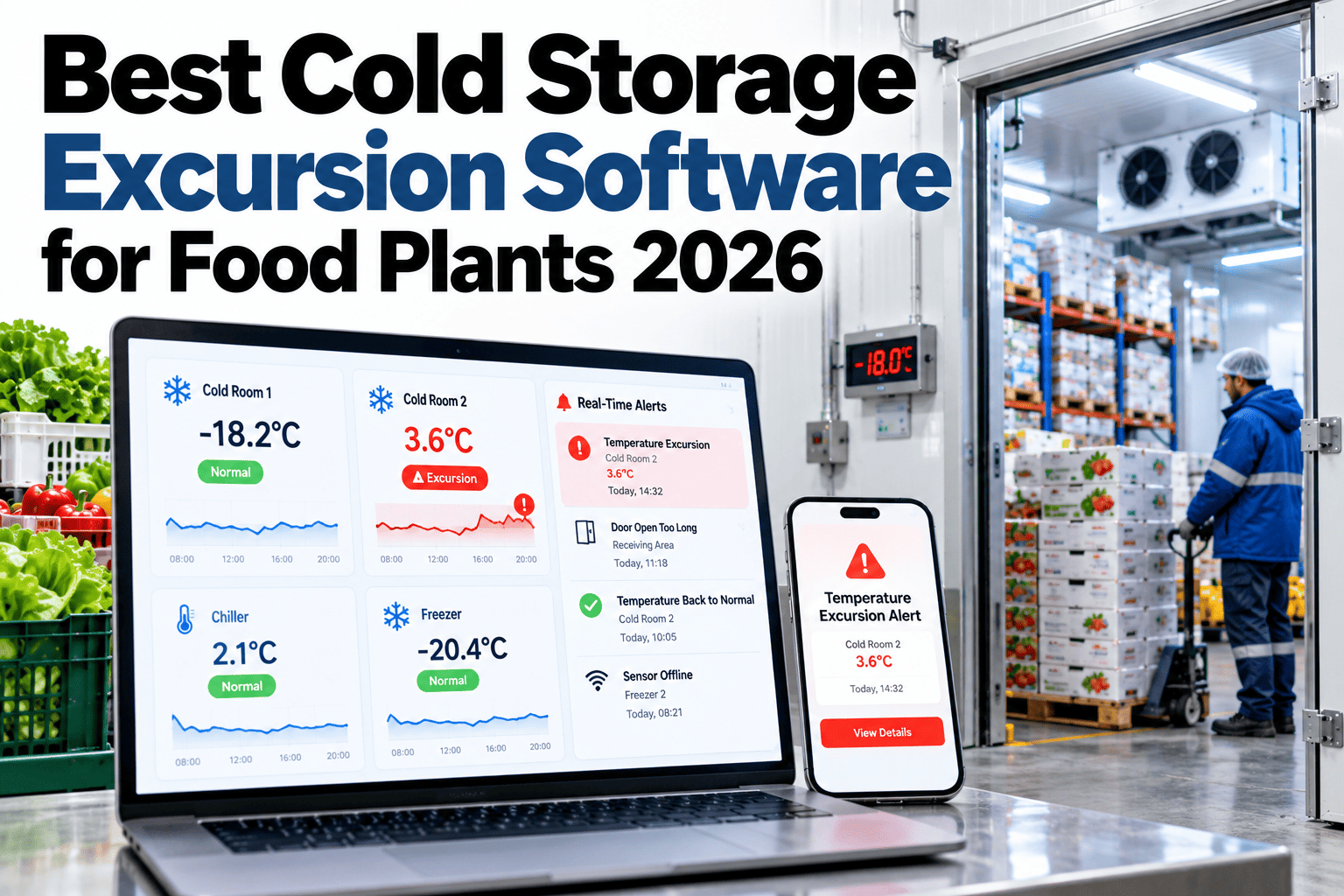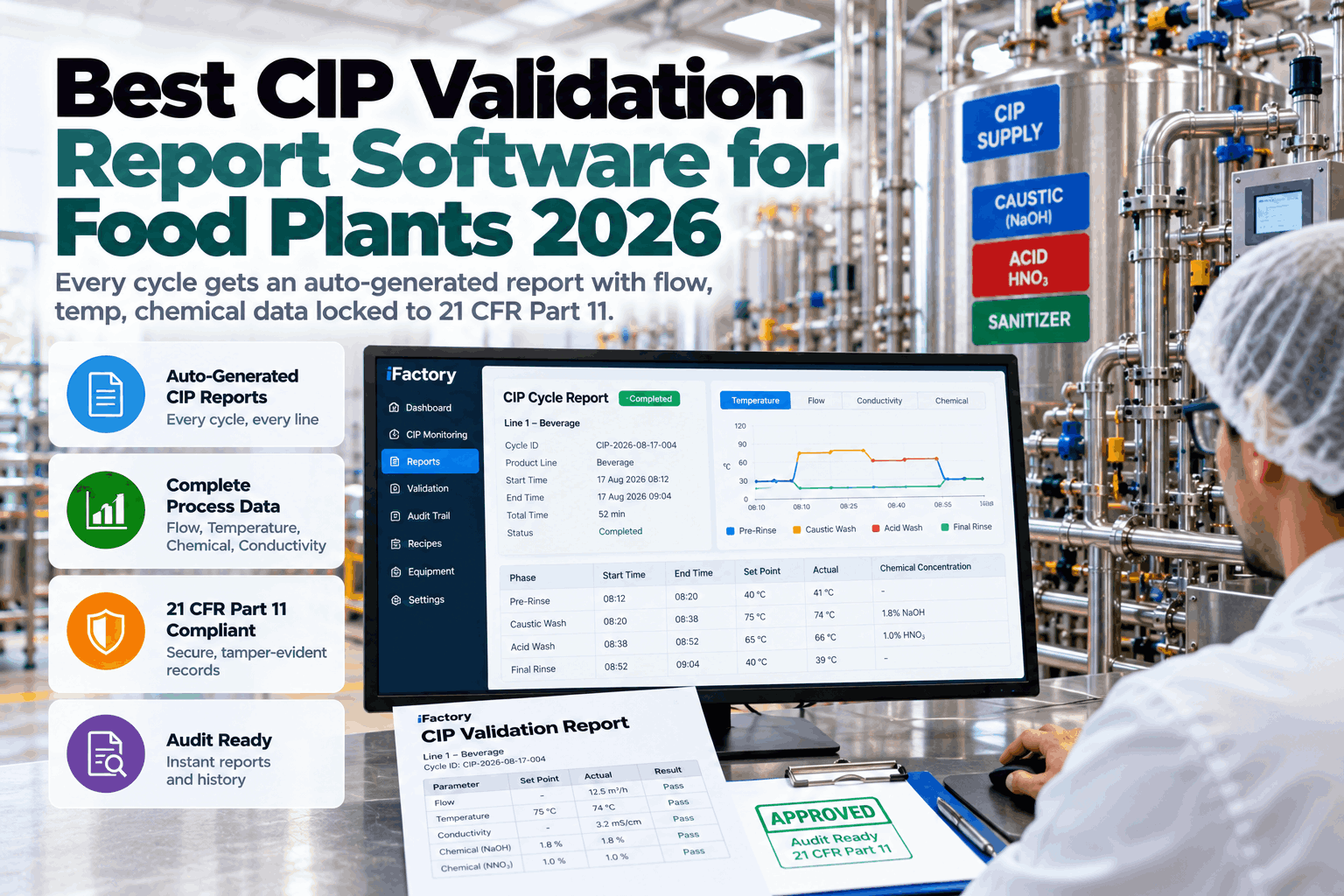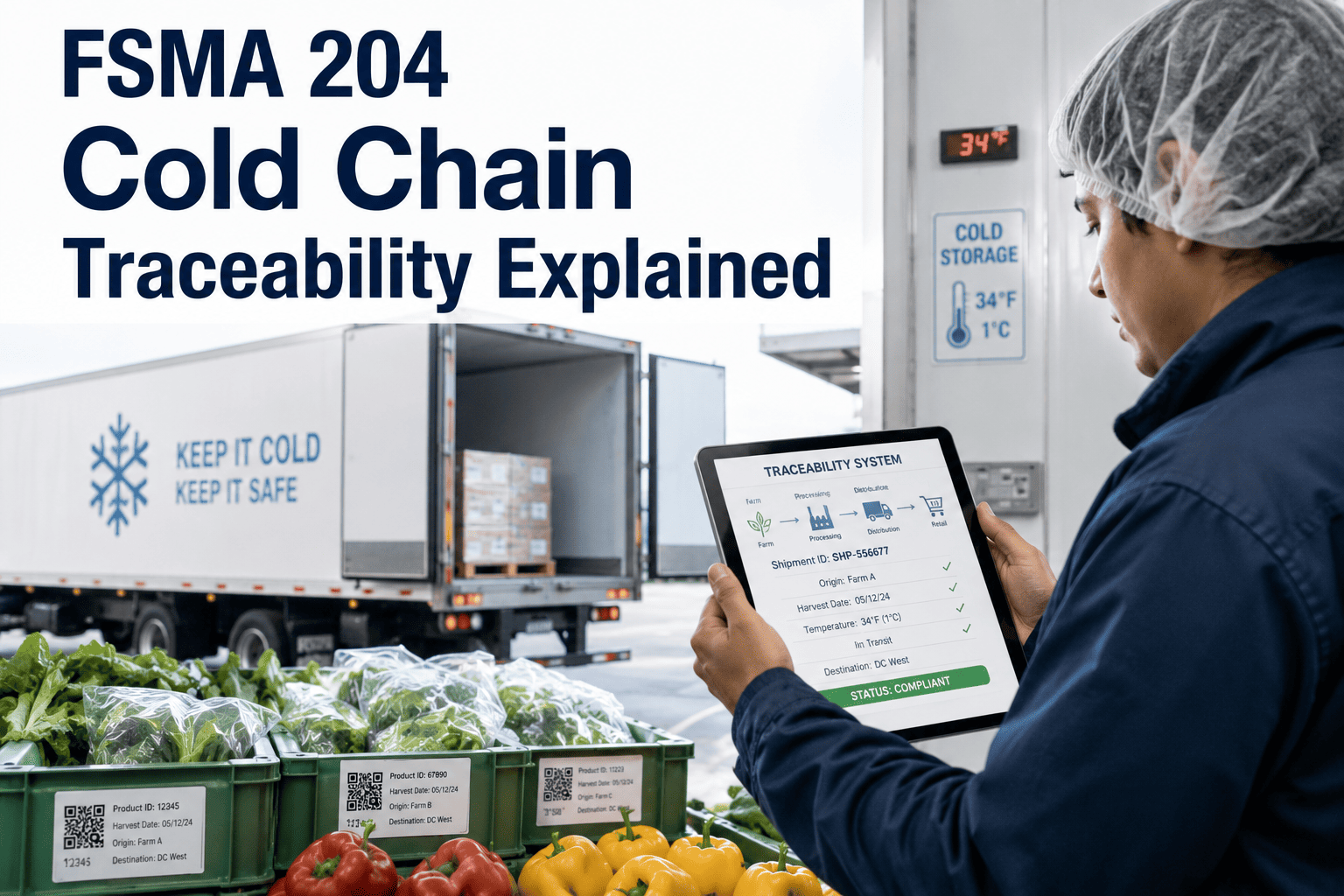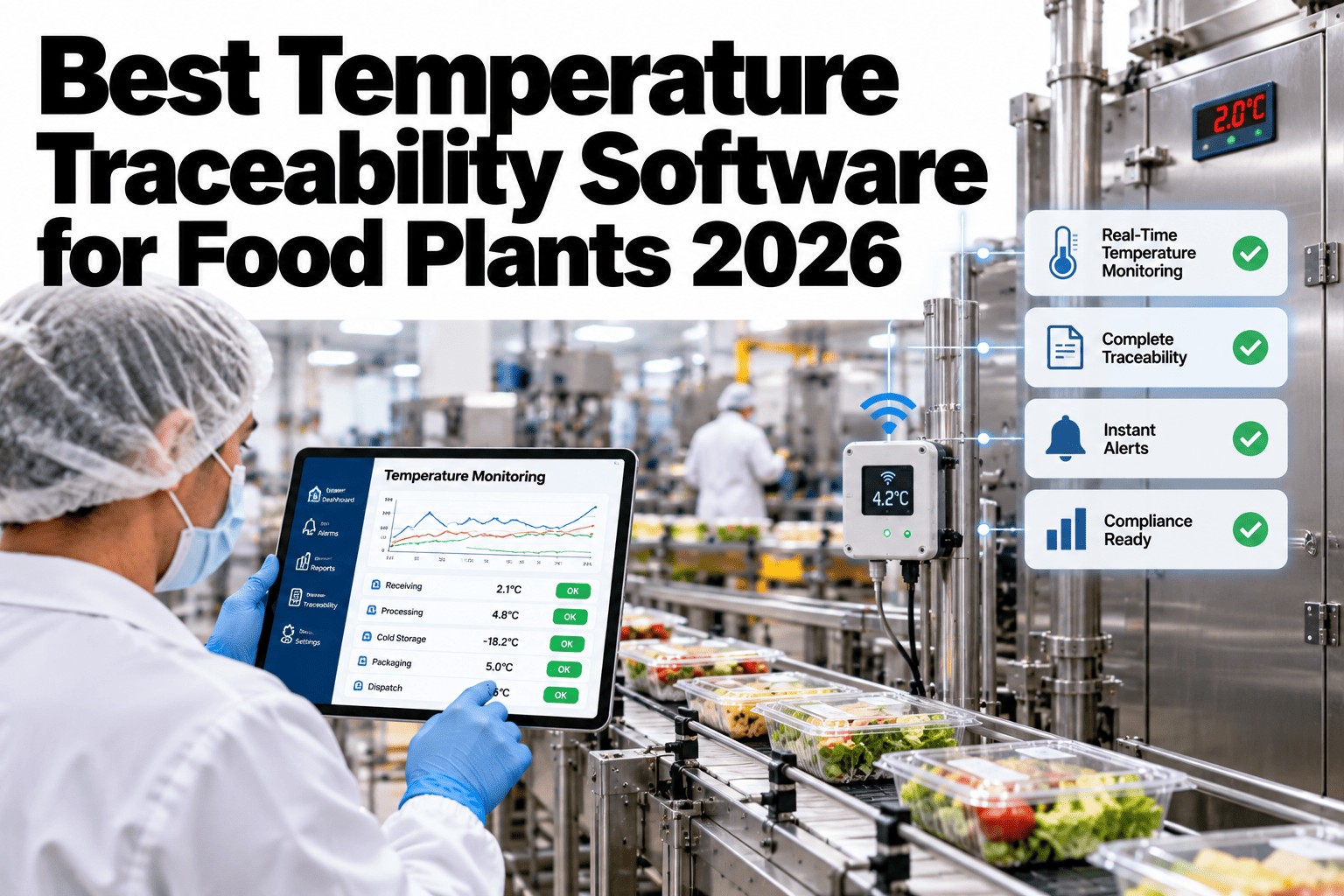
When a customer or an auditor asks for a pallet's full temperature history, the honest answer at most food plants is that it exists somewhere, in pieces, across several systems. Dock receiving has one log, cold storage has another, the truck's reefer has a third, and stitching them together by hand takes hours a food safety team rarely has to spare. Temperature traceability closes that gap by keeping every reading, from dock arrival to truck departure, queryable as one continuous record for a single pallet. Quality and food safety teams can pull a full pallet temperature history on iFactory AI in one query instead of a multi-system search.
One Pallet, One Query, the Whole Temperature Story
iFactory AI links dock, storage and truck readings into a single traceable record so a full history is one query away.
Where the Record Usually Breaks
A pallet's journey crosses several systems, and each handoff is a place where the record can go missing or lose its connection to the product.
Incoming temperature logged on paper or a separate system.
Room-level monitoring, not tied to a specific pallet.
Time spent outside controlled storage, often unrecorded.
Reefer data lives with the carrier, separate from plant systems.
Continuous reefer log, rarely connected back to the pallet ID.
No single ID ties these records together end to end.
What a Complete Record Contains
| Stage | Data Point | Common Gap |
|---|---|---|
| Dock arrival | Incoming temperature, time, lot | Logged separately from the pallet ID |
| Storage | Room temperature trend during hold | Room-level only, not pallet-specific |
| Staging | Time and temperature outside storage | Often not tracked at all |
| Loading | Pre-cool verification, load time | Carrier paperwork, separate system |
| Departure | Reefer set point and door-close reading | Lives only with the carrier |
Find Out Where Your Own Record Breaks
Bring a recent shipment to a 30-minute session and trace it stage by stage to see where the gaps are.
One-Hour Search vs One Query
A Composite Scenario: The Audit Request That Took Three Days
Picture an auditor asking for the full temperature history of a single lot shipped two months earlier. The team spends three days pulling paper dock logs, a storage room chart and an email request to the carrier.
With a connected pallet ID across every stage, the same request would return a complete history in minutes, with any excursion already flagged, instead of a scramble that still leaves gaps in the record.
Where iFactory AI Fits
Links one ID end to end
Ties dock, storage, staging and transit data to a single pallet or lot identifier.
Flags excursions automatically
Highlights any period where temperature moved outside the set range.
Returns history in one query
A single search replaces a multi-system manual lookup.
Exports audit-ready records
Produces a record formatted for a customer or regulatory request.
Expert Review
A food safety and cold-chain compliance specialist's perspective, reviewed for accuracy before publication: traceability gaps rarely show up as a missing reading. They show up as a reading that exists but cannot be connected back to the specific pallet in question quickly enough to matter. The plants that handle audit and customer requests smoothly are the ones that solved the connection problem before anyone asked, not during the request itself, a gap a traceability review can map in a short session.
Frequently Asked Questions
What does end-to-end temperature traceability actually mean?
It means every temperature reading tied to a pallet or lot, from the moment it arrives at the dock through storage, staging and truck departure, stays connected to a single identifier. A query against that identifier returns the full stage-by-stage history rather than requiring a separate lookup in each system it passed through. You can see a full end-to-end trace built from one of your own recent lots in a short session.
How does this connect data from a carrier's reefer trailer?
Carrier reefer data is typically brought in through an integration or a shared data feed, matched to the pallet or lot ID at load time so the in-transit portion of the history attaches to the same record as the plant-side data. Exact methods depend on what the carrier's system supports. Ask for a review of how your current carriers' data could connect.
Can this flag an excursion that happened days ago?
Yes, provided the underlying temperature data was captured and retained for that period. A traceability query against historical data can surface any point where temperature moved outside the expected range, even well after the fact, which is valuable for both internal review and responding to a delayed customer complaint. Explore how far back your current data retention would support this.
What does an auditor typically want to see in this record?
Expectations vary by customer, certification and regulatory context, so confirm specifics with your quality team. In general, a continuous temperature trend tied to the product, with any excursion period and its disposition clearly marked, is what most audit and customer requests are built around. Try a review of your export format against common audit expectations.
How long does it take to set up pallet-level traceability?
It depends on how many systems already hold the underlying data and how much manual logging still exists at each stage. Plants with digital dock, storage and carrier data can connect faster than those still relying on paper logs. A short review of your current systems is the fastest way to estimate the real timeline. Join a session that scopes a rollout for your specific systems.
Answer the Next Temperature Request in Minutes
iFactory AI connects every stage of a pallet's journey into one traceable record. Book a walkthrough with your own shipment data.