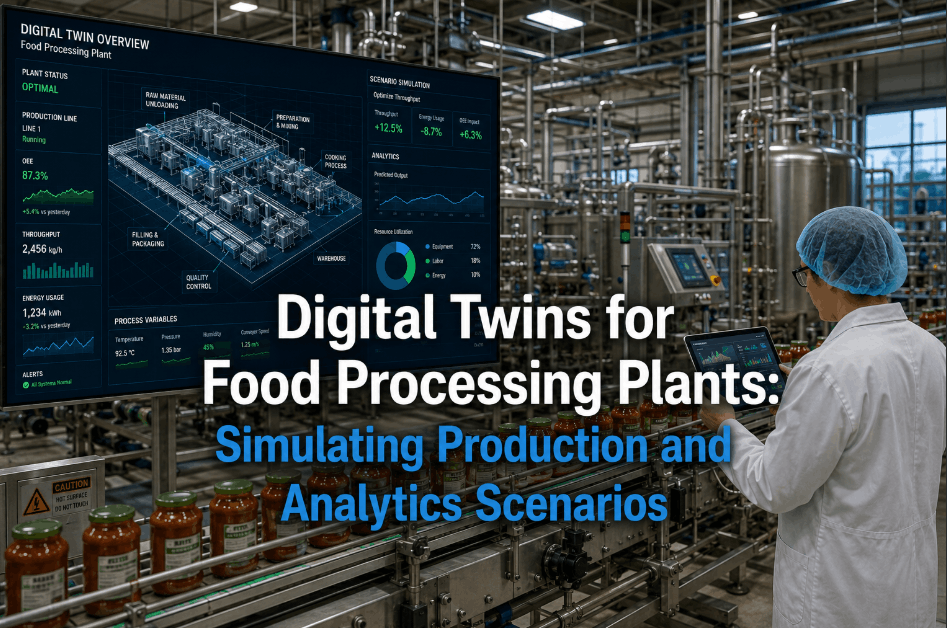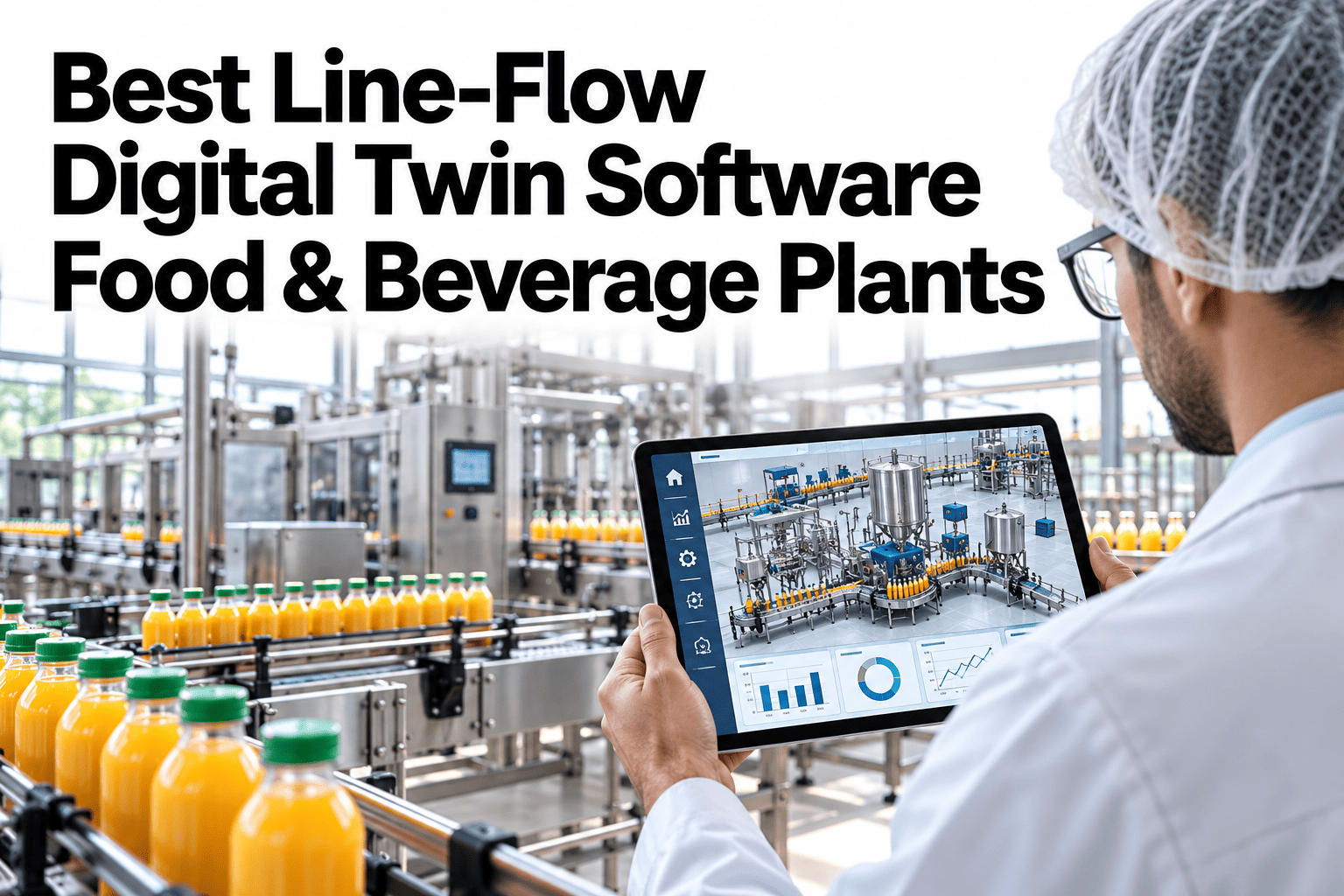
Fixing a bottleneck usually means spending money first and finding out afterward whether it worked. A line-flow digital twin reverses that order. It is a simulation of your line built from real machine speeds, stops, buffers and changeovers, so you can remove a bottleneck on screen and see how much output actually rises. Many ideas fail in simulation, which is exactly what you want before buying equipment. Planners can try a bottleneck removal on a simulated copy of their own line and see what it would really unlock.
Remove the Bottleneck on Screen Before You Pay for It
iFactory line-flow digital twin simulates machines, buffers and staffing so you can test the effect of removing a bottleneck before spending on the machine.
Building a Twin You Can Trust
A twin earns trust in four steps, each one compared with the real line.
What a Simulated Experiment Looks Like
Change one thing in the twin and compare the output with the baseline. Keep what helps and discard the rest.
Illustrative results. Real experiments are run on your calibrated model.
What to Test in the Twin
Start with decisions that are expensive to reverse.
Equipment changes
A faster filler, a second packer or a larger accumulator
Operating changes
New SKU sequence, shift pattern or crew size
Layout changes
Rerouting, added buffer space or a new line link
Comparing Scenarios on the Same Measures
Use the same few measures for every experiment so comparisons stay fair.
| Measure | Why It Matters | How to Read It |
|---|---|---|
| Line output per shift | Direct value of the change | Higher is better |
| Constraint location | Shows where the bottleneck moves | Note any shift |
| Buffer levels | Shows starvation and blocking risk | Stay inside range |
| Utilization by machine | Shows where capacity is spare | Look for new limits |
Run Your First Bottleneck Experiment
Bring one line and one capacity question. We will build a simple twin and test the change with you.
Spend First vs Test First
Both routes reach a decision. One avoids paying for lessons.
What Makes a Twin Accurate
Accuracy depends on inputs. Rank them for your line.
Illustrative importance. Your own validation shows which inputs matter most.
Getting Started With a Line Twin
Begin with one line and one question.
Inputs Needed for a First Twin
A first twin does not need everything. It needs the right basics.
| Input | What to Collect | Source |
|---|---|---|
| Machine rates | Rated and demonstrated speed | Line records |
| Stop behavior | How often and how long machines stop | Downtime log |
| Buffer details | Capacity and rules of each buffer | Engineering drawings |
| Changeovers | Time for each product change | Planning records |
| Staffing | Crew size and shift pattern | HR and production schedule |
Common Twin Pitfalls
Most disappointing twins share a few problems.
Using nameplate speeds
Models built on rated speeds overstate what the line can do
Ignoring randomness
Stops and variation make the real line behave differently from averages
Skipping validation
Without a match to real output, experiments cannot be trusted
Too much detail too soon
A simpler model that answers the question beats a complex one that never finishes
From Question to Decision
Keep each experiment tied to a decision someone will make.
Static Calculation vs Dynamic Simulation
A spreadsheet adds up capacity. A simulation shows how the line behaves over time.
Which Experiments Pay Off First
Start where the answer would change a decision.
Illustrative priority. Your own decisions set the real order.
What Experienced Industrial Engineers Look For in a Line Twin
Frequently Asked Questions
How accurate is a line-flow digital twin?
It should match recent actual output closely before experiments are trusted. Accuracy depends on input quality. Run the twin over a past period with known output and compare results machine by machine, because a total that matches by luck can hide errors that cancel out. Keep a record of the validation run, with the period, inputs and results, so anyone who later questions the twin can see how it was checked. See the validation results on your own line before relying on a prediction.
How is this different from a spreadsheet model?
A twin captures randomness, buffers and interactions between machines that spreadsheets average away. That is what reveals where a change helps and where it does not. A twin also shows how often the line spends time starved or blocked, which a spreadsheet of average rates cannot reveal. Spreadsheets remain useful for quick checks, and the twin is for questions where timing, buffers and variation decide the answer.
How long does it take to build a twin?
It depends on data readiness and line size. A single line with clean data can come together faster than a plant with many lines. Starting with the section of the line that matters for your question shortens the build, and the twin can be extended later as other questions arise. Agree a clear question and a deadline up front, because a twin without a defined purpose tends to grow in detail without improving decisions. Estimate the effort for your plant on a short call.
Can the twin test staffing and shift changes?
Yes, if crew rules are part of the model. Staffing often decides which machine is the constraint, so it is worth including. Including crew rules lets planners test questions such as whether a second packer or an extra operator would raise output more. Crew rules such as breaks, skills and shift changes can be added in stages, starting with the ones that most affect the line's output.
Who uses the twin?
Engineers build it, and planners and managers run scenarios. Engineers usually own the model, while planners and managers use agreed scenarios so results stay consistent and trusted. A simple results summary with assumptions listed on the first page makes it easier for others to trust and reuse the scenario. Map which roles would use it first with our team.
Test the Fix Before You Fund It
Bring your line data and your next capacity decision. We will show the simulated result and where the bottleneck moves.