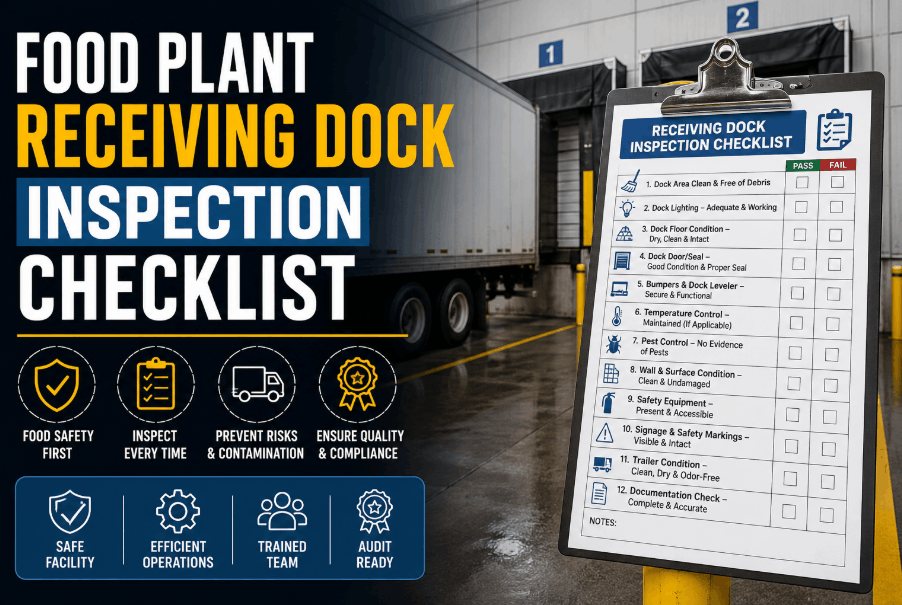
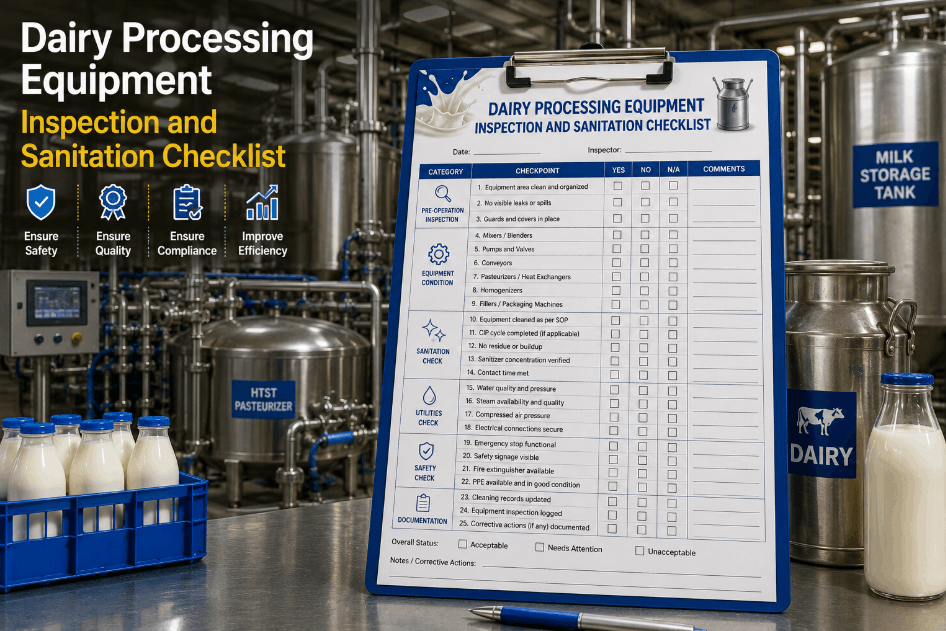
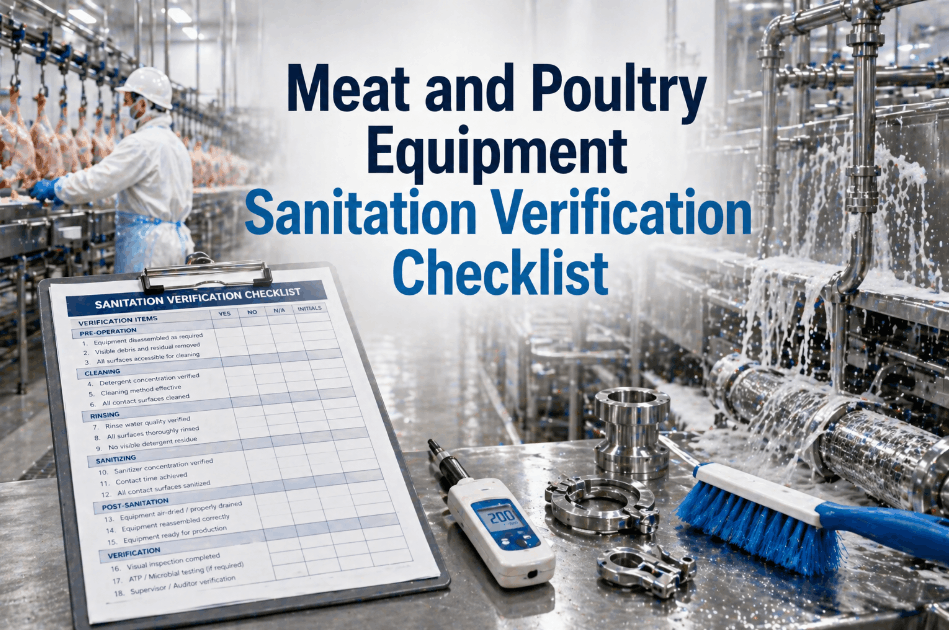
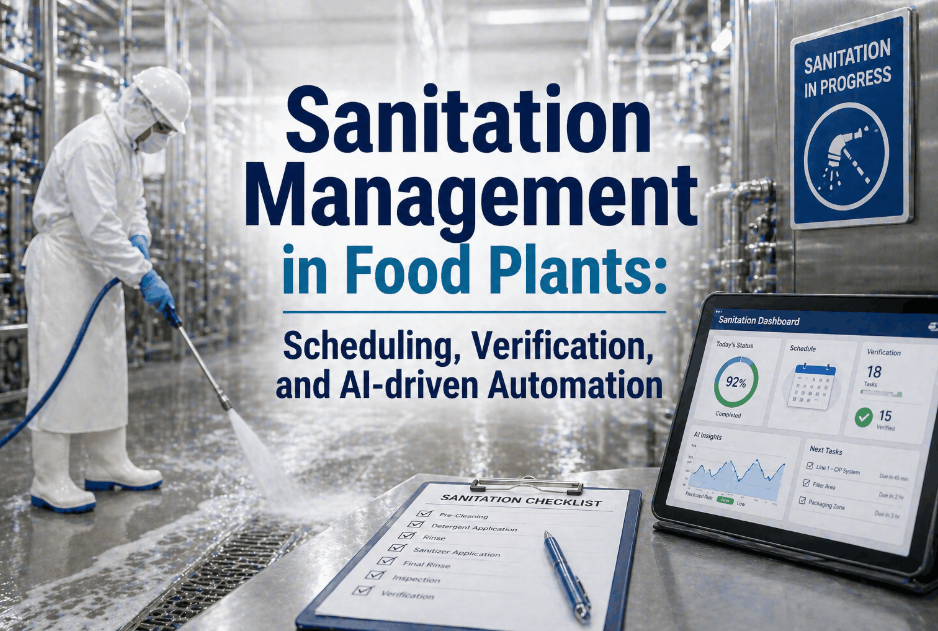
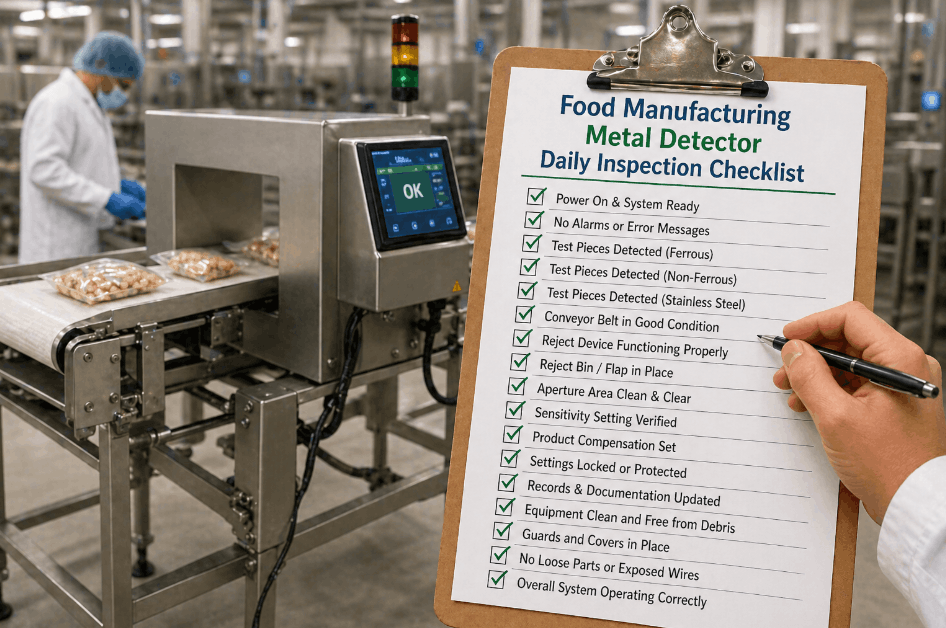
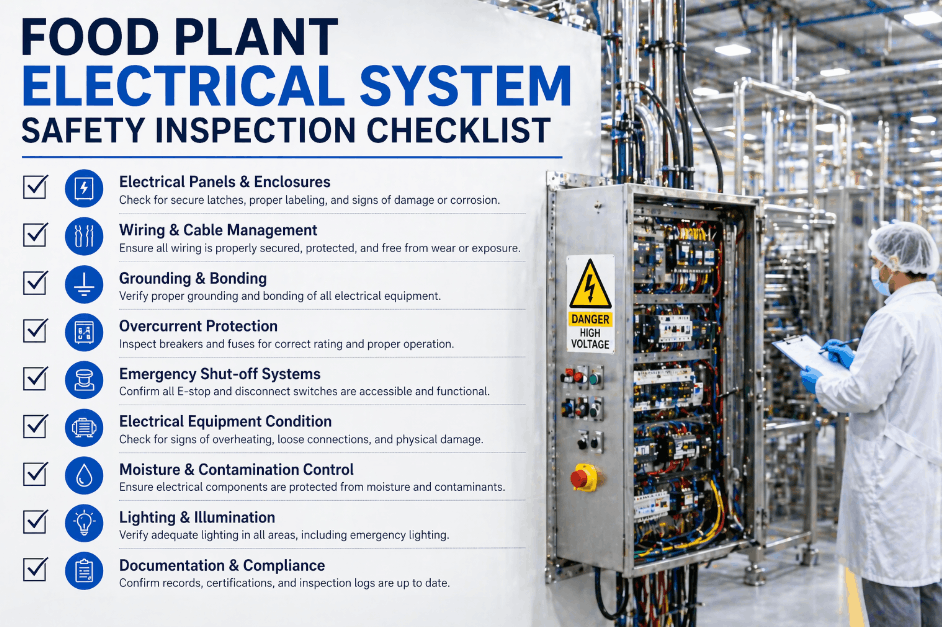
Most food and beverage plants already have a pre-operational sanitation procedure written down somewhere, but a written procedure is not the same thing as a checklist your team actually walks through every morning before the line starts. The difference matters because a procedure describes intent, while a checklist forces verification, one item at a time, with nothing skipped because the clock is running. Below is a complete pre-op checklist built around the same zones, thresholds, and sign-off sequence that USDA and FDA-regulated facilities are expected to document daily. Book a demo to see how iFactory turns this checklist into a guided, time-stamped digital record instead of a clipboard form.
The Daily Pre-Op Sanitation Checklist, Zone by Zone
Every item below maps to a specific release decision. Nothing gets checked off from memory, and nothing gets released until the item genuinely passes.
Three Conditions That Must Be True Before Checking Off Anything
A checklist only works if the person running it is qualified, unrushed, and independent from the crew that did the cleaning. Confirm these three conditions before the zone-by-zone checklist begins, since skipping this step is how a technically completed checklist still produces an unreliable release decision.
Six Zones, Checked in the Same Order Every Day
Working the same sequence daily prevents a zone from being quietly skipped because "it's usually fine." Each zone below should be checked off individually, with any deficiency logged before moving to the next.
ATP Swab Checklist for High-Risk Points
Visual inspection cannot catch microscopic organic residue, so a defined set of high-risk food contact points gets swabbed and logged against your facility's own validated thresholds before release. RLU numbers are device-specific, so never borrow a pass or fail threshold from a different facility's luminometer.
| Checklist Result | What It Means | Required Action |
|---|---|---|
| ✓ Pass | At or below the facility's validated pass threshold | Check off and proceed to next point |
| ⚠ Caution | Between the pass and fail thresholds | Re-clean the point, re-swab, do not check off yet |
| ✗ Fail | Above the facility's validated fail threshold | Hold the line, escalate to sanitation supervisor |
Rotate additional swab points beyond your core daily set on a documented schedule, so the checklist eventually covers every food contact surface rather than the same three points indefinitely.
Final Checklist Before Line Release
These four items close out the checklist and produce the actual release decision. Each one should be checked in order, not batched together at the end of the shift.
Signs Your Checklist Is Being Rushed, Not Followed
A checklist can be technically completed and still fail to verify anything. Watch for these four patterns, since they are the most common ways a pre-op checklist quietly stops functioning as a real control.
Common Questions About Running a Pre-Op Checklist
Should the checklist be paper or digital?
Paper checklists work, but they make it hard to prove the inspection actually took the time it claims to have taken, since a completed paper form looks identical whether it took two minutes or twenty. A digital checklist that time-stamps each zone as it's checked gives auditors evidence of genuine pacing, not just a completed form. Book a demo to see a time-stamped digital version of this exact checklist.
What happens if an item on the checklist fails right before the scheduled start time?
The line holds until that specific item is corrected and re-checked, regardless of the schedule pressure that creates. Releasing a line with an unresolved failed item defeats the purpose of running the checklist at all. Facilities that build schedule buffer time around the checklist, rather than starting production the moment cleaning crews finish, face far less pressure to skip this step.
Can one inspector check off every item alone?
They can perform the walkthrough alone, but the release decision at the end should come from a different, qualified person wherever staffing allows. A single individual verifying and approving their own checklist removes an independent check at exactly the moment it matters most, under time pressure to start the line. Contact support for role-based sign-off configuration.
Do ATP swab points need to change day to day?
A core set of high-risk points should stay consistent to build a reliable trend record, but additional points should rotate through the broader list of food contact surfaces on a documented schedule. Testing the identical three points indefinitely can produce an excellent trend for those three points while leaving the rest of the line completely unverified.
Is this checklist different from a master sanitation schedule?
Yes. A master sanitation schedule confirms a cleaning task happened at its defined frequency, while this checklist confirms the results of that cleaning were actually verified before production started. A facility can complete every master sanitation task on time and still fail this checklist if something, like an overnight equipment issue, left a surface non-compliant anyway. Book a demo to see how both records connect in one system.
Turn This Checklist Into a Guided Daily Record
iFactory walks your inspector through every item above, captures ATP results directly from the luminometer, and locks each release decision to a time-stamped record your auditors can pull instantly.