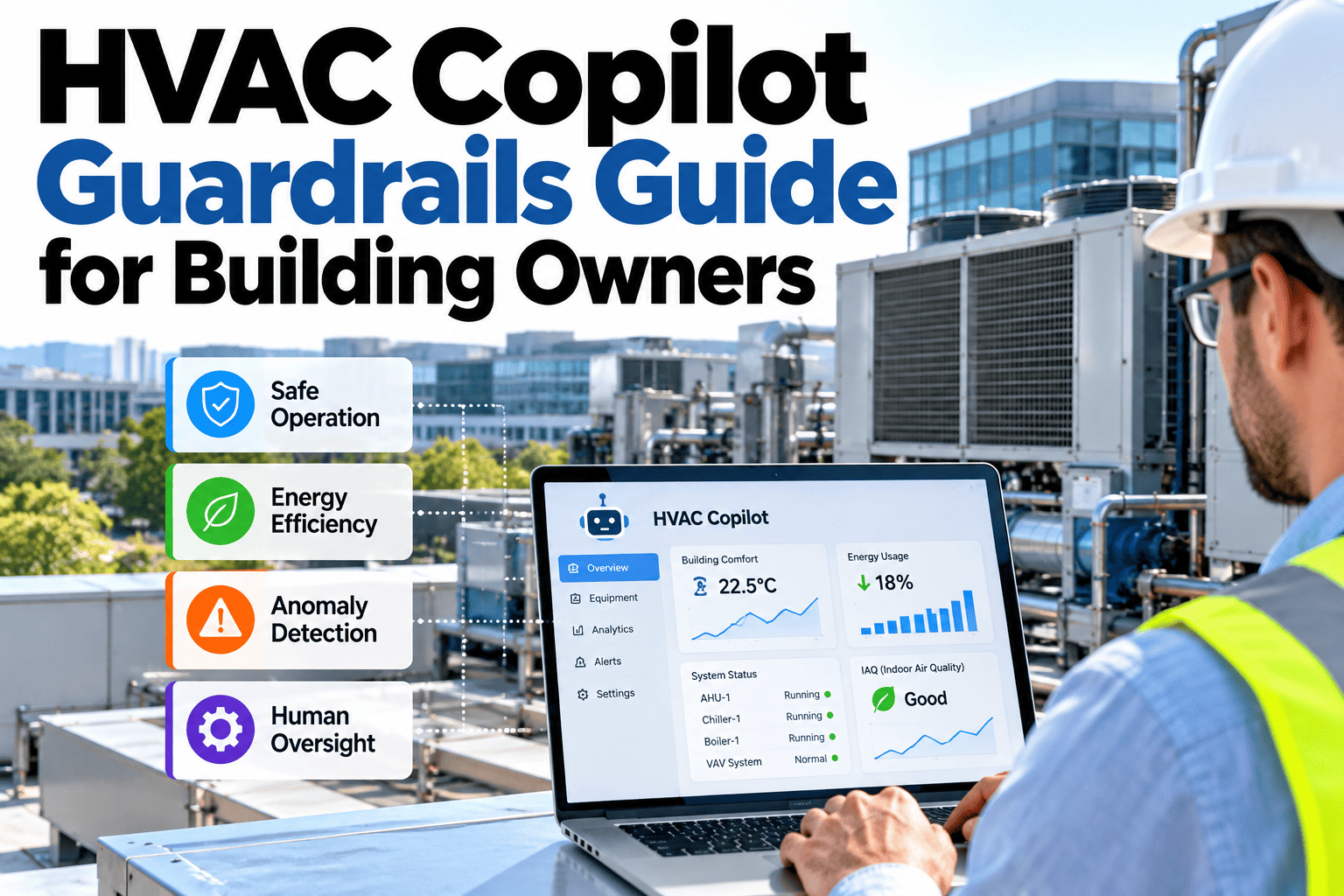
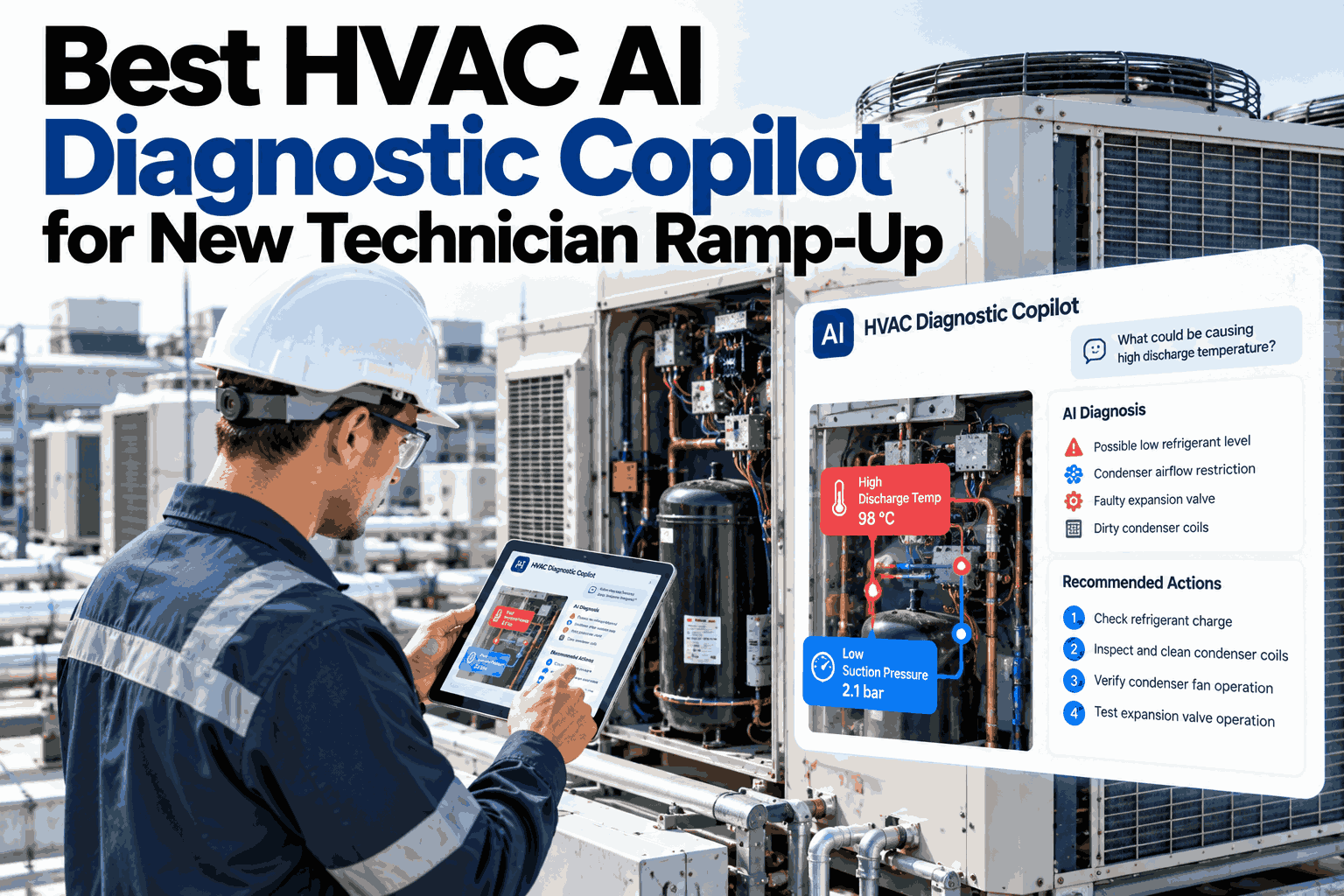
An AI copilot connected to live building control systems can save hours of analysis, but it must never act beyond what the owner has approved. Guardrails define which actions need approval, what the copilot may touch and who is allowed to authorise changes. Done well, they let teams benefit from fast recommendations without putting comfort, safety or equipment at risk. To see how these controls look in practice, you can explore a guardrail setup with our team.
HVAC AI copilot for building teams
Let AI Recommend Fast While Humans Stay in Control of Live Systems
iFactory AI puts approval steps, scope limits and role-based control around every copilot action, with a full record of what was proposed and what was done.
Lower the chilled water setpoint in Tower B by one degree?
Copilot proposal
Expected saving is moderate and comfort risk is low. Change is within the allowed range and needs facility manager approval.
Within scopeApproval required
The riskAn Unguarded Copilot Is a Risk, a Guarded One Is an Asset
The question is not whether the copilot is clever. It is whether its actions are controlled.
Without guardrails
Actions taken without sign-off
Unclear which systems it can touch
Everyone has the same access
No record of who approved what
With guardrails
Defined actions need approval
Scope limited to agreed systems
Access follows each person's role
Every proposal and action is logged
Guardrails do not slow good decisions. They make fast decisions safe to trust.
Action approvalEvery Change Follows the Same Four Steps
1
Propose
The copilot suggests an action with its reason and expected effect.
2
Review
A qualified person checks the evidence and limits.
3
Approve
The right role confirms or rejects the change.
4
Execute and log
The action runs within limits and is recorded.
The same path applies to every change, so nobody has to remember special cases.
Autonomy levelsRaise Autonomy Only as Trust Is Earned
Start with the safest level and move up when evidence supports it.
Level 1: Read onlyAnswers questions and explains data
Level 2: RecommendSuggests actions for people to take
Level 3: Approved actionActs only after explicit approval
Level 4: Limited autoHandles low-risk changes inside strict bounds
Many buildings stay at level 2 or 3 for critical systems. That is a valid, safe choice.
Set Safe Limits Before AI Touches Your Controls
Review your systems, roles and approval rules and see how iFactory AI can enforce them on a live building.
Role-based controlMatch Permissions to Responsibility
Different roles need different powers. The table shows one sample setup.
| Role | May view | May propose | May approve |
|---|
| Operator | Alarms and trends | Routine adjustments | Low-risk changes only |
| Facility manager | All building data | Schedule and setpoint changes | Most comfort and energy changes |
| Controls engineer | All data and logic | Logic and sequence changes | Control logic changes |
| Owner representative | Reports and audit logs | Policy changes | Scope and policy decisions |
Roles should reflect your own organisation and contracts. To tailor yours, ask our team for a role template.
Guardrail toolkitSix Controls That Keep Live Systems Safe
Scope limits
Define exactly which equipment and points can be touched.
Value limits
Cap setpoint changes to safe, comfort-aware ranges.
Safety interlocks
Never override life-safety or protection logic.
Rollback
Return to the previous setting quickly if something looks wrong.
Audit trail
Record every proposal, approval, action and result.
Kill switch
Let authorised staff pause copilot actions at any time.
Safe rolloutThree Phases to Responsible Adoption
Phase 1
Read only: answer questions and build trust with explanations.
Phase 2
Recommend: propose actions and compare them with outcomes.
Phase 3
Approved action: execute low-risk changes after sign-off.
List of systems the copilot may access
Defined actions that need approval
Role and permission map
Value limits per control point
Rollback and pause procedure
Audit log review schedule
Failure scenariosFive Ways an Unguarded Copilot Could Go Wrong
Thinking through what could fail makes the right guardrails obvious. Each scenario below has a simple preventive control.
1
Out-of-range setpoint
A recommendation pushes a setpoint beyond a comfortable or safe range. Value limits stop it.
2
Wrong system targeted
An action reaches equipment outside the agreed scope. Scope limits prevent it.
3
Conflicting changes
Two people or tools adjust the same control. Change locks and logging prevent confusion.
4
Stale data
A recommendation is based on old or failed sensor data. Data quality checks block it.
5
Unrecorded change
A change happens but nobody knows who approved it. The audit trail closes the gap.
Testing before go-liveA Practical Path to Test Guardrails Safely
Guardrails should be tested like any control system change. Careful testing builds trust with operators and owners.
1
Test in a safe environment
Use a simulated or non-critical system first.
2
Try expected actions
Confirm approved changes work within limits.
3
Try forbidden actions
Confirm blocked actions are blocked and logged.
4
Test pause and rollback
Practise stopping the copilot and restoring settings.
5
Review with operators
Collect feedback before wider use.
Repeat key tests after software updates or changes to roles and permissions.
What to logThe Audit Record Every Action Should Leave Behind
A good record answers who, what, why and when for every proposal and change.
| Field | What it records | Why it matters |
|---|
| Proposal | What the copilot suggested and its reason | Shows the basis for the decision |
| Evidence | Data and trends behind the proposal | Lets reviewers check the logic |
| Approver | Who approved or rejected it | Creates accountability |
| Action and value | What was changed and the new setting | Supports rollback |
| Time and result | When it ran and what happened next | Measures real-world effect |
Review logs regularly, not only after something goes wrong. Patterns in rejected proposals often reveal where to improve the system.
Review rhythmA Governance Cadence That Keeps Guardrails Current
Guardrails need upkeep as systems, people and policies change.
Weekly
Check rejected and unusual proposals
Monthly
Review access lists and role changes
Quarterly
Test pause, rollback and limits again
Yearly
Review scope, policy and autonomy levels
Remove access promptly when people change roles or leave. Stale permissions are a common and avoidable risk.
Questions for vendorsSix Questions Owners Should Ask Any AI Control Vendor
The answers reveal whether safety is built in or added on later.
What can it write to?
Ask for a list of points and systems the AI can change.
How is approval enforced?
Ask whether approval is technical or only procedural.
What happens if it fails?
Ask how the building behaves if AI or the network drops.
Can we see every action?
Ask for sample logs and report formats.
Who can change the rules?
Ask how limits and roles are managed and audited.
How is it tested?
Ask about testing before updates reach live systems.
Clear answers matter more than impressive demos. To compare approaches, review these questions in a guided session.
Why botherGuarded AI Delivers Value Without Drama
Guardrails are not a brake on benefits. They are what allow benefits to be used on live systems.
Faster
Quicker diagnosis of faults and waste
Quieter
Less alarm noise and fewer false leads
Cheaper
Energy and maintenance savings
Safer
Every change limited, approved and logged
Owners who start with guardrails usually expand AI use faster, because operators and executives trust the setup.
Risk and reversibilityMatch the Approval Level to the Action
Not every action needs the same scrutiny. Two questions help sort them: how risky is it and how easily can it be undone?
Action type
Easy to undo
Hard to undo
Low risk
Operator approval
Quick sign-off by the duty operator
Manager approval
Senior sign-off and a written reason
High risk
Pre-approved range
Allowed inside tight limits with logging
Engineer approval
Formal review before any change
Review the grid with operations and safety teams, and adjust it as trust and experience grow.
The control layerPut One Guardrail Layer Between AI and Your Systems
A single point of control makes rules easier to enforce and audit than rules spread across tools.
Copilot recommendationsOperator requestsScheduled routines
Guardrail and approval layer
Building management systemChillers and boilersAir handlers and VAV
Every request goes through the same checks, whether it comes from a person or from AI.
Defence in depthFour Layers Protect Against Mistakes and Misuse
No single control is perfect. Layers make failure unlikely and contain it when it happens.
Identity
Every user and tool signs in with a known identity.
Scope
Only agreed systems and points can be reached.
Limits
Values stay inside safe, comfort-aware ranges.
Logging
Everything is recorded and reviewed regularly.
If one layer fails, the others still protect the building. This is the same principle used in safety engineering.
Building operator trustShow Operators That the Copilot Helps Rather Than Replaces
Adoption depends on trust. Operators accept tools that explain themselves and respect their judgment. This view is illustrative.
Early in the rollout
Operator confidence in advice
Rejected proposals with a reason
After six months
Operator confidence in advice
Rejected proposals with a reason
Rejected proposals with a reason are valuable feedback. To set up a feedback routine, ask our team about operator feedback loops.
Expert reviewWhat a Controls Security Lead Would Check First
Expert review
Safe AI on building controls is mostly good engineering practice: least privilege, limits, logging and a way to stop. Treat it like any other system with write access.
VerdictSound when scope is narrow, approval is explicit and logs are reviewed.
Watch forBroad access granted for convenience and never tightened.
Do nextBegin read only, then test one low-risk action with full logging.
Frequently asked questionsWhat Owners Ask About Copilot Guardrails
Can the copilot change setpoints on its own?
Only if you allow it, and only within limits you define. Many owners require approval for every change at first.
See approval options.
How do we know what the copilot did?
Every proposal, approval and action is recorded with time and user, so reviews are straightforward.
Ask about audit reports.
What stops it touching safety systems?
Scope limits and interlock rules keep protected systems out of reach. Life-safety logic stays separate.
Discuss safety boundaries.
Can we pause it quickly?
Yes, authorised staff can pause actions and roll back recent changes. The procedure should be tested in advance.
Ask about pause procedures.
How do we start safely?
Start read only on one building, review the answers, then add recommendations and approved actions in steps.
Plan a staged start.
Fast insight, firm control
Adopt AI on Your Controls With Confidence
Book a session with iFactory AI to map your systems, roles and approval steps and see a copilot working safely inside your limits.