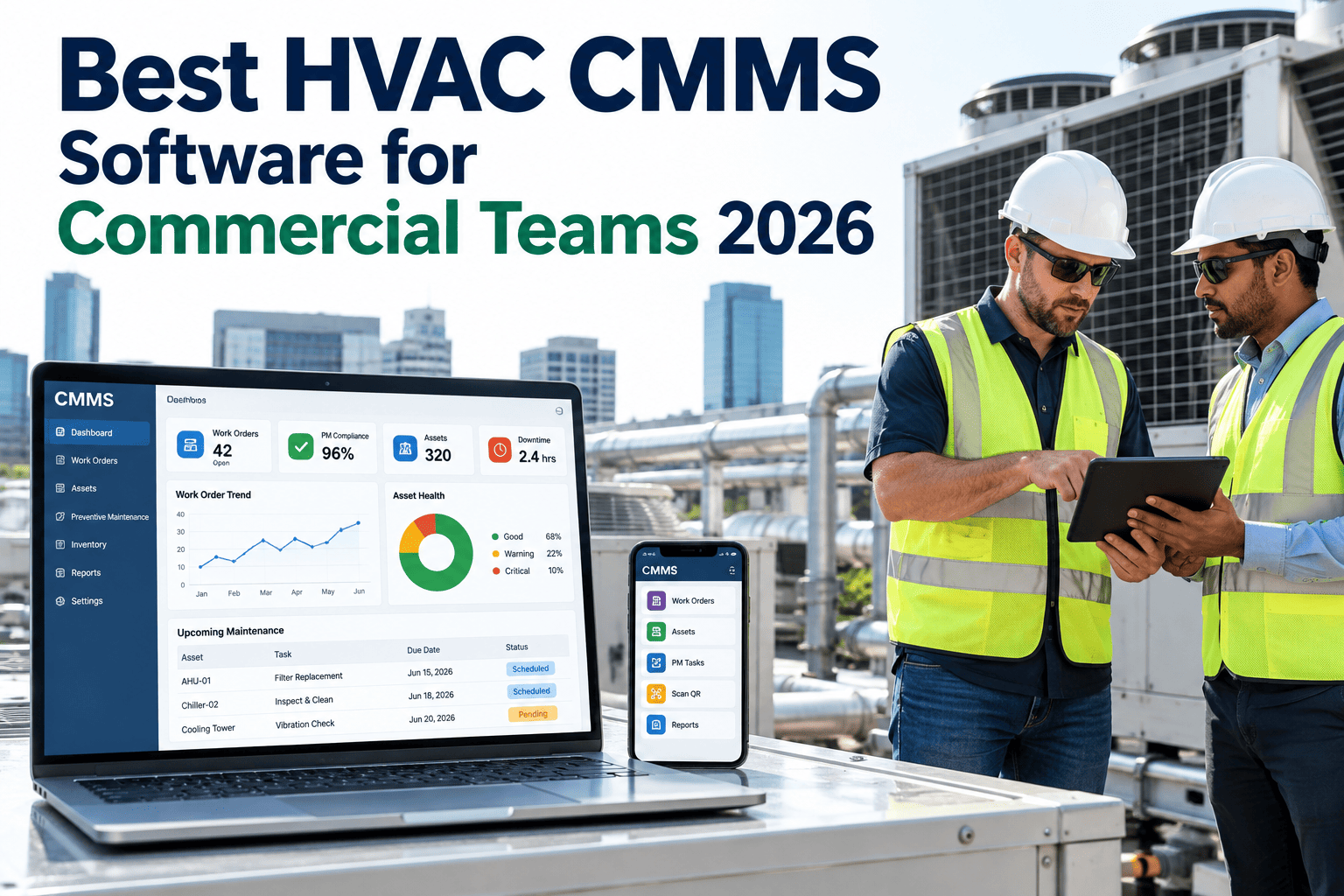
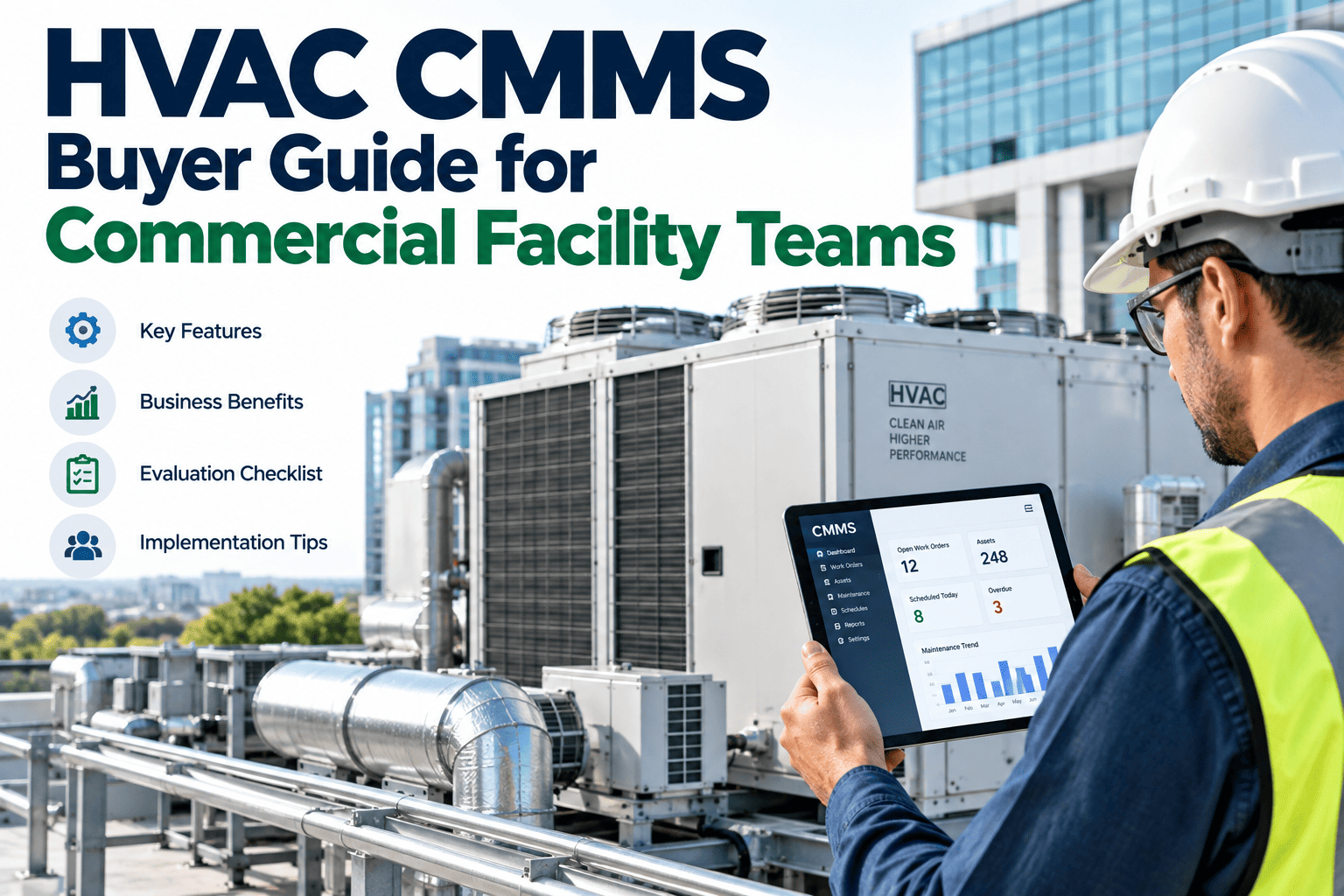
Commercial HVAC maintenance spans four completely different equipment families — chillers, air handling units, rooftop units, and cooling towers — each with its own failure patterns, service intervals, and technician skill requirements, yet most facility teams are still tracking all of it through a single generic CMMS that treats a chiller compressor the same way it treats a rooftop unit belt change. The best HVAC CMMS software in 2026 is built specifically around that equipment diversity rather than forcing it into a one-size-fits-all work order template, which is the design philosophy behind iFactory's HVAC CMMS platform.
HVAC CMMS — 2026
Best HVAC CMMS Software for Commercial Teams in 2026
Unifying chillers, AHUs, RTUs, and cooling towers under one platform, with mobile technician workflows built for how commercial HVAC teams actually work.
CMMS
Chillers
AHUs
RTUs
Cooling Towers
Why Generic CMMS Platforms Fall Short for HVAC Specifically
A CMMS built for general facility maintenance treats every asset with a similar template — a name, a schedule, a set of generic task fields. HVAC equipment doesn't fit that mold cleanly: a chiller PM involves refrigerant circuit checks and condenser tube inspection, an AHU PM involves filter and coil service tied to airflow readings, and a cooling tower PM involves water treatment and basin cleaning tied to a completely different regulatory and seasonal rhythm. Software that doesn't distinguish between these families forces technicians to work around generic templates rather than being guided by ones built for the actual equipment in front of them.
What the Best HVAC CMMS Platforms Get Right in 2026
Across the strongest platforms on the market, four capabilities consistently separate genuinely HVAC-purpose-built software from a generalist CMMS with an HVAC label added on.
CAPABILITY 1
Equipment-Specific PM Templates
Pre-built task libraries for chillers, AHUs, RTUs, and cooling towers, each with the specific inspection points and parts relevant to that equipment type.
CAPABILITY 2
Mobile-First Technician Workflows
Technicians working across rooftops and mechanical rooms need offline-capable mobile access, not a desktop-only tool they check back at the office.
CAPABILITY 3
BMS Integration
Connecting to building management system data lets the CMMS trigger condition-based work orders from real equipment performance, not just fixed calendars.
CAPABILITY 4
Portfolio-Level Reporting
Teams managing multiple buildings need consolidated reporting across sites, not a separate login and separate report for each individual property.
Evaluation Criteria That Actually Predict Long-Term Fit
Choosing HVAC CMMS software is a multi-year commitment, and the criteria that matter for a genuinely good fit go beyond a features checklist compared against a sales deck. The table below covers what tends to separate a platform that serves a team well for years from one that gets abandoned within eighteen months.
| Evaluation Factor | Why It Matters Long-Term | What to Ask |
|---|
| Equipment-specific templates | Determines whether technicians actually follow the PM as designed | Can we see the actual chiller and AHU task templates before buying? |
| Offline mobile functionality | Mechanical rooms and rooftops often have poor connectivity | What happens to a work order completed with no signal? |
| BMS integration depth | Determines whether condition-based triggers are real-time or manual | Which BMS protocols and vendors are natively supported? |
| Implementation support | Asset registry and PM library setup is the hardest part of any rollout | Is data migration and template setup included, or a separate cost? |
See How iFactory's HVAC CMMS Handles Your Equipment Mix
iFactory's HVAC CMMS comes with pre-built PM templates for chillers, AHUs, RTUs, and cooling towers, plus mobile technician workflows and BMS integration built specifically for commercial building operations.
What Sets a Genuinely Mobile-First Platform Apart
"Mobile access" is a claim nearly every CMMS vendor makes, but the actual technician experience varies enormously between a platform designed mobile-first and one with a responsive web page bolted onto a desktop-first product. The distinctions below are worth checking directly during any evaluation.
✓
Full work order completion, including photos and readings, works with no active internet connection and syncs automatically once reconnected.
✓
Equipment-specific checklists appear automatically based on the asset scanned or selected, rather than a generic form for every job type.
✓
Parts lookup and inventory checks happen from the same mobile screen, without switching to a separate app or calling the parts room.
✓
Technicians can view asset history and prior service notes directly on-site, without needing to be back at a desktop to check context.
A Director of Facilities on Switching From a Generic CMMS
"
We had run a well-known generic CMMS for almost a decade, and it did the basic job of tracking work orders, but every chiller PM checklist in our system had been built manually by whichever technician happened to set it up years earlier, with no consistency across our different buildings. When we evaluated HVAC-specific platforms, the difference in the actual PM templates was immediately obvious — chiller, AHU, and cooling tower tasks that had clearly been built by people who understood the equipment, not adapted from a generic maintenance template. Our technicians noticed the difference within the first week of using it, because the checklist on their phone for a rooftop unit actually matched what a rooftop unit needs, instead of a generic inspection list that half-applied to everything. The mobile offline functionality mattered more than we expected too — a lot of our mechanical rooms have poor cell signal, and not losing a completed work order because of a dead zone turned out to be a bigger daily frustration point than any of us had realized until it stopped happening.
— Director of Facilities, Commercial Office Portfolio · Manages HVAC Across 14 Buildings
Frequently Asked Questions
Is a dedicated HVAC CMMS worth it if we already have a general facility CMMS?
It depends on how large a role HVAC maintenance plays in your overall operation and how much your current generic CMMS is genuinely serving that specific need. Facilities where HVAC represents a significant share of maintenance spend and downtime risk — office towers, hospitals, data centers — tend to see the clearest value from equipment-specific templates and BMS integration that a generalist platform typically doesn't offer natively. Smaller facilities with simpler HVAC needs may find a well-configured general CMMS sufficient, particularly if HVAC-specific templates can be built manually without excessive ongoing maintenance burden.
How important is BMS integration if we don't currently use condition-based maintenance?
BMS integration adds the most immediate value for teams already running or planning to move toward condition-based maintenance triggers, since it's what allows the CMMS to generate work orders from actual equipment performance data rather than fixed calendar schedules alone. Teams still running purely calendar-based PM schedules will see less immediate benefit from this specific capability, though it's worth considering as a forward-looking requirement even if you're not using it on day one, since retrofitting integration later is typically more disruptive than building it in from the start.
How long does it typically take to migrate from a generic CMMS to an HVAC-specific one?
Migration timelines vary based on the size of your asset registry and how well-organized your existing data is, but a typical commercial portfolio can expect a migration and setup period of six to ten weeks, covering asset registry transfer, PM template configuration, and technician onboarding. Portfolios with poorly maintained asset data in the legacy system may need additional time for data cleanup before migration, since transferring inaccurate or incomplete records simply carries the same problems into the new platform.
Do technicians need extensive training to adopt a new HVAC CMMS platform?
Most technicians adapt relatively quickly to a well-designed mobile-first platform, particularly one with equipment-specific checklists that match what they're already doing in the field rather than requiring them to learn an unfamiliar workflow. Initial training typically focuses on the mobile app's basic navigation and photo/reading capture process, which most technicians pick up within their first few completed work orders. The bigger adjustment tends to be organizational — getting the team into the habit of completing documentation in the app in real time rather than on paper to be entered later.
Can iFactory's HVAC CMMS handle a mixed equipment portfolio across multiple buildings?
Yes — iFactory's platform is built specifically to unify chillers, AHUs, RTUs, and cooling towers under equipment-specific PM templates while also supporting portfolio-level reporting across multiple buildings from a single login. This is particularly valuable for commercial teams managing a diverse building portfolio where equipment mix varies significantly from site to site. To see the platform configured around your specific equipment mix,
book a demo with our team.
Give Your HVAC Team Software Built for Their Equipment
Chillers, AHUs, RTUs, and cooling towers each deserve purpose-built PM templates, not a generic checklist stretched across all of them. iFactory's HVAC CMMS unifies your equipment mix with mobile-first technician workflows built for commercial teams.