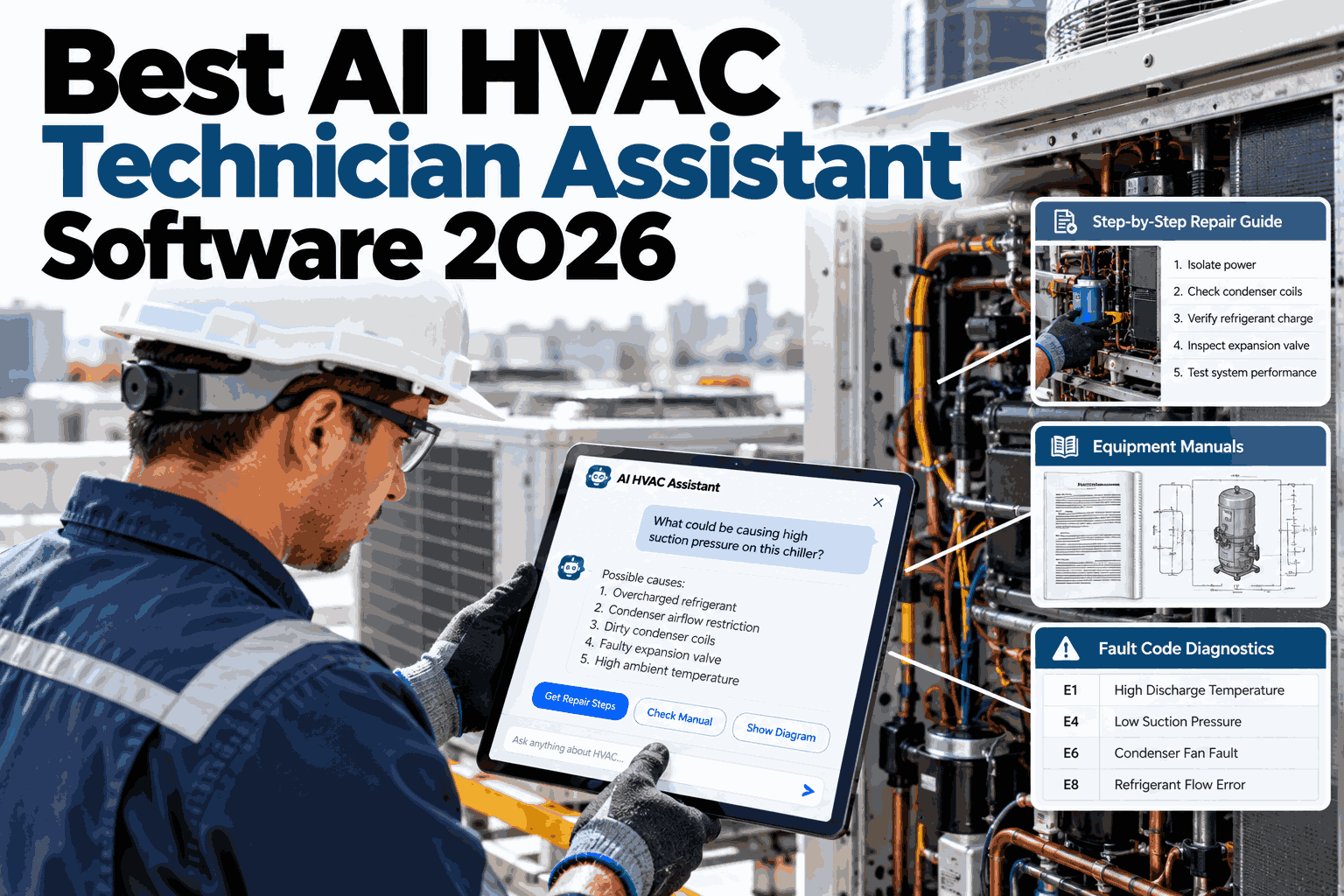
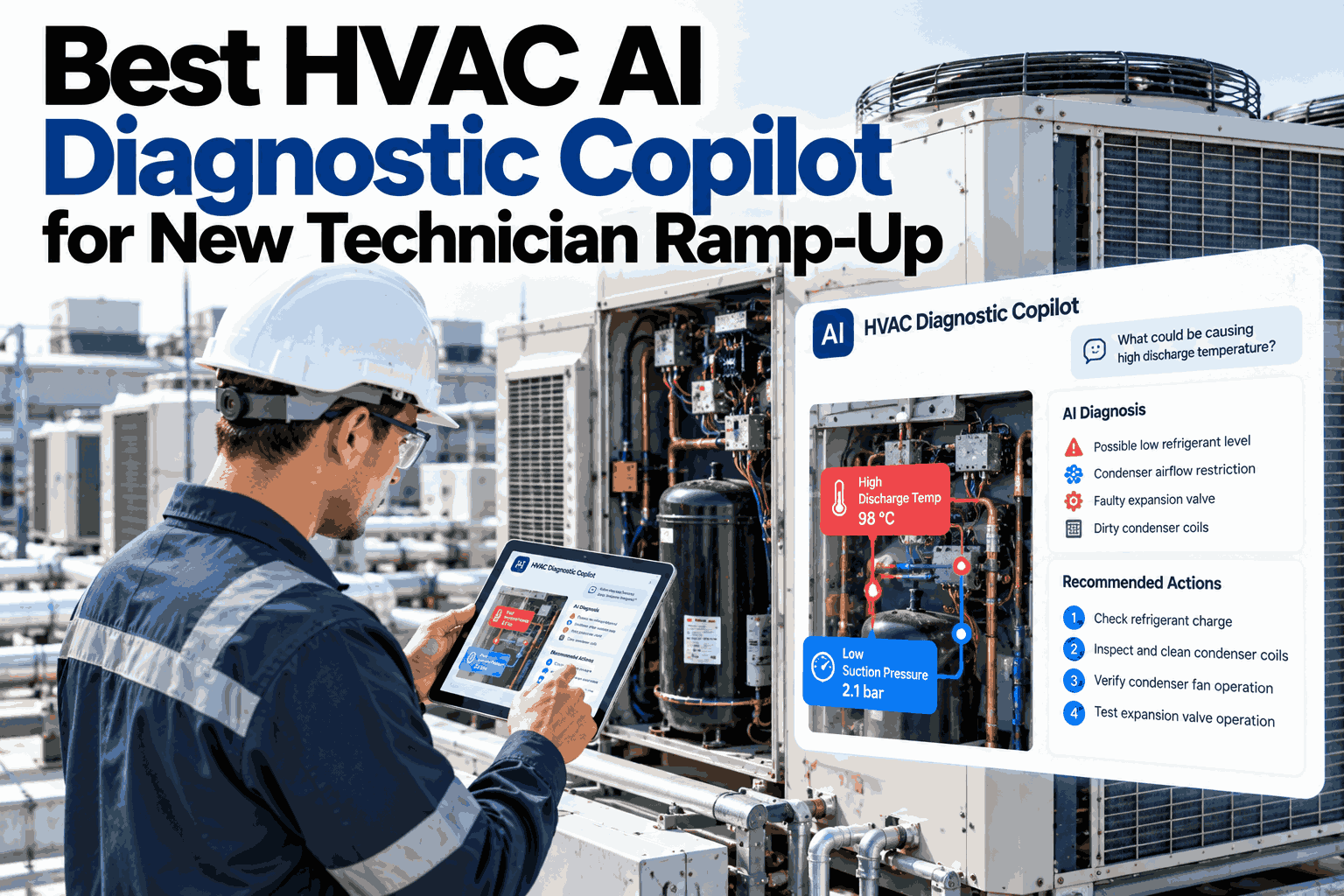
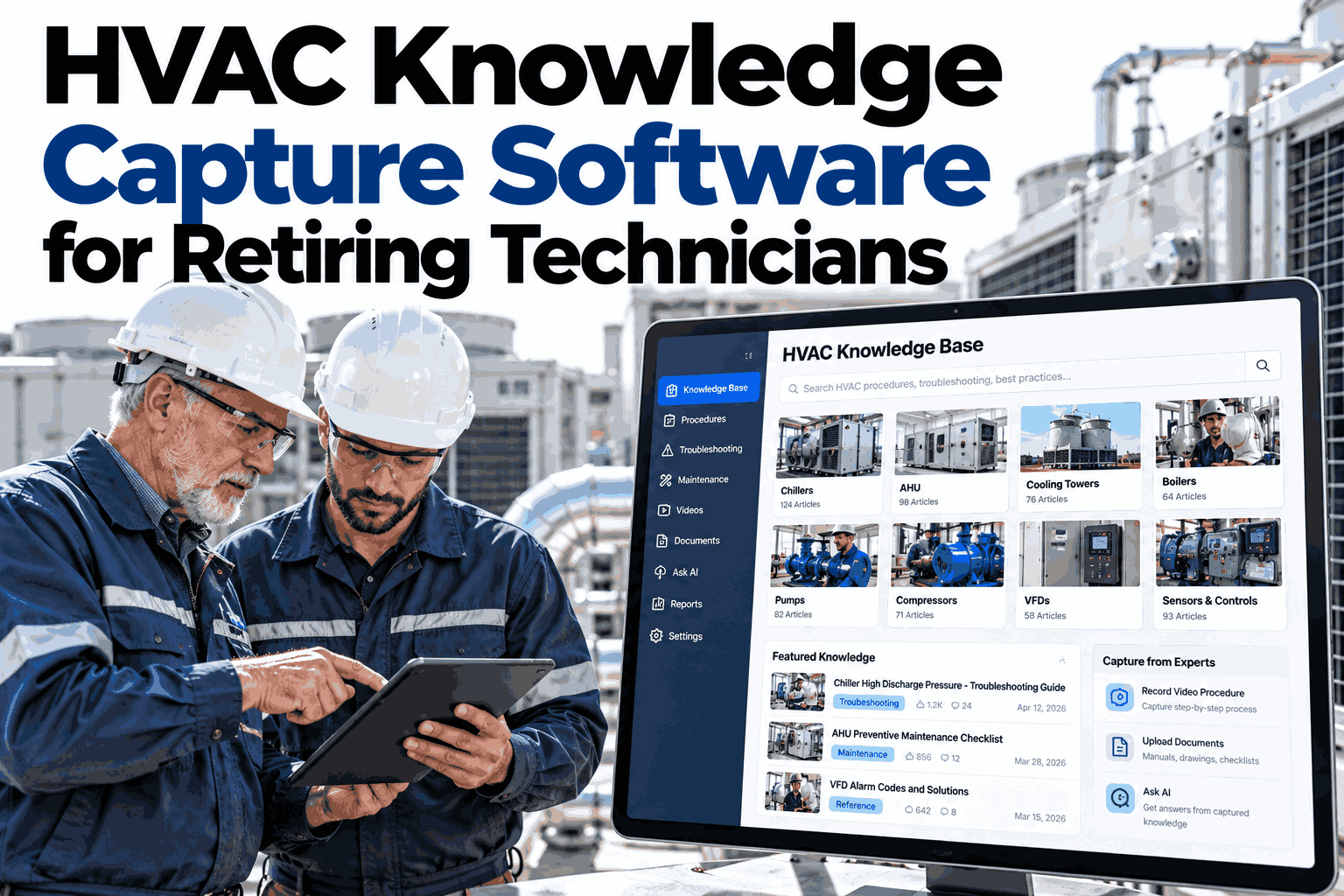
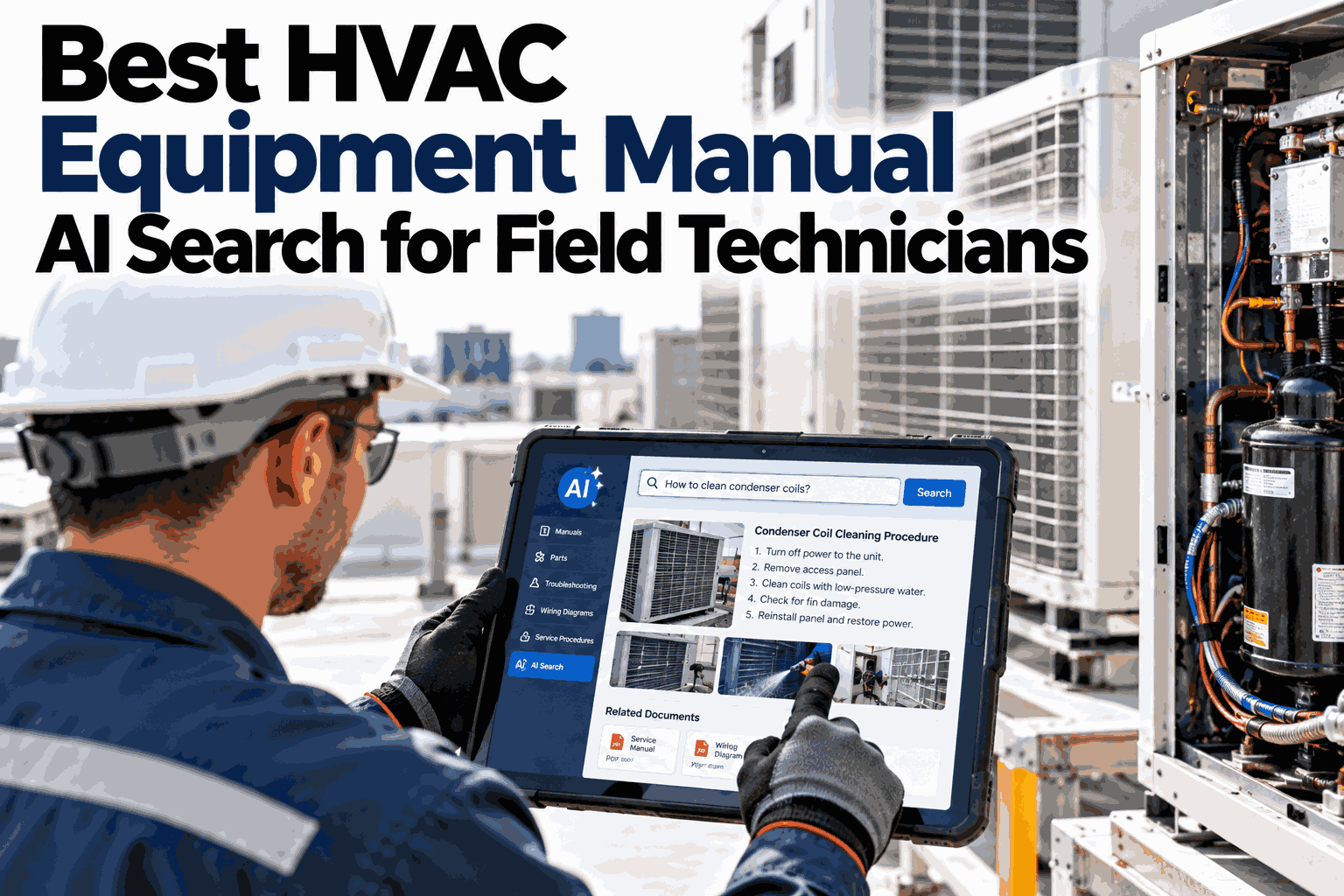
Every HVAC service company is feeling the same squeeze in 2026, fewer experienced techs retiring without replacements, more call volume, and new hires who need months before they can run a call alone. AI technician assistant software has moved from a novelty demo to a real shortlist item in service company budgets, but the category still covers a wide range of actual capability. Some tools barely do more than keyword search a PDF manual, while others combine troubleshooting reasoning, manual lookup, and knowledge capture into one working system. If you want to see where a specific vendor's software actually lands on that range, you can compare capabilities on a short call with our team.
AI technician assistant buyer's guide, 2026
What to Actually Look for in AI HVAC Technician Assistant Software
A practical evaluation guide covering troubleshooting reasoning, manual lookup, and knowledge capture, the three capabilities that decide whether new techs become productive in weeks instead of months.
Core capability scorecard for 2026 buyers
Symptom-to-cause troubleshootingMust have
Instant manual and spec lookupMust have
Senior knowledge captureHigh value
Voice or hands-free inputNice to have
Why now
Why This Category Matured Fast in 2026
Three forces pushed AI technician assistants from pilot projects into standard tooling this year. None of them are going away, which is why evaluating software properly now matters more than it did two years ago.
Retiring expertise
Senior techs with decades of pattern recognition are leaving faster than service companies can replace that judgment.
Longer ramp times
New hires without that pattern library on hand take far longer to run calls confidently without a callback.
Equipment variety
Fleets now span a wider mix of makes, models, and controls than any single tech can memorize manuals for.
Margin pressure
Every extra minute on a diagnostic phase or every avoidable callback directly erodes a thin service margin.
The three pillars
The Three Capabilities That Actually Matter
Most vendor pitches sound similar on the surface. The real difference between a useful tool and a glorified search box shows up in how deeply each of these three areas is actually built out.
1
Troubleshooting reasoning
Ranks likely causes from a reported symptom and narrows them with targeted follow-up questions, not a static flowchart.
2
Manual and spec lookup
Finds the exact page, wiring diagram, or spec value in seconds across every manual in the fleet, not just one brand.
3
Knowledge capture
Turns a senior tech's reasoning on real calls into reusable patterns instead of letting it leave with that person.
Evaluation checklist
Questions to Ask Every Vendor on This Shortlist
A demo always looks smooth. These are the questions that separate a genuinely capable assistant from a well-rehearsed showcase.
| Capability area | Question to ask | Weak answer | Strong answer |
| Troubleshooting |
Does it rank multiple causes or give one guess? |
"It tells you the problem" |
Ranked causes with confidence levels |
| Manual lookup |
Does it cover our full equipment mix? |
"Most major brands" |
Named brands matching your actual fleet |
| Knowledge capture |
How does senior tech input get added? |
"Manual data entry later" |
Captured during or right after the call |
| Update cadence |
How often is the pattern library refreshed? |
"Periodically" |
Tied to confirmed call outcomes on a set cycle |
Pay close attention to the update cadence question specifically, since a static pattern library loses accuracy the moment your equipment mix or common faults shift away from what it was built on.
Walk Through This Checklist on Your Own Fleet
Bring your current equipment mix and a recent tricky call, and we will show exactly how each capability area holds up.
The ramp curve
How Fast a New Tech Actually Ramps With the Right Tool
The clearest proof of value is not a feature list, it is how quickly a new hire starts closing calls without a senior tech on the phone. Here is a realistic ramp curve with good assistant software in place.
Week 1-2
Shadows calls, leans on manual lookup and troubleshooting suggestions for nearly every step.
Week 3-4
Runs routine calls independently, still checking ranked causes before committing to a repair.
Week 5-8
Handles most call types solo, using the assistant mainly for unfamiliar equipment or unusual symptoms.
Week 8+
Contributes their own confirmed outcomes back into the knowledge base for the next new hire.
Deep dive
Why Manual Lookup Speed Matters More Than It Sounds
Manual lookup sounds like a minor convenience until you measure how much time it actually eats across a technician's week.
Searching a PDF manually
Scroll through table of contents to find the right section
Cross-check model number against a separate spec sheet
Often repeated for every similar unit on the same route
AI-assisted lookup
Ask in plain language and get the exact page or diagram
Spec values pulled automatically for the identified unit
Same answer available instantly on every similar call after
Multiply even a few minutes saved per lookup across a full route of calls in a week, and manual lookup speed alone can justify the software before troubleshooting reasoning even enters the picture.
Avoid these vendors
Red Flags Worth Walking Away From
Some gaps are fixable with time and rollout support. Others are structural limitations no amount of onboarding will solve.
Single-brand manual coverage
If the tool only covers one or two brands well, it will leave gaps on a mixed fleet from day one.
No confidence scoring
A tool that hands back one flat answer with no confidence level is asking techs to trust guesses blindly.
No capture workflow
If senior tech knowledge has to be typed up separately after hours, it almost never actually gets captured.
Static, unreviewed library
A pattern library that never updates against real outcomes gets less accurate as your fleet and faults evolve.
Frequently asked questions
What Service Managers Ask Before Shortlisting a Vendor
How long does it take to load our own equipment manuals into the system?
Most fleets can have their core equipment library loaded within the first couple of weeks, with lower-volume units added as they come up on real calls.
Ask about onboarding timelines for your specific fleet size.
Does this work offline for techs in buildings with poor signal?
Core manual lookup and recently used troubleshooting paths can be cached locally, so a dead zone in a mechanical room does not stop a tech mid-call.
Check offline coverage details with our support team.
Will senior techs actually use a knowledge capture feature, or resist it?
Adoption is much higher when capture happens naturally during the call itself rather than as separate paperwork, which is the main thing to test in any vendor demo.
See the capture workflow in a live walkthrough.
How is software like this priced for a mid-size service company?
Pricing typically scales with technician headcount and equipment library size rather than call volume, so a smaller company is not penalized for a busy season.
Get pricing details for your team size.
What is a realistic timeline to see new techs ramping faster?
Most service companies see a measurable ramp improvement within the first full onboarding cycle after rollout, typically the first one or two new hires brought on with the tool in place.
Discuss expected timelines for your hiring pace.
Shortlist with confidence
See How iFactory AI Stacks Up Against This Checklist
Book a session with our team to evaluate troubleshooting reasoning, manual lookup, and knowledge capture against your own fleet and hiring plans.