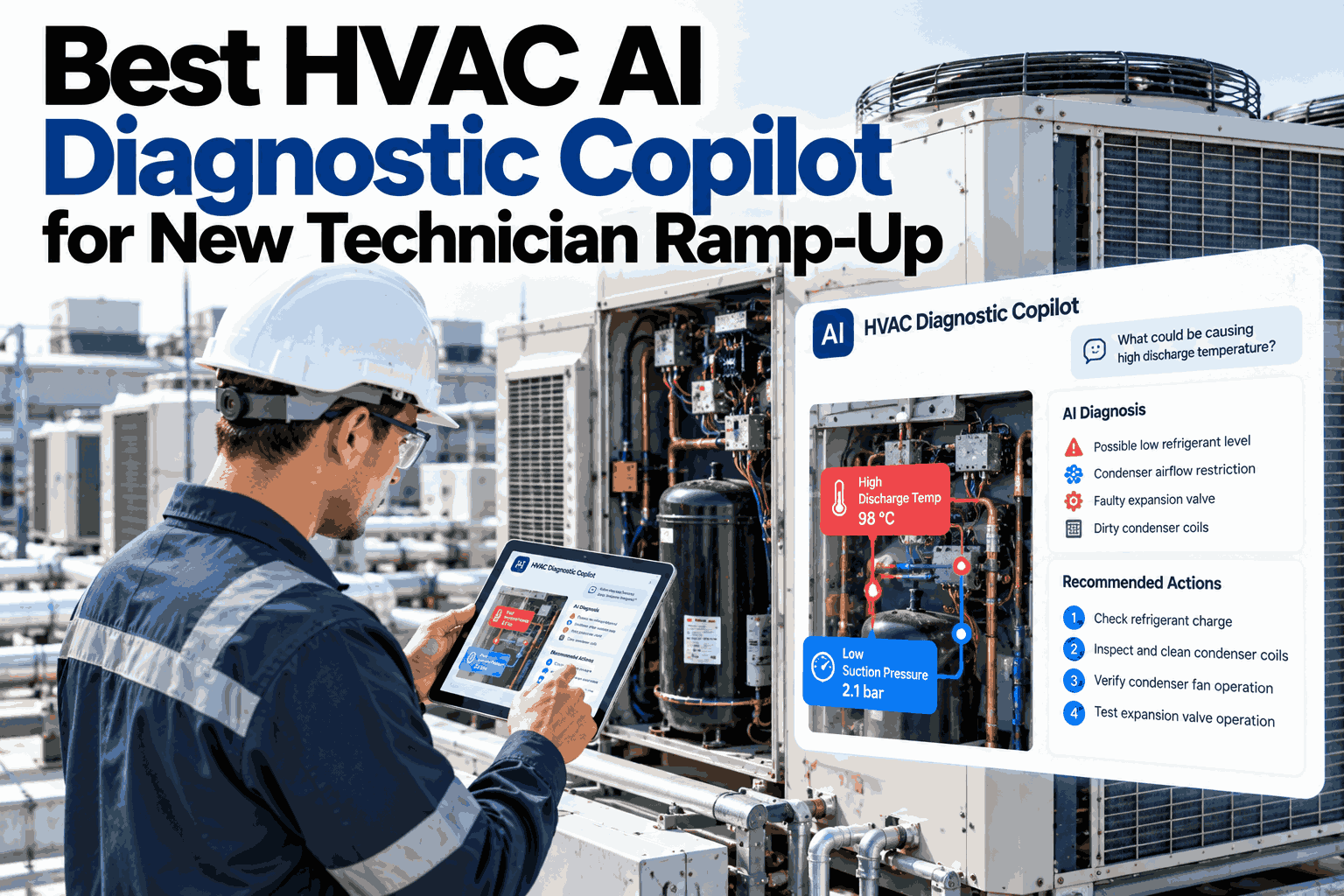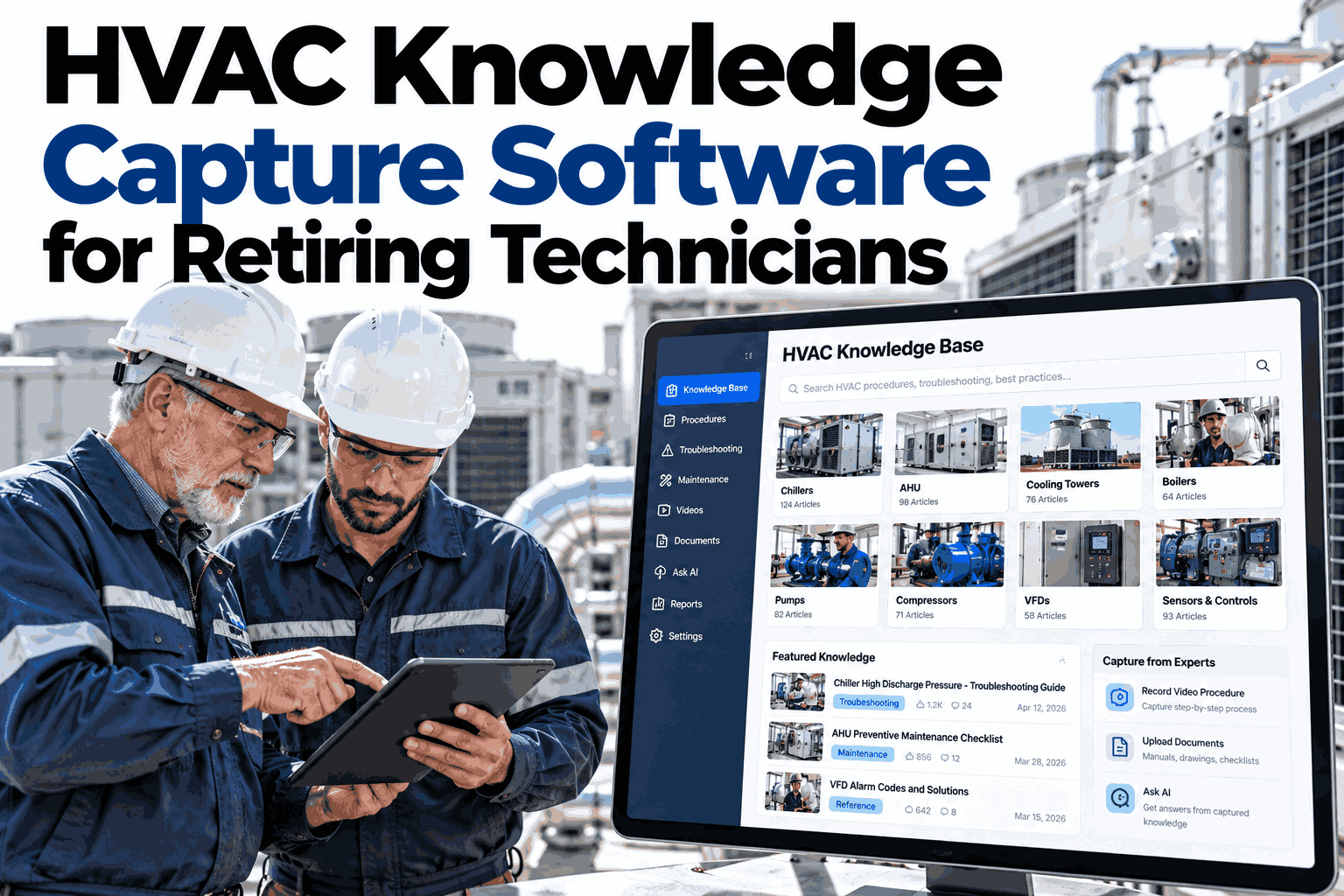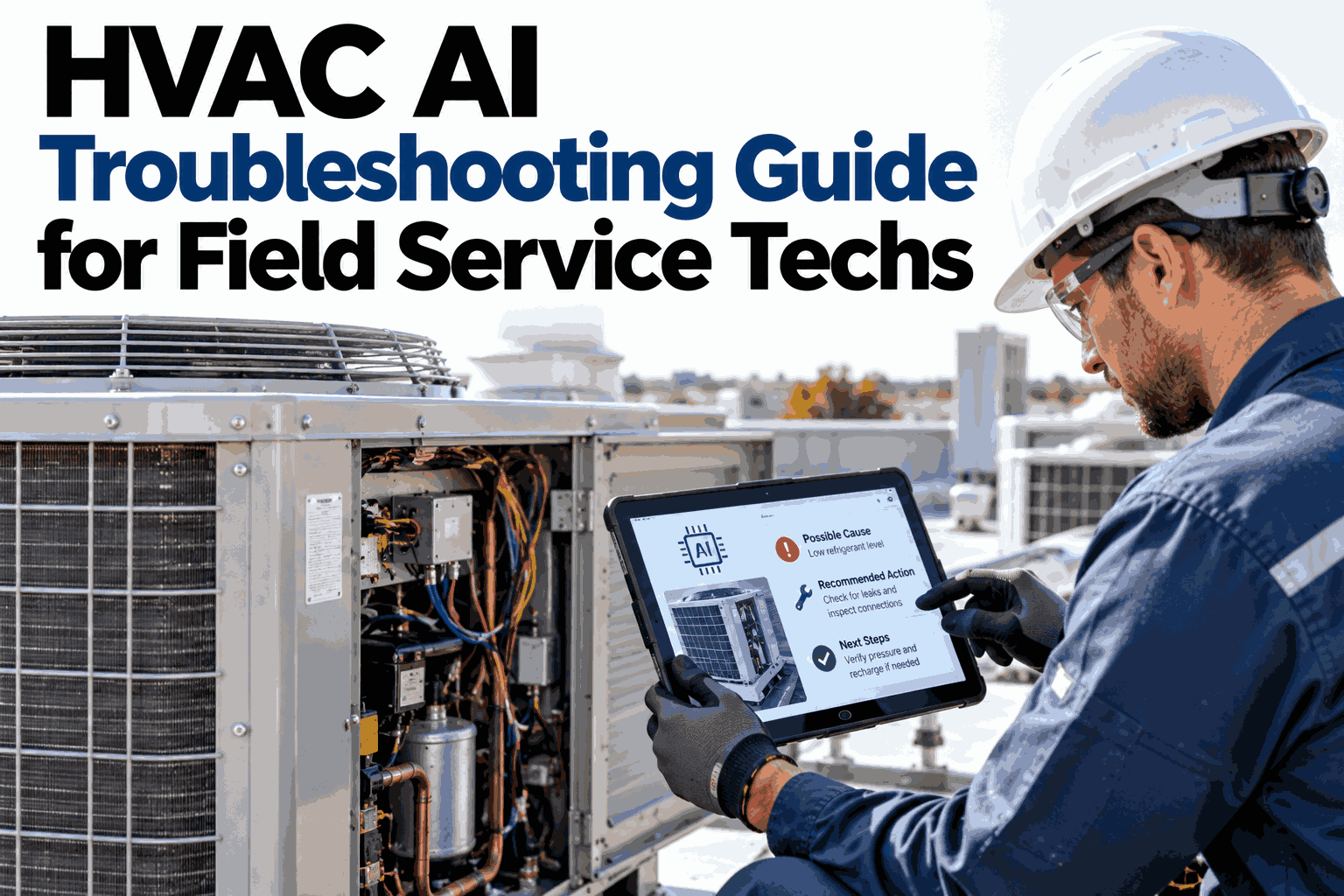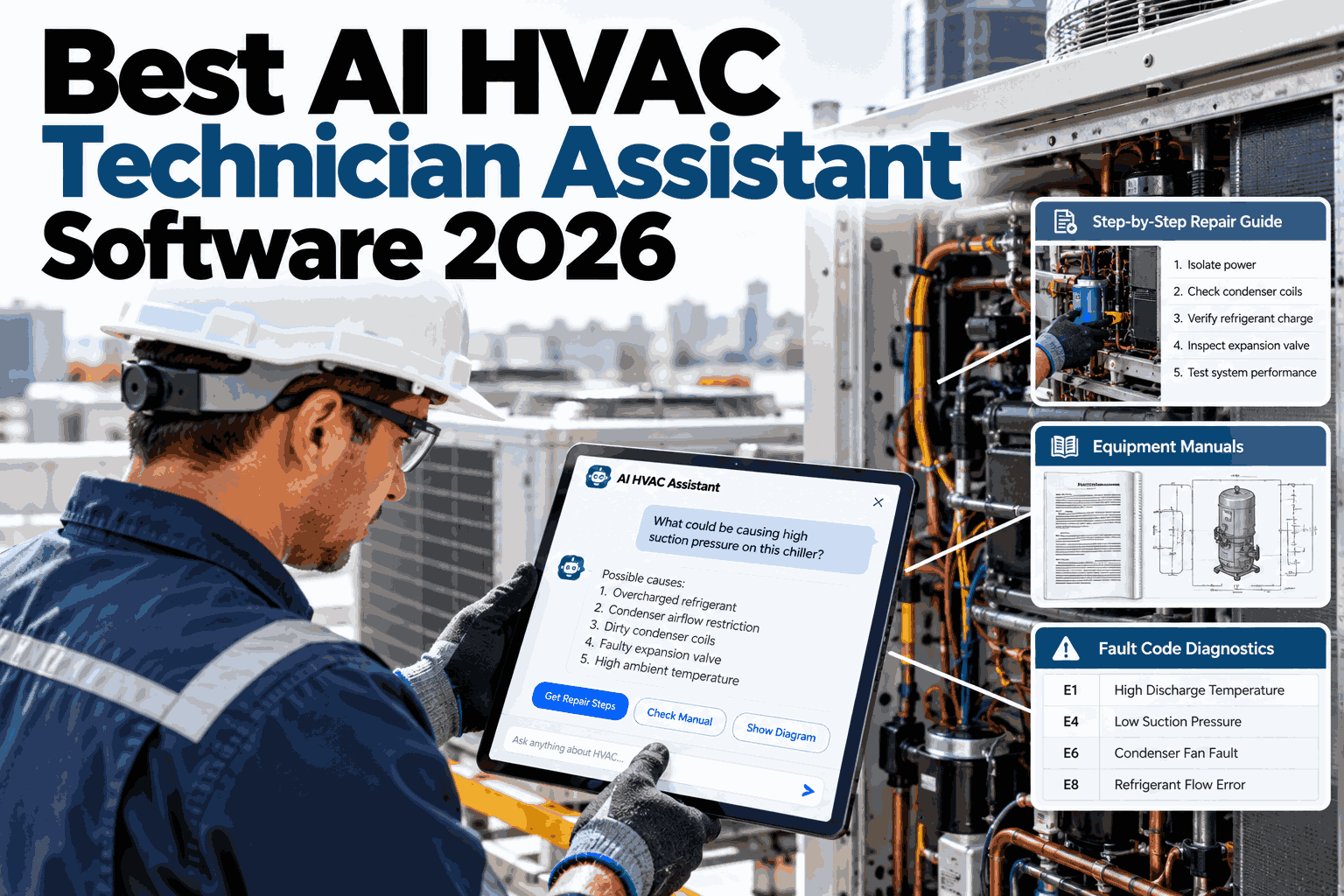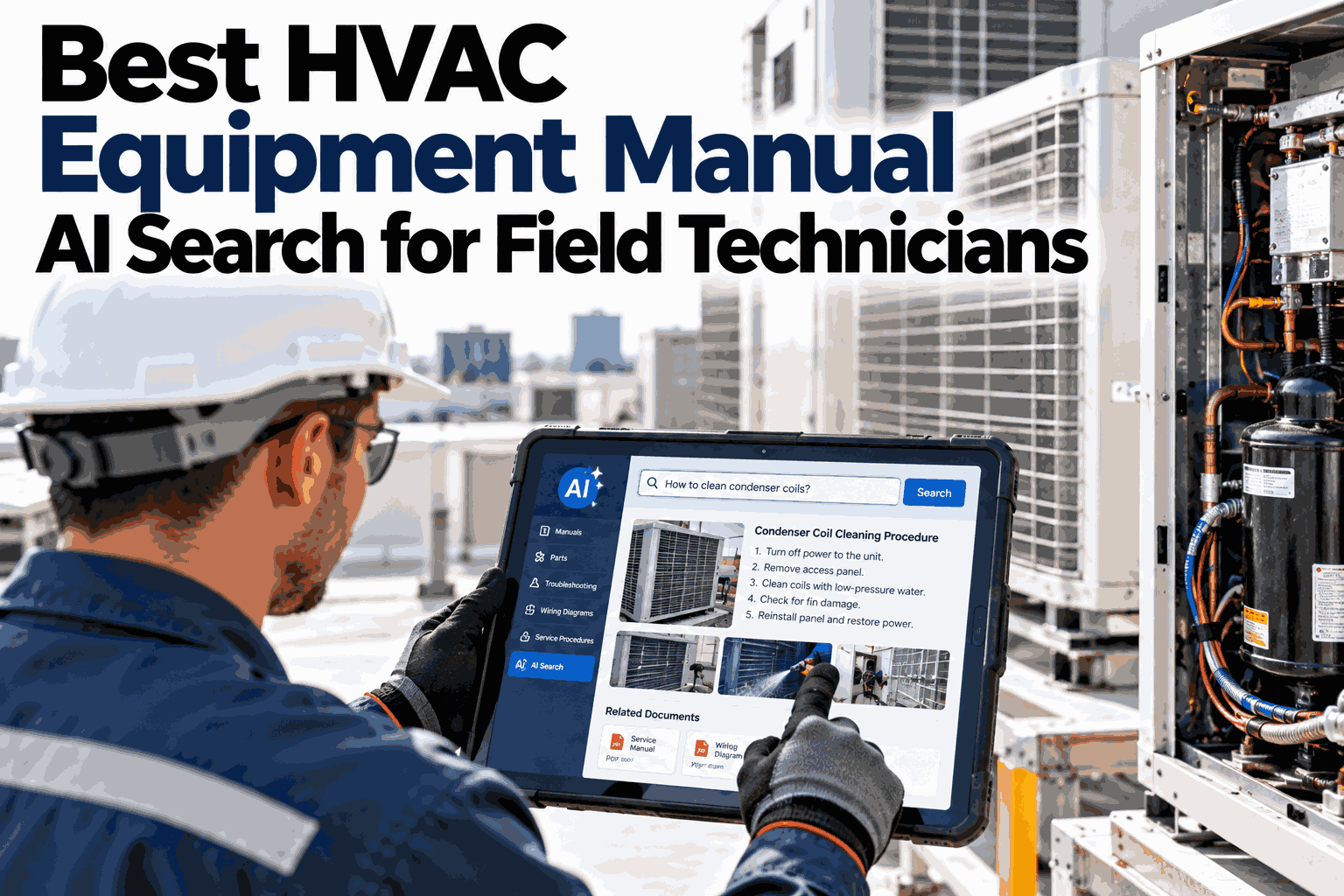
A technician standing in front of a tripped chiller rarely has time to scroll a 400-page PDF looking for one fault code. Most sites still store manuals that way: scanned, unsearchable, scattered across shared drives and binders in the mechanical room. This guide looks at what changes when those manuals become something a technician can actually ask a question and get answered by, with the page cited. To see it against your own equipment list, book a manual search demo.
Best HVAC Equipment Manual AI Search for Field Technicians
Turn chiller, AHU, boiler and cooling tower manuals into one searchable source a technician can question directly, with the exact page and section behind every answer.
- Why fault codes and PDFs rarely find each other fast
- How semantic search differs from Ctrl+F
- What it takes to capture tribal knowledge too
Low charge, a closed or faulty suction valve, or a restricted filter drier are listed as the top startup-fault causes for this model.
Why Manual Search Breaks Down On The Floor
The manual usually has the answer. Finding it is the problem.
Most sites have the right documentation somewhere. It is just not in a form anyone can search under pressure, mid-shift, with a client waiting on the line. Four patterns explain why technicians give up on manuals and call a colleague instead, something our team hears on almost every site visit.
Taken together, these four patterns push technicians toward the one search method that always works: calling someone. That works until the someone is unavailable, retired, or simply wrong, and it leaves no record for the next person who hits the same fault.
Scanned, not searchable
Many older manuals are image-only PDFs. Ctrl+F finds nothing because there is no text layer to search.
Wrong keyword, no result
A technician searches "won't start" while the manual says "fails to energize". Keyword search misses the match entirely.
Scattered across sources
OEM manuals, site-specific addenda and past work orders live in different folders, drives and binders.
Fix knowledge never written down
The senior technician who knows the quirk on unit 4 is the fastest path to a fix, and the one point of failure when they are off site.
None of this means the documentation is bad. It means the documentation was built to be printed and filed, not to be questioned in the middle of a service call. Searchable text and a fixed set of keywords are not the same thing as a system that understands what a technician is actually asking.
The cost shows up as billable minutes, not a line item anyone tracks. A technician who spends fifteen minutes hunting for a fault code before starting the actual repair has lost a sixth of a service call to paperwork, repeated across every visit, every site, every week.
Keyword Search vs Semantic Search
Ctrl+F matches words. Semantic search matches meaning.
A keyword search is only as good as the exact words typed, matched against the exact words in the document. Semantic search reads the question, understands what is being asked, and finds the relevant passage even when the wording is completely different. For a fault-driven trade like HVAC service, that gap matters every single call.
Keyword search
- Needs the exact term used in the manual
- Cannot search scanned, image-only pages
- Returns every page containing the word, sorted by nothing useful
- Finds nothing across multiple documents at once
Semantic search
- Understands "won't start" means "fails to energize"
- Reads scanned pages once OCR has run
- Ranks results by relevance to the actual question
- Searches every manual, addendum and work order together
A useful answer is not just fast, it is checkable. Every answer should point back to the exact manual, page and section it came from, so a technician can confirm it against the original before acting on it.
That second answer is the part a manual alone can never give. It comes from the site's own history, not the OEM, and it is exactly the kind of detail that normally lives only in one technician's memory.
What Equipment Manual Search Needs To Cover
One search, across every asset class on site.
A technician moving between a chiller plant and a rooftop unit should not need to remember which tool covers which equipment. Coverage across the full fleet is what makes the search genuinely useful rather than a point solution for one asset type.
Chillers
Fault codes, refrigerant charge tables, compressor service sequences and startup checklists.
Air Handling Units
Damper and actuator wiring, filter change intervals, belt tension and coil cleaning procedures.
Boilers
Combustion settings, safety interlocks, flame-failure troubleshooting and annual service steps.
Cooling Towers
Fill and drift eliminator specs, basin water treatment, fan and gearbox maintenance.
Pumps, VRF systems, RTUs and controls sequences follow the same pattern. The goal is one search box, not one per equipment type.
Multi-site operators get an added benefit here. A technician moving between buildings, or even between clients, carries the same search habit with them instead of relearning a different filing system at every stop.
Point It At Your Own Manual Library
Upload the manuals for one equipment class and we will show you, on your own fault history, what a question-and-answer search actually returns.
Confirm gas supply pressure, inspect the flame sensor for soot buildup, and verify the ignition sequence timing before resetting.
Capturing The Knowledge That Is Not In Any Manual
The OEM manual is the starting point, not the whole answer.
Every site develops its own quirks: a sensor that reads two degrees high, a startup sequence a technician learned by trial and error, a part substitution that worked. None of that lives in the OEM PDF. Good manual search has to capture it too, or the system only ever answers half the question. Our knowledge capture team can walk through this with your senior staff.
Upload what exists
OEM manuals, site addenda, past work orders and inspection reports, in whatever format they currently sit in.
OCR and index
Scanned pages are converted to searchable text and linked to the asset, model and section they belong to.
Capture tribal fixes
Short voice or text notes from senior technicians get added as searchable entries, tagged to the specific asset.
Review and approve
A supervisor reviews new entries before they appear in search results, so quality stays consistent.
Search, in the field
Technicians query by phone or tablet, standing at the unit, and get an answer with its source attached.
Traditional Manual Lookup vs AI Search
The same fault, two very different paths to an answer.
The table below compares what actually happens on a service call under each approach, not a feature list from a sales deck.
What Good Manual Search Software Should Do
Use this list to judge any tool, including the one you may already own.
Plenty of document search tools exist. Few are built for a technician standing at a unit with greasy hands and a ticking clock. The points below separate a tool that genuinely helps on a service call from one that just adds another app to open.
Understands plain questions
A technician should be able to ask in their own words, not guess at the manual's exact terminology.
Cites its source every time
Every answer shows the manual, page and section it came from, so it can be checked against the original.
Works on scanned documents
OCR runs automatically on image-only PDFs, so older manuals are not left out of the search.
Covers every asset class on site
One search across chillers, AHUs, boilers and towers, not a separate tool for each.
Captures site-specific knowledge
Technician notes and fixes are searchable alongside the OEM manual, not stored separately.
Works from a phone, offline-tolerant
Mechanical rooms have patchy signal. A tool that depends on a strong connection fails exactly when it is needed most.
Reviewed before it goes live
New entries, especially technician-submitted ones, pass through a supervisor check before appearing in search results.
Rolling This Out Without Disrupting Service
Start with one equipment class, prove it, then expand.
A full document library does not need to be ready on day one. Most sites start with the asset class that generates the most service calls, get technicians using it, and expand from there once the pattern is proven.
Keeping the first phase narrow is deliberate. A smaller, well-indexed manual set that technicians trust beats a sprawling library nobody has tested against real fault tickets yet.
One asset class
Manuals for your highest-call-volume equipment uploaded, indexed and tested against real past fault tickets.
Technician pilot
A small group of technicians use it on live calls, flagging missed or unclear answers for review.
Fleet-wide rollout
Remaining equipment classes and site addenda added, with tribal knowledge capture running continuously.
Where This Fits Alongside Your CMMS
Manual search does not replace your work order system. It feeds it.
A CMMS tells a technician what to do and tracks that it got done. Manual search answers the question underneath the work order: how does this specific fix actually get carried out, on this specific asset. Used together, a work order can link straight to the manual passage that explains the repair step, instead of sending a technician to dig for it separately.
What to do
Work orders, schedules, parts and labor tracked against each asset and each technician.
How to do it
The exact procedure, fault cause and site history behind that specific repair step.
Faster, documented fixes
A technician closes the work order with the right fix the first time, and the reasoning behind it stays attached to the record.
If your site already runs a CMMS, manual search is an addition to it, not a replacement, and the two are designed to reference each other rather than compete.
Turnkey AI: Delivered, Connected and Live in 6–12 Weeks
You do not build the search engine. It arrives ready.
iFactory ships as a pre-configured NVIDIA AI server, racked and ready, with the software pre-loaded. Rack it, plug in power and Ethernet, and the AI is live on your network.
Our team handles document ingestion, OCR, asset tagging, technician app rollout and 24×7 remote monitoring, so manuals that have sat unsearchable for years are usable within weeks, not quarters. For a scope matched to your equipment list, request a turnkey quote.
Your team is not left managing servers or chasing software updates. The system sits on your own network, and ongoing monitoring, model updates and new document ingestion are handled as part of the service, not an extra project your IT team has to own.
Frequently Asked Questions
Can this search scanned, image-only manuals?
Yes. Scanned pages are run through OCR first, which converts the image to searchable text linked to the right asset and model. Most sites have a mix of digital and scanned manuals, and both end up searchable in the same system.
How is this different from a chatbot trained on the general internet?
Answers are generated only from the documents you upload for that specific asset, with the source page cited every time. There is no blending in outside information, which matters when a technician is about to act on what the system tells them. For details on how sourcing works, contact our team.
What happens to knowledge from technicians who are retiring?
Their fixes, shortcuts and site-specific notes get captured as searchable entries tied to the exact asset, reviewed by a supervisor before going live. That knowledge stays searchable long after the technician who knew it has left the site.
Does every technician need a new device to use this?
No. It runs on the phone or tablet a technician already carries, through a simple search interface. No special hardware is required beyond what most field teams already use.
How accurate are the answers it gives?
Accuracy depends on how complete and current the uploaded manual library is, which is why every answer shows its source page so a technician can verify it. To see accuracy on your own equipment and manuals, book a live test.
See Your Own Manuals Become Searchable
In thirty minutes we take a sample of your chiller, AHU or boiler manuals and show you exactly what a technician would see asking a real fault question.
- 1A sample of your most-used equipment manuals
- 2Any scanned or image-only documents
- 3A few recent fault tickets to test against
- 4Site-specific addenda or setup sheets
- 5Notes from your most experienced technicians