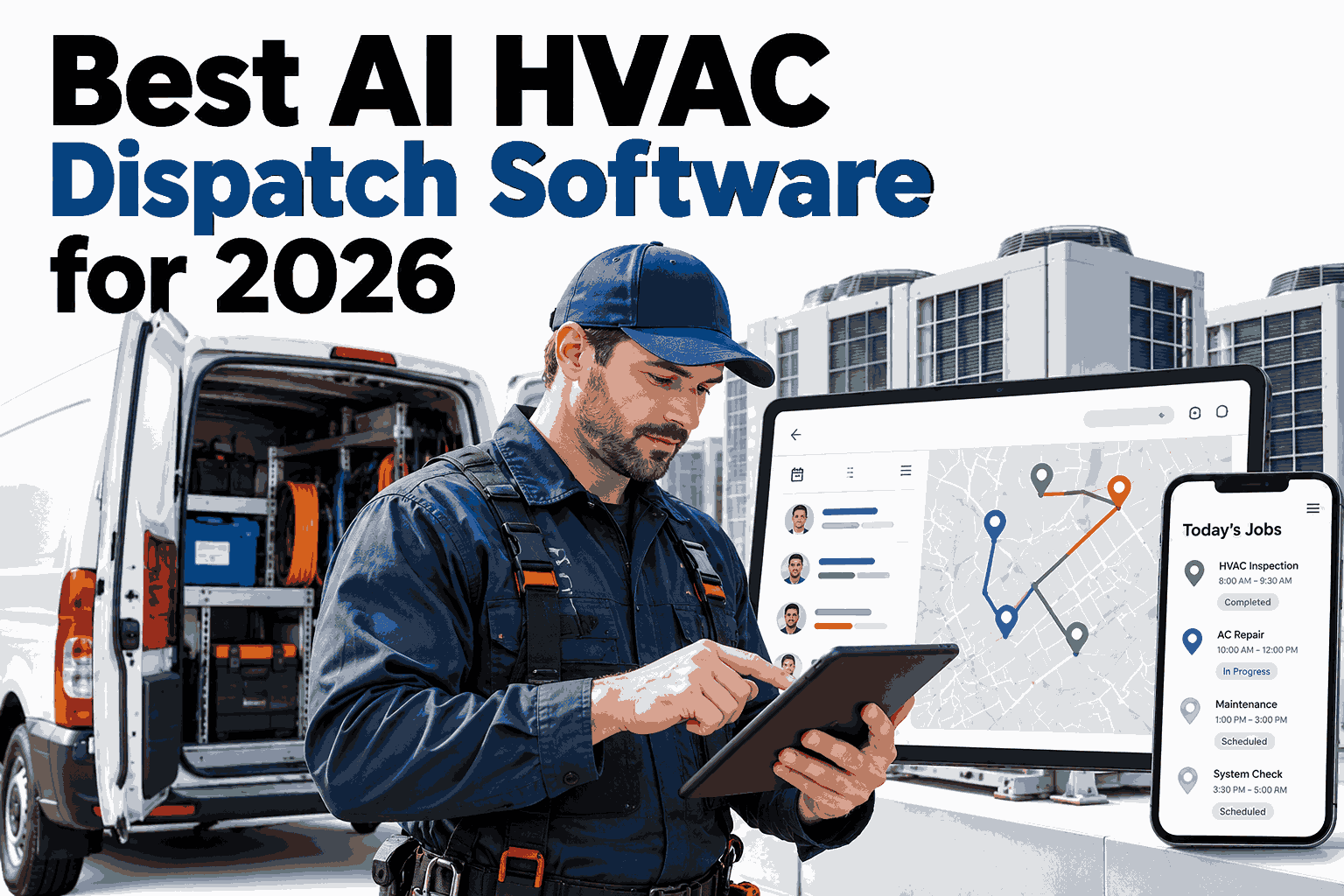
Every HVAC dispatcher knows the feeling of a Monday morning in July. Calls stack up, one technician is stuck on a long job, another is across town, and the next emergency has to go somewhere. Good dispatchers manage this with experience, but experience does not scale and it does not work at midnight. AI dispatch software replaces guesswork with live data on skills, location, parts, and job urgency. This guide explains what to look for in 2026 and how the leading approach works. To see it applied to your own crew and service area, you can book a live dispatch walkthrough with iFactory AI.
Send the Right Technician to the Right Job, Every Time
iFactory AI Dispatch assigns jobs by skill, distance, parts, and urgency, then reroutes the day as it changes, so your team does more calls with less drive time.
What a Manual Dispatch Day Really Looks Like
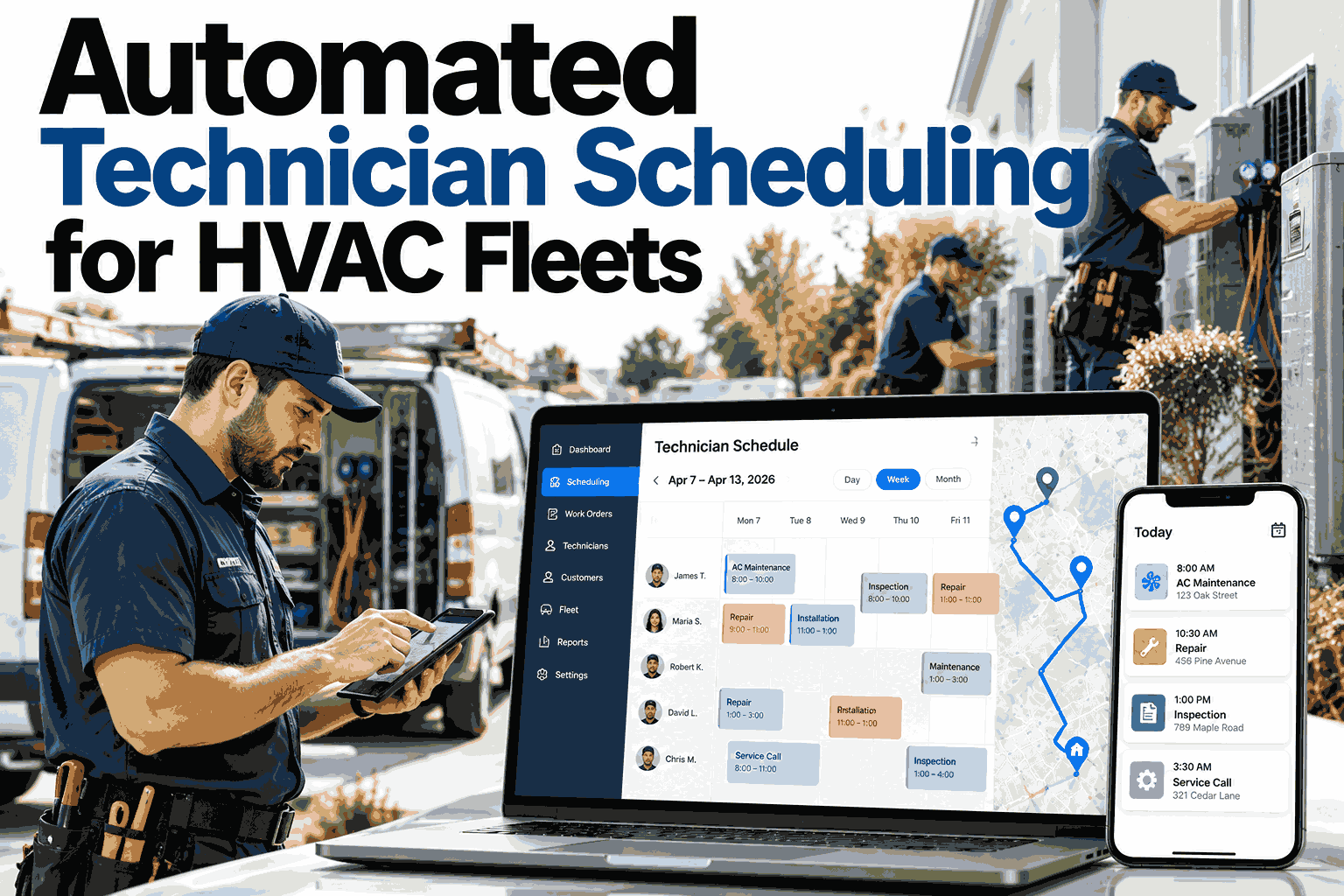
Dispatchers juggle dozens of variables in their heads. The picture below shows how the same three technicians can be used very differently.
The illustration is simplified, but the pattern is real: less drive time and fewer idle gaps mean more completed visits from the same crew. See it on your own schedule by booking a demo using your real call volume.
Seven Things the Best AI Dispatch Software Must Do
Marketing pages all promise smart scheduling. These seven abilities separate tools that truly help from tools that add another screen.
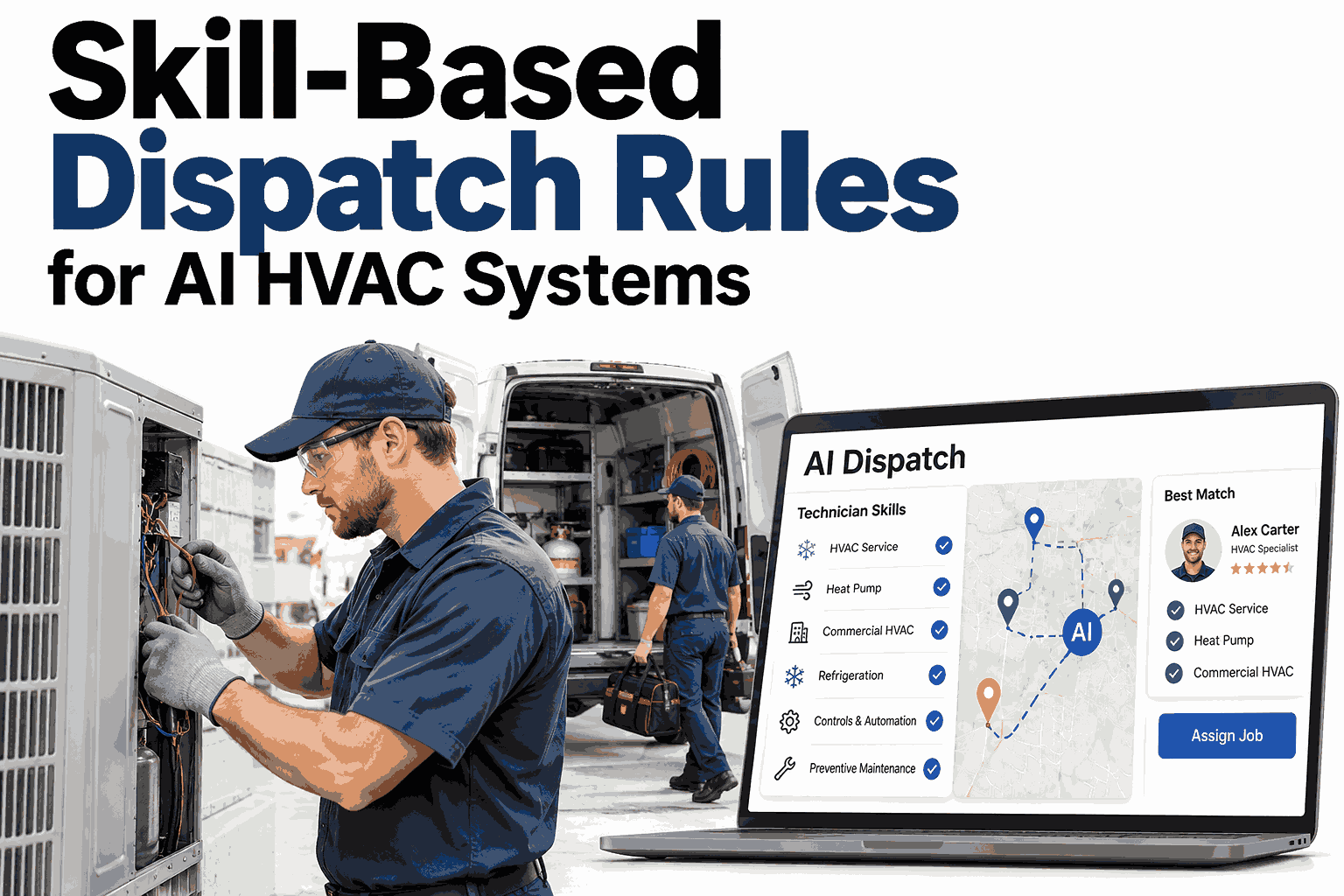
Match by skill and certification
Refrigerant-certified, commercial rooftop, or controls work should go to the person qualified for it.
Route by real travel time
Traffic, job location, and the technician's next stop all shape the choice.
Check parts on the truck
Sending someone without the needed part creates a second visit.
Rank urgency
No-cooling in a data hall outranks a routine filter change, and the system should know.
Rebalance during the day
A static morning plan breaks by 10 a.m. Live adjustment keeps it useful.
Respect contracts and SLAs
Maintenance agreements and response windows must be built into decisions.
Explain every decision
Dispatchers need to see why a job was assigned so they can trust and override it.
Score Your Current Dispatch Against These Seven
Book a 30-minute session and iFactory AI will walk through your own jobs, crews, and service area to show how each of the seven abilities would work for you.
How One Call Becomes One Assignment
Behind a single dispatch decision is a short chain of checks. Following one call through it shows where AI adds the most value.
Issue, site, and equipment type captured.
Urgency, contract, and impact weighed.
Only qualified, equipped technicians remain.
Shortest detour and best schedule fit wins.
Job, route, and history sent to the phone.
Dispatcher Intuition Versus AI: Who Does What
AI does not remove the dispatcher. It takes over the repetitive calculation so people can handle customers and exceptions.
Teams that make this split work well often start with AI suggestions that dispatchers approve. If you want to try that mode, schedule a session to set up suggestion-first dispatch.
Manual, Basic Software, and AI Dispatch Compared
Use this table to see where your current process sits and what moving up would change.
| Capability | Manual and Spreadsheet | Basic Scheduling Tool | AI Dispatch |
|---|---|---|---|
| Skill matching | Memory of the dispatcher | Static tags | Skills, certifications, and history |
| Routing | Rough zones | Map view | Live travel time and sequencing |
| Same-day changes | Phone calls | Manual drag and drop | Automatic rebalancing |
| Parts awareness | Rarely | Sometimes | Truck stock checked per job |
| After-hours coverage | On-call dispatcher | Limited | Always on |
A Composite Scenario: The Heat Wave Week
A mid-size commercial HVAC contractor faced a week of record heat and a call backlog that grew daily.
The crew size did not change. What changed was that each new emergency was slotted in by the system, and the displaced work was rescheduled automatically instead of by a flurry of phone calls.
Where iFactory AI Dispatch Fits
iFactory AI Dispatch pairs automatic scheduling with routing and learns from your completed jobs. To explore how it would handle your toughest day, request a walkthrough built around your busiest week.
Auto scheduling
Jobs are placed on the best technician and slot automatically, with dispatcher approval if you want it.
Real-time routing
Routes update as traffic and job durations change through the day.
Skill and parts matching
Only qualified, equipped technicians are considered for each call.
Learns from history
Real job times replace estimates, so plans get more accurate every month.
iFactory AI arrives pre-configured on an NVIDIA server, racked and ready with software pre-loaded. Connect power and Ethernet to begin. Scope covers cabling, network, ERP and MES integration, team training, and 24×7 remote monitoring.
Frequently Asked Questions
Will AI dispatch replace our dispatchers?
No. It removes the repetitive matching and routing math so dispatchers can focus on customers and exceptions. Most teams begin with the AI making suggestions that people approve, then loosen control as trust builds. To see how roles change in practice, book a demo focused on dispatcher workflow and bring your questions.
What data do we need before starting?
You need a list of technicians with skills and certifications, your service area, job types with typical durations, and ideally truck stock. Past job records help the system learn faster, but they are not required to begin. The iFactory AI support team can help gather and tidy what you already have.
Can it handle emergency calls that arrive mid-day?
Yes, this is where AI dispatch shows the most value. When an urgent call arrives, the system finds the best available technician, shifts or reassigns affected jobs, and notifies customers of any change. It weighs urgency against contract terms so critical work is served first without leaving other customers uninformed.
How is this different from the scheduling feature in our field service tool?
Many field service tools offer a calendar and a map, but leave assignment decisions to people. AI dispatch makes and continuously updates those decisions using skills, parts, travel time, and urgency. You can often use it alongside your existing tool. Book a comparison session to see both approaches on your jobs.
How long until we see results?
Most teams notice shorter drive times and fewer double visits within the first few weeks of live use, because routing and parts checks work from day one. Gains from learning your real job durations build over the following months as the system gathers enough completed jobs to refine its estimates for each job type.
See AI Dispatch Run Your Own Day
iFactory AI Dispatch gives your crew smarter assignments, shorter routes, and faster emergency response. Book a walkthrough using your own technicians, jobs, and service area.