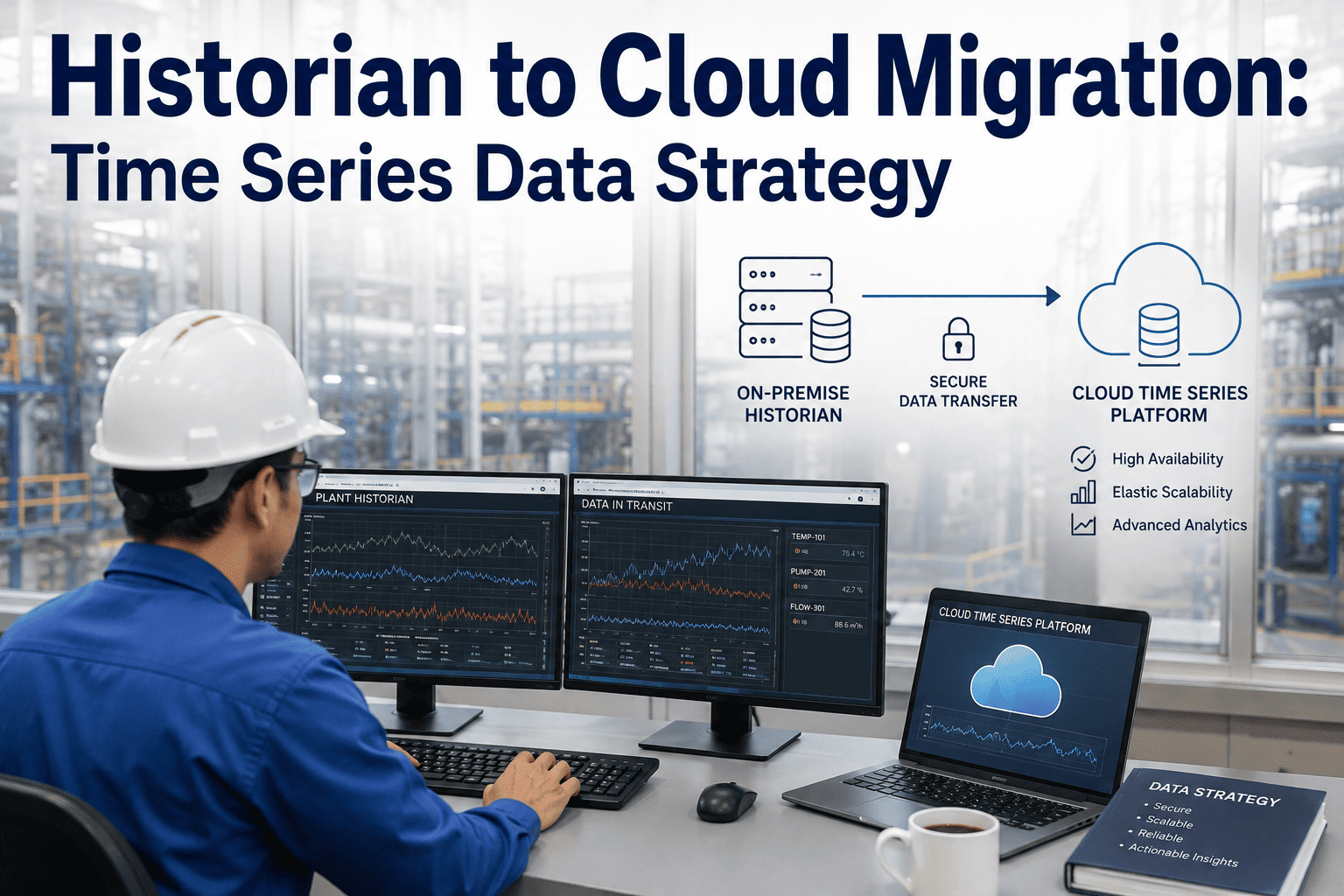
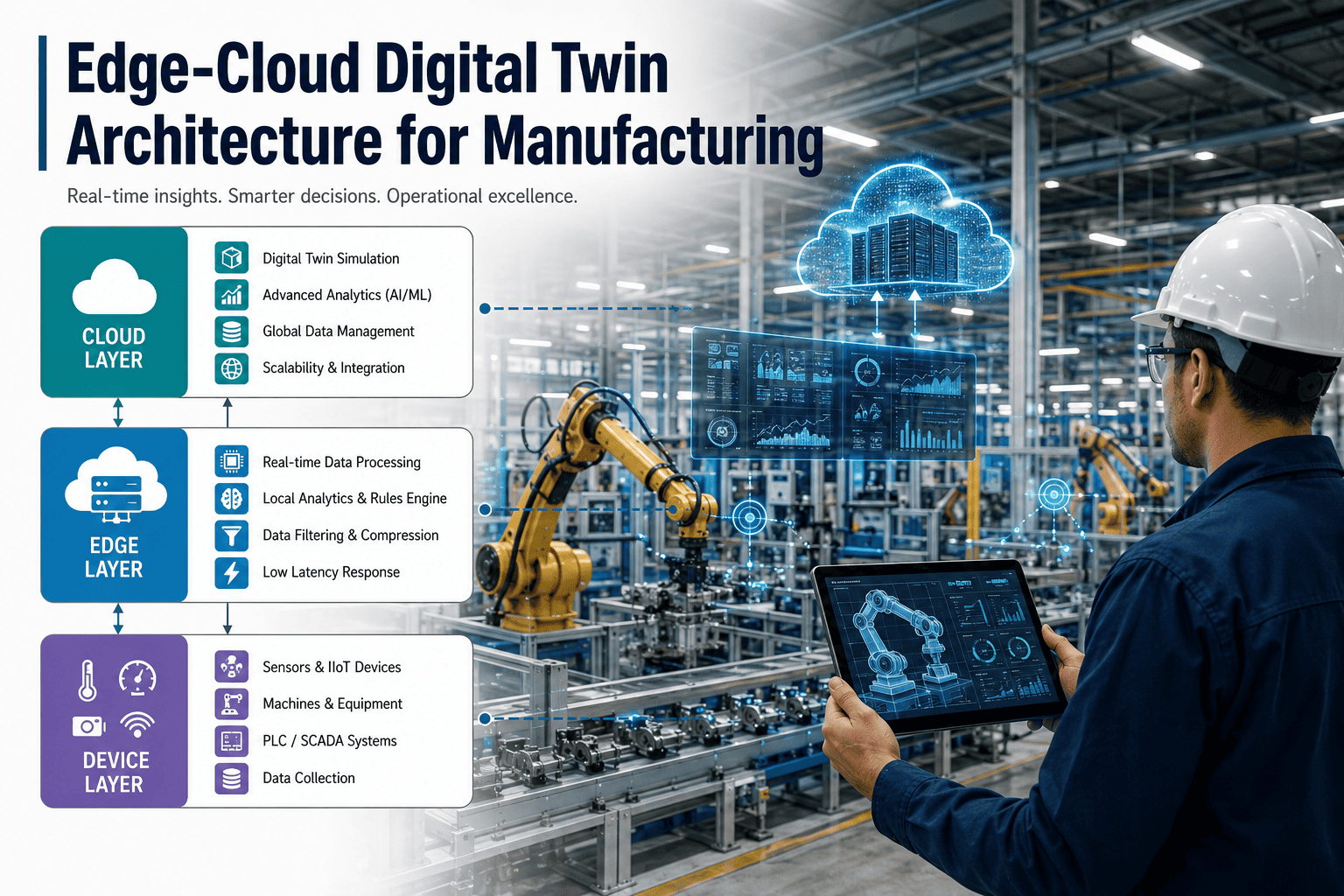
Decades of process data sit inside on-premise historians, tagged and timestamped but locked behind a system that was never built to talk to modern analytics tools. Every sensor reading, every batch record, every alarm event represents a data point that could train a predictive model or validate a process improvement, yet it stays trapped in a proprietary format accessible only through the historian's native client. Migrating that data to a cloud time-series platform does not mean abandoning the historian or the reliability it has provided for years, it means giving that same data a second life where it can actually be used. Our team can help map your migration path from historian to cloud without disrupting the plant floor systems that depend on it today.
Historian to Cloud Migration: A Time Series Data Strategy That Doesn't Break the Floor
Move decades of process history into a cloud platform built for analytics, while keeping the on-premise historian running exactly as it does today for real-time control and local visibility.
Why Historian Data Alone Isn't Enough Anymore
On-premise historians were built to do one job extremely well: capture high-frequency time-series data reliably at the plant floor and make it available to local operators and engineers. They were never designed for the workloads manufacturers now want to run against that data, including machine learning model training across years of history, cross-site benchmarking, or integration with cloud-native analytics and visualization tools. Querying multiple years of tag history from a legacy historian is often slow, storage expansion requires new on-premise hardware, and connecting the data to anything outside the plant network typically requires custom middleware that breaks with every historian version upgrade.
A cloud time-series strategy does not ask you to replace the historian's role in real-time control. Instead it establishes a parallel path where data flows out of the historian into a cloud platform purpose-built for analytics at scale, elastic storage, and integration with the broader data ecosystem the rest of the business already runs on.
The Hybrid Architecture: Historian Stays, Analytics Moves
The most common and lowest-risk migration pattern is a hybrid architecture where the on-premise historian continues operating unchanged, while a data pipeline streams a copy of the same tag data to the cloud for analytics use. This structure is illustrated below.
Plant Floor
PLCs · SCADA · Sensors · Batch Systems
↓
On-Premise Historian
Real-time storage · Local visibility · Control system integration
↓
Data Pipeline
Change-data capture · Buffering · Store-and-forward on connectivity loss
↓
Cloud Time-Series Platform
Elastic storage · Model training · Cross-site analytics · API access
On-Premise Only vs. Hybrid vs. Full Cloud
Manufacturers evaluating a migration typically choose between three architecture patterns. The comparison below outlines the trade-offs of each.
A hybrid migration path lets you start capturing cloud analytics value this quarter without touching the historian your control systems depend on today.
Five Steps to a Low-Risk Migration
1
Tag inventory and prioritization. Catalog which tags are actually used in analytics or reporting today, and prioritize migrating those first rather than attempting a wholesale copy of every tag on day one.
2
Pipeline pilot on a single line. Stand up the data pipeline for one production line or asset group, validate data integrity and timestamp accuracy against the source historian before expanding scope.
3
Historical backfill. Migrate historical archives in a separate, lower-priority batch process, since backfilling years of data does not need to block the live pipeline from going into production.
4
Validation against known events. Cross-check migrated data against known production events, such as a documented downtime incident, to confirm the cloud copy matches the historian record exactly.
5
Scale to full tag coverage. Expand the pipeline to remaining tags and lines once the pilot has run reliably through a full production cycle, including planned maintenance and shift changes.
What Cloud Time-Series Data Actually Enables
The value of migration is not the migration itself, it is what becomes possible once historian data sits in a platform designed for analytics workloads rather than local retrieval.
Predictive Maintenance Models
Machine learning models trained on years of vibration, temperature, and pressure history to flag equipment degradation before failure.
Cross-Site Benchmarking
Compare process performance across plants running different historian systems, normalized into a single consistent dataset.
Long-Term Trend Analysis
Query multiple years of tag history in seconds instead of minutes, enabling analysis that legacy historian query performance made impractical.
Third-Party Tool Integration
Connect process data to modern visualization, BI, and AI platforms through standard APIs instead of proprietary historian connectors.
Data Governance Considerations Before You Migrate
Tag Naming StandardsEstablish a consistent naming convention before migration, since inconsistent tag names across historian systems are far harder to reconcile after data has already landed in the cloud.
Retention PolicyDefine how long raw high-frequency data is retained versus downsampled, balancing storage cost against the resolution needed for future model training.
Access ControlMap cloud platform permissions to existing IT role-based access policies so plant data is only visible to those with a legitimate need.
Data Quality RulesApply validation rules at the pipeline level to catch sensor drift or bad readings before they propagate into training datasets.
Frequently Asked Questions
Does migrating to the cloud mean we have to retire our existing historian?
No. Most manufacturers keep their on-premise historian fully operational for real-time control, local visibility, and any regulatory requirements tied to on-site data retention, while a parallel pipeline sends a copy of the data to the cloud for analytics. The historian and the cloud platform serve different purposes, and a hybrid approach lets you get analytics value without any disruption to the systems your control room depends on every shift.
Book a demo to see a hybrid architecture mapped to your current historian.
What happens to cloud analytics if the plant loses internet connectivity?
A properly designed pipeline includes local buffering that stores data on-site during a connectivity loss and forwards it to the cloud once the connection is restored, so no data is lost even during extended outages. The historian itself is unaffected by any connectivity issue since it continues operating entirely on the local network regardless of cloud pipeline status. This store-and-forward design is a standard requirement for any industrial cloud pipeline, not an optional add-on.
How long does a typical historian to cloud migration take?
A pilot on a single line or asset group typically takes two to four weeks including pipeline setup and validation against the source historian. Expanding to full facility tag coverage after a successful pilot generally takes an additional four to eight weeks depending on the number of tags and historical years being backfilled. Migrations that attempt to move everything at once without a pilot phase tend to take significantly longer due to data quality issues discovered late in the process.
Contact support for a migration timeline scoped to your tag count.
How is data security handled during the migration and in the cloud platform?
Data in transit from the plant to the cloud is encrypted, and the pipeline is typically deployed with a one-way data flow so that no external system can write back into the plant network, eliminating a major class of cybersecurity risk associated with cloud connectivity. Access to the cloud platform itself is governed by role-based permissions matching your existing IT access control policies, and data residency requirements can be accommodated by selecting the appropriate cloud region.
Can data from multiple plants or historian systems be combined in one cloud platform?
Yes, and this is one of the primary reasons manufacturers pursue cloud migration in the first place. Different plants often run different historian vendors or versions, and a cloud time-series platform can normalize tag naming and unit conventions across sites, enabling cross-plant benchmarking and model training on a combined dataset that no single on-premise historian could provide on its own.
Book a demo to see multi-site data normalization in action.
Give Your Historian Data a Second Life in the Cloud
Start with a low-risk pilot pipeline on a single line and see your process data working in analytics tools your historian was never built to support.