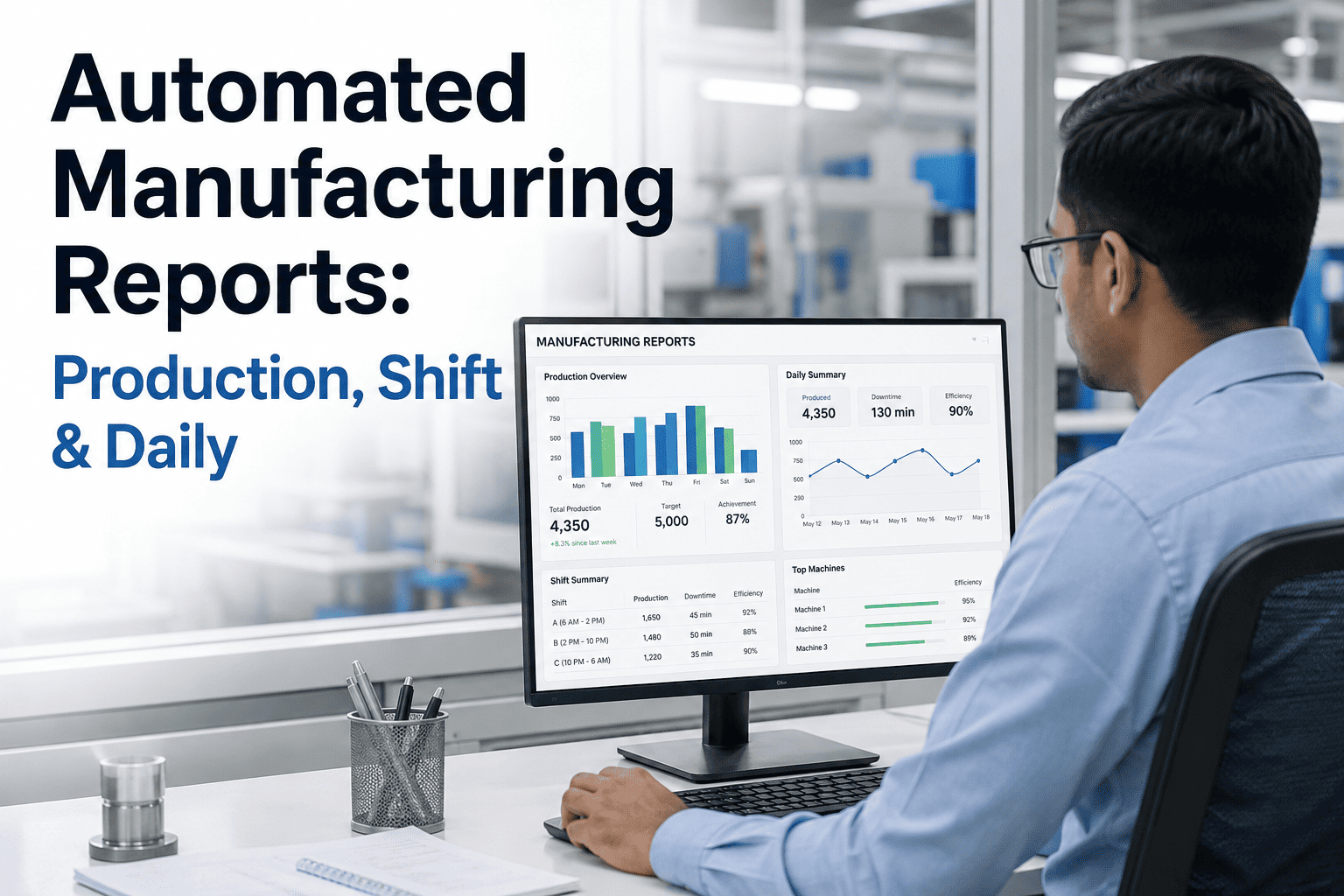
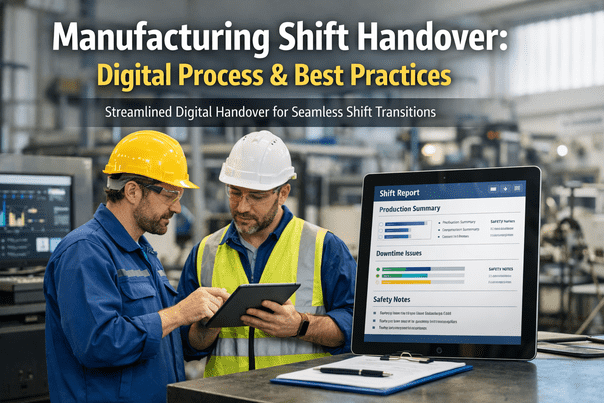
A plant manager pulling together Monday's production summary at 6am, chasing three shift supervisors for numbers that don't match the MES, is not doing analysis — they are doing data entry with extra steps. By the time that report reaches the management review meeting, the numbers are already twelve hours stale, half-corrected by memory, and impossible to trust enough to act on. Automated manufacturing reporting exists to close exactly that gap, turning production, shift, and daily reports from a manual chore into a live, trusted feed that management can actually run the plant on. If your reports are still built by hand, our team can walk you through what automation actually replaces.
Manufacturing Reporting Automation
Automated Manufacturing Reports: Production, Shift & Daily
Template design, data integration, and distribution automation that turns three separate manual reports into one trusted, always-current record.
Why Manual Reporting Breaks Down at Scale
Every plant starts with spreadsheets and whiteboards, and for a single line that can work. The trouble starts the moment a plant runs more than one shift, more than one line, or more than one system of record. Production counts live in the MES, downtime lives in a paper log at the machine, and quality holds live in someone's inbox. Building a single daily report out of those three sources by hand is slow, error-prone, and entirely dependent on whoever happens to be compiling it that day.
Data Fragmentation
Production, downtime, and quality data sit in separate systems and separate formats, so no single report reflects the full picture without manual reconciliation.
Reporting Lag
A manually compiled report reflects yesterday's shift by the time it reaches management, which is too late to correct a problem that is still developing on the floor.
Inconsistent Formatting
Different shifts and different supervisors build reports differently, which makes trend comparison across shifts or weeks unreliable at best.
Hidden Labor Cost
Skilled supervisors spend hours per week compiling numbers instead of managing the line, a cost that rarely shows up on any budget line but is real every week.
The Three Report Types That Matter Most
Not every manufacturing report serves the same purpose, and a good automation strategy treats production, shift, and daily reports as three distinct outputs built from one shared data pipeline rather than three separate manual efforts.
| Report Type | Primary Audience | Update Frequency | Core Purpose |
|---|
| Production Report | Plant management, operations | Real-time to hourly | Track output against target across lines |
| Shift Report | Incoming shift supervisor | End of shift | Hand off status, open issues, and exceptions |
| Daily Report | Plant leadership, quality, planning | Once per day | Summarize performance for management review |
Curious how these three report types map onto your current systems? Talk to our team about a data audit before you automate anything.
How Report Automation Actually Works
Automating reporting is not a single feature — it is a pipeline. Each stage removes a specific manual step, and the value compounds as more of the pipeline runs without human intervention.
1
Data Integration
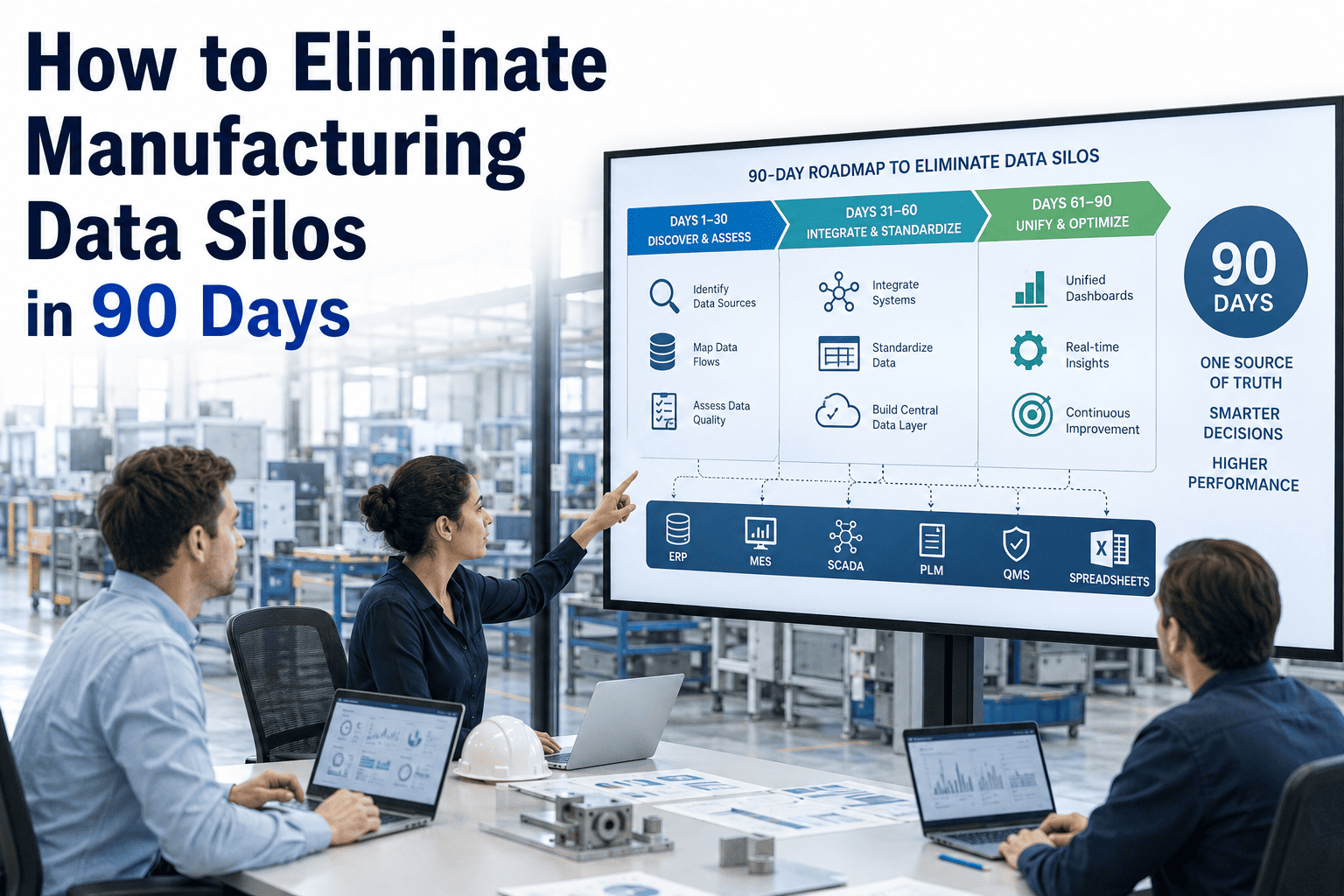
Connect MES, SCADA, quality systems, and manual downtime logs into one unified data layer instead of separate silos.
2
Template Design
Build standardized templates per report type so every shift, every line, and every day produces a directly comparable output.
3
Automated Generation
Reports populate themselves on a schedule or trigger, pulling live figures instead of waiting on someone to compile them.
4
Distribution
Finished reports route automatically to the right inbox, dashboard, or shift-change screen without a manual send step.
Template Design: The Part Most Plants Get Wrong
Automation only works as well as the template underneath it. A report template built around what a spreadsheet happened to look like five years ago tends to just digitize a bad habit instead of fixing it. A well-designed template starts from the decision the report is meant to support, not the data that happens to be easiest to pull.
Decision-First Layout
Every field on the report should map to a decision someone downstream needs to make, not just a number that was available to include.
Exception Highlighting
Templates should surface deviations from target automatically rather than requiring a reader to scan every row for a problem.
Consistent Structure
The same report type should look identical across every shift and every line, so trend comparison doesn't require mental translation.
Role-Based Views
A shift supervisor and a plant manager need different depth from the same underlying data, so one template rarely serves both well.
Before and After: What Changes When Reporting Is Automated
| Aspect | Manual Reporting | Automated Reporting |
|---|
| Data currency | Hours to a full shift old | Live or near-real-time |
| Format consistency | Varies by shift and person | Standardized across the plant |
| Compilation time | Significant supervisor hours weekly | Minutes of review, not compilation |
| Cross-shift comparison | Difficult, format mismatches | Direct, apples-to-apples |
| Error rate | Manual entry mistakes common | Pulled directly from source systems |
What Automated Reporting Changes for Management Review
The daily and weekly management review meeting is only as useful as the data feeding it. When reports are compiled manually, review meetings often spend their first ten minutes reconciling numbers instead of discussing them. Automated reporting removes that friction entirely, so the meeting starts with agreement on the facts and moves straight to decisions.
Faster
Time to first insight in review meetings
Consistent
Format across every shift and line
Fewer
Hours spent compiling instead of managing
Want to see what a live daily report looks like against your own production data? Book a 30-minute walkthrough with our team.
Distribution: Getting the Right Report to the Right Person
A report nobody reads is not a report, it is an archive entry. Distribution automation matters as much as generation — the shift report needs to land in front of the incoming supervisor before they start their shift, and the daily report needs to be waiting for leadership before the morning review, not sent as an afterthought once someone remembers.
Scheduled Delivery
Reports generate and distribute on a fixed schedule tied to shift changes and review meetings, removing the dependency on someone remembering to send them.
Trigger-Based Alerts
Certain thresholds, like a downtime event or a quality hold, can push an immediate report update rather than waiting for the next scheduled cycle.
Role-Based Routing
The same underlying data routes to different audiences in different formats, so a plant manager and a line operator each get what they actually need.
Historical Archive
Every generated report is stored automatically, building a searchable history without anyone having to file it manually.
Common Pitfalls When Automating Reporting
Reporting automation projects tend to fail for a small, predictable set of reasons, most of which have nothing to do with the software itself.
Digitizing a Bad Template
Automating a report that was already poorly designed just produces a bad report faster instead of fixing the underlying problem.
Ignoring Manual Data Sources
Downtime and quality data recorded on paper needs a real digitization path, or the automated report will always have a gap in it.
One Template for Every Audience
Trying to serve operators, supervisors, and executives with a single report format usually satisfies none of them well.
No Ownership After Launch
Templates need periodic review as the plant changes, or the automated report slowly drifts out of alignment with what management actually needs.
Choosing the Right Data Integration Method
Not every system in your plant connects the same way, and forcing one integration method across MES, SCADA, and manual logs usually creates more maintenance work than it saves. The right approach is typically a mix, matched to what each source system actually supports.
Direct API Connection
Modern MES and quality systems with open APIs offer the most reliable, real-time integration path with the least ongoing maintenance.
Middleware Layer
A middleware or integration platform can normalize data from several older systems into one consistent format before it reaches the reporting layer.
Direct Database Read
For legacy systems without an API, a scheduled read from the underlying database can work, though it requires more careful change management.
Digitized Manual Entry
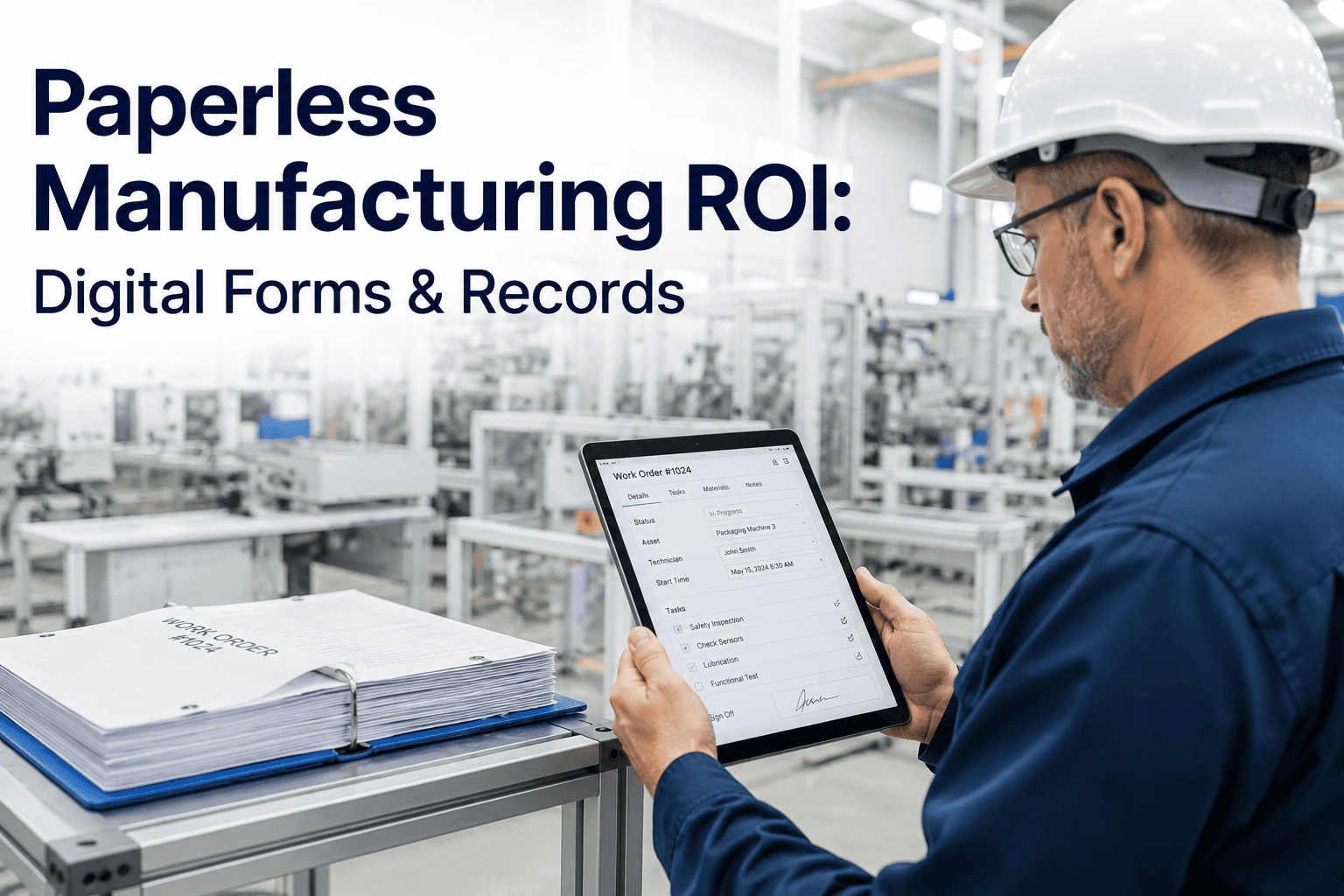
For genuinely paper-based sources like handwritten downtime logs, a simple digital entry form is often the fastest realistic bridge until the process itself is modernized.
What ROI Automated Reporting Actually Delivers
The return on reporting automation shows up in a few distinct places, and building a credible case means tracking each one separately rather than pointing to a single vague productivity gain.
| Value Category | Where It Shows Up | How to Measure It |
|---|
| Labor time recovered | Supervisor and analyst hours | Hours spent compiling before vs. after |
| Faster decisions | Management review meetings | Time from shift end to actionable insight |
| Fewer data errors | Cross-shift comparisons | Reduction in manual entry corrections |
| Audit readiness | Compliance and customer audits | Time to produce historical report records |
Want help building this ROI case with your own numbers? Talk to our team before you present to leadership.
Frequently Asked Questions
How long does it take to set up automated manufacturing reporting?
Timelines depend mostly on how fragmented your current data sources are, since connecting a modern MES is far faster than digitizing paper downtime logs across multiple lines. Most plants can get a first working set of production and shift reports live within a matter of weeks, with daily management reports following once the underlying data integration is validated. A short discovery call with
our support team is usually the fastest way to get a realistic estimate for your specific systems.
Can automated reports replace paper shift handoffs entirely?
In most plants, yes, though the transition usually happens in stages rather than all at once. The shift report is often the easiest starting point because the handoff moment creates a natural, built-in check on whether the automated data matches what the outgoing supervisor actually observed. Once that trust is established, paper handoffs tend to fall away on their own rather than needing to be formally retired.
What happens if our production data lives in multiple disconnected systems?
This is the normal starting point for most plants, not an exception, and it's exactly what the data integration stage of automation is built to solve. Rather than forcing every system onto one platform, a unified data layer pulls from MES, SCADA, and manual logs into a single reporting source without requiring a full system replacement. This is usually the longest part of setup, but also the part that delivers the most lasting value once it's in place.
Do different shifts or lines need different report templates?
The underlying data structure should stay consistent so shifts and lines remain comparable, but the presentation layer can and often should vary by audience and role. A shift supervisor generally needs an operational, exception-focused view while plant leadership needs a summarized trend view for the daily report. Building both from the same data pipeline avoids the inconsistency that comes from maintaining separate manual processes for each.
How do we know if our current reporting process is actually costing us money?
The clearest signal is supervisor and analyst time spent compiling rather than acting on data, which is easy to underestimate because it happens in small increments throughout the week rather than one visible block. A second signal is how often review meetings stall on reconciling numbers instead of discussing them.
Book a walkthrough and we can help estimate the real hours your current process consumes.
Stop Compiling. Start Reviewing.
Turn Production, Shift, and Daily Reports Into One Live Feed
Bring your current reporting process and data sources. We'll show you what automated production, shift, and daily reporting looks like against your own plant data.