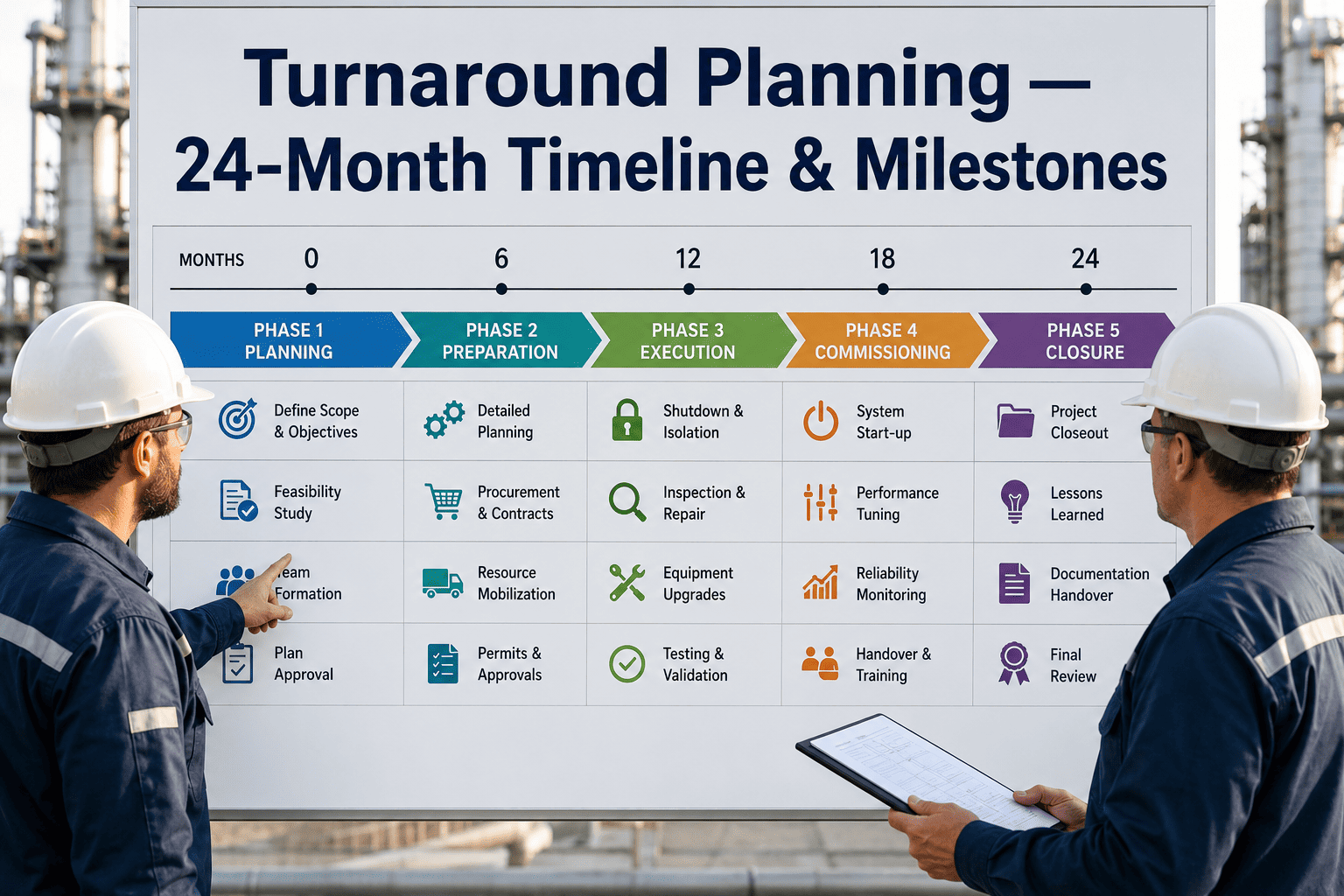
Turnarounds in oil and gas are among the most capital-intensive events on any plant calendar, with a single delayed turnaround costing between one and five million dollars per day in lost production. Yet most reliability and turnaround teams still plan these massive events using spreadsheets, shared drives, and manual progress calls that leave critical path items invisible until they become problems. The gap between what modern STO planning software can deliver and what most plants actually use has widened to the point where choosing the wrong tool, or no tool at all, is no longer a neutral decision. Teams evaluating turnaround software for the first time, or outgrowing their current system, can book a demo to see how digital STO execution compares to their current workflow.
SHUTDOWN & TURNAROUND MANAGEMENT · OIL & GAS · 2026
Turnaround Software & STO Planning Tools: What Actually Works
A feature-by-feature breakdown of STO planning software, where most tools fall short during execution, and what separates a digital turnaround from a digitized spreadsheet.
The Scale of STO Failure in Oil & Gas
$1-5M
Cost per day of delayed turnaround startup across a single upstream or downstream unit
68%
Of plant turnarounds exceed their original timeline by at least five working days
42%
Of STO budget overruns are traced back to planning phase gaps, not execution surprises
3.2x
Higher injury rate during turnaround weeks compared to normal operations across the industry
Where Turnaround Budgets Actually Leak
Budget overruns during shutdowns and turnarounds rarely come from a single catastrophic failure. They accumulate across dozens of small disconnects between what was planned and what field crews actually encounter. Understanding where money disappears is the first step toward selecting software that addresses real leaks rather than cosmetic reporting gaps.
Leak 1
Scope Creep from Late Discovery
Work orders added after the shutdown begins because the planning phase relied on incomplete inspection data. Each late-added work package disrupts the critical path schedule and pulls resources from planned tasks, creating a cascading delay effect that compounds hourly once the plant is down.
Leak 2
Contractor Mobilization Mismatch
Contractor crews arrive based on an original schedule that no longer reflects field conditions. When early tasks finish ahead of schedule but the next trade is not mobilized, idle time charges accumulate. When tasks fall behind, overtime premiums spike. Neither scenario is visible in a spreadsheet-based tracker until the weekly cost review meeting.
Leak 3
Material Staging Failures
Materials that were marked as received in the procurement system but cannot be located in the laydown yard, or were received in the wrong specification. Field crews spend hours tracking down gaskets, valves, and specialty fittings that a properly integrated STO tool would have verified at the staging checkpoint before the shutdown date.
Leak 4
Progress Reporting Lag
When progress is reported at the end of each shift rather than in real time, the turnaround manager is always making decisions on data that is eight to twelve hours old. By the time a critical path delay appears in the morning report, the window to reallocate resources has already closed and the recovery plan costs significantly more than prevention would have.
STO Planning Software Feature Comparison Matrix
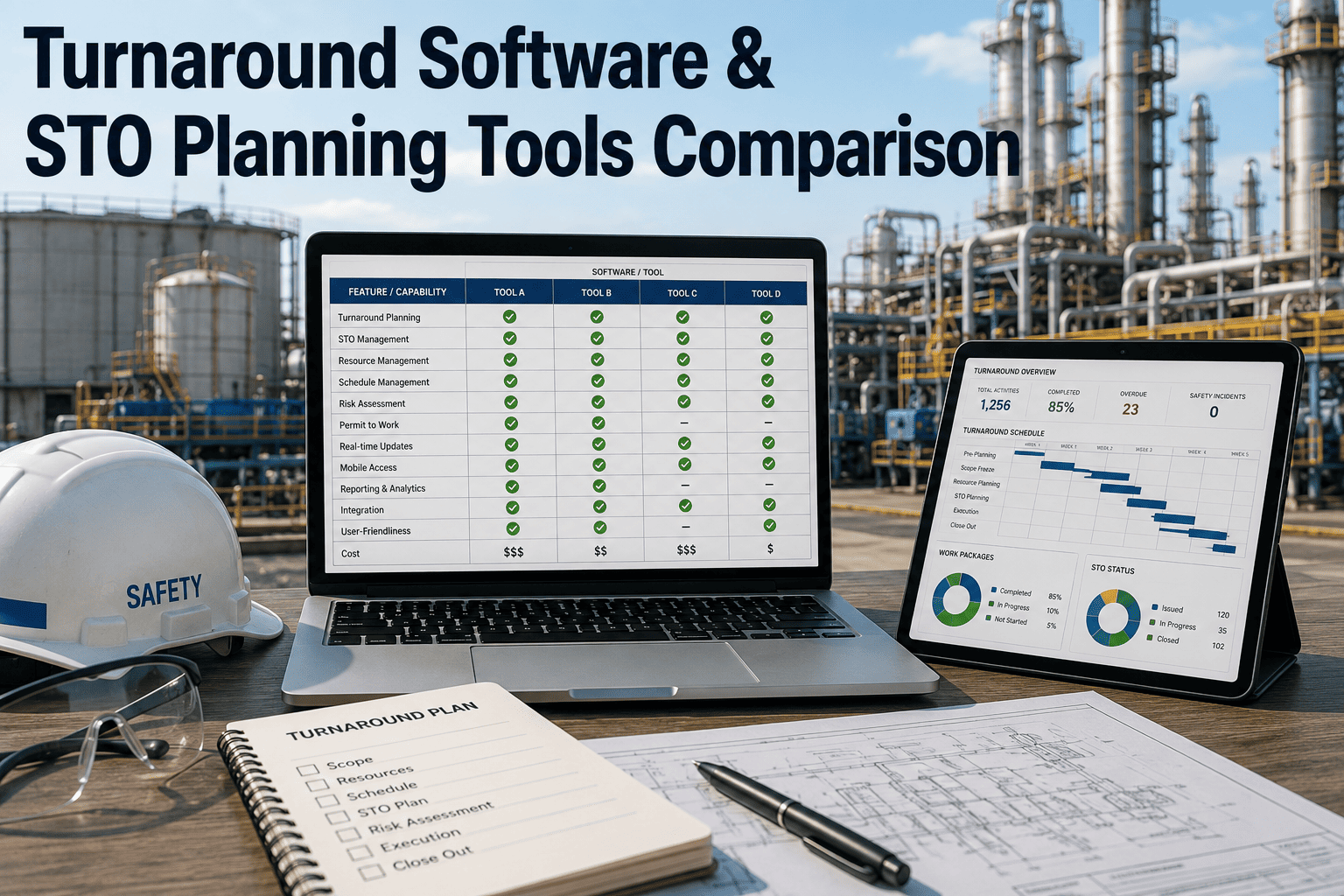
Not all turnaround tools are built for the same phase of the STO lifecycle. Some excel at front-end planning but collapse during field execution. Others capture field data well but cannot feed it back into the schedule dynamically. The matrix below maps the most commonly evaluated capabilities against what plants actually need at each stage of a turnaround.
| Capability |
Basic STO Module |
Mid-Tier TAR Tool |
Digital STO Platform |
| Critical Path Scheduling |
Static Gantt upload, manual updates |
Linked activities, some logic editing |
Dynamic rescheduling with field progress feedback |
| Work Package Management |
PDF work orders stored in folders |
Structured packages with attachment linking |
Live package status tied to crew assignment and material verification |
| Cost Tracking |
Spreadsheet export after the fact |
Daily cost entry with variance alerts |
Real-time cost accumulation against budget at the work package level |
| Mobile Field Execution |
None or paper-based |
Mobile form submission with photo attachment |
Offline-capable mobile with live schedule sync and material scan |
| Contractor Resource Tracking |
Headcount spreadsheet |
Daily manpower log by trade |
Real-time crew location, trade availability, and overtime tracking |
| Safety Permit Integration |
Separate permit system, no link to work orders |
Permit number referenced in work package |
Permit status gates work order start, auto-revokes on delay |
| Post-TAR Lessons Learned |
Meeting notes filed in shared drive |
Structured report template with action items |
Automated variance analysis with tagged root causes for next TAR |
Core Capabilities Every STO Tool Must Deliver
After evaluating dozens of turnaround software deployments across refinery and upstream environments, certain capabilities emerge as non-negotiable regardless of plant size or turnaround complexity. Tools that lack any of these create more work than they eliminate by forcing teams to maintain parallel manual systems to cover the gap.
01
Live Critical Path Visibility
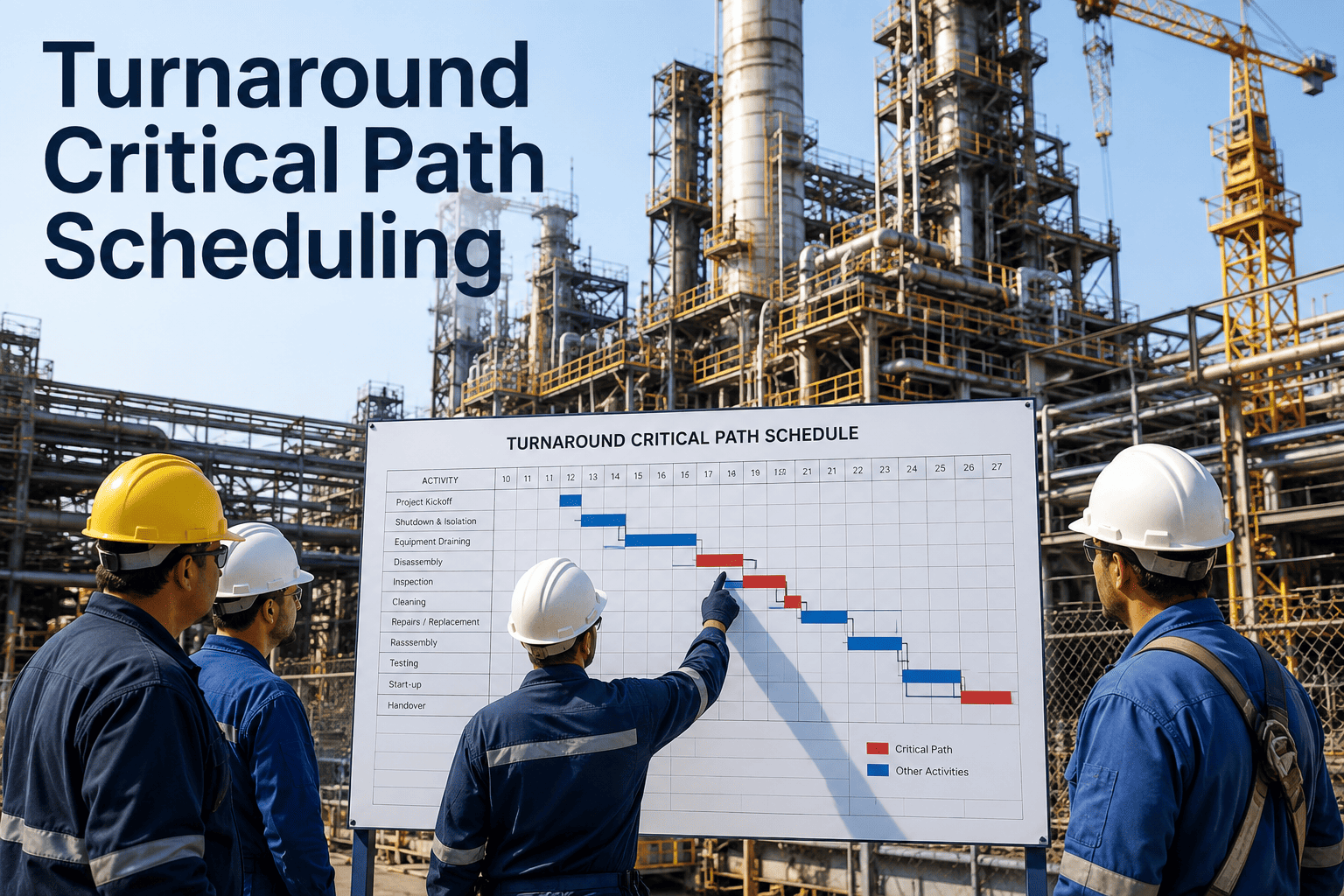
The critical path must update automatically as field crews report progress, not wait for a planner to re-enter data into a scheduling engine. Any tool that requires manual schedule refresh is still a spreadsheet with a graphical interface. Live visibility means the turnaround manager sees the current critical path the moment a crew logs a delay, not the next morning.
02
Work Package-to-Material Verification
Before a work package is released to a field crew, the system must confirm that every material on the bill of material has been received, inspected, and staged in the correct laydown location. This single checkpoint eliminates the most common cause of field delays and prevents crews from discovering missing materials after the equipment has been opened and the clock is running.
03
Offline Mobile Field Capture
Refinery turnaround zones frequently have poor or no network coverage. Field crews must be able to complete work order closeout, attach photos, record discrepancies, and log time without connectivity. When the device reconnects, all data must sync automatically without requiring the crew to return to a staging area or office to re-enter anything.
04
Contractor Manpower vs Plan Variance
The system must compare actual contractor headcount by trade against the planned staffing curve in real time. When a trade is under-staffed relative to the plan, the schedule impact should be flagged immediately, not discovered during the daily progress meeting when recovery options have already narrowed significantly.
05
Automated Post-TAR Variance Analysis
When the turnaround completes, the platform should automatically compare planned versus actual duration, cost, and resource consumption at the work package level. This is not a report template that someone fills in. It is a system-generated analysis that tags the specific work packages with the largest variances and surfaces the root cause categories for the next planning cycle.
06
Permit-to-Work Gating
No field crew should be able to start a work order without an active permit that matches the scope, location, and hazard classification of that specific package. The integration between the permit system and the work execution system must be real-time and enforced by the software, not by a verbal confirmation at the morning toolbox meeting.
SHUTDOWN PLANNING · OIL & GAS · STO EXECUTION
See How Your Current STO Workflow Compares to Digital Execution
A fifteen-minute walkthrough of your current turnaround process against a digital STO platform will show you exactly where your planning gaps are.
Where Most STO Software Fails During Execution
The planning phase of a turnaround is where most software demonstrations focus because it is the easiest phase to simulate in a conference room. Execution is where the gap between demo and reality becomes expensive. The following failure patterns appear repeatedly across plants that purchased STO tools based on planning features alone.
Schedule Freezes After First Shift
The scheduling engine works perfectly during planning but cannot accept field progress updates without breaking logic ties. Planners end up maintaining a shadow schedule in a separate tool and manually reconciling the two every morning, which takes longer than the old spreadsheet method did.
Mobile App Requires Constant Connectivity
The mobile execution module was designed for office environments with reliable Wi-Fi. Once crews carry tablets into the unit, into vessel internals, or onto elevated platforms, the app becomes useless. Crews revert to paper and the data entry backlog grows with every shift, making the real-time dashboard meaningless.
No Contractor Visibility
The tool tracks internal plant resources well but has no mechanism for contractor crews to report their own progress, headcount, or issues. The turnaround manager ends up calling contractor supervisors for updates and manually entering their status, defeating the purpose of a digital system entirely.
Cost Data Lives in a Separate System
The STO tool tracks schedule and work orders but cannot pull actual cost data from the ERP or procurement system. Cost variance is only visible after the finance team runs a reconciliation report days after the turnaround ends, making it useless for in-progress decision making.
The Mobile Execution Gap in Traditional STO Tools
Mobile execution is the single capability that most clearly separates a genuine digital STO platform from a planning tool with a mobile extension bolted on. The difference is not cosmetic. It directly determines whether field data flows into the turnaround management system in time to influence decisions or arrives too late to matter.
Paper-Based or No Mobile
Crews carry printed work orders, mark completion with pen, and leave paperwork at the staging desk for data entry clerks. Progress enters the system four to twelve hours after completion. Critical path decisions are made on stale data. Discrepancies discovered during the work are often lost in the paper shuffle entirely.
Field Data Freshness: 4-12 Hour Lag
Online-Only Mobile Forms
Crews can submit progress via tablet or phone but only where network coverage exists. Work inside vessels, on elevated structures, or in remote unit areas still requires paper fallback. The system shows partial real-time data that creates a false sense of control because the missing data points are often from the most complex and delay-prone work packages.
Field Data Freshness: Partial Real-Time
Offline-Capable Digital Execution
Crews complete all work order closeout, discrepancy logging, time entry, and photo capture offline. Data syncs automatically when connectivity is restored. The turnaround manager sees a complete picture of field progress within minutes of any crew reconnecting, regardless of where the work took place.
Field Data Freshness: Near Real-Time
STO Tool Selection Checklist for Reliability Teams
Use this checklist during software evaluations to separate tools that were designed for turnarounds from general-purpose project management platforms repackaged for the STO market. Each item represents a capability that turnaround managers consistently report as critical but frequently find missing after purchase.
Planning Phase Requirements
Can import existing SAP or Maximo work orders into work packages without manual re-entry
Supports hierarchical work breakdown structure aligned to unit and system boundaries
Links every work package to its bill of materials with automated receipt verification
Generates resource-loaded schedules with trade-specific staffing curves
Integrates with permit-to-work system at the work package level before release
Execution Phase Requirements
Mobile app functions fully offline and syncs without user intervention
Contractor crews can self-report progress, headcount, and issues without internal data entry
Critical path updates automatically when field progress is submitted
Material discrepancy flagged at point of use, not at end-of-shift reconciliation
Real-time dashboard accessible to turnaround manager without running a report
Post-TAR Requirements
Automated planned versus actual comparison at work package, system, and unit level
Root cause tagging for every variance above a configurable threshold
Lessons learned data structured for direct import into next turnaround planning cycle
Contractor performance scorecard generated from actual duration, cost, and safety data
Full audit trail of every schedule change, cost entry, and status update for compliance
STO Software Capability by Turnaround Phase
Different phases of a turnaround demand different capabilities from the software platform. A tool that performs well during front-end planning may fail completely during execution if it was not architected to handle the volume and velocity of field data that a live turnaround generates. The following breakdown maps capability requirements to each major phase.
| Turnaround Phase |
Duration |
Critical Software Capability |
Failure Mode Without It |
| Scope Development |
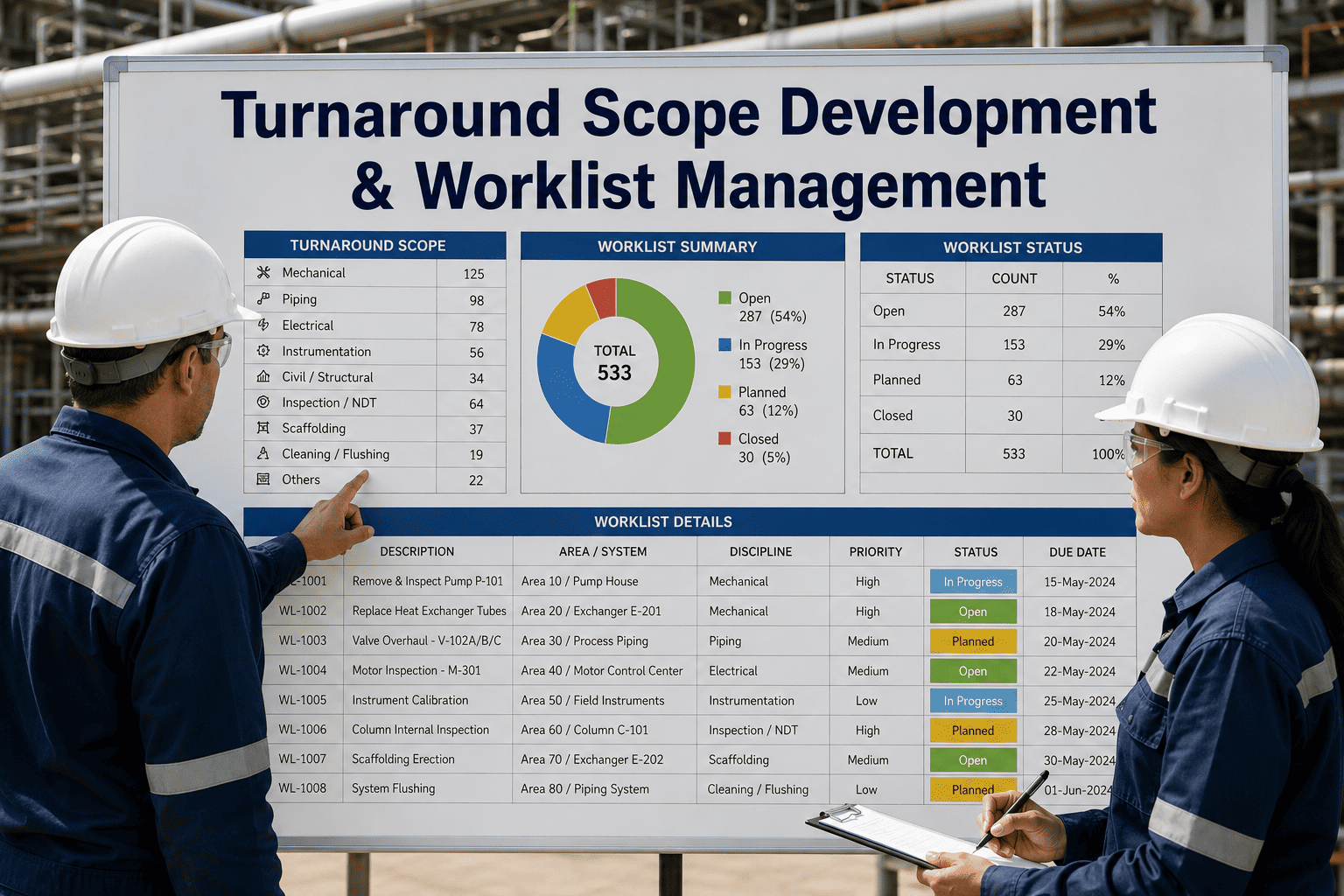
6-18 months before |
Work order import, inspection data integration, scope prioritization |
Missing scope items discovered after shutdown begins, forcing critical path changes |
| Detailed Planning |
3-6 months before |
Work package creation, material verification, resource-loaded scheduling |
Unverified materials, unrealistic crew assignments, schedule logic gaps |
| Pre-Shutdown Mobilization |
2-4 weeks before |
Contractor onboarding, staging verification, permit preparation |
Crews arrive to missing materials or incomplete work packages |
| Active Execution |
14-45 days |
Offline mobile, live critical path, real-time cost, permit gating |
Stale data, schedule drift, safety permit gaps, untracked cost overruns |
| Demobilization & Closeout |
1-4 weeks after |
Punch list tracking, final cost reconciliation, lessons capture |
Lost punch items, disputed contractor costs, no structured lessons for next TAR |
Documented ROI from Digital STO Adoption
The financial case for digital turnaround management is not theoretical. Plants that have moved from spreadsheet-based or basic STO module tracking to full digital execution platforms report measurable improvements across schedule adherence, cost control, and safety outcomes. The following figures are drawn from documented case studies across refinery and upstream turnaround environments.
12-18%
Reduction in total turnaround duration on average across first three digital STO events, primarily from elimination of material staging delays and schedule refresh lag
8-14%
Reduction in total turnaround cost driven by real-time cost visibility that enables in-progress budget reallocation before overruns compound
30-45%
Reduction in post-turnaround punch list items because discrepancies are captured and addressed during execution rather than discovered after startup
25-35%
Reduction in safety incidents during turnaround weeks attributed to permit-to-work gating and real-time hazard communication through the mobile platform
Turnaround Managers Ask
How long does it take to implement STO planning software before a scheduled turnaround?
Implementation timeline depends on whether the plant is starting from a clean digital baseline or migrating existing work order and schedule data from SAP, Maximo, or Primavera. For a plant with an upcoming turnaround in six to nine months, a focused deployment can be operational within eight to twelve weeks, leaving sufficient time for work package migration, user training, and a dry-run validation exercise before the actual shutdown begins. Plants with shorter lead times should contact
support to assess whether an accelerated deployment is feasible for their specific situation.
Can STO software integrate with our existing CMMS and ERP systems?
Integration capability is one of the most important selection criteria and also one of the most frequently overstated by vendors during the sales process. A genuine integration means work orders flow from the CMMS into STO work packages without manual re-entry, material receipt status is visible in the STO platform in real time, and actual cost data feeds back from the ERP without batch exports. If the vendor describes their integration as a periodic CSV upload or a middleware sync that runs overnight, that is not real-time integration and it will create the same data lag problems the software was purchased to eliminate.
What is the difference between STO software and general project management tools like Primavera P6?
Primavera P6 is a powerful scheduling engine that works well for the critical path logic of a turnaround, but it is not an execution platform. It does not handle work package distribution to field crews, material verification at the staging yard, mobile progress capture, permit-to-work gating, or real-time cost accumulation. Plants that use P6 for scheduling typically layer an STO execution platform on top of it, with the two systems exchanging schedule data. Using P6 alone for turnaround management is like using a spreadsheet to run a maintenance department: it can store the data but it cannot execute the workflow.
How do we justify the cost of STO software to management when our current process works?
The justification starts with documenting the actual cost of the current process, which most plants have never done rigorously. This includes the hidden cost of schedule refresh labor, the cost of material staging failures that are absorbed as normal delays, the cost of post-turnaround punch work that could have been caught during execution, and the opportunity cost of every day the turnaround extends beyond the original plan. When these costs are quantified against a typical software investment, the payback period for a digital STO platform on a single turnaround is usually less than one event. Teams can
book a demo to build a customized ROI model for their specific plant and turnaround schedule.
Do contractor crews actually adopt mobile STO tools or do they resist the change?
Contractor adoption depends almost entirely on whether the mobile tool makes their job easier or harder. If the mobile app requires them to navigate through multiple screens, enter data they would never write on a paper work order, or connect to a network that does not exist in their work area, they will resist and revert to paper. Adoption is high when the mobile interface is designed for field conditions: large touch targets, minimal text entry, offline capability, and automatic sync. The tool should replace paper entirely, not add a digital step on top of the existing paper process.
TURNAROUND SOFTWARE · STO PLANNING · OIL & GAS
Your Next Turnaround Should Not Run on Spreadsheets
See a live comparison of your current STO workflow against a digital execution platform built for refinery and upstream turnarounds.