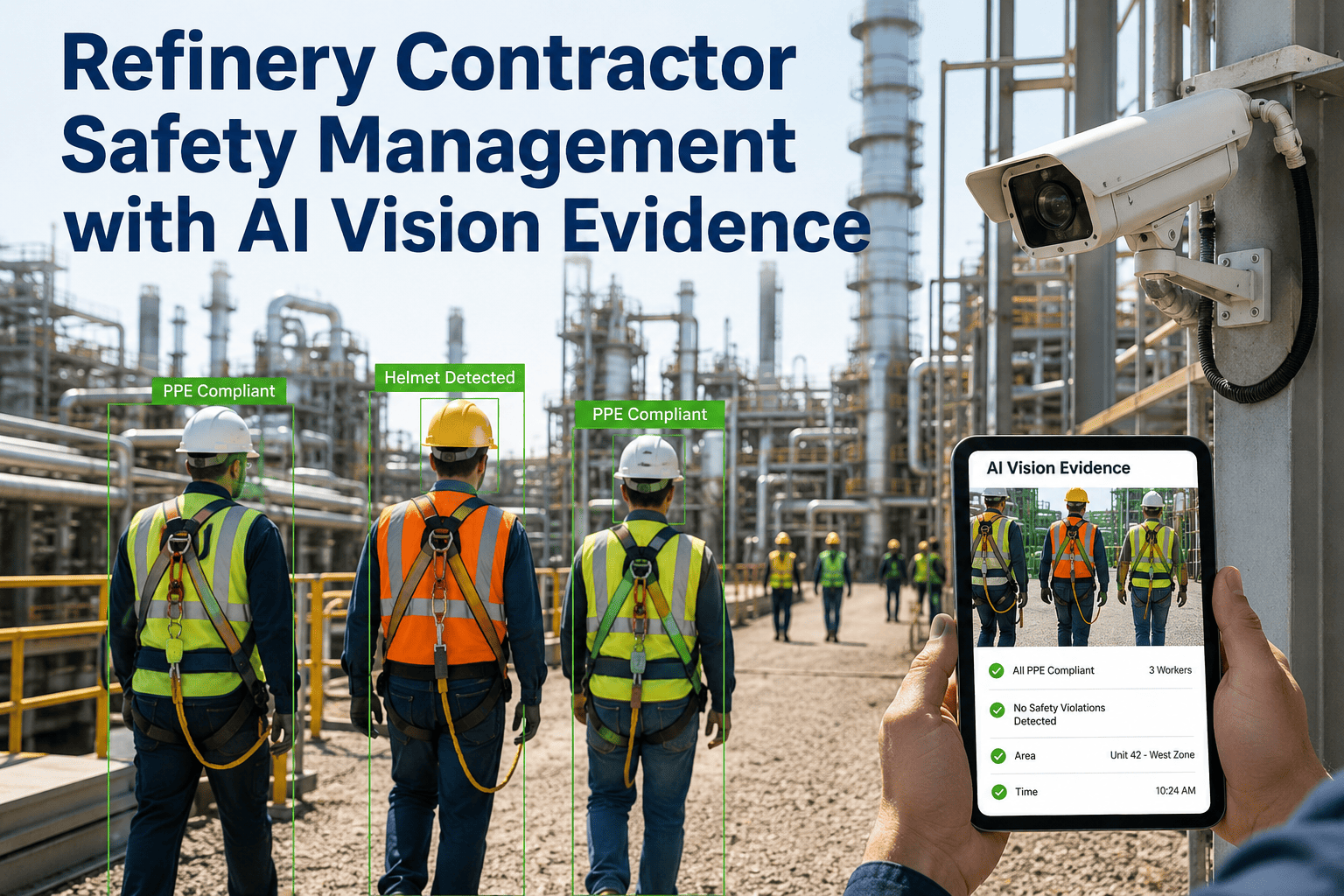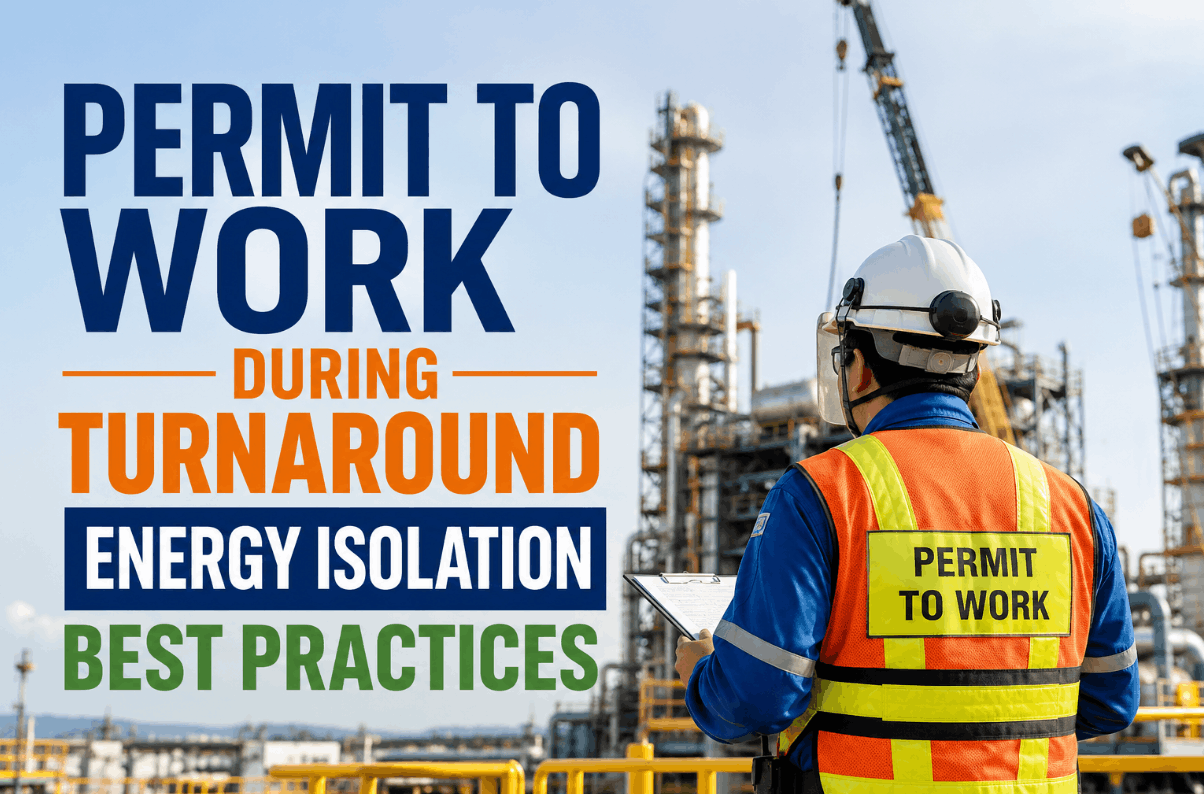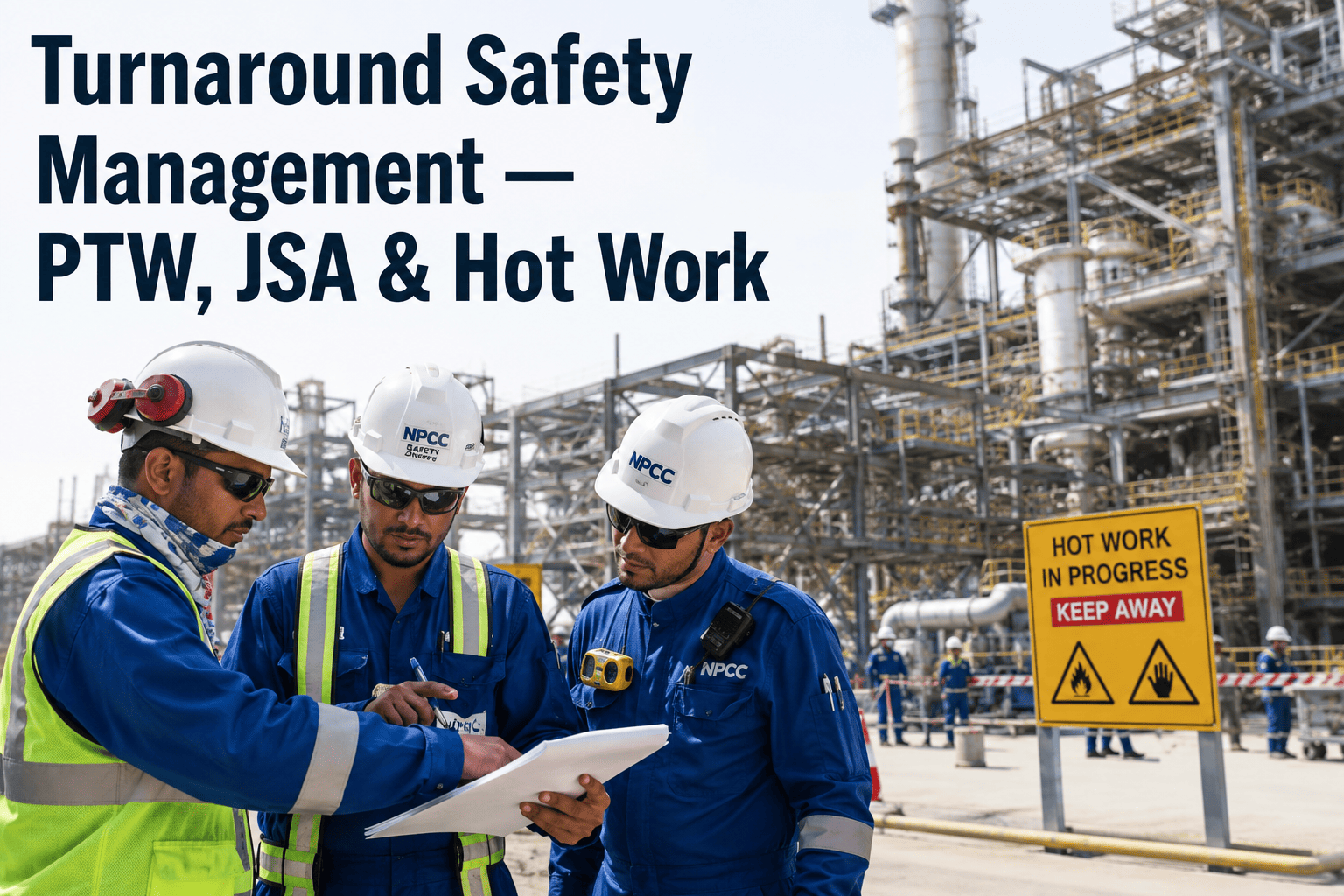
A permit-to-work binder can look flawless on paper and still miss the one thing that matters most during a turnaround: whether the fire watch assigned to a hot work permit is actually standing at that location right now. With workforce numbers doubling or tripling and welding, grinding, and torch-cutting happening simultaneously across a dozen units, a safety coordinator physically cannot walk every active permit every hour. iFactory's AI Vision watches the permit boundaries, fire watch stations, and PPE compliance continuously, flagging the gap between what the permit says and what the camera sees — see how it reads your own hot work zones with a Book a Demo.
The Permit Was Signed Correctly. The Fire Watch Left Ten Minutes Ago.
Paper permits verify a plan existed at approval time. They don't verify the plan is being followed at 2 p.m. on day nine, when fatigue and permit volume are both at their peak.
Four Places a Signed Permit Stops Reflecting Reality
Permit-to-work, job safety analysis, and hot work controls are each sound systems on their own. The failure point isn't the paperwork — it's the hours between signature and shift-end, when conditions, personnel, and hazards shift faster than a walkdown schedule can track.
Fire Watch Drift
A fire watch assigned at permit issuance steps away for a radio call, a bathroom break, or a second task, and the hot work continues unsupervised for however long nobody notices.
Confined Space Re-Entry
A worker exits a confined space for a tool and re-enters without re-logging, breaking the headcount the entry permit depends on for emergency accountability.
PPE Compliance Decay
Heat, fatigue, and permit volume push crews to loosen face shields or skip re-gloving between tasks, especially late in a long shift when supervision has thinned out.
Overlapping Work Zones
Simultaneous operations place a hot work crew and a crew handling flammable materials closer together than either permit anticipated, a classic SIMOPS hazard that paper cross-referencing rarely catches in time.
Turn Every Permit Boundary Into a Monitored Zone
iFactory watches fire watch presence, PPE compliance, and zone breaches continuously, so gaps surface in minutes instead of at the next scheduled walkdown.
From Permit Data to Real-Time Safety Alert
Map
Active hot work and confined space permits are mapped to camera coverage across their approved boundaries before work begins.
Monitor
The system continuously checks for required fire watch presence, PPE compliance, and unauthorized entry into the permit zone.
Alert
Deviations — an unattended hot work station, a missing hard hat, an overlapping work zone — trigger an immediate notification to the permit coordinator.
Record
Every alert and resolution is timestamped and logged against the permit number, building an audit trail without added paperwork for the crew.
Scheduled Safety Walkdowns vs. Continuous AI Vision
| Safety Metric | Manual Permit Walkdowns | iFactory AI Vision |
|---|---|---|
| Fire Watch Verification | Spot-checked during rounds | Continuously confirmed |
| PPE Compliance Coverage | Dependent on supervisor route | Every active zone, all shift |
| Time to Flag a Gap | Minutes to hours | Under one minute |
| SIMOPS Zone Overlap Detection | Manual cross-referencing | Automated boundary checks |
| Audit Trail Completeness | Paper logs, gaps common | Timestamped, permit-linked |
A Fire Watch Gap on Hour Ten Looks Very Different Two Ways
Without Continuous Monitoring
The fire watch steps away to help move equipment. Hot work continues for twenty unsupervised minutes, and the gap only surfaces if a supervisor happens to walk past — or after something has already gone wrong.
With iFactory AI Vision
The system flags the missing fire watch within a minute. The permit coordinator radios the crew, work pauses until a fire watch returns, and the near-miss never becomes a recordable.
Built for Sites Running High Permit Volume
Refineries
Multi-unit turnarounds running dozens of hot work and confined space permits simultaneously across a compressed schedule.
Petrochemical Plants
Facilities where flammable material handling and hot work happen in close proximity, raising SIMOPS risk during outages.
Power Generation
Boiler and turbine outages with confined space entries into drums, ducting, and condenser boxes under tight scheduling pressure.
Chemical Manufacturing
Batch and continuous process units where a missed isolation or overlapping permit carries outsized consequence.
Our safety coordinators were covering forty active permits across three units with a team of six. There was no physical way to walk every fire watch station every hour. Since deploying continuous monitoring, we've caught unattended hot work three separate times before it became an incident report.
Frequently Asked Questions
Q: Does this replace our digital permit-to-work software?
No, it complements it. Your PTW platform remains the system of record for permit approval, isolation sign-offs, and authorization chains. iFactory's AI Vision adds real-time verification that the conditions the permit was approved under are still true in the field, closing the gap between the moment a permit is signed and the moment it's actually being followed. The two systems can share data so a flagged deviation appears against the correct permit number automatically. A Book a Demo session can walk through how that integration works with your current platform.
Q: Will crews feel like they're under constant surveillance?
This is a common concern, and the framing matters. The system is configured to flag safety-relevant deviations — missing fire watch, PPE gaps, boundary breaches — rather than general productivity monitoring, and most sites communicate that distinction clearly during contractor orientation. Crews tend to view it the same way they view a gas detector: a tool that protects them, not one that watches them. Facilities that want guidance on rollout communication can reach out through Support Contact.
Q: Can it detect specific PPE items like face shields or hearing protection?
The detection model is trained against the PPE requirements specific to each work type and zone, so hot work areas are checked against face shield and flame-resistant clothing requirements while other zones check for hard hats, hearing protection, or respiratory equipment as applicable. Configuration is reviewed with your HSE team during onboarding to match your site's specific PPE matrix rather than a generic checklist.
Q: How does it handle confined space entry logs and headcount tracking?
Camera coverage at confined space entry and exit points tracks personnel movement in and out, cross-referencing against the entry permit's authorized headcount. If someone exits without logging out or re-enters without logging in, the discrepancy is flagged immediately rather than being discovered during an emergency evacuation count, which is one of the highest-consequence failure points in confined space work.
Q: What happens when a deviation is flagged — does work stop automatically?
By default, a flagged deviation notifies the permit coordinator and area supervisor, who then make the call on whether to pause work, since context matters and not every flag requires an immediate stop. Facilities that want automatic work-stop integration tied to specific high-severity flags, such as an unattended hot work station, can configure that threshold during setup based on their own safety management system requirements.
Find the Safety Gaps Your Walkdown Schedule Can't Catch
Bring footage from an active permit zone and see what iFactory flags in real time.