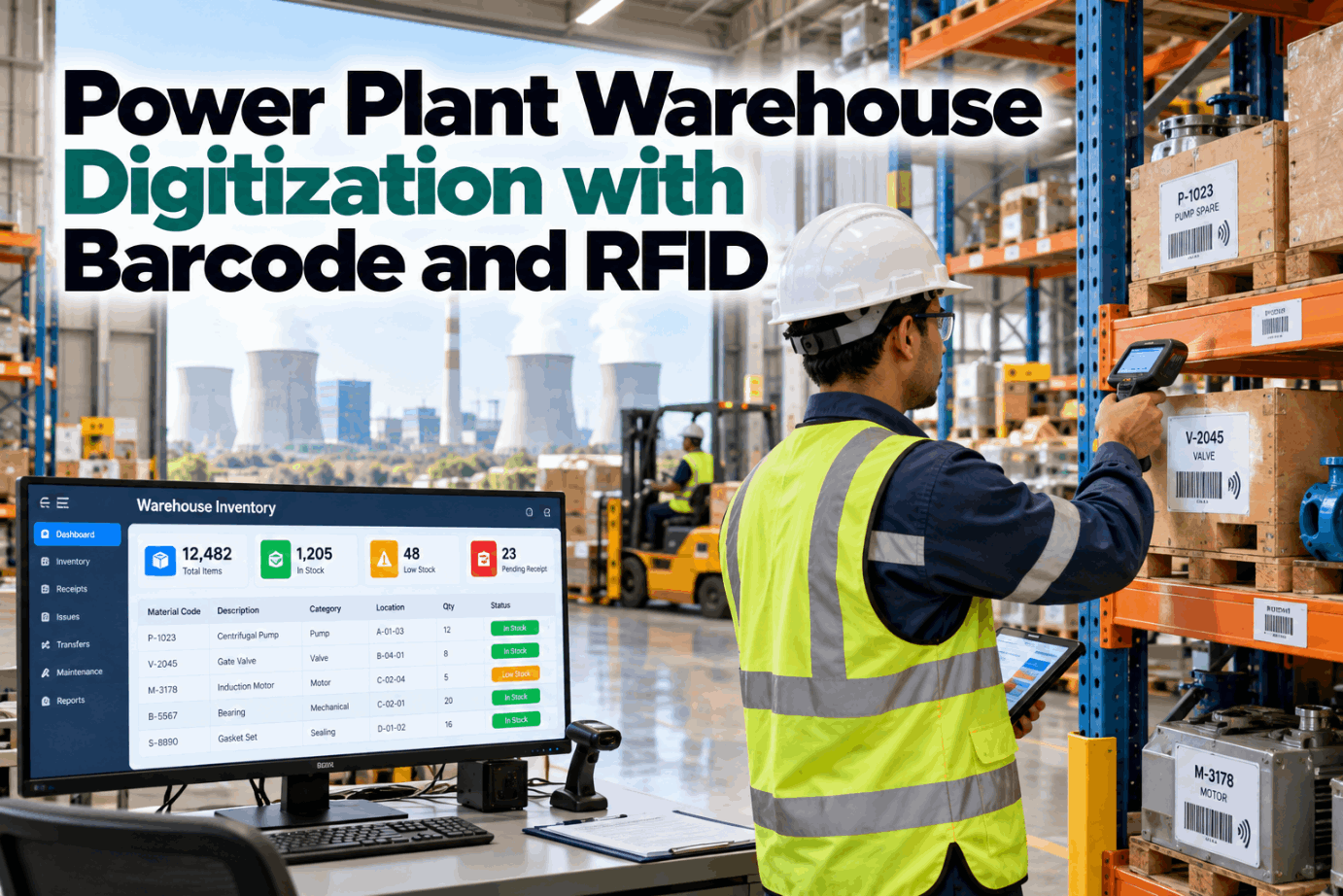
Power plant warehouse digitization replaces paper receipts, handwritten bin cards and typed entries with barcode scans, RFID reads and sensor data. The result is a store where the system matches the shelf, parts are found in minutes and maintenance planners can trust what they see. That matters more in a power plant than almost anywhere, because most spares sit for years and are needed urgently when they are needed at all. This guide covers what to digitize, when to use barcodes or RFID, and how to roll it out. To see a digital storeroom in action, book a short walkthrough.
Power Plant Warehouse Digitization With Barcode and RFID: Accurate Stock, Faster Maintenance
Scan at receipt, put-away, issue and count. Know what you have, where it is and whether it is fit to use, and show it to maintenance in real time.
Receipt, put-away, issue, return and count, all captured at the point of work.
Barcodes are cheap and reliable; RFID earns its cost on high-value and hard-to-count items.
That makes location accuracy and preservation more important than speed.
A planner who can trust availability plans better work.
Why Power Plant Warehouses Are Different
A power plant store holds thousands of items that rarely move and must be right when they do.
- Slow-moving stock. A spare may wait ten years, then be needed within the hour.
- High-value items. Rotors, breakers and control cards carry large sums.
- Outage peaks. Thousands of line items arrive and leave in a few weeks.
- Preservation needs. Motors, seals and electronics degrade if stored badly.
- Night and weekend issues. Parts leave when the storekeeper is not there.
In one analysis reported by POWER Engineering, a plant held 24,000 items of which only 1,800 were active. Knowing exactly what the other 22,000 are, and where, is the real task.
Digitization is how you get there. We can review your current store process on a call.
Where Paper and Manual Entry Fail
Every handwritten or typed step is a chance for the record to drift away from the shelf.
| Step | Paper method | What goes wrong | Digital fix |
|---|---|---|---|
| Receiving | Delivery note filed, entered later | Part on site but not in the system | Scan at the gate against the purchase order |
| Put-away | Bin written on a card | Wrong or missing location | Scan item, then scan bin |
| Issue | Requisition slip | Not recorded out of hours | Scan to a work order, even by the technician |
| Return | Left on the counter | Good parts lost | Scan back to the bin |
| Count | Annual wall-to-wall | Errors found once a year | Daily cycle counts by scanner |
characters is the uncorrected keying error rate measured in a Bell Labs study. A part number of 12 characters gives many chances to go wrong.
Barcode vendors often quote one error in 300 keyed characters against one in 3 million scans. That comparison comes from a vendor study, but the direction is not in doubt.
Scanning removes the typing. See the difference in a demo.
Barcode or RFID: Which to Use Where
Barcodes suit most items. RFID suits items that are valuable, numerous or hard to reach.
- Printed label, very low cost
- One item scanned at a time
- Needs line of sight
- Works on any material
- Ideal for bins, shelves and most parts
- Mature and simple to deploy
- Tag with a chip and antenna
- Many items read at once
- No line of sight needed
- Metal needs special tags
- Ideal for high-value spares, tools and yard items
- Higher cost, faster counts
Most plants use both: barcodes on every bin and item, RFID on a chosen group such as capital spares, calibrated tools and items stored in the yard.
Our specialists can help decide which items justify a tag.
Labels and Data Standards
Standard label formats let suppliers, stores and maintenance read the same code.
A simple rule helps: if an item will ever be repaired, calibrated or traced, give it a serial number and its own label.
Label design is decided early in every rollout.
From Gate to Work Order: The Digital Flow
The same few scans, done every time, keep the record true.
Scan the delivery against the purchase order at the gate.
Record quality checks and certificates.
Scan the item, then the bin.
Planner reserves stock for a work order.
Scan the part to the work order.
Scan unused parts back to their bin.
- Stock is visible within minutes of arrival. Planners stop chasing deliveries by phone.
- Every issue has a work order. Parts cost lands on the right equipment.
- Returns are captured. Good parts go back on the shelf and into the count.
Mobile scanners let technicians issue parts themselves out of hours, with the record still correct. Ask our team how self-service issue works.
Cycle Counting and Inventory Accuracy
Cycle counting checks a small group of items every day, so errors are found and fixed all year round.
Illustrative. The 95% target is from Life Cycle Engineering guidance for MRO storerooms.
- Count critical items most often. A-class and vital spares monthly or quarterly.
- Count others less often. Low-value consumables once or twice a year.
- Find the cause of each error. Missed issue, wrong bin or wrong unit of measure.
- Fix the process, not just the number. Otherwise the same error returns.
Retail research shows what happens without discipline. Auburn University’s RFID Lab found store inventory accuracy of about 65% without RFID and about 95% with it. That is retail, not MRO, but the lesson holds.
Scanners make each count a few seconds of work. Our engineers set up count plans by item class.
Shelf Life, Preservation and IoT Sensors
A spare that has degraded in storage is not a spare. Digital records and simple sensors keep stock fit for use.
Typical storage life is about 5 years for nitrile and 10 years for EPDM and FKM, under DIN 7716 and ISO 2230 guidance.
Elastomers should be kept below 25 °C and under 65% relative humidity, away from sunlight and ozone.
Stored motors should have shafts turned every few weeks and heaters kept on to prevent condensation.
Antistatic packaging and dry storage, with firmware versions recorded.
Low-cost temperature and humidity sensors alert when a store room drifts out of range.
Scheduled as work orders, scanned when done.
Expiry dates on the label and in the system mean the oldest stock is used first and expired items are flagged before they are issued.
Preservation tasks are simple once they are scheduled. See them in a session.
Feeding Maintenance in Real Time
An accurate store is most valuable when maintenance planners and technicians can see it.
- Parts shown on the work order. Planners see what is in stock, reserved or on order.
- Kitting for planned jobs. Parts gathered, scanned to a kit and staged before the job.
- Outage staging. Each outage job has its materials in a marked location.
- Automatic reorder. Issues trigger replenishment when stock reaches its minimum.
Every hour not spent hunting for parts is an hour of repair work. We link stores and work orders in a working session.
What Results Look Like
One well-documented power sector example comes from a nuclear plant in California.
The same report says searches for missing items fell from days to minutes. Readers were mounted on forklifts, so counting happened during normal work.
Your own baseline count is the fair starting point. Discuss it with our advisors.
How to Digitize a Power Plant Store
Start with locations and critical spares, then widen.
Remove duplicates; fix descriptions and units.
Each location gets a barcode.
Vital and high-value items, with serial numbers.
Receipt, put-away, issue and return.
Daily counts by class.
Where the value justifies it.
The first three steps are the hard work. After that, accuracy improves week by week. Plan the sequence in a pilot.
Warehouse Digitization Checklist
A quick check of where a store stands.
Most stores can tick identification last and transactions first. A stores review shows the order that suits you.
How iFactory Digitizes the Power Plant Store
iFactory connects scanning, RFID, sensors and maintenance work orders in one system.
Receipt, put-away, issue, return and count.
Fast counts for tagged spares and tools.
Availability shown on every work order.
Parts gathered and tracked for planned jobs.
Shelf life, storage checks and sensor alerts.
Minimum levels trigger replenishment.
It runs on premises and links to your ERP. Share your item list and we will show a labelled, scannable store in a trial.
Find Out How Accurate Your Store Really Is
Share your item list and a sample count. We measure accuracy, find where records go wrong and plan the first scanning steps.
14 deliveries received, 3 still not booked in the system after six hours. One is a bearing set reserved for tomorrow’s ID fan job.
A Part on Site That Nobody Could See
This is how a stores supervisor might use the system.
iFactory ships as a pre-configured NVIDIA AI server, racked and ready with the stores and inventory models loaded. Rack it, plug in power and Ethernet, and the AI is live. Scope covers data connections across units, control room, stores and planning office, DCS, historian, CMMS and ERP integration, cabling and network setup, team training and 24×7 remote monitoring.
Server installed, DCS, historian and CMMS links live, history loaded.
Models tuned on your own plant data, then piloted on one unit with your team reviewing every output.
Rollout to the agreed units, team training done, 24×7 remote monitoring in place.
Software, server and integration come as one package. For pricing, contact our sales team.
Frequently Asked Questions
Replacing paper and manual entry with barcode scanning, RFID and sensors, so every receipt, put-away, issue and count is recorded at the point of work.
Usually both. Barcodes on every bin and item, and RFID on high-value spares, tools and items that are hard to count by hand.
A common target is 95% or better on cycle counts, according to Life Cycle Engineering guidance for MRO storerooms.
Passive UHF tags can be read from up to about 10 metres without line of sight. Items on metal need special tags.
Counting a small group of items each day, with critical items counted more often, in place of one full count a year.
Bin labelling, critical spares and scanning of all movements typically fit within a 6–12 week rollout. Plan it with our specialists.
Make the System Match the Shelf
iFactory brings scanning, RFID and sensors into one store system and shows live stock to maintenance, so the right part is found the first time.
Illustrative. A common storeroom target is 95% accuracy on cycle counts.