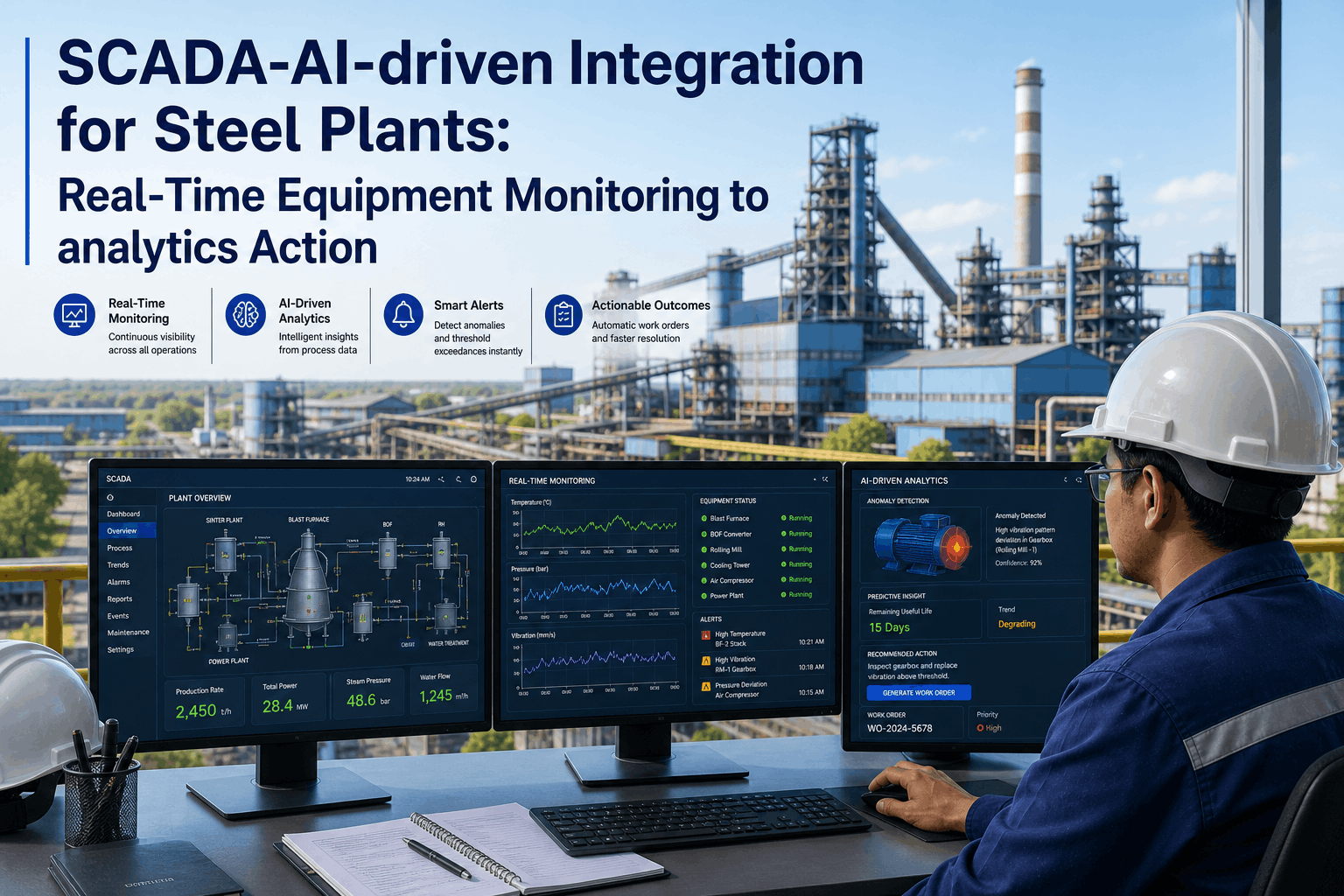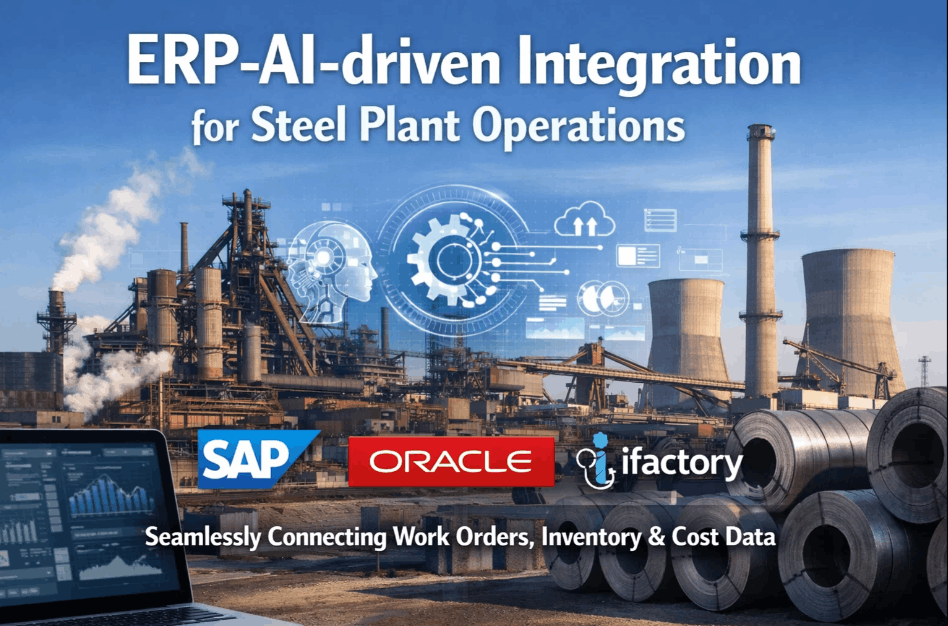
The maintenance performance gap in most steel plants is not caused by a lack of maintenance effort — it is caused by disconnected data systems that prevent maintenance intelligence from reaching the people who need it. A maintenance planner who must manually export from SAP PM, reconcile with inventory data from Oracle MM, and cross-reference against production data from a separate MES is not a planner — they are a data transcriptionist. iFactory's ERP Integration and API platform eliminates these disconnections — creating a bidirectional data bridge between iFactory's AI maintenance intelligence layer and your existing SAP, Oracle, or custom ERP system. Work orders flow from ERP to iFactory. Completed work, measurements, and AI-detected conditions flow back to ERP automatically. Inventory reservations, purchase requisitions, and cost settlements happen in the ERP without manual triggers. The result is a steel plant where the ERP continues to be the system of record — and iFactory becomes the intelligence layer that makes the ERP data actionable in real time.
Steel Plant ERP-AI Integration: SAP, Oracle & Custom System Connectivity
Bidirectional SAP PM integration, Oracle EAM connectivity, work order sync, inventory integration & financial reporting — iFactory connects to your ERP without replacing it.
iFactory ERP Integration Architecture — How the Data Flows
iFactory sits as an intelligence layer between your ERP and plant floor systems — receiving structured master data from ERP, enriching it with AI analysis, and writing actionable results back. No rip-and-replace. No middleware complexity. See the integration architecture for your specific ERP configuration.
What Syncs — iFactory ↔ SAP Integration Data Matrix
iFactory's SAP integration covers 14 distinct data synchronisation flows — from equipment master data inbound to cost settlement outbound. Every flow is configurable per plant to match your SAP organisational structure, cost centre hierarchy, and maintenance planning configuration.
| Data Object | Direction | SAP Module | Frequency | Method |
|---|---|---|---|---|
| Equipment Master (EQUI) | SAP → iFactory | PM | Daily / on change | RFC BAPI_EQUI_READ |
| Functional Location (IFLOT) | SAP → iFactory | PM | Daily / on change | RFC BAPI_FUNCLOC_READ |
| PM Work Orders (AUFK) | Bidirectional | PM | Real-time | BAPI_ALM_ORDER_* |
| PM Notifications (QMEL) | Bidirectional | PM | Real-time | BAPI_ALM_NOTIF_* |
| Material Master (MARA) | SAP → iFactory | MM | Daily | RFC BAPI_MATERIAL_GET_ALL |
| Stock Availability (MARD) | SAP → iFactory | MM | Hourly | RFC MB_GET_STOCK_INFO |
| Purchase Requisition (EBAN) | iFactory → SAP | MM | On trigger | BAPI_REQUISITION_CREATE |
| Goods Issue (MSEG) | iFactory → SAP | MM | On WO completion | BAPI_GOODSMVT_CREATE |
| Measurement Documents | iFactory → SAP | PM | On capture | BAPI_MEASUREPOINT_* |
| Cost Settlement (COSP) | iFactory → SAP | CO | Daily settlement | BAPI_COSTSEGMENT_* |
ERP Systems iFactory Connects To — Without Custom Middleware
iFactory supports the four most common ERP environments in steel plant operations — with pre-built connectors that eliminate the need for custom middleware development and reduce integration projects from months to weeks.
- Pre-built BAPI mapping for all PM objects
- No SAP BASIS customisation required
- S/4HANA OData API supported
- SAP DMS for document archival
- Work order sync via EAM REST API
- Asset hierarchy mapping to iFactory
- Inventory availability check
- Cost centre posting via finance API
- Maximo Integration Framework connector
- Work order status bidirectional
- Asset and location hierarchy sync
- Storeroom inventory check
- iFactory Open API (REST/JSON)
- Webhook for real-time event push
- Flat-file / CSV fallback for legacy
- Direct DB view option where permitted
Before vs After ERP Integration — The Planner's Day
What an IT Director Said
Our SAP team estimated 6 months and ₹1.2 crore to build a custom middleware layer for iFactory integration. iFactory's pre-built BAPI connector went live in 18 days with zero SAP customisation — our BASIS team just granted the RFC user and mapped the organisational units. The total integration cost was less than the estimate for the requirements gathering phase of the custom build.
Frequently Asked Questions
Does iFactory require SAP BASIS team involvement to implement the integration?
Minimal — iFactory uses standard SAP RFC connections and pre-delivered BAPIs. BASIS team needs to create an RFC user with standard PM/MM authorisations. No SAP transports, no custom ABAP, no system modifications required.
What happens to iFactory data if the SAP connection is temporarily unavailable?
iFactory queues all outbound data during SAP downtime and writes it in correct sequence when connection is restored. No data is lost. iFactory continues to operate fully offline during SAP planned downtime windows.
Can iFactory connect to both SAP PM and a separate MES simultaneously?
Yes — iFactory supports parallel connections to multiple systems. SAP PM provides work order master data; MES provides production schedule and actual run data; sensor historian provides time-series data. All three feed iFactory simultaneously via separate connectors.
How does iFactory handle SAP organisational structure — plants, work centres, cost centres?
iFactory maps directly to SAP organisational objects during initial setup — plant codes, maintenance planning plants, work centres, and cost centres are imported from SAP and used to route work orders, cost postings, and notifications to the correct SAP objects automatically.
Connect iFactory to Your SAP in 3 Weeks
Integration scoping call + architecture review — free. No SAP customisation required.