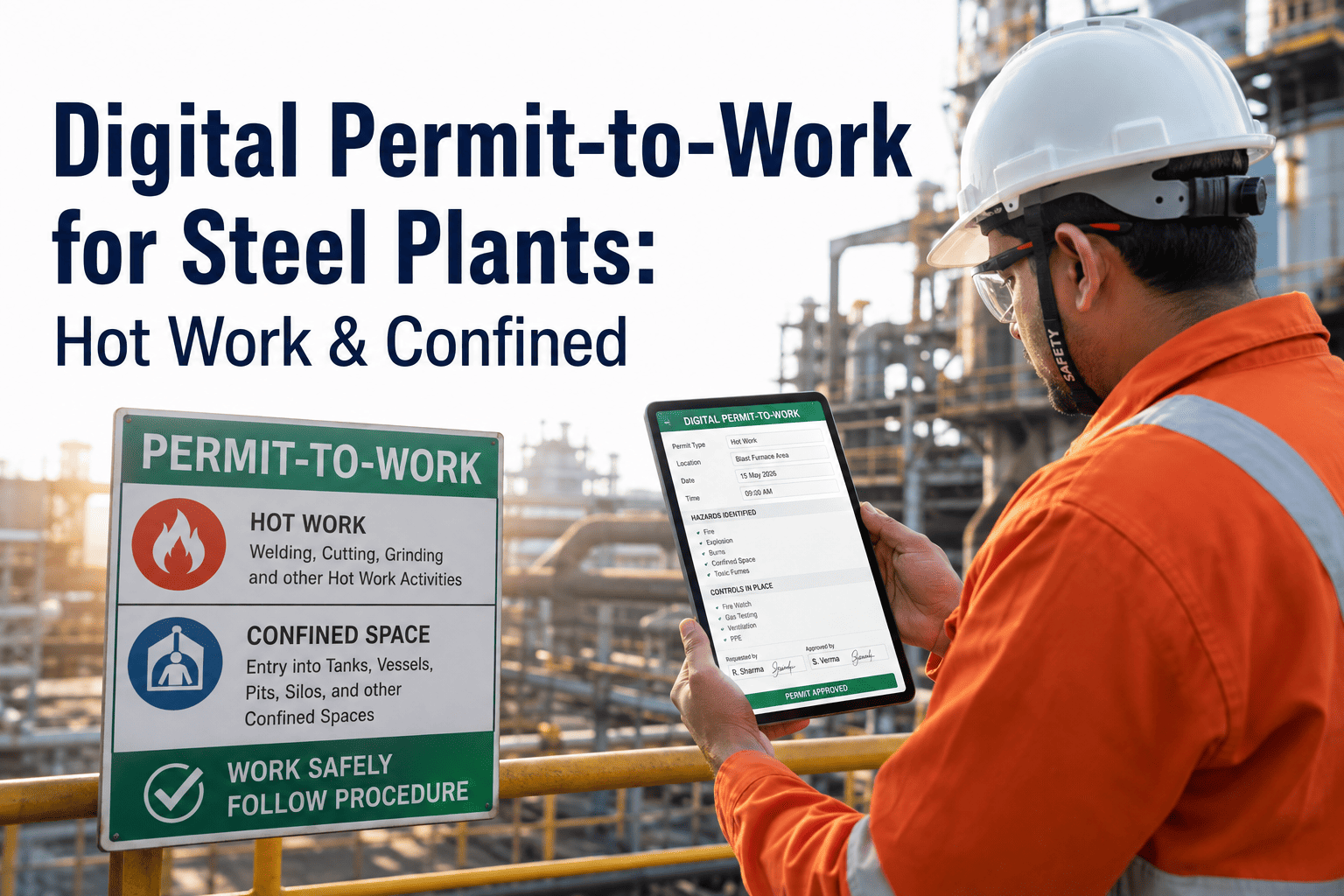
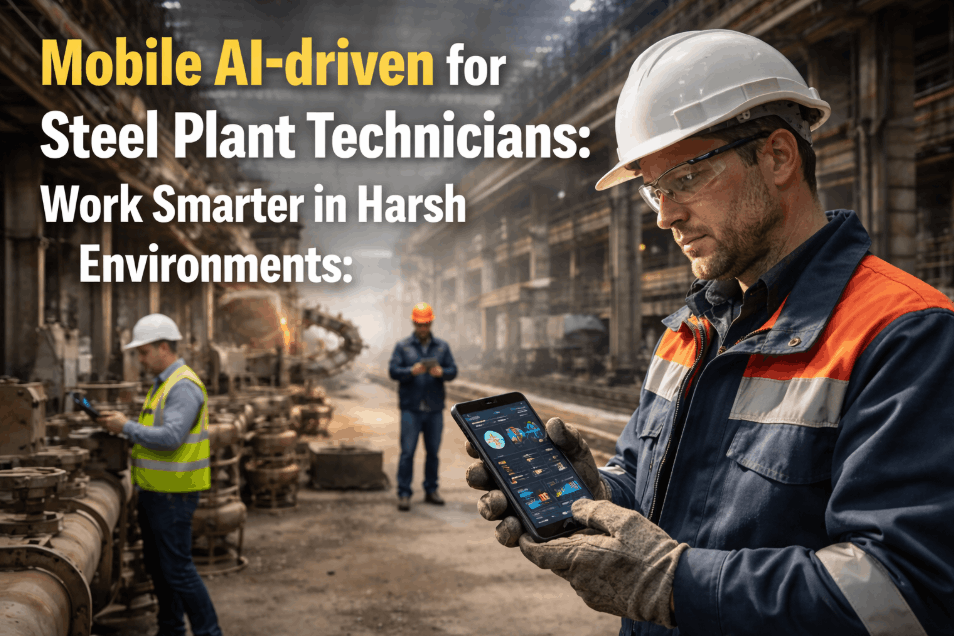
A steel plant maintenance technician working a 4 AM pre-shift ladle crane inspection cannot afford to fight the tools they are using. They are wearing FR clothing, gloves, and safety glasses. They are working at 35 feet of elevation in an active crane bay where the next heat is scheduled to tap in 90 minutes. They have eight assets to inspect before sign-off. Paper clipboards in this environment generate predictable failure modes: handwriting that cannot be deciphered later, photos taken on personal phones that never make it to the work order system, asset misidentification that requires a second trip to verify which of the 14 cranes had the finding, and end-of-shift transcription that compresses 8 hours of field work into a 20-minute desk session that drops half the nuance. iFactory's digital inspection checklists and mobile app are built for this reality — not for office-based clipboard replacement, but for the harsh-environment field execution that steel plant inspections actually require. The mobile app runs offline by default, opens the correct checklist when the technician scans the asset QR code, enforces mandatory completion of safety-critical items, captures photos with annotation directly inside the inspection record, accepts voice notes for descriptions that would take minutes to type with gloves on, and auto-generates the work order the moment a finding is flagged — pushing a notification to the maintenance supervisor before the technician has walked to the next asset. Steel plants deploying iFactory's mobile inspection platform report 73% reduction in inspection completion time, 84% reduction in asset misidentification errors, and 91% completion rate on safety-critical inspections versus 64% baseline on paper-based programs.
Mobile Inspection App · Digital Checklists · QR Asset Scanning · Offline Steel Plant
Replace Paper Checklists With Mobile Inspections Built for the Steel Plant Floor — Offline-First, Photo-Native, Auto Work-Order Generation.
iFactory's mobile inspection app is built for FR-gloved technicians working 35 feet above an active caster — QR asset scanning, offline checklists, in-app photo annotation, voice notes, and instant work order generation when a finding is flagged. No transcription. No misidentified assets. No findings sitting on a clipboard until end of shift.
73%
Reduction in inspection completion time with iFactory mobile app versus paper baseline
84%
Reduction in asset misidentification errors via QR code scanning at point of inspection
91%
Completion rate on safety-critical inspections post-deployment, up from 64% on paper
<60s
From defect found to work order in maintenance supervisor's inbox with annotated photo
Why Paper Checklists Fail in Steel Plant Environments — and What Mobile-First Design Changes
The failure modes of paper-based steel plant inspections are not exotic. Every maintenance leader who has worked in an integrated mill or EAF operation has seen all of them, repeatedly, across years of trying to make the paper process work better. A safety inspector marks a fire suppression panel as "satisfactory" on a clipboard, but the clipboard never makes it to the file because the inspector laid it down to climb a ladder and a forklift driver moved it. A rolling mill operator photographs a hydraulic leak on a personal phone and texts it to the shift supervisor, but the photo lives in a text thread instead of attached to a work order. A lubrication technician completing 47 lube points on a casting line writes "OK" 47 times on the form because writing detailed notes with greased gloves at 40°C is physically impractical. The information that should have been captured is lost the moment the inspector moves to the next task.
Mobile-first design closes these gaps not by digitizing the paper form but by rethinking what the inspection record needs to capture and how it needs to be captured in a harsh environment with gloved hands and limited time. iFactory's mobile inspection app replaces clipboards with smartphones or rugged tablets that the technician already carries — adding QR-based asset identification, in-app photo capture with annotation, voice-note descriptions, GPS validation, and offline operation so that loss of cellular or WiFi signal does not stop the inspection from being recorded. Book a Demo to see iFactory's mobile inspection app running on your facility's actual inspection routines.
Paper Checklist Workflow
Clipboard, pen, end-of-shift transcription
Asset identified by reading a faded equipment tag — wrong-asset errors are routine
Photos taken on personal phones — rarely reach the work order system
Handwriting under time pressure with gloves on — illegible findings common
Findings sit on clipboard until end of shift — defect-to-action delay of 6 to 18 hours
No timestamp, no GPS, no compliance evidence chain for audits
End-of-shift transcription loses nuance and creates re-entry errors
Result: 36% of paper inspections fail audit completeness review
iFactory Mobile Inspection App
QR scan, in-app photo, voice notes, offline-first
QR code scan opens the correct asset checklist instantly — zero misidentification
In-app photo capture with annotation — attached to the inspection record automatically
Voice notes accepted for findings — transcribed in app, faster than typing with gloves
Findings auto-generate work orders in under 60 seconds — supervisor notified before next asset
Timestamp, GPS coordinates, and biometric sign-off built into every inspection record
Zero transcription — inspection completes in the app, archives directly to the audit trail
Result: 91% safety-critical completion rate with full audit-ready evidence
Mobile Inspection App Capabilities: What Steel Plant Inspectors Get on the Device
The capability set in iFactory's mobile inspection app is built around the actual constraints of field execution in a steel plant — not around the assumption that the inspector is sitting at a desk completing a form. Every feature below is in response to a specific failure mode observed across hundreds of steel plant deployments, and every feature is designed to work under the conditions that defeat generic checklist apps: gloved hands, limited time, intermittent connectivity, and physically demanding environments where the inspector cannot stop to troubleshoot software.
Cap 1
QR Code Asset Scanning — Zero-Touch Checklist Selection
Every inspectable asset in the plant is tagged with a durable QR code. The technician scans the code, and the correct pre-shift, weekly, or PM checklist opens instantly — with last inspection date, open work orders, and rejection criteria pre-populated. No asset selection from a long list, no navigation, no possibility of opening the wrong checklist. For Class F ladle cranes, ASME B30.2 rejection criteria load directly. For descaler nozzles, the manufacturer's specification tolerances appear next to the measurement field. The QR scan eliminates the single largest source of paper-form error — wrong-asset identification — and cuts checklist opening time from minutes to seconds.
Capability: QR scanning · Asset auto-identification · Checklist auto-load · Last-inspection context
Cap 2
Offline-First Architecture — Full Functionality Without Signal
Steel plant inspection zones routinely have no cellular or WiFi coverage — blast furnace cellar levels, melt shop pulpits behind structural steel, underground tunnels for cooling water systems. iFactory's mobile app pre-caches all assigned inspections, asset data, checklists, and the last 90 days of asset history to the device before the shift starts. The technician can scan, inspect, photograph, annotate, voice-note, and complete sign-off entirely offline. When the device reaches WiFi or cellular coverage, the full inspection record syncs automatically — work orders are created, supervisors notified, and audit records archived. Offline is not a feature; it is the default operating mode.
Capability: Offline pre-cache · 90-day history available · Background sync · Zero data loss
Cap 3
In-App Photo Capture With Annotation — Evidence That Stays Attached
Photos are captured directly inside the inspection record using the device camera — never through the device gallery, which prevents the "I took a photo but it never reached the work order" failure mode. The technician can annotate the photo immediately with arrows, circles, and text labels pointing to the specific defect — a 3-broken-wire location on a crane rope, a hairline crack on a ladle trunnion, a hot spot on a refractory section. The annotated photo becomes permanent inspection evidence with timestamp, GPS, asset ID, and inspector ID appended. The maintenance supervisor receiving the work order has the complete visual context without requesting a follow-up walk-down.
Capability: Direct camera capture · In-app annotation · Auto-metadata · Audit-trail evidence
Cap 4
Voice Notes and Glove-Friendly Input — Designed for FR-Gloved Hands
Typing detailed findings on a touchscreen with FR gloves on is impractical. iFactory's mobile app accepts voice notes as a primary input mode — the technician records a 6 to 30 second description, and the app transcribes the recording into the finding field while preserving the original audio for verification. For numeric measurements, large-button entry interfaces and dial-style selectors allow precise input without glove removal. Conditional logic skips inapplicable items automatically, reducing the number of taps required to complete a checklist by 40 to 60% versus generic mobile form apps.
Capability: Voice-to-text · Glove-friendly UI · Conditional logic · Large-button input
Cap 5
Auto Work Order Generation — Finding to Supervisor in Under 60 Seconds
When the technician marks a checklist item as a deviation or failure, iFactory's mobile app generates a CMMS work order immediately — pre-populated with the asset ID, location, defect description, annotated photo, severity tier, and recommended action. The maintenance supervisor receives a push notification with the full context before the technician has walked to the next asset. For zero-tolerance findings (broken wires on a ladle crane, refractory crack on a ladle in service), the asset is automatically tagged "Out of Service" in the asset register and the work order is escalated to Critical priority. There is no end-of-shift transcription, no manual escalation step, and no possibility of a finding sitting unactioned on a clipboard for 12 hours.
Capability: Auto-WO generation · Push notification · Severity tiering · OOS auto-tagging
Steel Plant Inspection Types Covered — From Pre-Shift to Compliance Audit
A complete digital inspection program covers every inspection category in the steel plant from a single mobile app — pre-shift safety checks, equipment condition rounds, lubrication routes, PM checklists, regulatory compliance inspections, and contractor handover inspections. The table below maps each inspection category to the iFactory mobile app capability that automates it, the documented improvement over paper baseline, and the integration with downstream CMMS or compliance workflow. Book a Demo to see this mapping applied to your facility's current inspection portfolio.
| Inspection Category |
Paper Baseline |
iFactory Mobile App Feature |
Downstream Action |
Improvement |
| Pre-Shift Crane & Lifting |
Clipboard with ASME B30 form; 30–40 min per crane |
QR scan + zero-tolerance checklist + voice notes |
Auto-OOS tagging + critical work order if failed |
–62% time per inspection |
| Equipment Condition Rounds |
Paper round sheets; rarely linked to CMMS |
Geofenced routes + photo capture + measurement entry |
Auto-generated condition WO at deviation |
+27 pts completion rate |
| Lubrication Routes |
"OK" written 47 times on a paper sheet |
QR-scanned lube points + photo per critical point |
Lube WO + oil analysis trigger on deviation |
–73% missed lube events |
| Safety Walkdowns |
Rushed under time pressure; missed items routine |
GPS-validated route + mandatory photo proof |
Hazard report + immediate correction WO |
+34 pts walkdown completeness |
| Refractory Condition |
Visual notes; minimal photographic record |
Annotated photo capture + measurement grid |
Reline planning input + emergency cooling WO |
Full history per ladle position |
| Hydraulic System Checks |
Reading transcribed later from paper |
Direct measurement entry with tolerance auto-flag |
Out-of-tolerance auto-generates investigation WO |
Zero transcription error |
| OSHA / MSHA Compliance |
Paper files; audit gaps under scrutiny |
Biometric sign-off + timestamped evidence chain |
Auto-archived compliance record |
Audit-ready evidence package |
| Contractor Handover |
Paper sign-off; rework arguments common |
Annotated photo + dual-signature mobile sign-off |
Acceptance record + punchlist WO |
–46% rework dispute incidents |
Stop Losing Findings on Clipboards. See Defects in the Supervisor's Inbox Before the Inspector Reaches the Next Asset.
iFactory's mobile inspection app turns the technician's 4 AM ladle crane finding into a CMMS work order with annotated photo at 4:15 AM — instead of an end-of-shift transcription that gets seen at 7 AM the next morning. The 6-hour defect-to-action delay disappears.
The Single-Shift Workflow: How a Steel Plant Inspector's Day Changes With iFactory Mobile
The operational difference between paper and mobile inspection is most visible in the comparison of a single inspection shift — same inspector, same assets, same plant — executed under each workflow. The six checkpoints below trace what changes for the inspector and the maintenance supervisor when iFactory's mobile app replaces the clipboard.
Step 1
Shift Start — Inspection Queue on Screen, No Briefing Required
Inspector taps the iFactory app at 4 AM. Today's assigned routes appear, pre-sorted by priority and physical proximity. No paper packet to pick up from the maintenance office. No briefing required because the previous shift's findings and any in-progress holds are already visible in the route view. The inspection queue is on screen in under 10 seconds from app open.
Step 2
Asset 1 — QR Scan Opens the Right Checklist Instantly
At the first asset, the inspector scans the QR code. The correct checklist opens with the last inspection date, open work orders for this asset, and the specific rejection criteria from the steel plant's compliance template. No asset selection from a list. No paging through a 200-page binder. The asset is identified, the context is loaded, and the inspector begins in under 5 seconds.
Step 3
Finding Detected — Photo, Annotation, Voice Note, Severity
Wire rope inspection reveals 3 broken wires in section J4. The inspector marks the item as failed, takes a close-up photo, annotates it with an arrow pointing to the J4 location, records a 6-second voice note describing the strand position, and selects severity. The entire finding capture takes under 90 seconds — including the photo, annotation, voice note, and severity selection.
Step 4
Auto Work Order — Critical Priority, Out-of-Service Tag, Supervisor Notified
iFactory flags this as a zero-tolerance ladle crane finding and queues a Critical work order automatically. The crane is tagged Out of Service in the asset register immediately. The maintenance supervisor receives a push notification with the annotated photo, location, finding description, and crane status — at 4:15 AM, before the inspector has walked to the next asset.
Step 5
Offline Operation — App Keeps Working in the BF Cellar
The next inspection is in the blast furnace cellar level where cellular and WiFi signal are unavailable. The app keeps working. Asset data, checklists, and the last 90 days of asset history are pre-cached. The inspector completes the inspection, photographs the findings, and records voice notes — all offline. When the device returns to WiFi range, every record syncs in the background.
Step 6
Shift End — Biometric Sign-Off, Audit Archive, Zero Transcription
The inspector signs off with biometric approval at the end of the shift. All 37 inspections, 62 photos, 14 findings, and 5 work orders are filed, timestamped, GPS-verified, and audit-ready. End-of-shift report time: 90 seconds. Compare to the paper workflow's 35 to 50 minutes of desk transcription that drops half the field nuance and generates a 6-hour defect-to-action delay.
Expert Review: What Steel Plant Maintenance Managers Say About Mobile Inspection Deployment
"I have been managing maintenance operations at integrated steel facilities for 21 years, and the shift from paper to mobile inspection is the single most impactful operational change I have implemented in that period. The reason is not the technology itself. It is that mobile inspection removed three failure modes that no amount of process training had ever fixed. The first was asset misidentification — a daily occurrence on paper, eliminated by QR scanning. The second was the defect-to-action delay — paper findings sat on clipboards until end of shift and reached the supervisor at 7 AM for a 4 AM finding. With the mobile app, the annotated photo is in the supervisor's inbox at 4:15 AM. The third was the audit trail gap — we had findings that were genuinely completed in the field but had no photographic evidence and no timestamp record, which failed audit completeness review even when the underlying inspection had been done correctly. The mobile app eliminates all three by design rather than by training. The technicians initially pushed back — they were comfortable with paper, they did not want to learn a new system, they thought the app would slow them down. Within four weeks, the same technicians were refusing to revert to paper for any inspection because they had felt the difference in their own workload. Inspection completion time dropped 73% per asset. Wrong-asset rework trips dropped to effectively zero. End-of-shift transcription went from 35 minutes to under 2 minutes. The technician role shifted from scribe to expert — less writing, more observing — which is what we wanted from inspection in the first place."
Director of Maintenance Operations
U.S. Integrated Steel Operations — 2.6 Million Ton Annual Production — 21 Years — SMRP Certified Reliability Leader
Conclusion: Mobile Inspection Is the Operational Bridge Between Field Reality and System of Record
The reason paper-based inspection programs fail in steel plants is not that inspectors are inadequate or that the inspection content is wrong. The reason is that paper does not survive the round-trip between the inspector's clipboard at the asset and the CMMS that needs the finding. Photos taken on personal phones never reach the work order. Handwriting under time pressure becomes unreadable. End-of-shift transcription drops the nuance that made the finding actionable. The 6-to-18 hour defect-to-action delay that paper generates is not a process problem; it is a physical limitation of moving paper records through a steel plant.
iFactory's mobile inspection app and digital checklists eliminate that round-trip by capturing the inspection record directly into the system of record — at the asset, at the moment of inspection, with the photo, annotation, voice note, and severity attached. QR scanning eliminates asset misidentification. Offline-first architecture works wherever the inspector works. Auto work order generation puts the finding in the supervisor's inbox in under 60 seconds. The 73% inspection time reduction, 84% misidentification reduction, and 91% safety-critical completion rate at comparable deployments are the documented outcomes of replacing paper with a mobile platform designed for the field reality of steel manufacturing. Book a Demo to see iFactory's mobile inspection app running against your facility's actual inspection routines.
Put a Mobile Inspection App in Your Technicians' Hands That Actually Works With FR Gloves On.
iFactory's mobile inspection platform is built for the steel plant floor — offline-first, QR-driven, photo-native, voice-note enabled, and connected directly to your CMMS so every finding becomes a work order in under 60 seconds without transcription, re-entry, or end-of-shift delay.
Frequently Asked Questions
Does iFactory's mobile inspection app work offline in zones without cellular or WiFi signal?
Yes — offline operation is the default mode, not an add-on. The app pre-caches all assigned inspections, asset data, checklists, and the last 90 days of asset history before the shift starts. Photos, voice notes, and sign-offs are captured offline and sync automatically when the device returns to coverage.
What devices does the iFactory mobile inspection app run on, and does it require rugged hardware?
The app runs on standard iOS and Android phones and tablets. Rugged-case versions of iPads and Samsung Galaxy Tab Active devices are commonly used in steel plant environments, but standard consumer devices work fine when fitted with appropriate protective cases. No proprietary hardware required.
How does iFactory integrate with existing SAP PM, Maximo, or other CMMS platforms for work order generation?
iFactory integrates via REST API and SAP RFC/BAPI calls — work orders generated from mobile inspection findings flow directly into SAP PM, Maximo, or Infor EAM with asset ID, photo evidence, severity, and recommended action pre-populated. No manual re-entry into the CMMS.
Are the mobile inspection records audit-ready for OSHA, MSHA, ISO, and customer audits?
Yes. Every inspection record includes biometric or digital signature sign-off, GPS-validated location, timestamp, inspector ID, asset ID, and annotated photographic evidence. Pre-configured templates support OSHA, MSHA, ISO 9001, IATF 16949, and customer-specific audit requirements.
What is the deployment timeline and investment for the iFactory mobile inspection platform at a U.S. steel plant?
Mobile inspection deployment runs 4 to 7 weeks at $32,000 to $78,000 — covering checklist template configuration for the plant's inspection portfolio, QR code asset tagging, CMMS integration, technician training, and pilot route validation. Most plants complete pilot-to-full-deployment within 90 days.