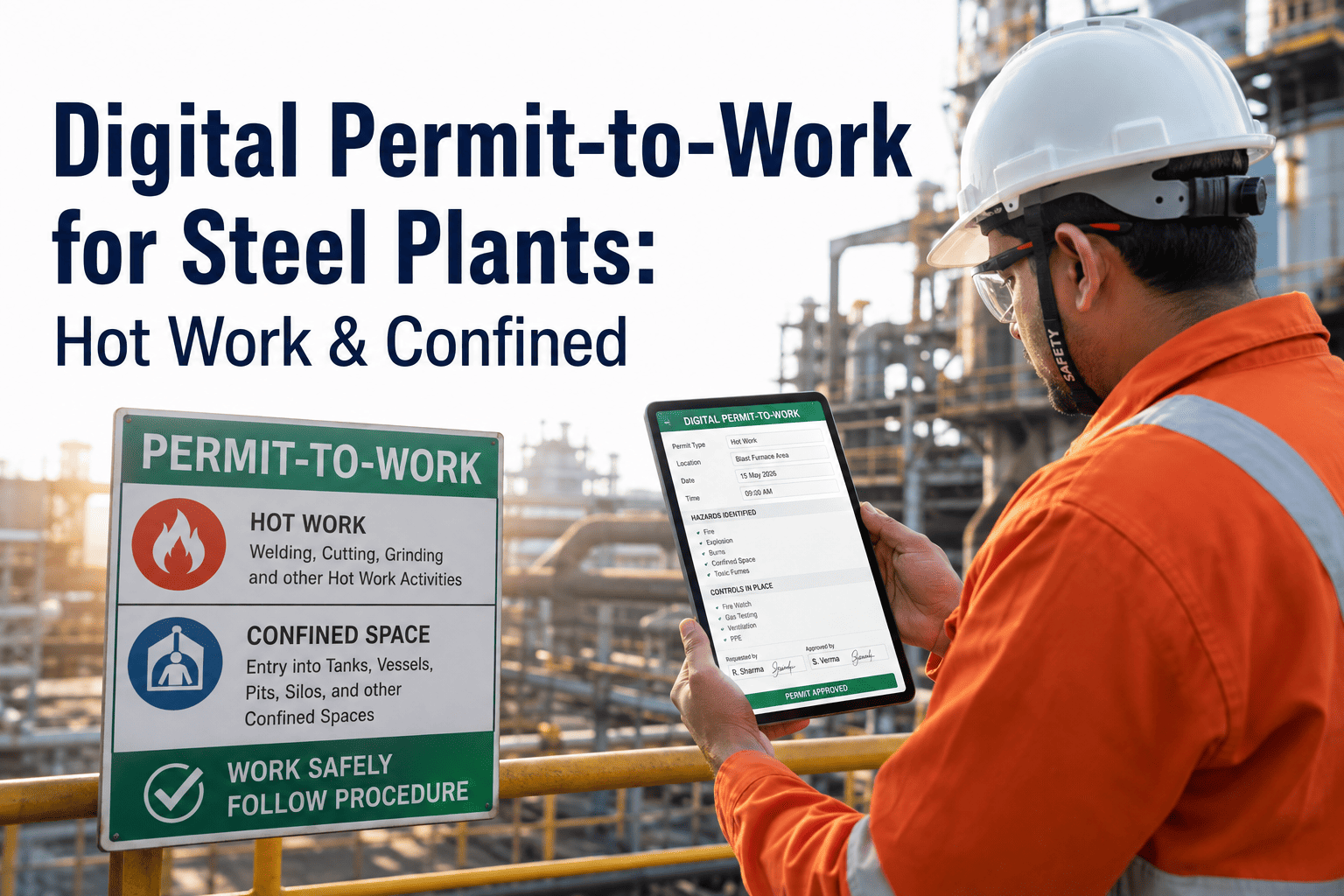
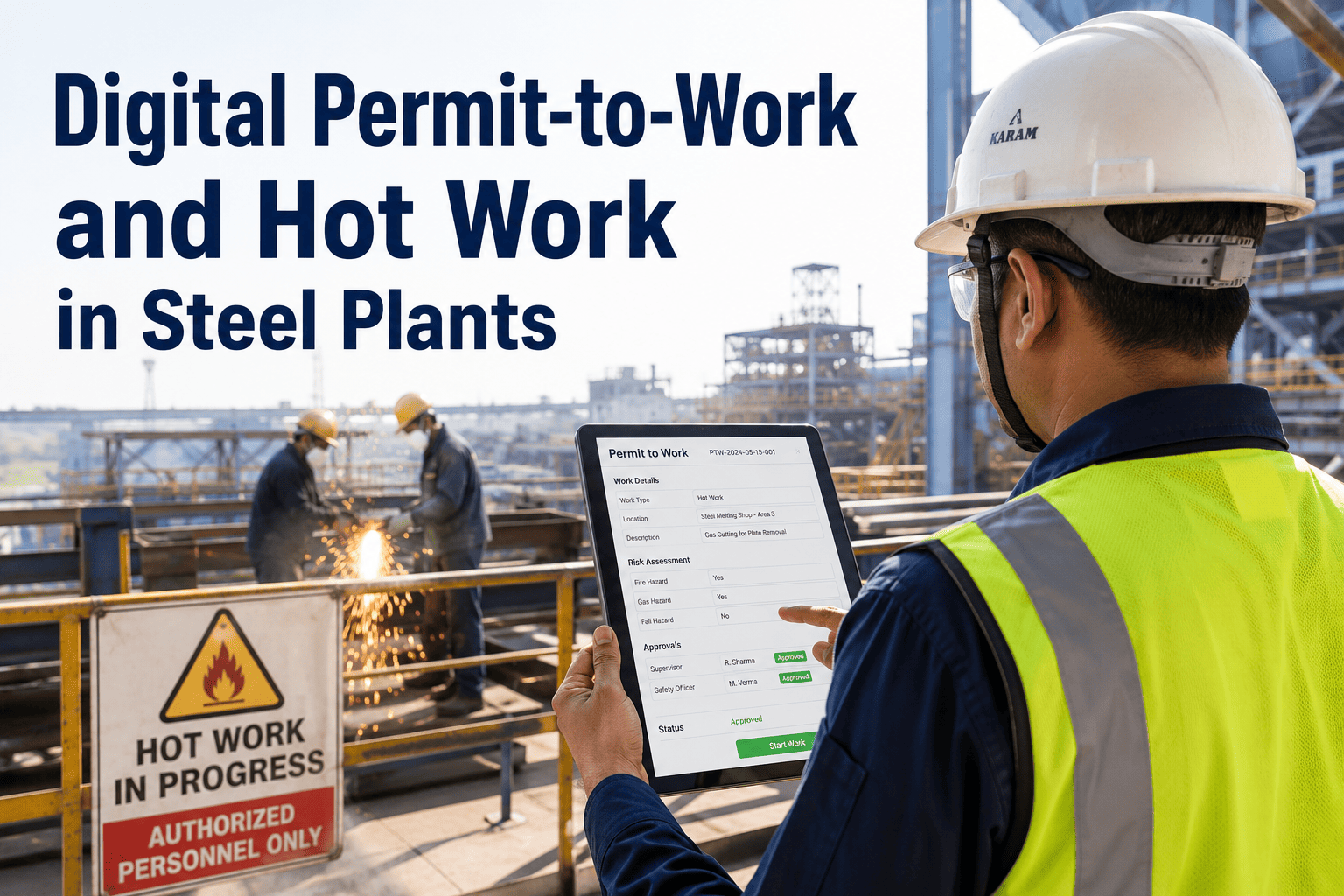
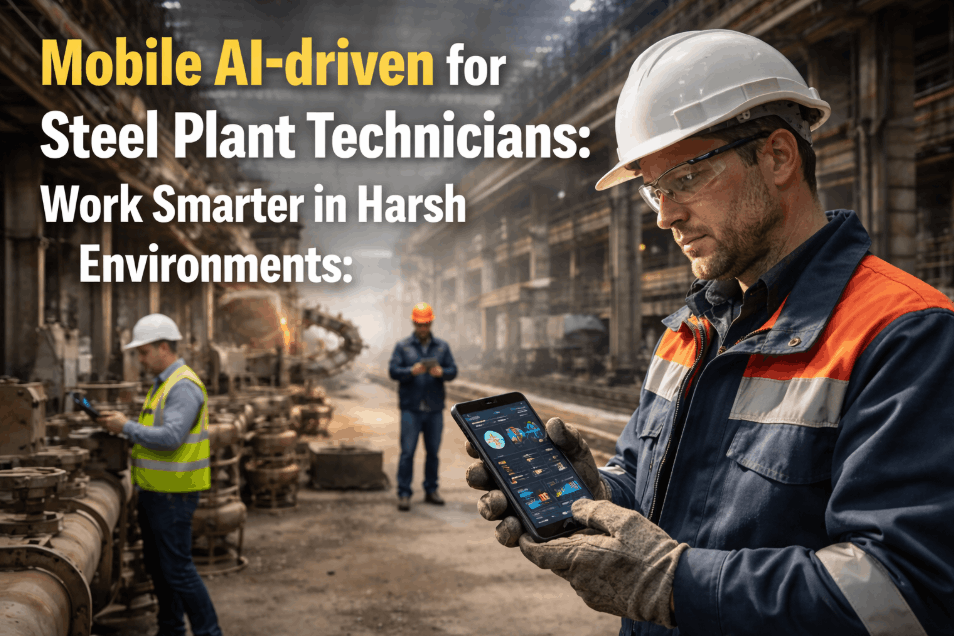
Steel plant maintenance runs in one of the harshest environments in modern industry — extreme heat, dust, electromagnetic interference, and 24-hour shift operations across sprawling facilities spanning kilometres of plant floor. Yet most steel plant maintenance departments still rely on paper work orders, manual inspection sheets, and verbal shift handovers to manage ₹40–120Cr of annual maintenance activity. A technician who completes a bearing inspection walks back to the control room to write it up. A shift supervisor collects paper checklists at the end of the shift and transcribes them into SAP. A planner finds out about an emergency breakdown from a phone call. iFactory's Mobile App and Offline Mode eliminates every paper touchpoint in the maintenance cycle — putting work orders, inspection checklists, digital measurements, photo capture, and SAP PM write-back in the hands of every technician on every shift, even in areas with zero network coverage.
Steel Plant Mobile Maintenance: Paperless Work Orders, Inspections & Reporting
Mobile work order execution, digital inspection forms, photo attachments, QR asset scanning & full offline capability — complete paperless maintenance for steel plant floor operations.
The Real Cost of Paper-Based Maintenance in a Steel Plant
Paper is not free. In a 3–5 MTPA steel plant running 400–800 work orders per month, the hidden cost of paper-based maintenance — transcription time, lost records, delayed data, and compliance failures — totals ₹1.8–3.4 Cr per year before counting a single breakdown caused by a missed inspection. Calculate your paper cost with iFactory's free assessment.
iFactory Mobile — What Every Feature Does on the Plant Floor
iFactory mobile is not a desktop system shrunk to a phone screen — it is built specifically for steel plant floor conditions: gloves-on operation, bright sunlight readability, and reliable function in the most electromagnetically noisy environments in manufacturing. See a live mobile demo on your own work orders.
Paper vs Mobile — A Single Work Order Lifecycle in a Steel Plant
The fastest way to understand the value of mobile maintenance is to trace a single work order from creation to closure — and compare the paper path to the iFactory mobile path. The difference is not incremental. It is a complete elimination of non-value-added time.
Technologies That Power iFactory Mobile — Beyond a Basic App
iFactory mobile is not a standalone app — it is the field interface for a connected maintenance intelligence platform. Four technology layers make it genuinely different from generic CMMS mobile apps.
AI Camera Vision
Point phone camera at a component — iFactory AI identifies surface cracks, overheating signatures, and corrosion in real time. Findings auto-attach to the work order with severity classification.
Digital Twin Lookup
When a technician scans an asset, iFactory's digital twin shows current health score, predicted next failure date, and which other assets are affected if this one fails — giving context no paper WO could provide.
PLC Live Data on Mobile
OPC-UA connected PLC readings stream to the technician's mobile in real time — temperature trends, vibration levels, and process parameters — so decisions are made with live data, not yesterday's logs.
SAP PM Bi-directional Sync
Work orders flow from SAP PM to iFactory mobile automatically. Completed work, measurements, and photos write back to SAP equipment history via RFC calls — zero double-entry, zero delay.
Paperless ROI — Before vs After iFactory Mobile at a 3.4 MTPA Plant
Results from a 3.4 MTPA integrated steel plant after 12 months of full iFactory mobile deployment across 148 technicians. Verified by plant HR, finance, and maintenance director.
What a Maintenance Superintendent Said
We had 148 technicians each spending 90 minutes a day filling in paper forms and walking to the control room to hand them in. That is 222 man-hours per day of non-productive time — equivalent to 28 full-time employees doing nothing but pushing paper. iFactory mobile eliminated that in 3 weeks. The technicians were the biggest advocates — they had more time for actual maintenance work within the first month.
Frequently Asked Questions
Does iFactory mobile work in areas with no Wi-Fi or mobile signal — like blast furnace platforms or underground tunnels?
Yes — full offline mode. Technicians download their assigned work orders before entering dead zones. All completions, measurements, and photos queue locally and sync automatically the moment signal is restored.
Can iFactory mobile replace our existing paper inspection forms for IS 3177 and ASME B30 compliance?
Yes. iFactory's digital inspection library includes pre-built forms for IS 3177, IS 15811, ASME B30, and plant-specific checklists. Completed digital forms are legally valid records and are archived automatically in iFactory and SAP DMS.
What devices does iFactory mobile support — and does it work with rugged industrial handhelds?
iFactory mobile runs on Android 9+ and iOS 14+. Fully tested on Zebra TC-series, Honeywell CT-series, and Samsung Galaxy XCover rugged devices. Gloves-on touch mode and high-brightness display mode are included.
How long does deployment take — and do technicians need extensive training?
Full deployment takes 3 weeks. Technician training is 90 minutes — iFactory mobile is designed to be learned without a manual. Most technicians complete their first independent work order within 2 hours of first use.
See iFactory Mobile Live on Your Work Orders
Demo uses your actual SAP PM work orders — deployed on your device in 30 minutes.