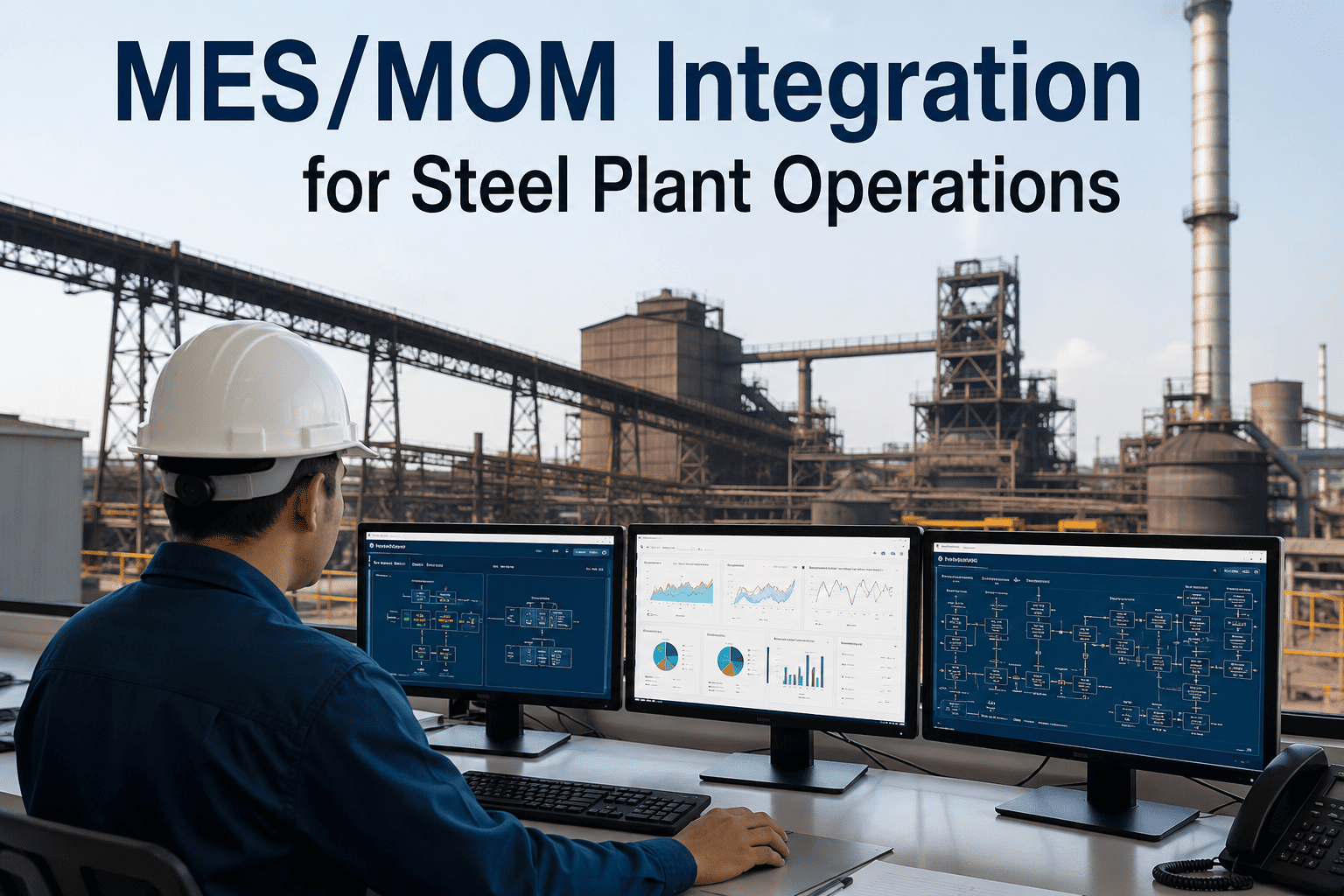
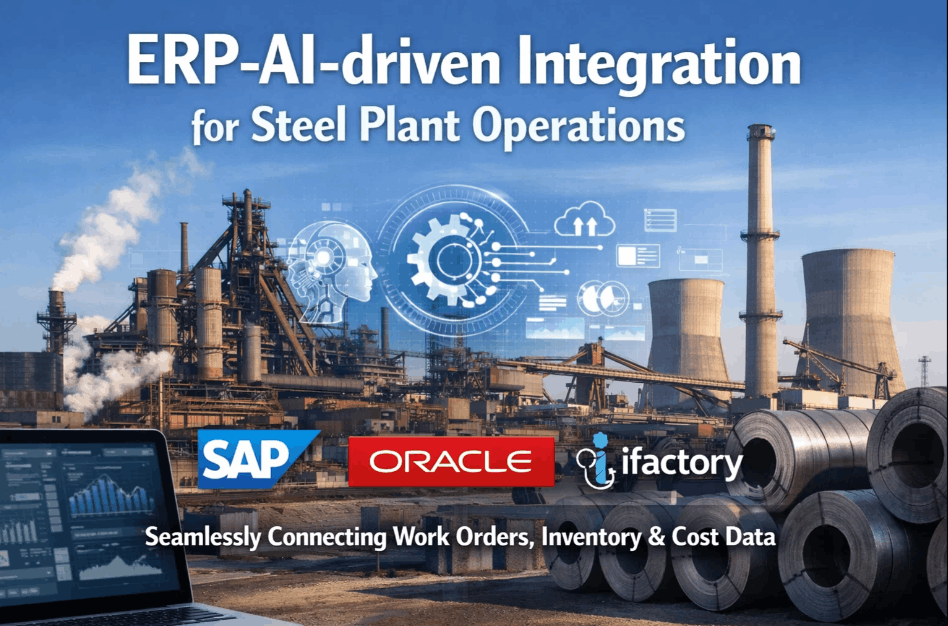
Ask five people at a steel plant to define MES and MOM and you'll often get five different answers — and that confusion is exactly why so many AI integration projects end up bolted onto the wrong layer. MES tracks what happened on the shop floor: heat numbers, coil IDs, cycle times. MOM orchestrates what should happen next across scheduling, quality, and maintenance. AI needs to sit correctly between the two, reading from MES and feeding recommendations into MOM, or it ends up duplicating logic that already exists somewhere in the stack. Book a demo to see where an AI layer actually belongs in a steel plant's MES/MOM architecture.
MES LEAD GUIDE · STEEL OPERATIONS · SYSTEM INTEGRATION
MES Tracks. MOM Orchestrates. AI Only Works When It Knows the Difference.
Most steel plants already run a mature MES and a functioning MOM layer — the AI integration question isn't whether to add another system, it's where the new intelligence threads through what's already there.
3
Distinct Layers AI Must Respect: MES, MOM, ERP
40%+
Of Integration Rework Traced to Wrong Layer Placement
8-12 Wk
Typical MES-to-AI Data Mapping Timeline
THE THREE LAYERS
MES, MOM, and Where AI Actually Fits
The confusion between MES and MOM isn't just semantic — it determines which team owns an AI project, which data feeds it, and which system acts on its output. Getting this placement wrong is the single most common reason steel plants end up with AI recommendations nobody actually uses.
RECORDS
MES — Manufacturing Execution System
Captures real-time production data: heat records, coil tracking, cycle times, and equipment states directly from the shop floor.
ORCHESTRATES
MOM — Manufacturing Operations Management
Coordinates scheduling, quality workflows, and maintenance across MES, connecting shop-floor execution to plant-wide operations.
OPTIMIZES
AI Layer — Reads MES, Advises MOM
Consumes MES data streams to generate yield, quality, and scheduling recommendations that MOM workflows can act on directly.
FUNCTION MAPPING
Which System Owns Which Decision
Steel plants that integrate AI cleanly tend to have already answered a simple question for every function: does this belong to MES, MOM, or the AI layer sitting between them? The table below is the starting framework most integration leads use to sort that out before writing a single line of integration code.
| Function | Owned By | Data Direction | AI's Role |
|---|
| Heat & Coil Tracking | MES | MES → AI (read only) | Detects anomalies in tracked parameters |
| Production Scheduling | MOM | AI → MOM (recommend) | Suggests sequence changes based on yield forecasts |
| Quality Hold Decisions | MOM / Quality | AI → MOM (flag) | Flags likely defects before manual inspection |
| Maintenance Triggers | MOM | AI → MOM (alert) | Predicts component failure ahead of scheduled maintenance |
iFactory Reads Your MES — It Doesn't Replace It
Our platform connects to your existing MES data streams and feeds recommendations into your MOM workflows, so your operators keep working in the systems they already know.
INTEGRATION CHALLENGES
What Actually Slows Down MES/MOM/AI Rollouts
Most steel plants underestimate how much of an AI integration project is really a data-quality and mapping exercise rather than a modeling exercise. The four challenges below account for the large majority of delays reported across MES/MOM integration projects.
01
Inconsistent Tag Naming
The same sensor is often named differently across MES instances at different mills within the same group.
02
Batch vs. Real-Time Mismatch
Some MES modules update every few seconds while others batch-update hourly, which skews any model trained across both.
03
Missing Context Fields
Raw MES data often lacks the grade, order, or customer context AI needs to make a recommendation actionable.
04
No Feedback Loop to MOM
AI output that doesn't route into an existing MOM workflow queue ends up as an ignored dashboard rather than an action.
ROLLOUT SEQUENCE
How a Clean MES/MOM/AI Integration Actually Gets Built
Successful integrations follow a consistent build order — starting with the data layer before touching any workflow logic, and only connecting AI output to MOM once the recommendations have proven reliable in a shadow mode.
Step 1 — Tag & Data Mapping
All relevant MES tags are cataloged and mapped to a consistent schema the AI layer can read reliably across lines.
Step 2 — Shadow Mode Validation
AI recommendations run alongside existing MOM decisions without acting on them, so accuracy can be validated first.
Step 3 — MOM Workflow Connection
Validated recommendations are routed directly into existing MOM scheduling, quality, and maintenance queues.
Step 4 — Continuous Model Tuning
Ongoing feedback from accepted and rejected recommendations refines model accuracy across shifts and product grades.
FREQUENTLY ASKED QUESTIONS
Questions MES Leads Ask About AI Integration
Does adding an AI layer mean replacing our current MES or MOM software?
No. The AI layer is designed to read from your existing MES and route recommendations into your existing MOM workflows, not to replace either system. Most steel plants have already invested heavily in validating their MES and MOM platforms, and a well-placed AI layer respects that investment rather than competing with it.
Book a demo to see how the integration maps onto your specific MES vendor.
How long does the tag mapping and data preparation phase usually take?
Tag mapping timelines depend heavily on how many lines and MES instances are in scope, but most single-mill integrations complete initial mapping within eight to twelve weeks. Multi-site groups with inconsistent tag naming across mills typically take longer during this first phase.
Contact our support team for a mapping estimate specific to your plant's MES landscape.
What happens if the AI recommendation conflicts with what a scheduler or quality engineer decides?
AI recommendations are designed to enter MOM workflows as suggestions that a human can accept, modify, or override, not as automatic actions. Every override is logged and fed back into the model, so the system improves its recommendations over time rather than repeating the same mismatched suggestion.
Book a demo to see this override and feedback loop in a live workflow.
Can this integration work across multiple mills running different MES vendors?
Yes. Most steel groups run more than one MES platform across their mills, often as a result of acquisitions or phased rollouts, and the integration layer is designed to normalize data from multiple vendor systems into a single consistent schema before any AI model runs against it.
Contact our support team to review compatibility with your specific MES vendors.
What's the biggest mistake plants make when integrating AI into their MES/MOM stack?
The most common mistake is connecting AI output directly into an automated action before validating it in shadow mode, which erodes operator trust the first time a recommendation misses. Plants that run a shadow-mode validation period first see far higher long-term adoption of the AI layer once it goes live.
Book a demo to see how the shadow-mode validation stage is structured.
Let's Map Where AI Belongs in Your Specific MES/MOM Stack
Every plant's MES and MOM setup is a little different — book a session and we'll walk through your actual data flows before recommending an integration path.