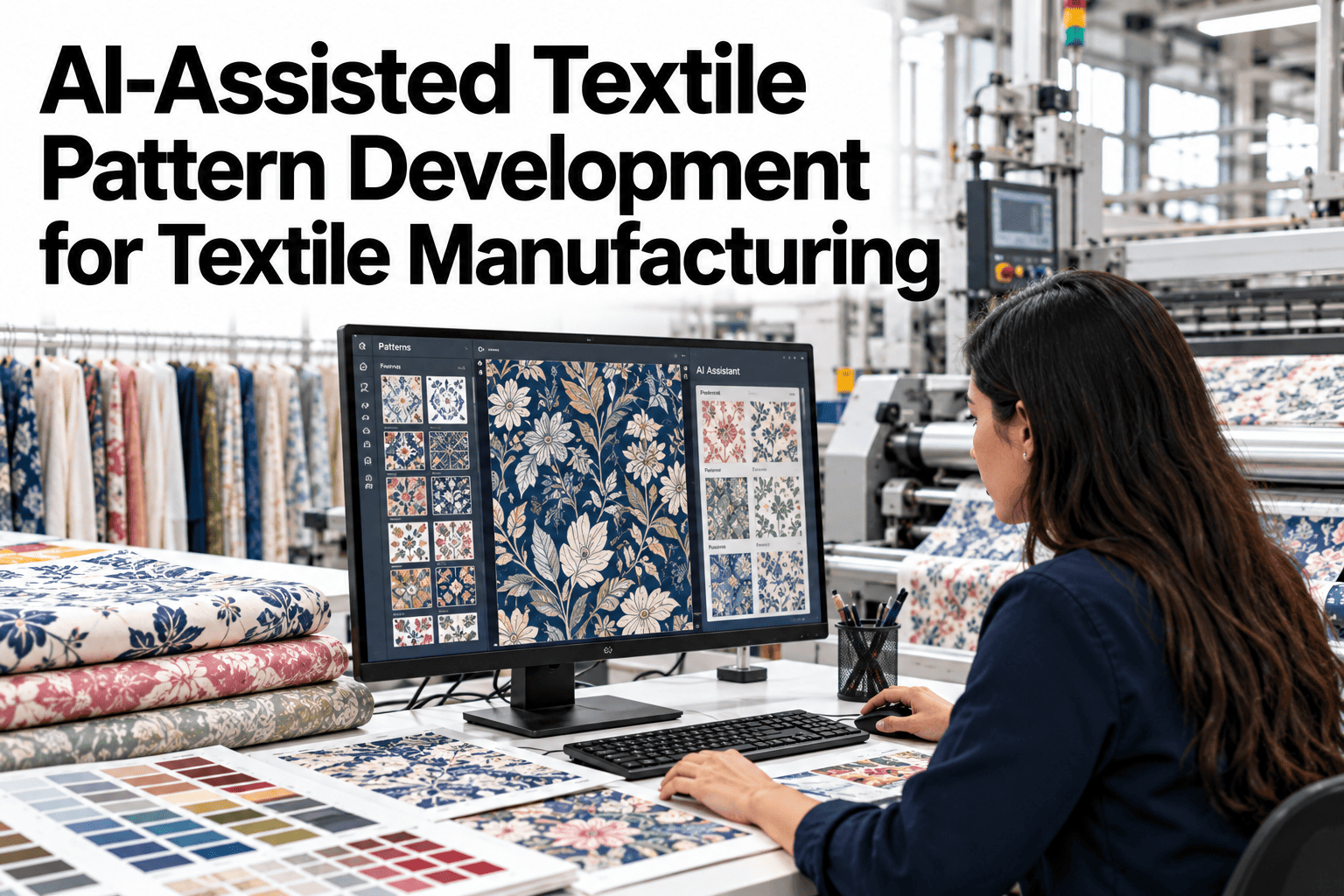
Drafting a new pattern from scratch is one of the most skill-dependent steps in the entire development process, and it is also one of the slowest, often taking a pattern maker a full day or more just to get a first draft ready for grading. Most new styles are not truly new silhouettes, they are variations on shapes the pattern room has already drafted dozens of times before, which means a lot of that first-draft time is really just redrawing familiar geometry. AI-assisted pattern development shortens that redraw time by proposing a close match from past patterns as the starting point, leaving the pattern maker's time for the adjustments that actually need their judgment, and if you want to see this applied to one of your own upcoming styles, you can try it on a real pattern with our team.
Stop Redrawing Patterns Your Team Has Already Drafted Before
AI-assisted pattern development that proposes a close-match starting draft from your own archive, so pattern makers spend their time on real adjustments instead of recreating familiar geometry.
Why First-Draft Patterns Take So Long
A blank pattern canvas does not care that a nearly identical silhouette already exists in last season's archive. Every measurement and seam has to be redrawn unless someone manually digs up the old file first.
Manual Drafting vs AI-Assisted Drafting, Side by Side
The pattern maker's expertise still drives every final decision, the difference is what they are starting from when they sit down to work.
What the System Actually Compares to Find a Match
The matching logic looks at the same characteristics an experienced pattern maker would mentally compare before deciding whether an old pattern is a fair starting point.
| Match factor | Why it matters | How it's used |
|---|---|---|
| Silhouette category | Shapes vary the most in base block structure | Narrows the archive to genuinely comparable patterns first |
| Fabric type and stretch | A woven and a knit pattern need different ease and seam allowances | Filters out matches that would need major rework regardless |
| Fit category | A slim fit and a relaxed fit of the same silhouette differ significantly | Ranks candidates by how close the ease and shaping already are |
| Prior approval status | A previously approved pattern has already proven its fit works | Prioritizes proven drafts over unapproved or abandoned ones |
Ranking by these factors together, rather than any single one, is what keeps the suggested starting point genuinely close instead of just superficially similar.
Test This Matching Logic on Your Own Archive
Load a handful of past patterns and a new style brief, and we will show the closest matches the system surfaces.
From Suggested Match to Finished Pattern in Four Moves
The pattern maker stays fully in control at every step, the system simply removes the blank-canvas starting point.
What iFactory Textile Specialists See on Adoption
iFactory textile specialists who have supported pattern room rollouts find that the time savings are most visible on silhouettes a brand produces repeatedly each season, since the archive naturally has the strongest matches for those shapes.
They also note that grading consistency tends to improve as a side effect, since pattern makers working from the same proven base blocks naturally apply more consistent ease and seam allowances across similar styles than they would starting from separate blank drafts.
What Pattern Rooms Ask Before Adopting AI-Assisted Drafting
Bring AI-Assisted Pattern Development to Your Pattern Room
Book a session with iFactory AI to see closest-match pattern suggestions generated from your own archive on a real upcoming style.