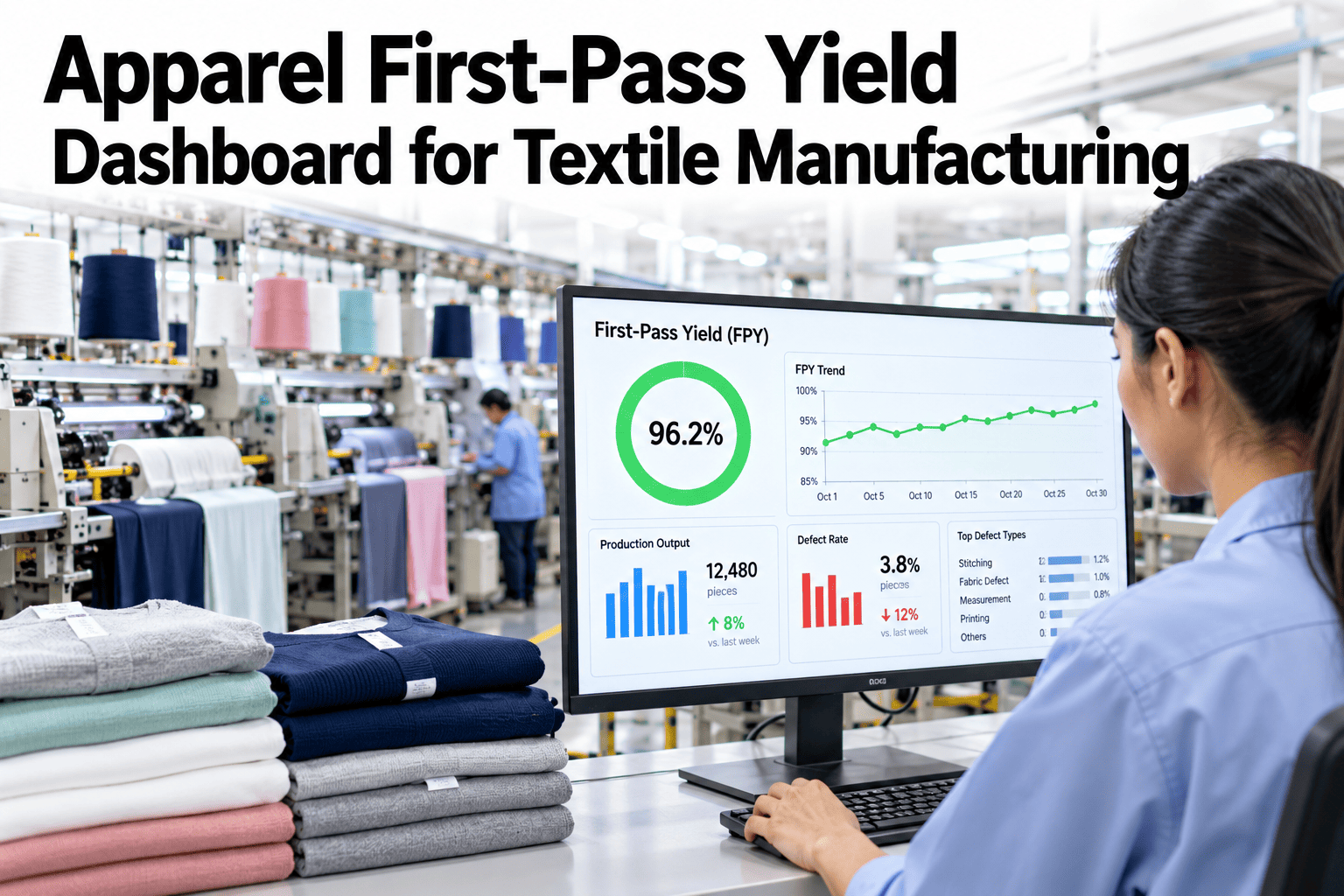
Walk a sewing line at the end of the day and the story is usually the same. Some garments went straight through inspection, some came back for repair, and nobody can say quickly which style, operation or hour drove the difference. First-pass yield answers that question in one number, and a dashboard shows it while the shift is still running. Apparel supervisors who want that view can ask iFactory AI how first-pass yield is calculated and displayed by line and style.
See Your Sewing Line's First-Pass Yield While the Shift Is Still Running
iFactory AI calculates first-pass yield and defects per hundred units by line, style and hour, so supervisors can correct course before the day ends.
Two Numbers Every Sewing Line Needs
First-pass yield and defects per hundred units describe the same line from different angles. Use both.
A Worked Example From One Line
This is illustrative arithmetic. A line inspects 500 garments in a shift.
| Item | Basis | Result |
|---|---|---|
| Garments inspected | End-line inspection | 500 |
| Passed first time | No repair needed | 410 |
| First-pass yield | 410 divided by 500 | 82% |
| Defects found | Counted across all garments | 140 |
| Defects per hundred units | 140 divided by 500, times 100 | 28 |
What the Hourly Trend Reveals
The day's average hides when things went wrong. The chart shows an illustrative hourly first-pass yield on one line.
Dashboard Views a Supervisor Actually Uses
A dashboard should answer questions in seconds. These four views cover most needs.
Line overview
FPY and defects per hundred for each line right now, with a short trend.
Style view
Yield by style, so complex styles are not hidden by easy ones.
Operation hot spots
Which operations produce the most defects and repairs.
Operator and station view
Used carefully for coaching, never for blame.
Show Every Supervisor Yield Before the Shift Ends
Book a 30-minute session and iFactory AI will review your inspection records to show how first-pass yield can be tracked live by line, style and operation.
How Style Complexity Changes the Picture
A line running a simple T-shirt and one running a lined jacket will not have the same yield. The matrix, shown as an illustration, ranks typical issues.
| Style Type | Seam Issues | Measurement Issues | Finishing Issues |
|---|---|---|---|
| Basic knit tops | Moderate | Moderate | Moderate |
| Woven shirts | High | Moderate | Moderate |
| Trousers and shorts | Moderate | High | Moderate |
| Lined or structured garments | High | High | High |
End-of-Day Report or Live Dashboard
Timing decides whether yield data changes anything.
Reading the Dashboard in Five Steps
A supervisor can read it in under a minute with this routine.
Check yield and defects per hundred against the target.
Look at the last few hours and the same time yesterday.
Find the operation or station contributing most.
Correct the setting, coach the operator or call quality.
Note the cause so the pattern is visible later.
Supervisor Yield Checklist
Use this list at the start of the shift and each hour. Each box should be answerable from the dashboard.
A Composite Scenario: The Dip After Lunch
This is a composite example, not a named factory. It shows how an hourly view changes the conversation.
Mistakes That Make Yield Numbers Misleading
These habits damage trust in the data.
Counting repaired garments as passed
Yield looks higher than it is.
Mixing styles in one average
Complexity hides real performance.
Using the number to blame operators
Defects get hidden.
Inspecting only a sample of the line
Trends and hot spots disappear.
What iFactory AI Adds to Apparel Yield
iFactory AI is smart manufacturing and industrial software for textile and apparel operations. Explore yield dashboards in a live product tour on realistic sewing data.
Review of Apparel First-Pass Yield Dashboards
A practical review of what makes yield dashboards useful on sewing lines, written as editorial guidance rather than a named expert quote.
Show the hour, not just the day
Daily averages hide the events supervisors can fix.
Compare like with like
Styles of different complexity need fair comparison.
Protect honest data
Numbers used for blame stop being true.
Frequently Asked Questions
How do I calculate apparel first-pass yield?
Divide garments that pass inspection first time by garments inspected. A line with 410 of 500 has 82 percent. See FPY calculated on a live line in a short demo. Pair it with defects per hundred units.
What is the difference between FPY and DHU?
FPY counts garments that were right first time, while defects per hundred units counts all defects found. One garment can carry several defects. Both are useful and answer different questions.
How often should supervisors check the dashboard?
At shift start, each hour and at shift end. Ask support how hourly trend views are set up in your dashboard. Short, frequent checks catch problems early.
Can the dashboard be used for operator performance?
Carefully, for coaching rather than blame. Using it to punish defects encourages hiding them. Focus on operations and conditions first.
How soon can we see results?
Many lines see clearer yield patterns within days of live capture. Book time to scope an apparel yield pilot with one line. A fixed hourly dip often pays for the effort.
Fix Yield Problems While the Garments Are Still on the Line
iFactory AI shows first-pass yield and defects per hundred by hour, style and operation. Book a walkthrough to see it on your own sewing lines.