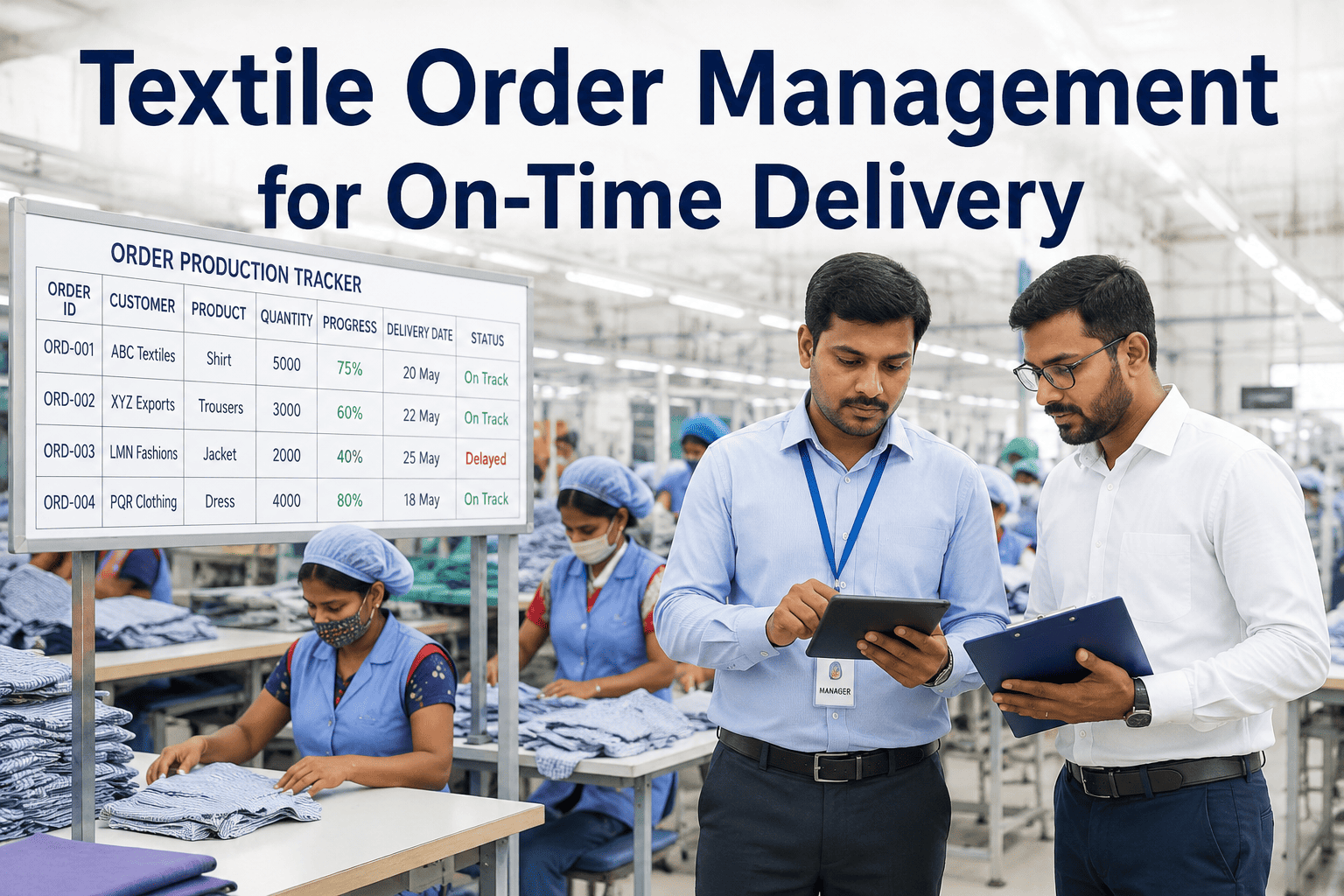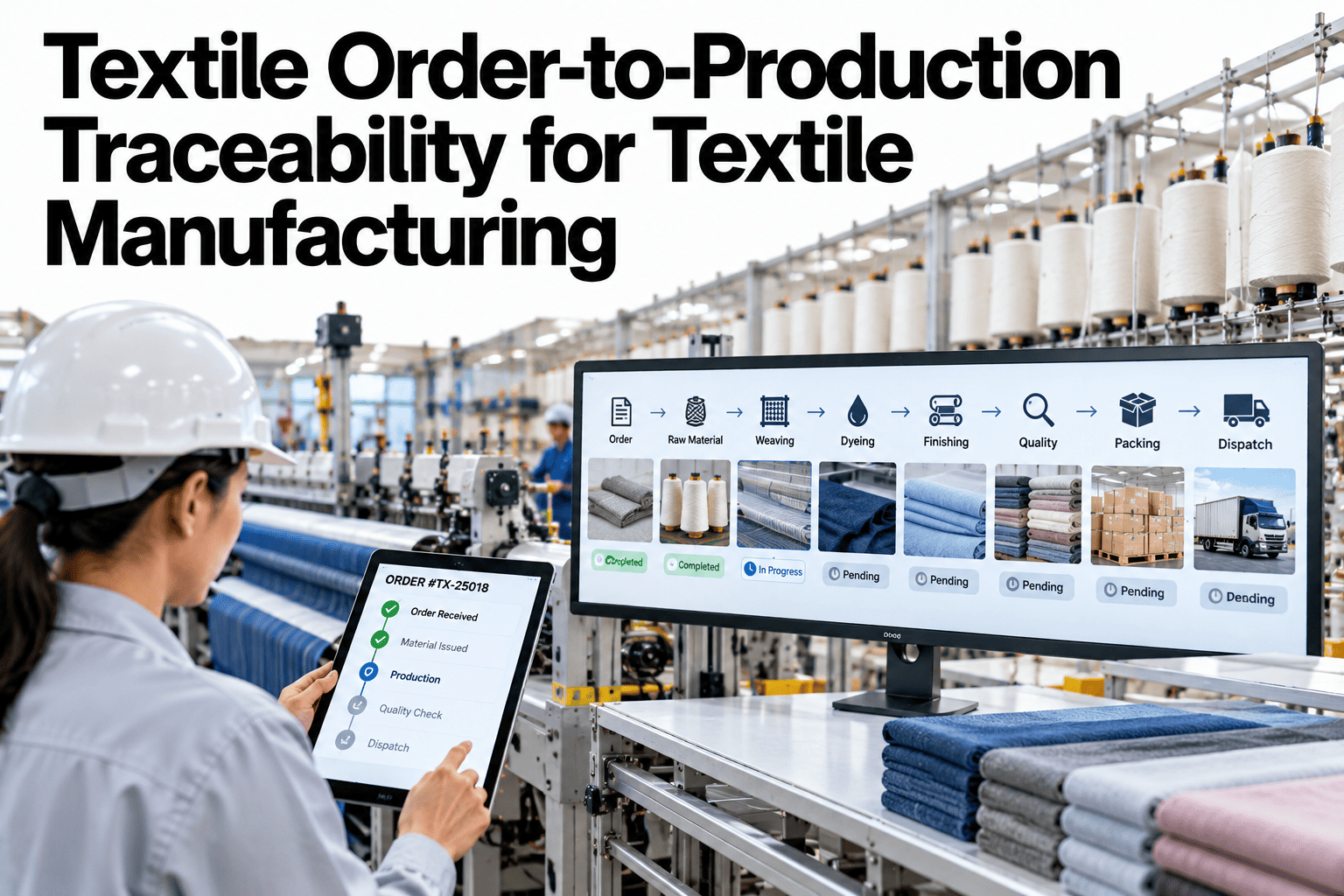
When a customer asks where an order is, or why a lot was late or off-quality, the answer should take minutes. In many textile mills it takes days, because the order lives in one system, the lot in another and the machine events in a third. Order-to-production traceability links them, so any order can be followed through planning, machines, stops and quality checks to shipment. Mills that want that thread can ask iFactory AI how orders, lots and machine events are linked in one record.
Follow Every Customer Order Through the Mill, Event by Event
iFactory AI links orders, lots, machines and quality results, so you can answer where an order is, what happened to it and why, in minutes.
The Chain From Order to Shipment
An order passes through a chain of records. Traceability means that every link is connected to the next.
What Each Stage Should Record
A short, standard record at each stage makes the whole trail searchable.
| Stage | Record to Keep | Question It Helps Answer |
|---|---|---|
| Order | Customer, article, quantity, due date, specification | What was promised |
| Planning | Lots created, machines assigned, planned dates | What was the plan |
| Production | Machine, shift, settings, stops and waste per lot | What actually happened |
| Quality | Inspection, test results and decisions per lot | Was it right |
| Shipment | Quantities, lot split and dispatch details | What was sent and when |
What Order Traceability Solves
The same trail answers many different questions, from different people.
Where is my order
Status and expected date from live records, not from phone calls.
Why did this lot fail
The machines, settings and materials behind a defect.
Why was it late
The stops and waiting times that delayed the order.
What did it cost
Machine time, waste and rework traced to the order.
Where Traceability Breaks Down
Trails usually break in a few places. The chart shows an illustrative ranking of where links are lost.
Answer Any Customer Question About an Order in Minutes
Book a 30-minute session and iFactory AI will review your order, lot and machine records to show how a single trail can be built from what you already hold.
Searching by Memory or by Record
When an issue arrives, the speed of the answer depends on the trail.
Event Linking: Machine Events That Matter to an Order
Not every event needs linking. These are the ones that explain most order questions.
Building the Trail in Five Steps
A trail grows from a simple order of work.
Agree one ID for orders, lots and shipments.
Make every department record the lot ID on its output.
Connect machine and quality events to the lot.
Make the trail searchable by order, lot and machine.
Trace three recent orders end to end as a check.
Traceability Checklist
Use this list to test your trail. Each box should be answerable for a recent order.
A Composite Scenario: The Complaint That Took Two Minutes
This is a composite example, not a named mill. It shows what a linked trail changes.
Mistakes That Break the Trail
These habits quietly cut the thread.
Different IDs in different systems
Records cannot be matched without manual work.
Free-text lot references
Typos and variants break searches.
Not recording splits and merges
The trail forks and cannot be followed.
Treating traceability as an audit task
It is most useful in daily operations.
What iFactory AI Adds to Order Traceability
iFactory AI is smart manufacturing and industrial software for textile operations. Explore order traceability in a live product tour on realistic data.
One Linked Record
Orders, lots, machines, events and shipments share a single trail.
Search by Anything
Orders can be found by lot, machine, shift or customer.
Event Context
Stops, settings and waste are shown beside each lot.
Customer-Ready Answers
Status and history can be shared quickly and clearly.
A 30-Day Plan to Start
A month is enough to build a trail for one product family.
Review of Order-to-Production Traceability
A practical review of what makes traceability useful, written as editorial guidance rather than a named expert quote.
One ID, carried everywhere
If every department uses the same lot ID, linking becomes simple.
Link events, not just records
The trail is most useful when it explains what happened during the run.
Test it on real queries
A trail proves itself when it answers a customer question quickly.
Frequently Asked Questions
What is order-to-production traceability?
It is the ability to follow a customer order through planning, machines, quality checks and shipment using linked records. See a full order trail in a live demo with realistic data. It turns a day of searching into minutes.
What data is needed to start?
A consistent order and lot ID, plus records of which machine and shift handled each lot and the quality results. Many mills already hold most of it in separate places. Linking is the first gain.
How does traceability help with quality complaints?
It shows which machines, settings and materials sat behind the affected lot, so only the true scope is acted on. Ask support how complaint searches work across linked records in your system. This limits cost and protects the customer relationship.
Does traceability need new machines or sensors?
Usually not at the start. Consistent IDs and recorded machine events deliver most of the value. Additional capture can be added where gaps matter.
How quickly can we trace a first product family?
Many mills build a working trail for one family within a month. Book time to scope a traceability pilot with your planning and quality teams. A real customer query is the best test.
Know Exactly What Happened to Every Order
iFactory AI links orders, lots, machines and quality results so answers take minutes, not days. Book a walkthrough to see it on your own mill data.