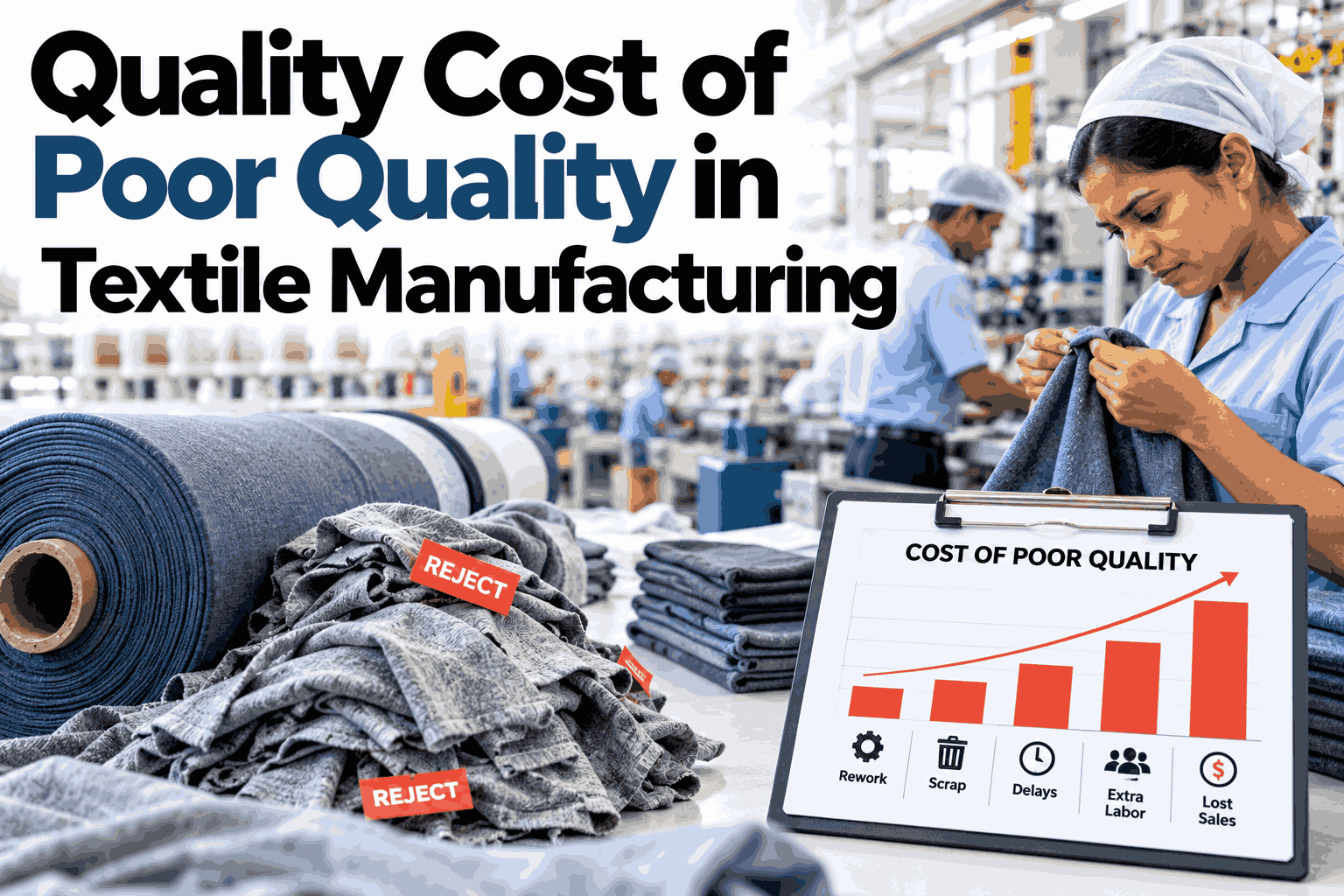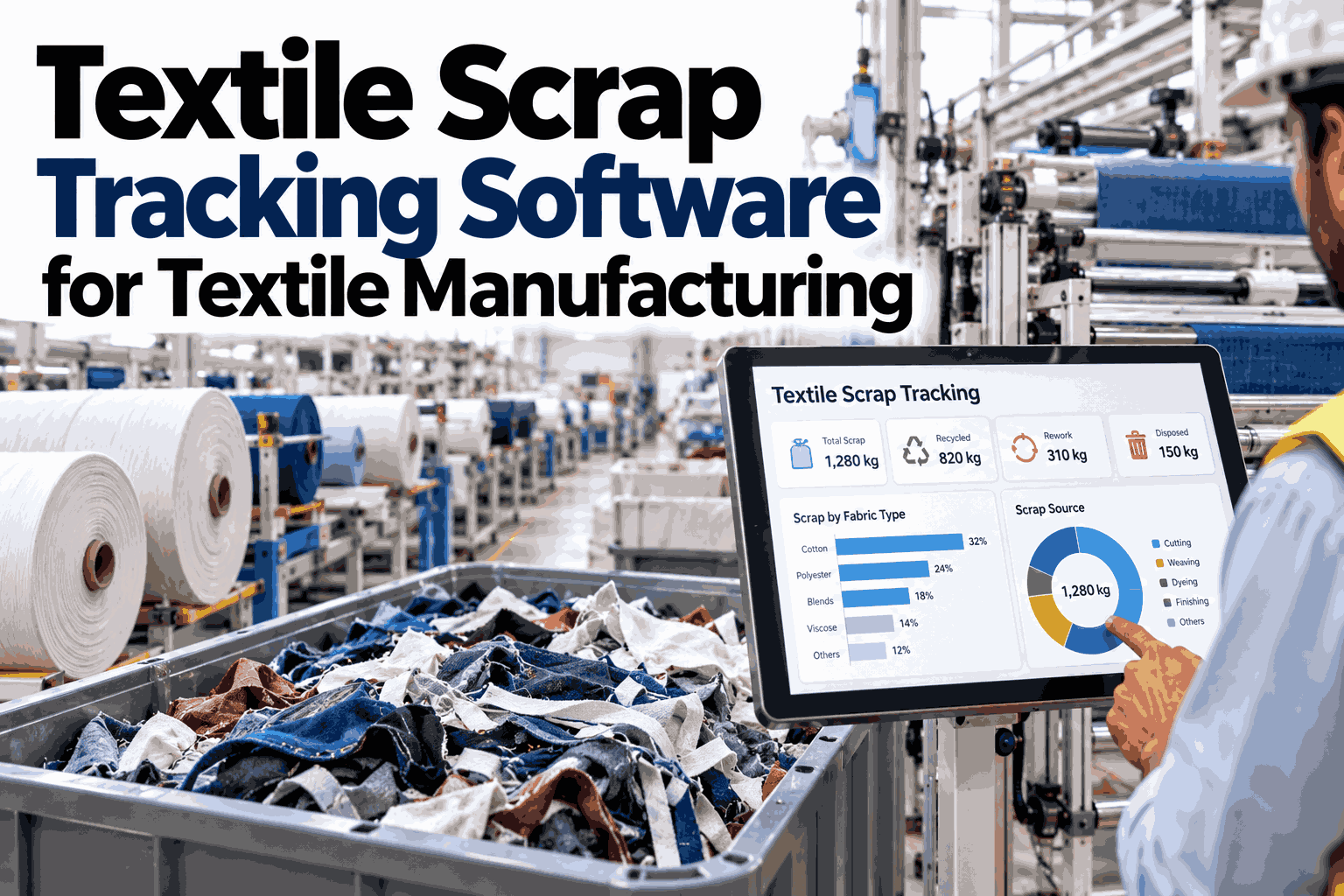
Most textile plants know their total scrap percentage. Far fewer know which machine, which shift, or which batch actually produced it — and that gap is where the real savings sit. A scrap rate without a source is a cost nobody can act on, while the same number traced to a process step, a machine, and a batch becomes a worklist. Industry data puts scrap and rework as high as 2.2% of revenue at weaker performers versus roughly 0.6% at the best, and a line running 2% scrap can be quietly hiding another 15% in rework. Teams ready to see where their own scrap actually originates can book a demo of iFactory AI's scrap tracking on their own production data.
Scrap Tracked to the Process, Machine, and Batch That Made It
iFactory AI links every scrap and rework event back to its source — the process step, the machine, and the batch — so a plant-wide scrap percentage turns into a ranked list of where the losses actually start.
A Plant-Wide Percentage Hides Where the Loss Actually Starts
A single scrap number for the whole plant answers "how much," never "where." Textile scrap and rework can originate at dozens of distinct points — a slasher, a loom, a dye batch, a cutting table — and each one needs a different fix.
Where Textile Scrap Actually Starts
Scrap in a textile plant rarely has one cause. It accumulates at several distinct process stages, each with its own signature and its own fix.
Spinning & winding
Yarn breaks, slub formation, and winder splice failures that show up as waste before fabric even forms.
Weaving & knitting
Warp breaks, missed picks, and needle-line defects that produce seconds-grade or unusable fabric sections.
Dyeing & finishing
Shade variation, uneven penetration, and batch-level chemistry drift that can condemn an entire dye lot.
Cutting & sewing
Marker inefficiency, fabric flaws discovered at the cutting table, and sewing-line rework that never gets logged as scrap.
Each Stage Needs a Different Fix, Not a Shared One
Treating all scrap as one undifferentiated problem leads to one generic fix applied everywhere, when the four process stages above actually call for different interventions entirely.
What a Scrap Tag Actually Needs to Capture
Beyond process, machine, and batch, a handful of smaller fields turn a scrap record from a count into a usable diagnostic.
Three Dimensions, One Record Per Event
A scrap event only becomes actionable when it carries three pieces of context at once. Missing any one of them turns a clear signal into a guess.
See Scrap Traced to Source on Your Own Lines
iFactory AI can walk through what process-machine-batch scrap tracking looks like against your own production data. Book a demo to see it live.
The Machine Dimension: A Ranked List, Not a Hunch
Once scrap carries a machine ID, a plant can rank machines by scrap contribution the same way it already ranks machines by output. The worst offenders usually surprise people.
The Batch Dimension: Containing the Loss Before It Spreads
A batch-level link does something a machine ID alone can't: it lets a plant quarantine everything downstream of a bad lot before more material is committed to it.
Recovery Isn't All-or-Nothing
Not every scrap event is a total loss. A tracked scrap record should capture what happened to the material next, not just that it was removed from the good-production count.
Get the Recovery Picture, Not Just the Scrap Total
iFactory AI can show how much of your plant's scrap is downgrade-recoverable versus true write-off. Book a 30-minute walkthrough on your own numbers.
What a Manual Log Misses
Manual scrap logs and bare ERP entries are the default in most plants, and both carry a specific, documented weakness.
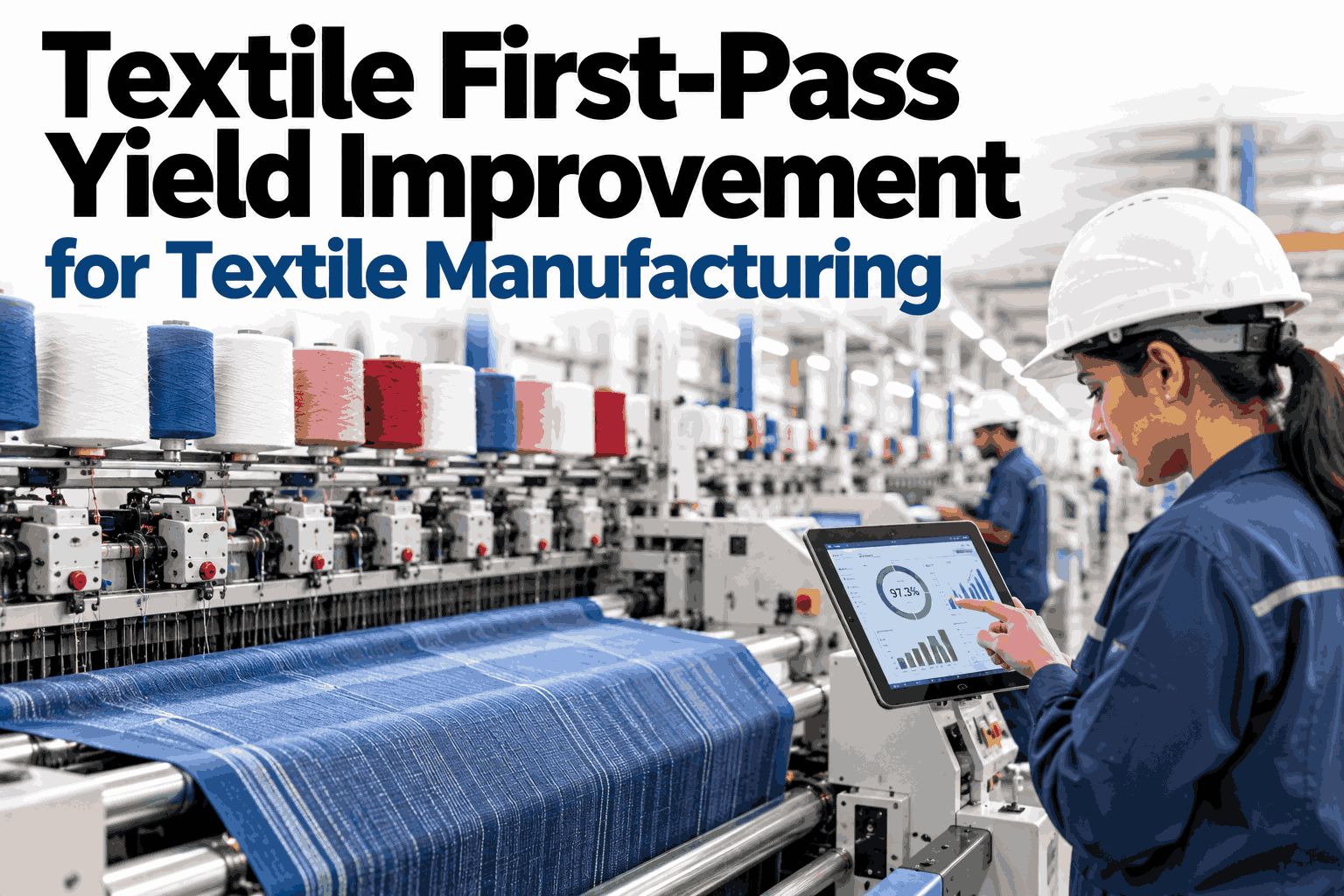
From Scrap Rate to First-Pass Yield
Scrap tracking and first-pass yield are the same measurement looked at from opposite ends. Once scrap is captured accurately by source, yield improvement work has a real baseline instead of a reported one.
| Metric | What it needs | Why source-level tracking matters |
|---|---|---|
| First-time-through rate | Every scrap and rework event, not just final rejects | Hidden rework can mask a true FTT far below the reported scrap rate |
| Yield by process step | Process-level attribution on every event | Shows which stage of the line is actually losing material |
| Yield by machine | Machine ID on every event | Separates a process problem from a single asset problem |
| Yield by batch | Batch/lot ID on every event | Isolates a supplier or chemistry issue from a line-wide one |
| Recovered-value yield | A recovery outcome field on every event | Separates true loss from downgrade-recoverable material |
Who Actually Uses This Data, Day to Day
Source-level scrap data isn't one report for one role. Different people in the plant act on different slices of the same underlying record.
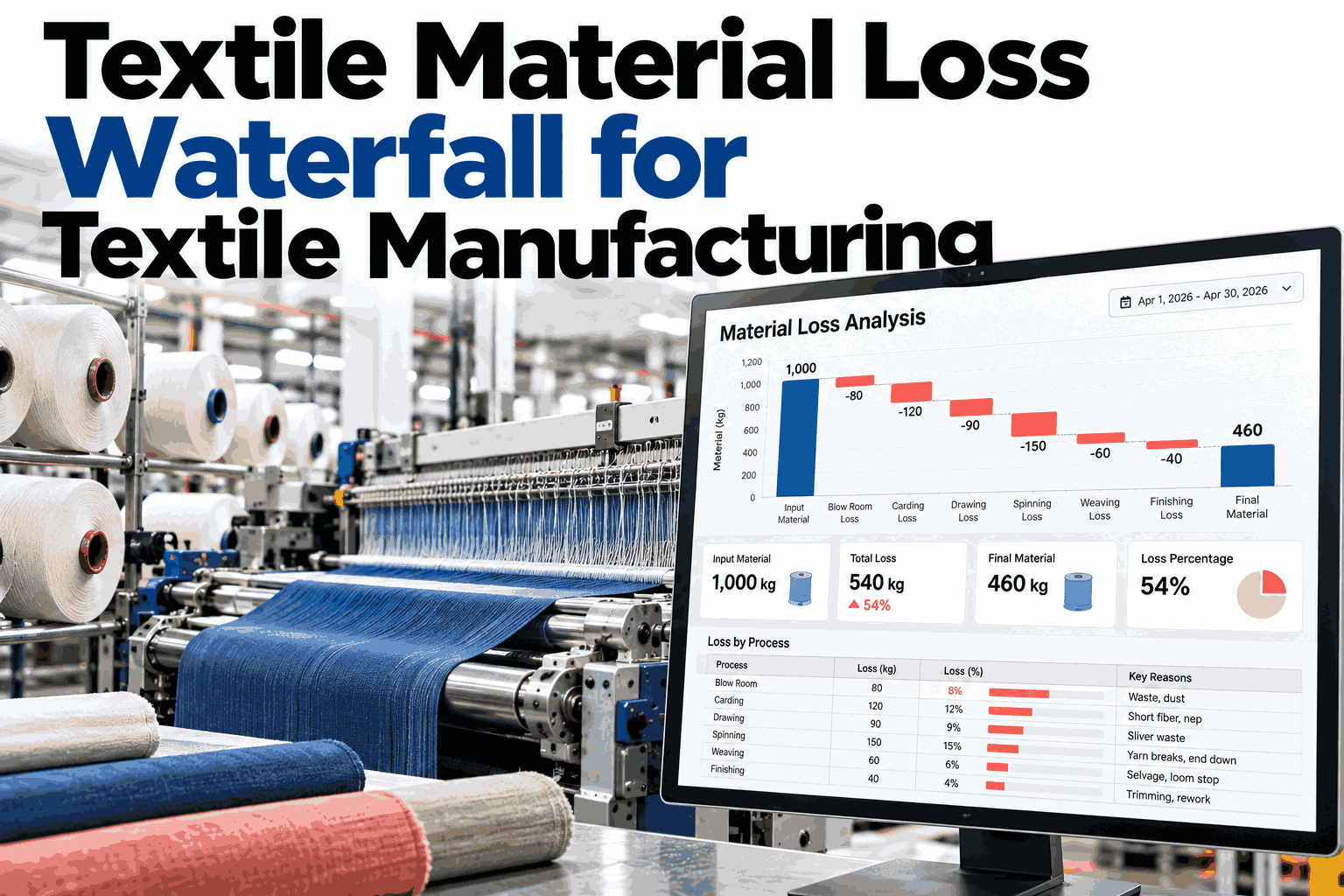
The Material-Cost Side of the Same Record
Scrap tracking tends to get framed as a quality metric, but the same record carries a material-cost dimension that rarely makes it into the quality conversation at all.
Getting Started Without Re-Tagging Everything at Once
Adding process, machine, and batch context to every scrap event across an entire plant on day one is rarely realistic. A staged rollout gets useful data faster.
A Composite Illustration: The Loom Nobody Suspected
This is an illustrative composite, not a specific named plant, built to show how source-level tracking changes what gets investigated first.
Where iFactory AI Fits
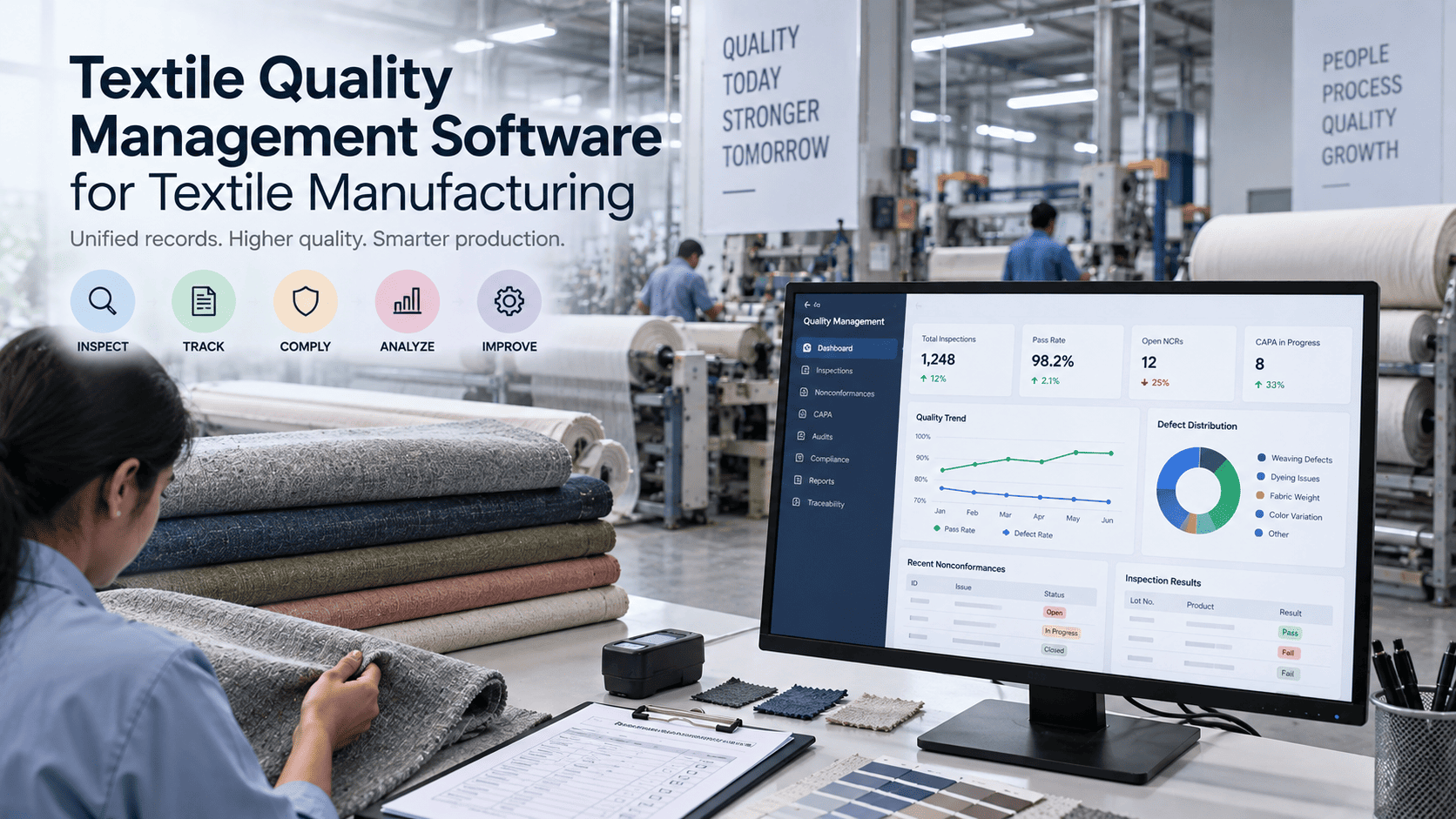
Source-level scrap tracking needs data captured automatically at the point of occurrence, not reconstructed from memory at shift-end. iFactory AI builds that capture directly into the production floor.
Process-Stage Scrap Capture
Scrap and rework logged at spinning, weaving, dyeing, and cutting as it happens, not at shift-end.
Machine-Level Attribution
Every event tagged to the specific machine, ranked automatically against the rest of the floor.
Batch Traceability
A flagged batch automatically surfaces every roll and downstream order tied to it for hold or review.
Recovery & Yield Reporting
Downgrade, reprocess, and write-off outcomes rolled into a true first-time-through and yield dashboard.
Turnkey AI, Live in 6-12 Weeks
iFactory AI ships as a complete hardware-and-software bundle — a pre-configured NVIDIA AI server, racked and ready, with software pre-loaded. Rack it, plug in power and Ethernet, and the AI is live. iFactory's team handles cabling, network setup, PLC/SCADA integration, operator training, and 24x7 remote monitoring.
Expert Review
This page's benchmarks and framework were reviewed for accuracy against publicly reported manufacturing cost-of-poor-quality research and standard first-pass-yield methodology before publication.
Frequently Asked Questions
What counts as "scrap" versus "rework" in a textile plant?
Scrap is material removed from production with no path back into the current order — a torn section cut away, a batch written off entirely. Rework is material that goes through an extra process step to become usable, such as redyeing an off-shade lot. Many plants undercount rework specifically because it looks like normal processing rather than a loss, which is part of why a 2% visible scrap rate can hide another 15% in rework that never gets logged as a cost.
Why track scrap by machine instead of just by process stage?
Process-stage tracking tells a plant that weaving is losing more material than dyeing, but it doesn't say whether that's a line-wide weaving issue or one specific loom. Machine-level attribution turns a vague process concern into a ranked list — in practice, scrap is rarely spread evenly across machines, and the worst-performing asset is often responsible for a disproportionate share of the total.
How does batch-level tracking actually reduce losses, not just explain them?
Once a batch is flagged — a dye lot drifting outside chemistry tolerance, for example — every roll tied to that batch ID can be identified and held automatically before more orders are cut or sewn from it. Without that link, a bad batch often isn't caught until finished goods fail inspection downstream, by which point far more labor and material have been committed to it. Book a demo to see the hold workflow on sample batch data.
Is all tracked scrap a total financial loss?
No. A meaningful share of textile scrap is recoverable — downgraded to seconds-grade fabric, reprocessed through redyeing or reweaving, or recycled as fiber feedstock — and a tracking system should capture that outcome, not just log the material as removed from production. Treating every scrap event as a full write-off overstates the true cost and can mask which defects are actually worth fixing first.
What's the fastest way to get started with source-level scrap tracking?
Most plants start with the two or three machines or process stages already suspected of driving the most loss, add process-machine-batch tagging there first, and expand once the ranked data proves useful. Book a 30-minute session and iFactory AI's team can scope a pilot against your own production lines.
Trace Your Next Scrap Event to Its Source
iFactory AI links every scrap and rework event to the process, machine, and batch that produced it. Book a demo and bring your own scrap data.