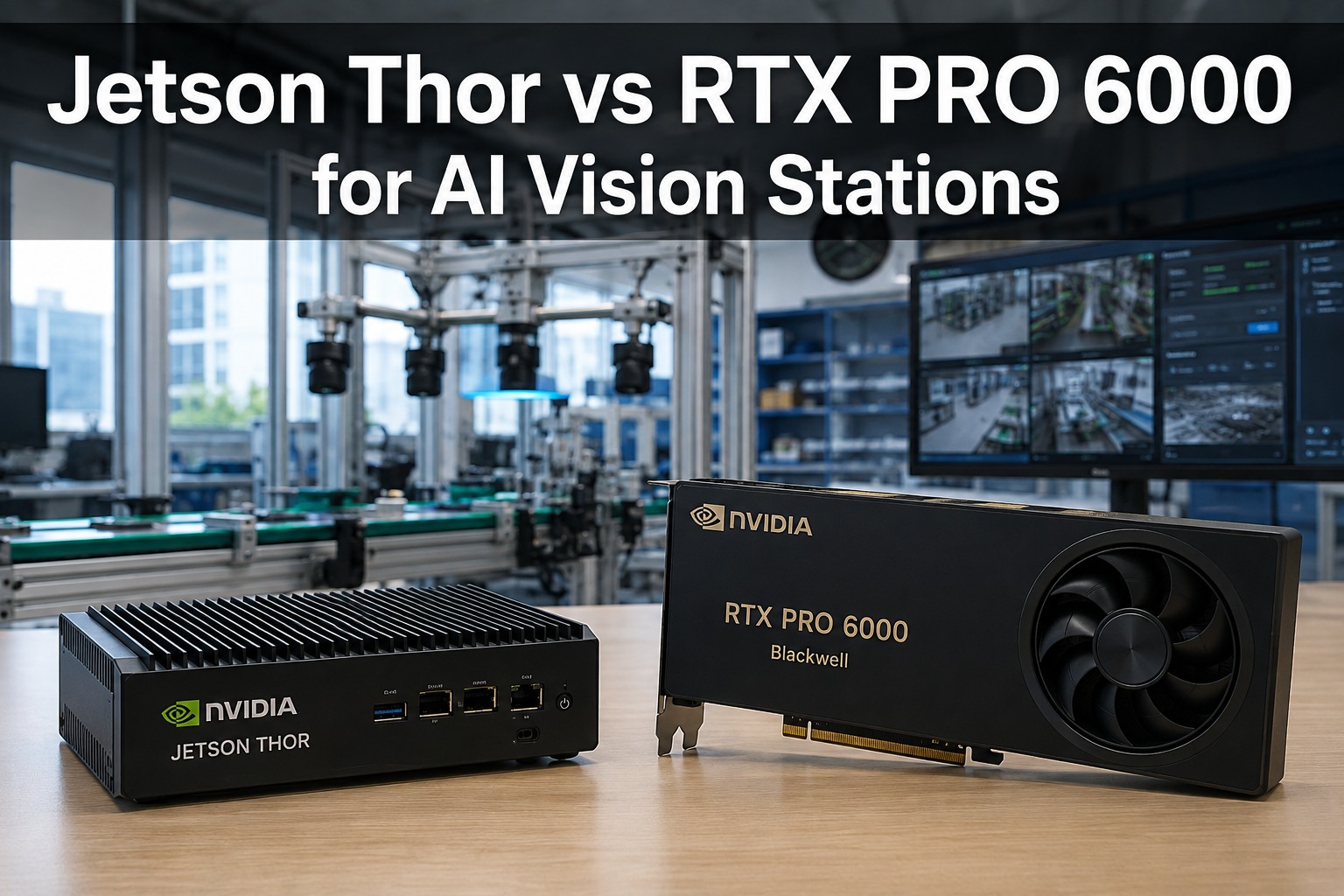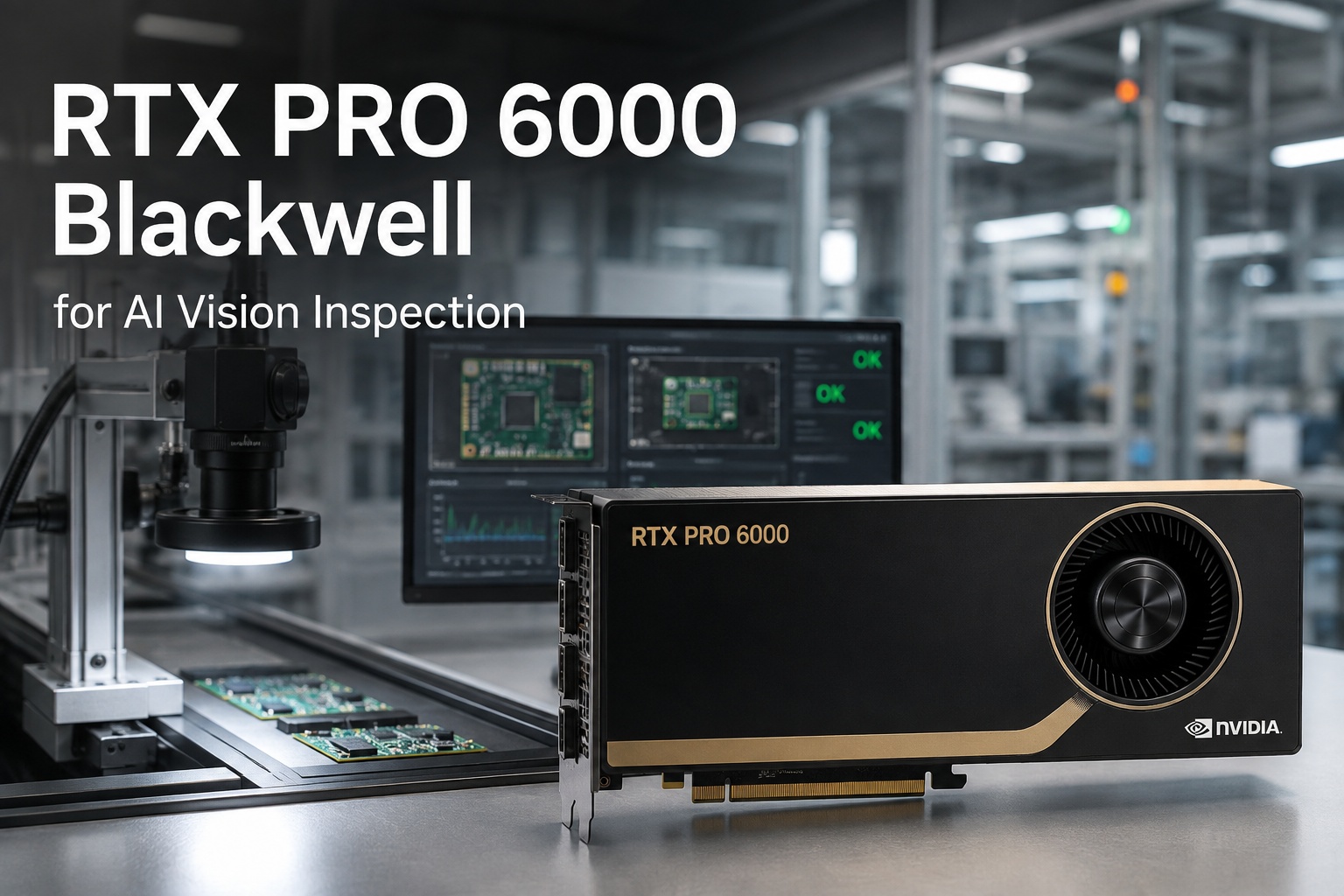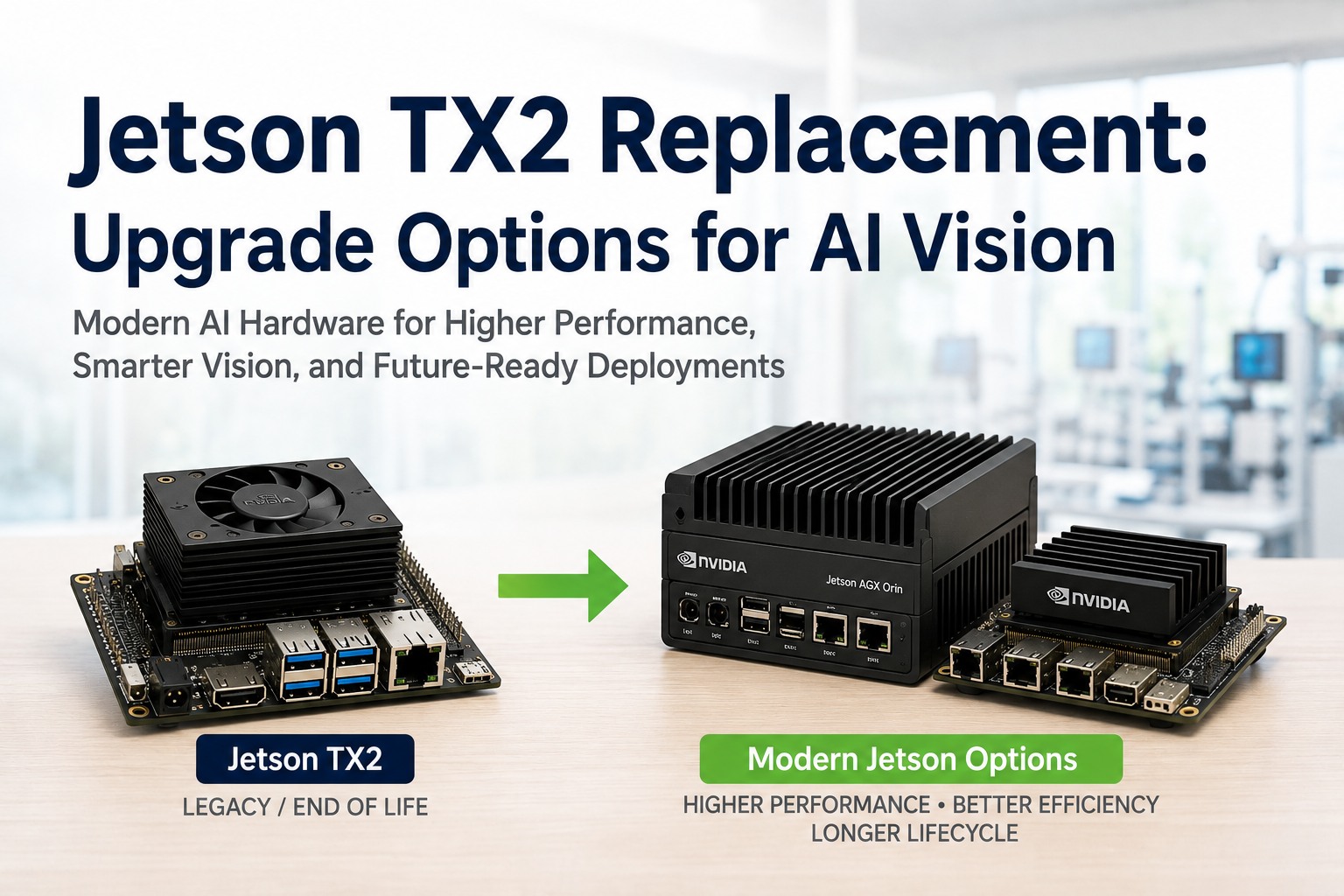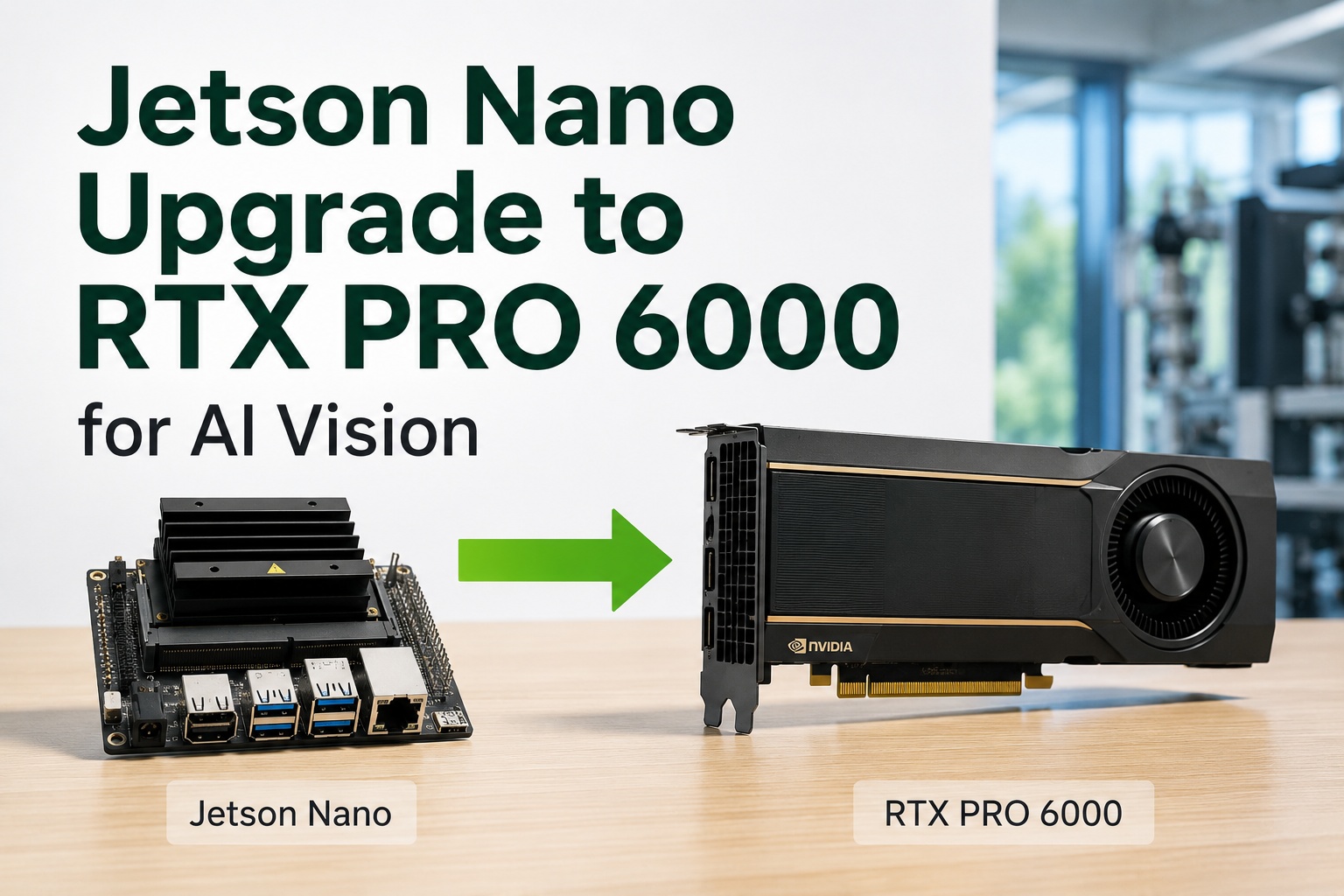
The Jetson Nano is a superb place to start an AI vision project and a frustrating place to stay. As an entry-level edge module it's perfect for a single camera, a proof of concept, or a lightweight inspection model — but the moment you scale to multiple high-resolution streams, larger or newer vision models, or real-time throughput on a busy line, its compute and memory ceiling becomes the bottleneck. The upgrade target that has changed the math in 2026 is the NVIDIA RTX PRO 6000 Blackwell a workstation-class GPU with 96GB of ECC memory and 24,064 CUDA cores that can host many camera streams, run modern high-resolution models at full precision, and partition itself into isolated inference instances. This guide walks the Jetson Nano to RTX PRO 6000 upgrade path for on-premise AI vision: when to move, what the jump actually buys, and how to keep your models and data in the plant.
Jetson Nano to RTX PRO 6000: The AI Vision Upgrade Path
When one Jetson Nano per camera stops scaling, one RTX PRO 6000 Blackwell can host many streams at once — 96GB of ECC memory, 24,064 CUDA cores, 5th-gen Tensor Cores with FP4, and Multi-Instance GPU to isolate each line. Bigger models, higher resolution, more cameras, full precision — available on-premise inside your fence or as a managed cloud deployment.
When the Jetson Nano Stops Being Enough
Nothing wrong with the Nano — it's doing exactly what an edge module is meant to do. But AI vision projects tend to grow in predictable ways, and each kind of growth pushes against a different Nano limit. If you recognize two or more of these, you've outgrown the edge module.
More cameras
You've gone from one stream to many, and adding a Nano per camera has become a fleet to manage and maintain.
Higher resolution
Fine defects need higher-megapixel frames, and the Nano can't process them fast enough to keep line pace.
Bigger models
Modern transformer and anomaly-detection vision models exceed the Nano's memory before they even load.
Real-time throughput
Line speed outran the Nano — inference latency now risks missed units or a slowed line.
The Jump — Nano vs RTX PRO 6000
This isn't an incremental step up; it's a category change. The Nano is a low-power edge module for one lightweight task. The RTX PRO 6000 Blackwell is the most capable single workstation GPU built, sized to consolidate a whole vision workload onto one card. The gap is what makes the upgrade worth planning.
Want a like-for-like sizing of your current Nano fleet against one RTX PRO 6000? Book a 30-minute demo — iFactory will map your camera count, resolution, and models to the right GPU configuration and show the consolidation. Sessions available this week.
What the Upgrade Actually Buys You
The headline specs matter because of what they unlock operationally. Three capabilities in particular change how you run vision on the floor.
One GPU, many lines — via MIG
Universal Multi-Instance GPU partitions the card into isolated inference instances, so one RTX PRO 6000 serves several cameras or lines at once, each walled off from the others. That replaces a rack of Nanos with a single, centrally managed unit.
Big models at full precision
96GB of ECC memory means modern high-resolution and transformer-based vision models load and run at full precision on one card — no aggressive quantization, no sharding — with FP4 available to roughly double inference throughput when you want speed.
ECC reliability for production
Error-correcting memory, certified professional drivers, and workstation firmware are what separate a production inspection GPU from a consumer card — the reliability a 24/7 line demands, not a lab toy.
Not sure whether MIG consolidation or a bigger model is your priority? Ask iFactory Support with your line layout, camera specs, and defect types, and the team will recommend a GPU sizing and deployment approach — typically a response within 3 business days, no obligation.
On-Premise or Cloud — Same Vision Engine
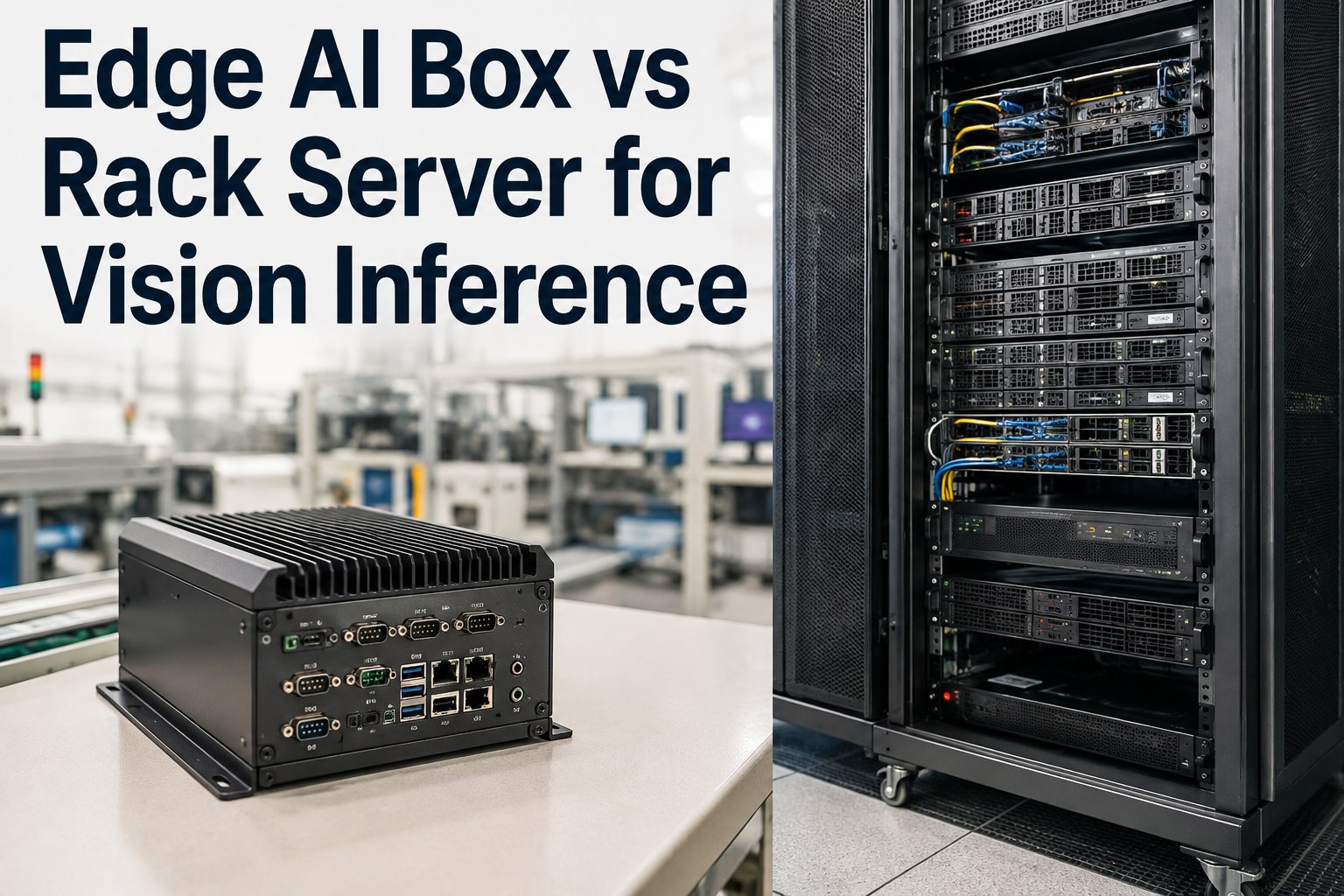
iFactory runs the RTX PRO 6000 vision workload either way. On-premise is the default where inspection images carry batch genealogy or process IP and reject decisions need line latency — a pre-configured appliance, racked and ready, running every inference inside your fence. Cloud suits multi-site programs that want the GPU managed centrally. Same vision engine, same models, your choice of where it runs.
iFactory On-Premise Appliance The default — images stay in-fence
- Pre-configured RTX PRO 6000 — ships racked, loaded, ready; plug power and network.
- Camera & PLC integration — connects to your cameras and reject actuators directly.
- Images never leave — inference in-fence; batch genealogy and IP stay in the plant.
- Lowest latency — reject decisions at line speed, no round-trip.
iFactory Cloud For multi-site, centrally managed vision
- Fully managed — no on-site GPU hardware to maintain.
- Same vision engine — identical deep-learning models and SPC.
- Cross-site consistency — one model version rolled out everywhere.
- Elastic scale — add cameras and sites without new local hardware.
Outgrown the Nano? Consolidate the whole line onto one card.
The Jetson Nano gets AI vision started; the RTX PRO 6000 Blackwell is where it scales. 96GB ECC memory, 24,064 CUDA cores, FP4 Tensor Cores, and Multi-Instance GPU let one card host many streams, run big models at full precision, and replace a fleet of edge modules — all in a pre-configured on-prem appliance inside your fence — or as a managed cloud deployment for multi-site programs. iFactory sizes, ships, and integrates it, ROI proven on one line first.
Frequently Asked Questions
When should I upgrade from a Jetson Nano?
When you hit two or more of the classic ceilings: more cameras than a per-Nano deployment can sanely manage, higher-resolution frames the Nano can't process at line pace, vision models too large for its memory, or line speed that outruns its inference latency. The Nano is ideal for a single stream or a proof of concept; sustained multi-stream, high-resolution production is where a workstation GPU takes over.
Why the RTX PRO 6000 specifically?
It's the most capable single workstation GPU available in 2026 — 96GB of ECC GDDR7, 24,064 CUDA cores, 752 fifth-gen Tensor Cores, 1.8 TB/s bandwidth, and 4,000 INT8 TOPS. For vision that means many high-resolution streams and large models on one card, at full precision, with error-correcting memory and certified drivers built for 24/7 production rather than a consumer card's lab-grade reliability.
Can one card really replace several Jetson Nanos?
Yes — that's the core of the consolidation. Universal Multi-Instance GPU (MIG) partitions the RTX PRO 6000 into multiple isolated inference instances, so a single card can serve several cameras or lines simultaneously, each walled off from the others. Instead of managing a fleet of edge modules, you run and maintain one centrally-managed unit, which usually simplifies operations and updates.
Do I have to shrink or quantize my models?
No. The 96GB memory pool lets modern high-resolution and transformer-based vision models load and run at full precision on a single card, without the aggressive quantization or sharding smaller devices force. If you want more speed, the fifth-gen Tensor Cores support FP4, which roughly doubles inference throughput versus FP8 with acceptable quality loss for many production applications — an option, not a requirement.
Can the upgrade run on-premise, in the cloud, or both?
Both — iFactory offers on-premise and cloud deployment of the same vision engine. On-premise is the default where inspection images carry batch genealogy or process IP and reject decisions need line latency: a pre-configured RTX PRO 6000 appliance runs every inference in-fence and images never leave the plant. Cloud suits multi-site programs that want the GPU managed centrally with one model version everywhere. Contact iFactory Support to choose the right deployment.
How do I book a demo or get a GPU sizing?
Two routes. For a live walkthrough, schedule a 30-minute demo — it covers the upgrade path, MIG consolidation, model scaling, and the on-prem appliance. For a written GPU sizing against your workload, contact iFactory Support with your camera count, resolution, models, and line speeds and expect a response within about 3 business days. No obligation either way.
From edge module to whole-line vision — one upgrade, inside your fence.
The 2026 on-prem AI vision path runs from the Jetson Nano that started your project to an RTX PRO 6000 Blackwell that scales it: 96GB ECC memory, 24,064 CUDA cores, FP4 Tensor Cores, and MIG to consolidate many streams onto one reliable, production-grade card. iFactory sizes, ships, and integrates it on-premise or in the cloud — ROI proven on one line first. The next step is a 30-minute demo mapped to your camera fleet. Sessions available this week.